Start in
Claude, Codex, and GPT coding tool logos

End with the perfect cloud coworker

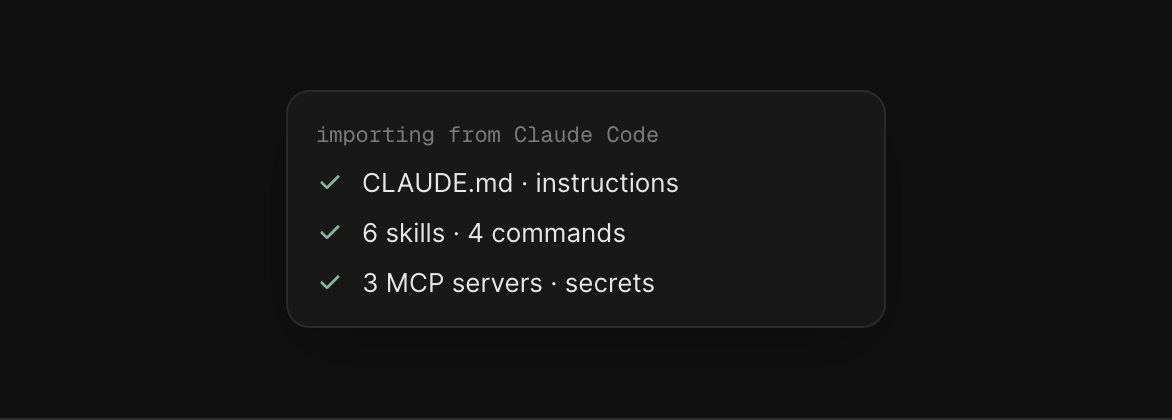
Import your instructions, skills, commands, memory, secrets, and MCP servers from Claude Code, Cursor, Codex, or any local coding agent. Turn any session into an agent in the cloud that keeps working while your laptop is closed.
Install the Skydive CLIRead the docs
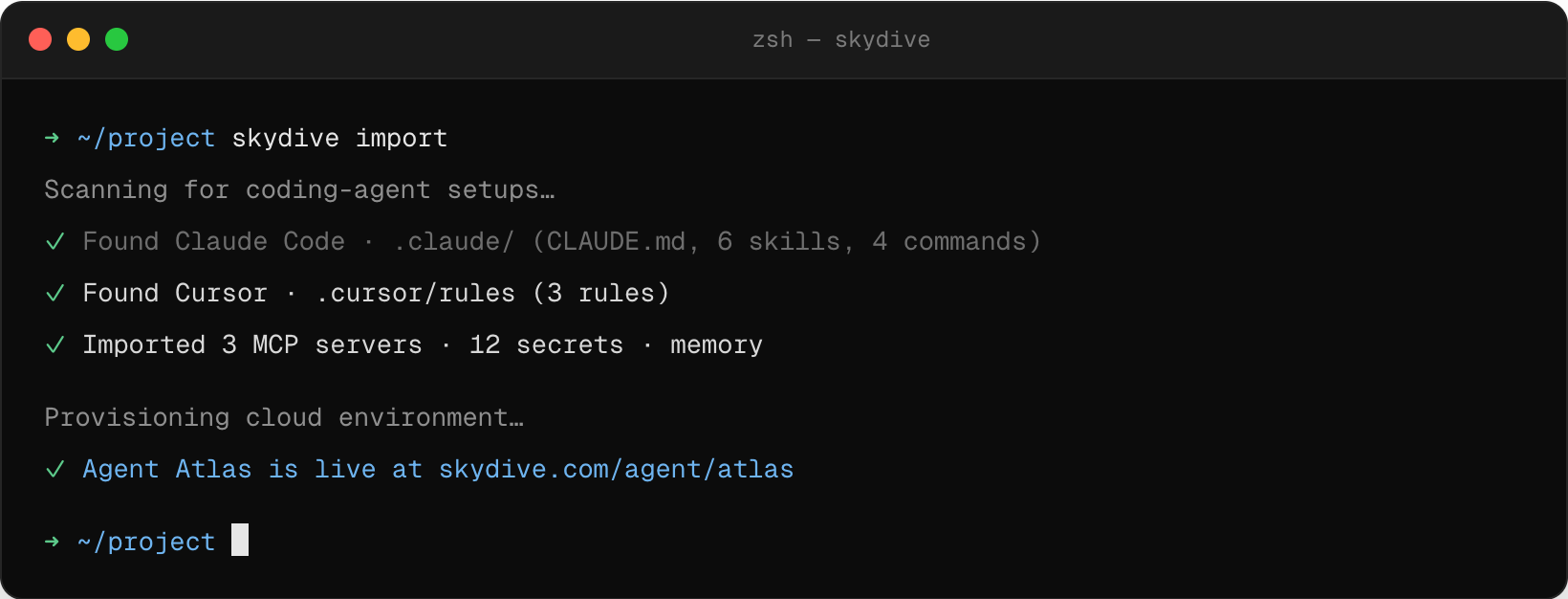
Terminal running skydive import

Your setup, now a cloud coworker

Bring the instructions and tools you already built, and give them an agent that keeps working after you close the laptop.

Imported coding setup
Import
Bring your setup with you
Import the instructions and tools you have already assembled instead of rebuilding your workflow from scratch.
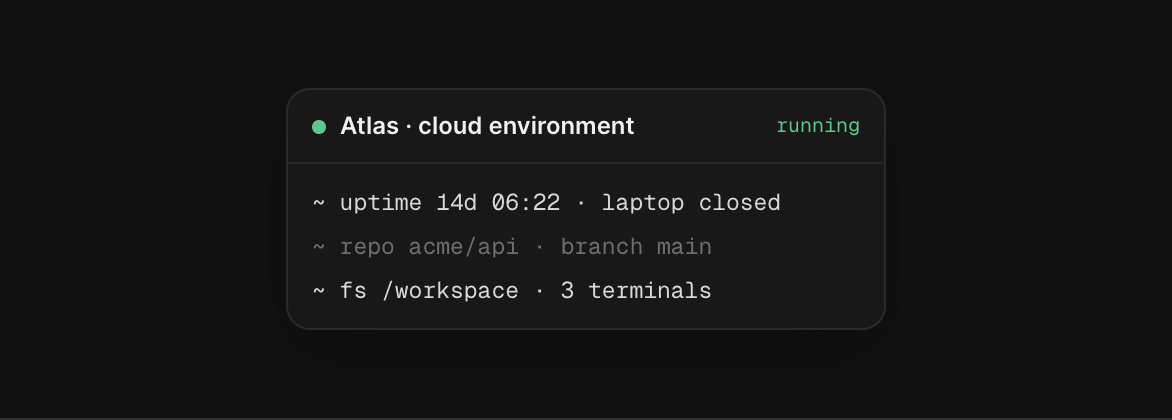
Cloud environment for your agent
Always on
Give your agents a computer that stays on when your laptop is closed
Your agent gets its own cloud environment, repository, terminal, files, and memory.
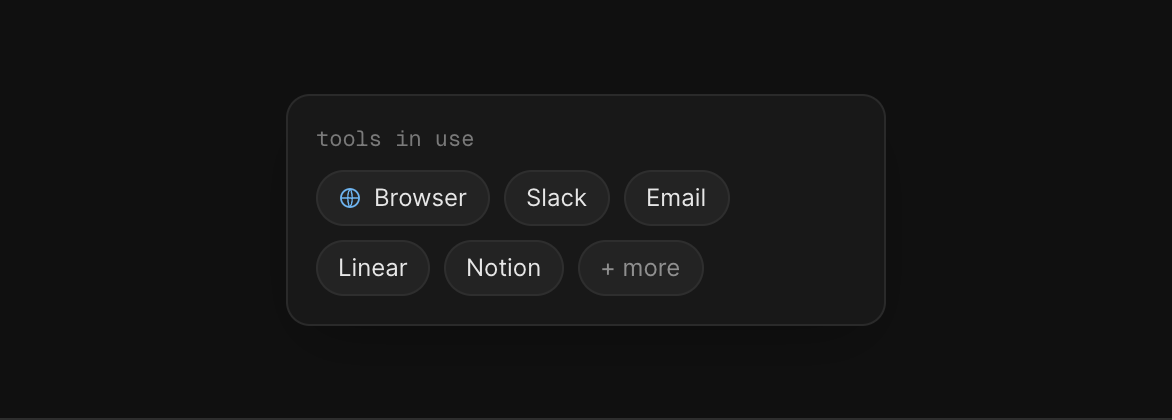
Agent working beyond the codebase
Beyond code
Let it work beyond the codebase
The same agent can use browsers, integrations, Slack, email, and other tools to finish the work around the code.
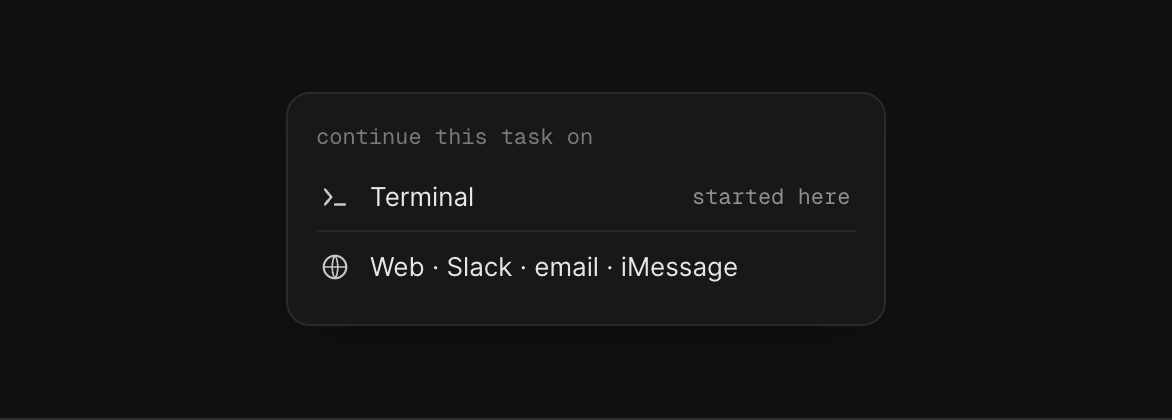
Continue work from any channel
Anywhere
Keep working after you close the terminal
Start a task from your coding tool, then review or continue it from web, Slack, email, or iMessage.
How it works

Train a Skydive agent from your coding tool

prompt.txt
Copy prompt
Install the Skydive CLI and use it to train a Skydive agent on my setup. Import my instructions, skills, commands, MCP servers, and secrets, then set it up to keep working in the cloud. Walk me through anything you need.
Step 1
Paste it into your coding agent
Open Claude Code, Cursor, or Codex, copy the prompt above, and paste it in.
Step 2
It trains a Skydive agent
Your coding agent installs the CLI and hands over your setup to a new cloud agent.
Step 3
It works for you 24/7
Your Skydive agent runs in the cloud. Add it to Slack, iMessage, or email, or keep working in the terminal.
Coding tool logos connecting to a Skydive agent

Bring your coding setup to Skydive

Install the CLI, import your setup, and give it an agent that can keep working.

Install the Skydive CLIRead the docs