Give every agent its own inbox

Email your agent, forward it work, and get finished work back in the inbox you already live in.

Make your first agent
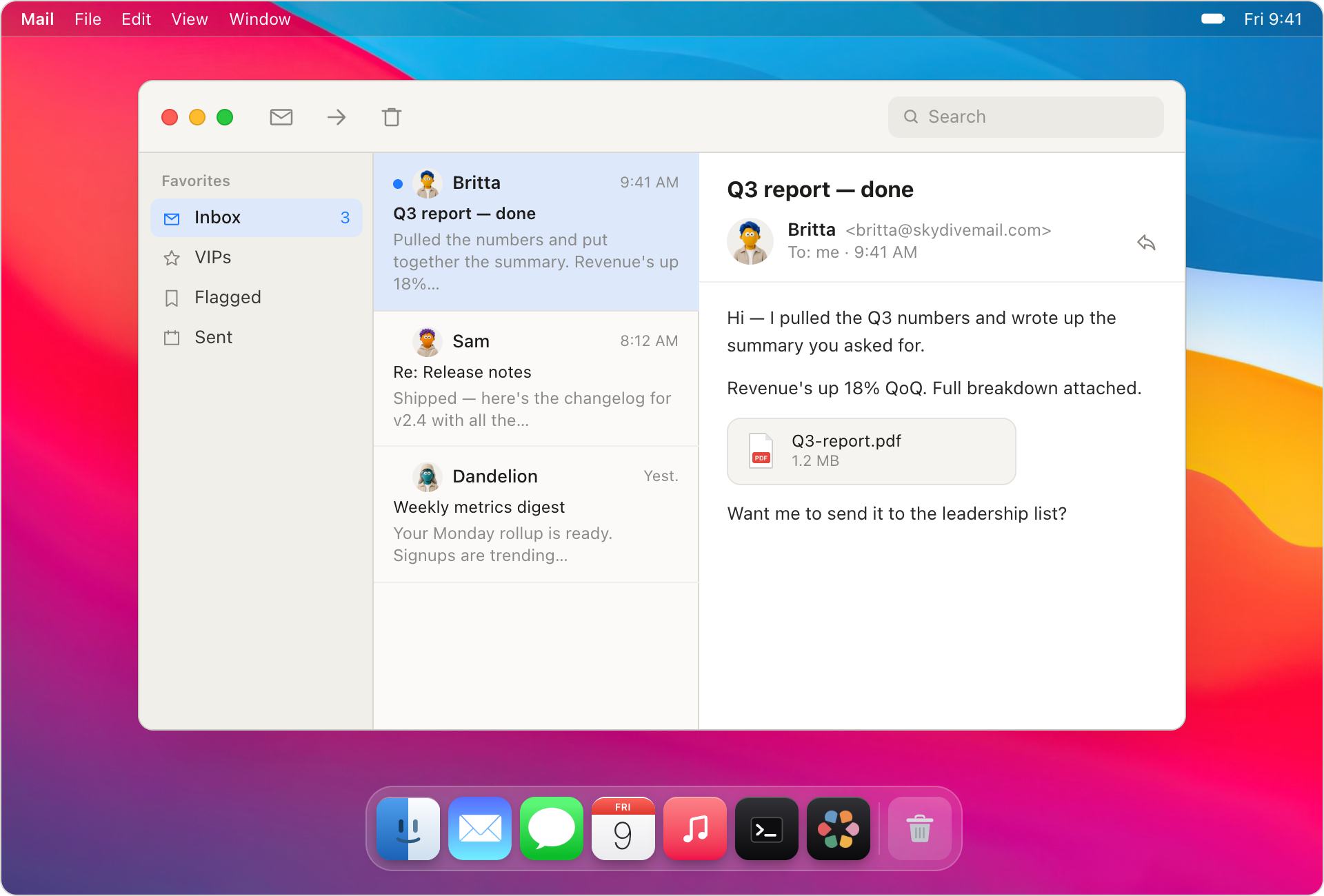
macOS Mail app showing an agent-sent email thread

Email the way you already work

Each agent gets its own address. Email it, forward it a thread, cc it on a list — and get finished work back in your inbox.
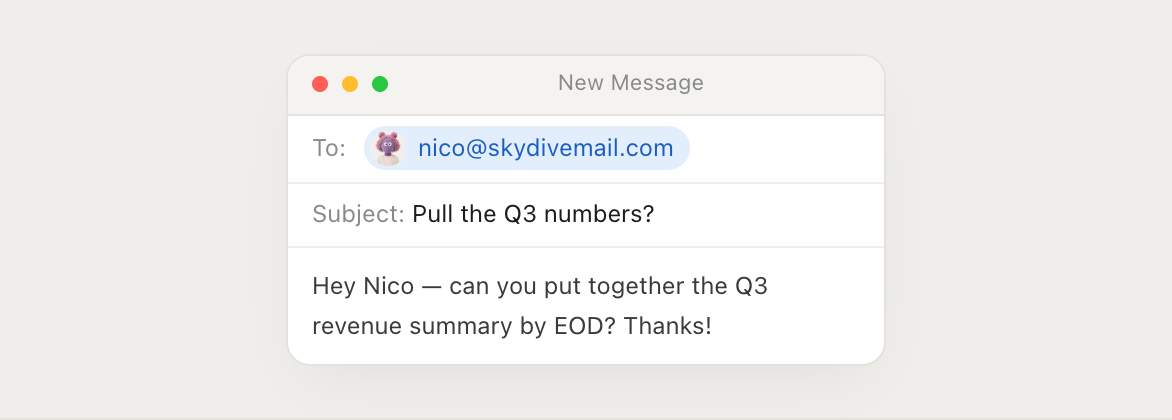
Compose window addressed to an agent
Address
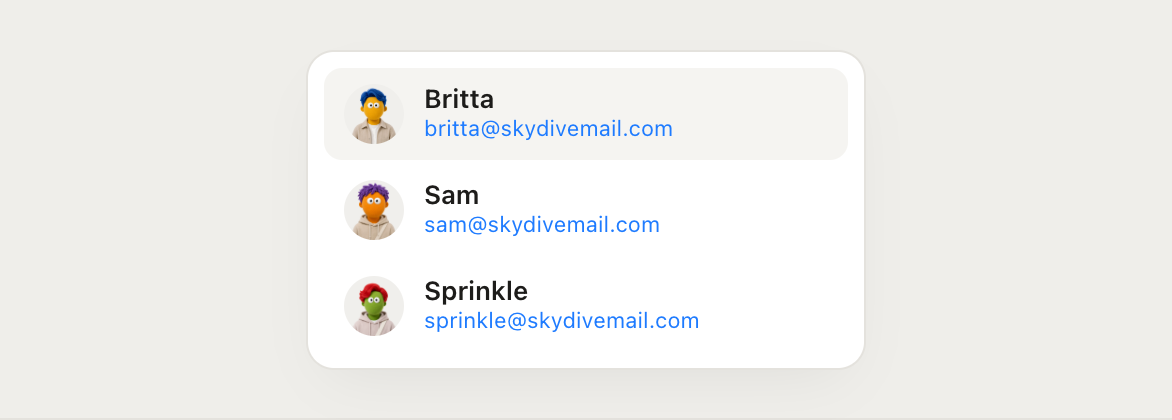
Reach every agent by email
Each agent gets an email address you can email like any other coworker.
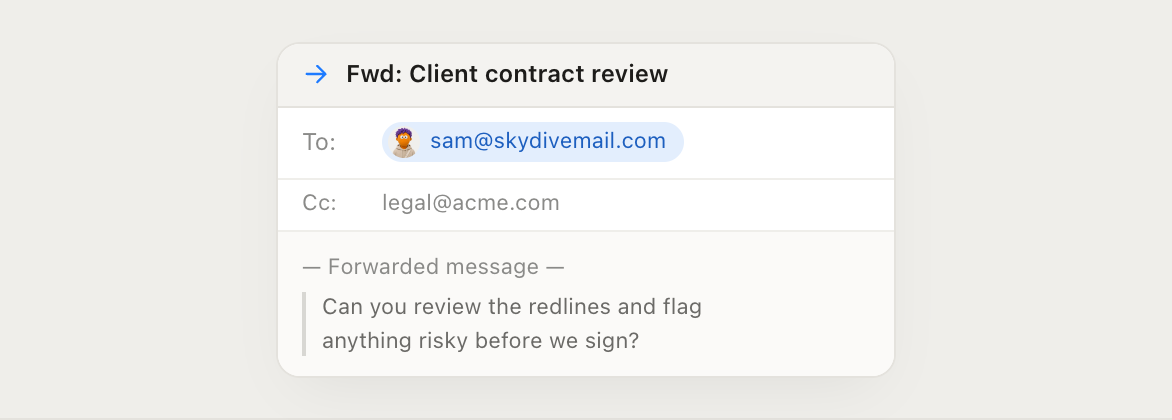
Forwarded thread handed to an agent
Forward
Forward, cc, bcc, list. Get work back.
Shoot over an existing thread and let it work in the cloud. Your agent reads the context and takes the next step.
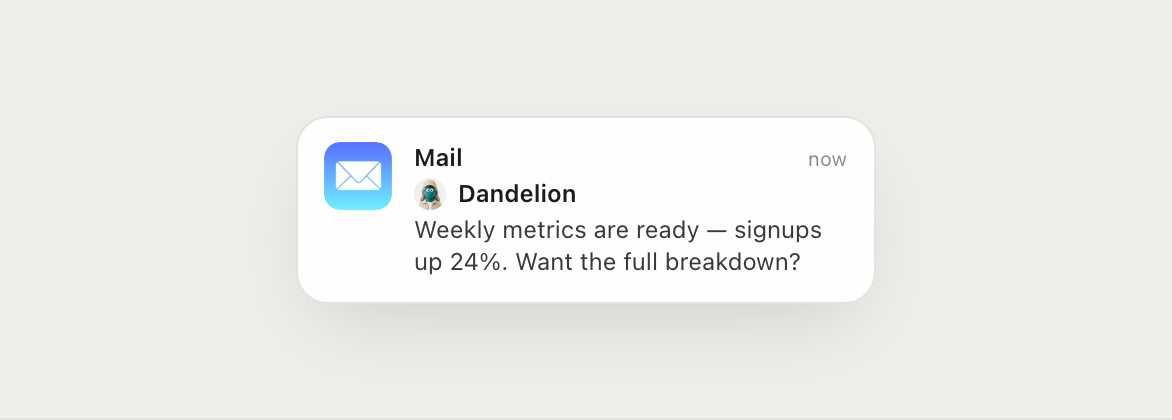
Email notification from an agent
Updates
Let agents reach you first
Agents can email updates, completed work, and questions when a routine or ongoing task needs your attention.
Agents using company domain addresses
Domain
Use your company domain
Give agents addresses that fit naturally alongside the rest of your team.

How it works

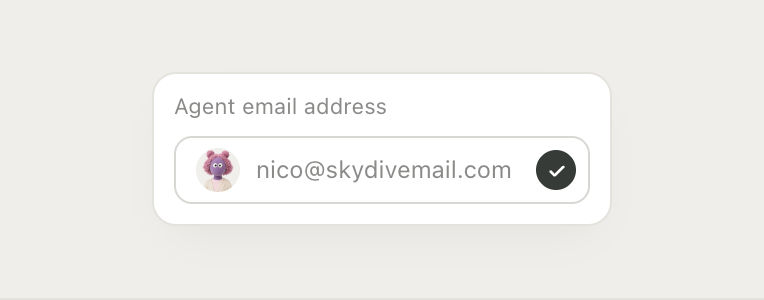
Choose the agent's address
Step 1
Choose the agent's address
Pick an agent and give it an email address on your domain.
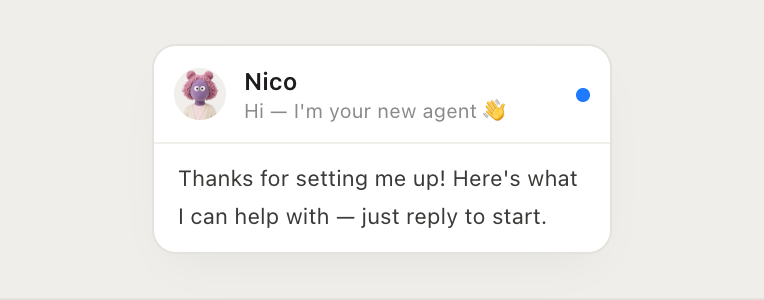
Receive its welcome email
Step 2
Receive its welcome email
It introduces itself and shows you what it can help with.
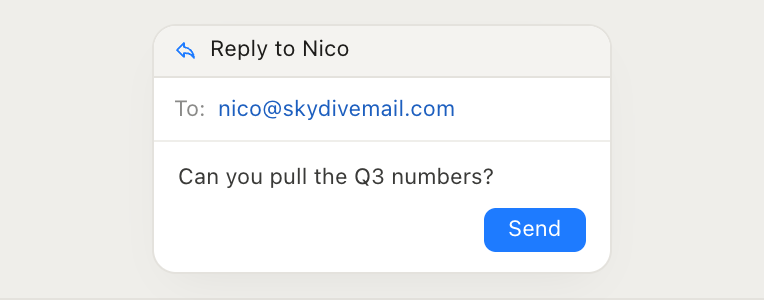
Reply to start working together
Step 3
Reply to start working together
Send it a task and it gets to work in the cloud.
Mail icon connected to a Skydive agent avatar

Give your first agent an inbox

Pick an agent, give it an address, and send your first email.

Make your first agent