AI Agents that never close their laptop

Skydive Agents take on work from start to finish, running in the cloud 24/7 while your team stays in control.

Start buildingRead the docs
skydive
·
Acme
pick an agent
Skydive
37/37 · mine · tab all · ↑/↓ move · ↵ open · ctrl+w workspace · ctrl+n new
› Otto
@pr reviewer
Ada
@on-call debugger
Miles
@docs writer
Ripley
@test fixer
Sage
@dependency updater
Juno
@release manager
One agent, wherever you work

Move between the CLI, Claude Code, and your IDE without starting over. Your agent keeps the same context, session, and filesystem, so you can pick up exactly where you left off.

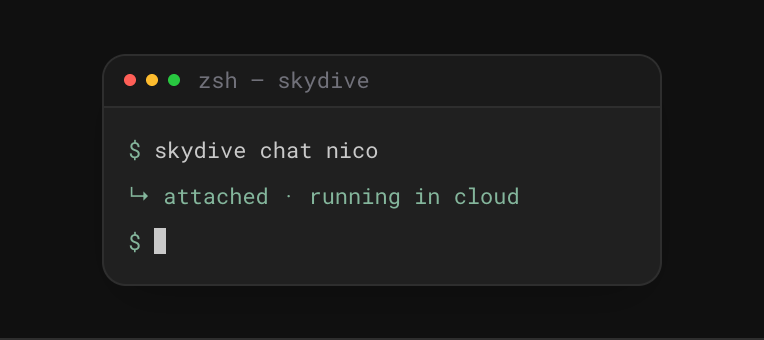
Terminal starting a Skydive agent in the cloud
CLI
Work from the terminal
Start, steer, and check in on your agent from the command line.
Get the CLI
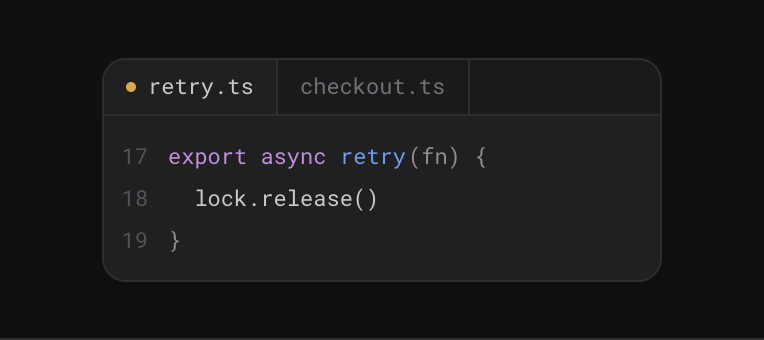
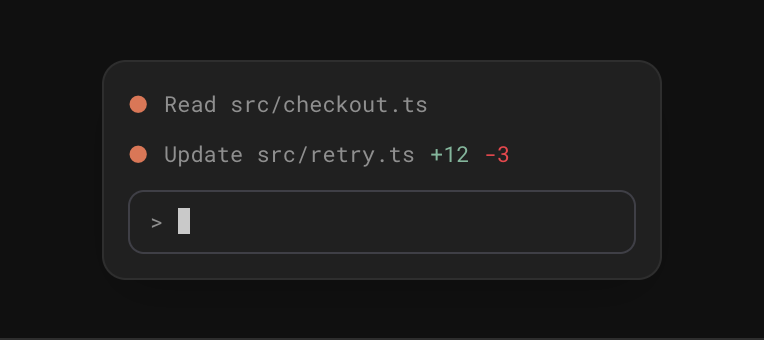
Agent editing files with familiar coding tools
Familiar tooling
Code the way you already do
Use familiar coding tools while your agent works continuously in the cloud.
Import your setup
IDE connected to the agent filesystem
IDE bridge
Bring your own IDE
Connect your editor to your agent’s filesystem and jump into the work anytime.
Build on the API
USE CASES

Agents for the entire engineering lifecycle

From implementation to QA, production, and security, agents take on work continuously while your team stays in control.

CORE ENGINEERING LOOP
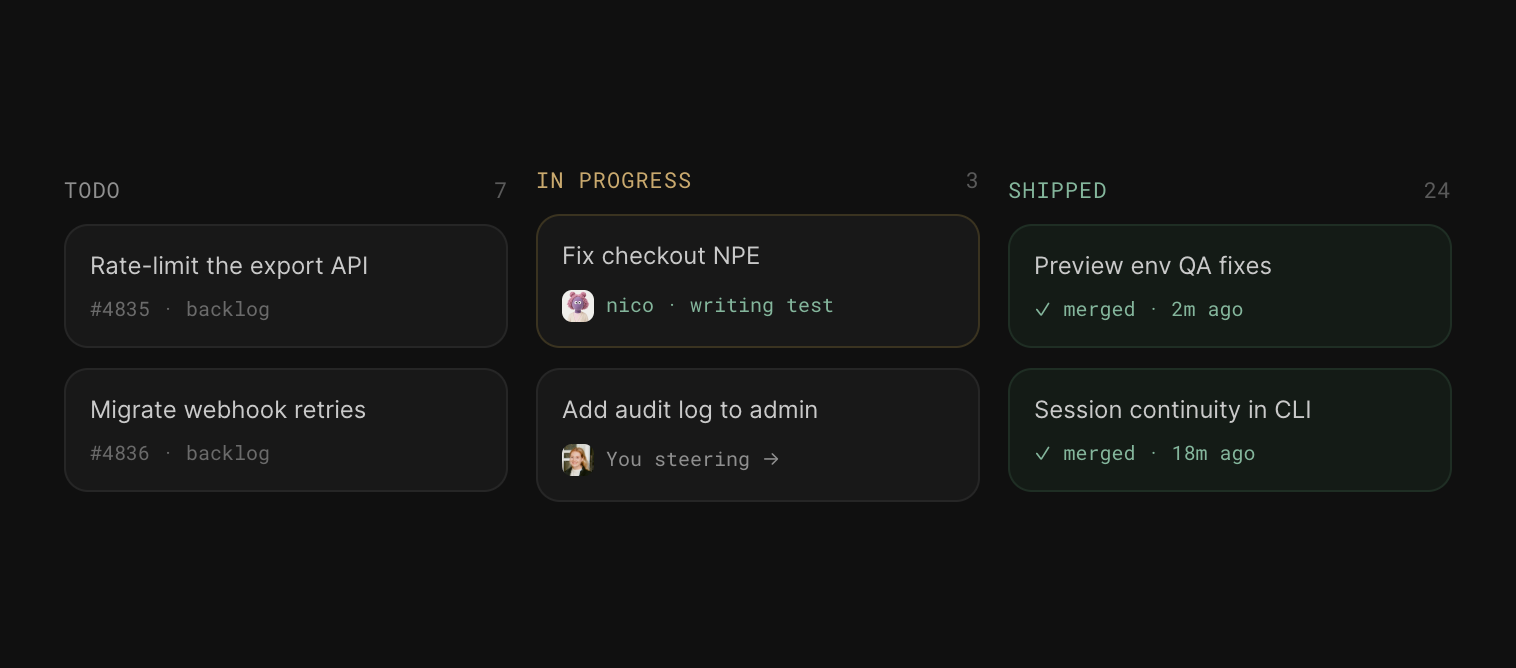
Your backlog keeps moving
Agents continuously pick up, implement, and move work forward. You step in to guide, review, and unblock instead of initiating every change yourself.
Kanban board showing agents moving work from TODO to In Progress to Shipped
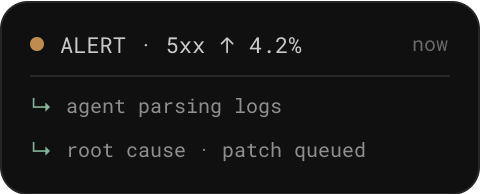
Agent investigating a production alert
PRODUCTION
Respond to issues as they happen
Agents monitor production, investigate alerts, parse logs, and take action without waiting for someone to pick up the issue.
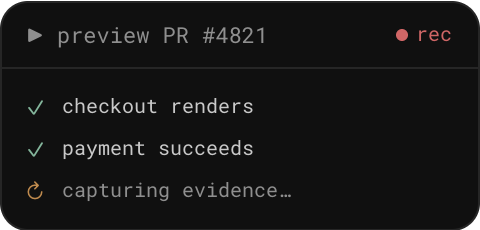
Agent testing a change in a real browser
QA
Test every change
Agents test your app in a real browser, catching issues and capturing evidence across preview and staging builds.
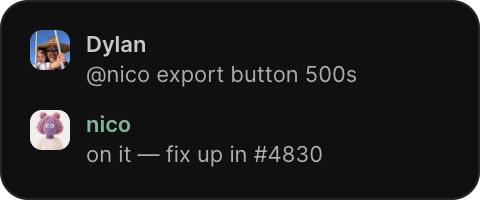
Bug reported in Slack and picked up by an agent
BUG TRIAGE
Tag an agent in Slack
When someone reports a bug, tag your agent. It investigates, finds the cause, and ships a fix.
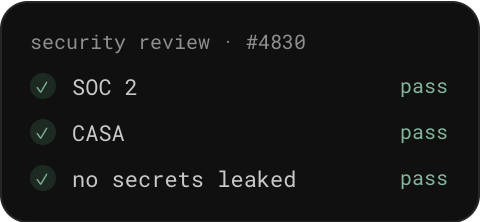
Security checks passing on a pull request
SECURITY
Security checks on every PR
Agents review every PR against your security requirements and flag issues before they ship.
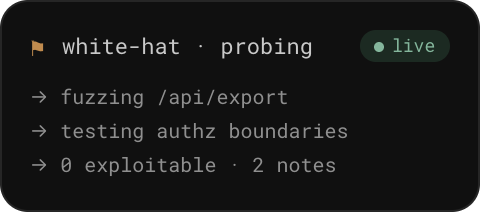
Agent continuously probing systems for vulnerabilities
PEN TESTING
Always-on penetration testing
Agents continuously probe your systems for vulnerabilities, finding and surfacing weaknesses before they become problems.
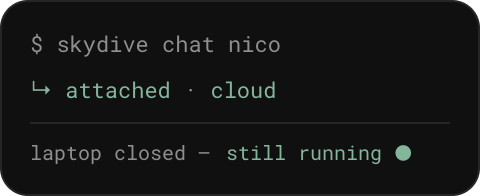
Agent still running in the cloud after the laptop is closed
CONTINUITY
Work that keeps moving when you’re offline
Close your laptop and your agent keeps running in the cloud. Jump back in anytime from the CLI, IDE, or Slack.
These are just the start
Browse ready-made agent templates and deploy one in minutes.
Explore templates
Point a Skydive agent at your repo

Point an agent at your repo

It clones the branch, runs your test suite, and opens a PR you can review.

Start buildingRead the docs