FEATURES / CLOUD COMPUTER
A computer for every agent
They can browse the web, create and organize files, and complete end-to-end tasks independently.

They can browse the web, create and organize files, and complete end-to-end tasks independently.
Your agent works across websites and files the same way a person would.
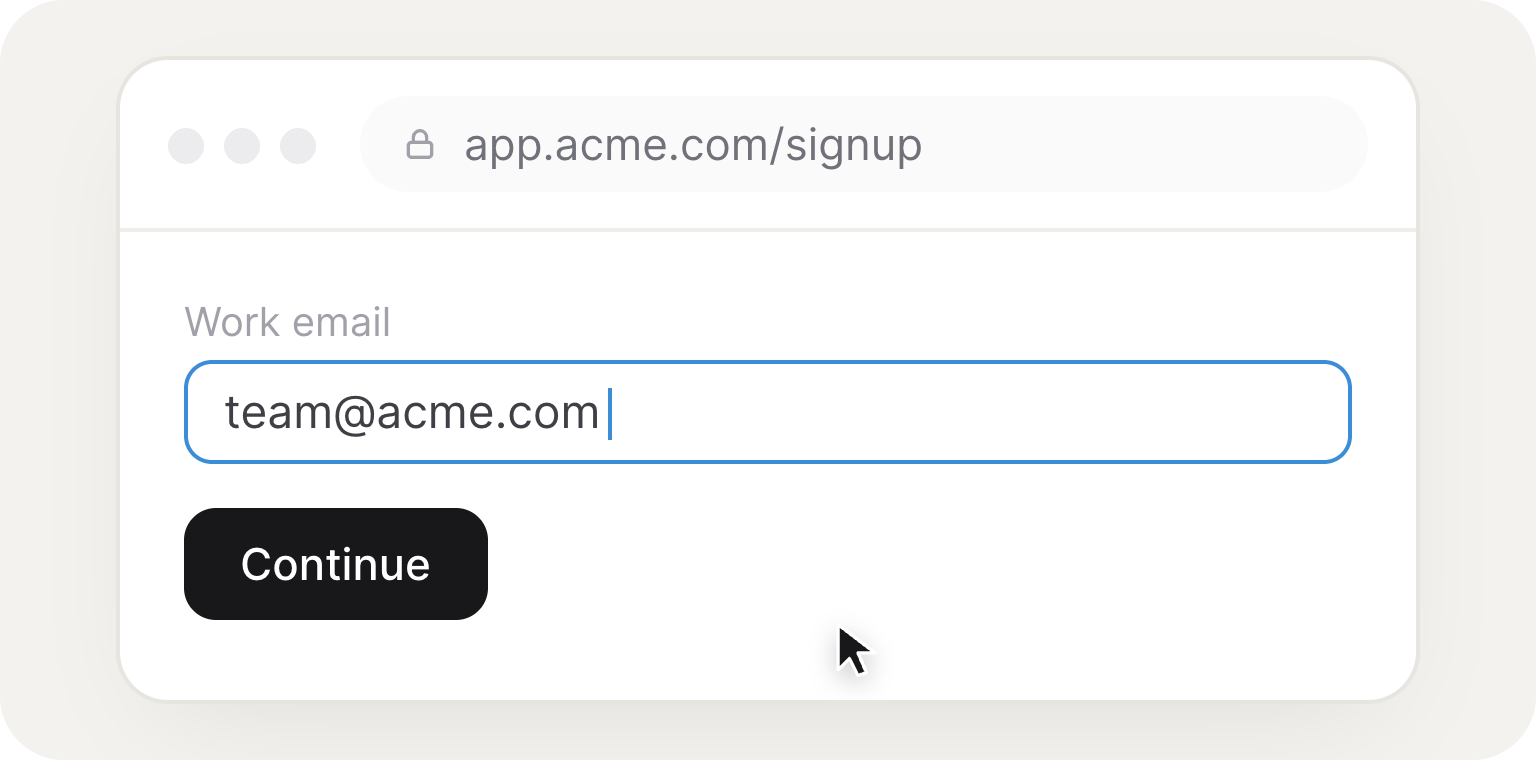
Your agent clicks, types, fills out forms, downloads files, and uses websites just like a person would.
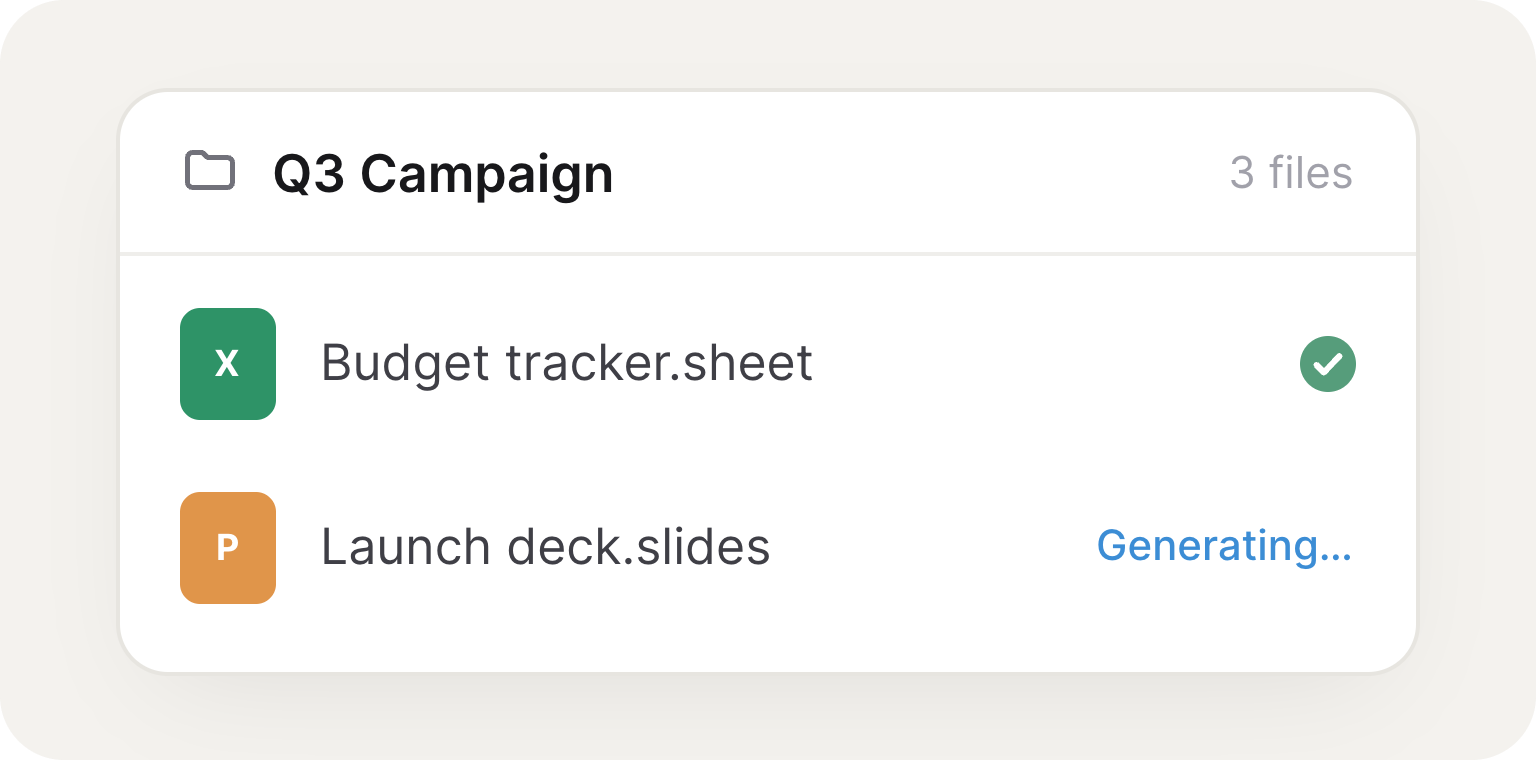
Generate documents, spreadsheets, presentations, and folders, then organize them as the work gets done.
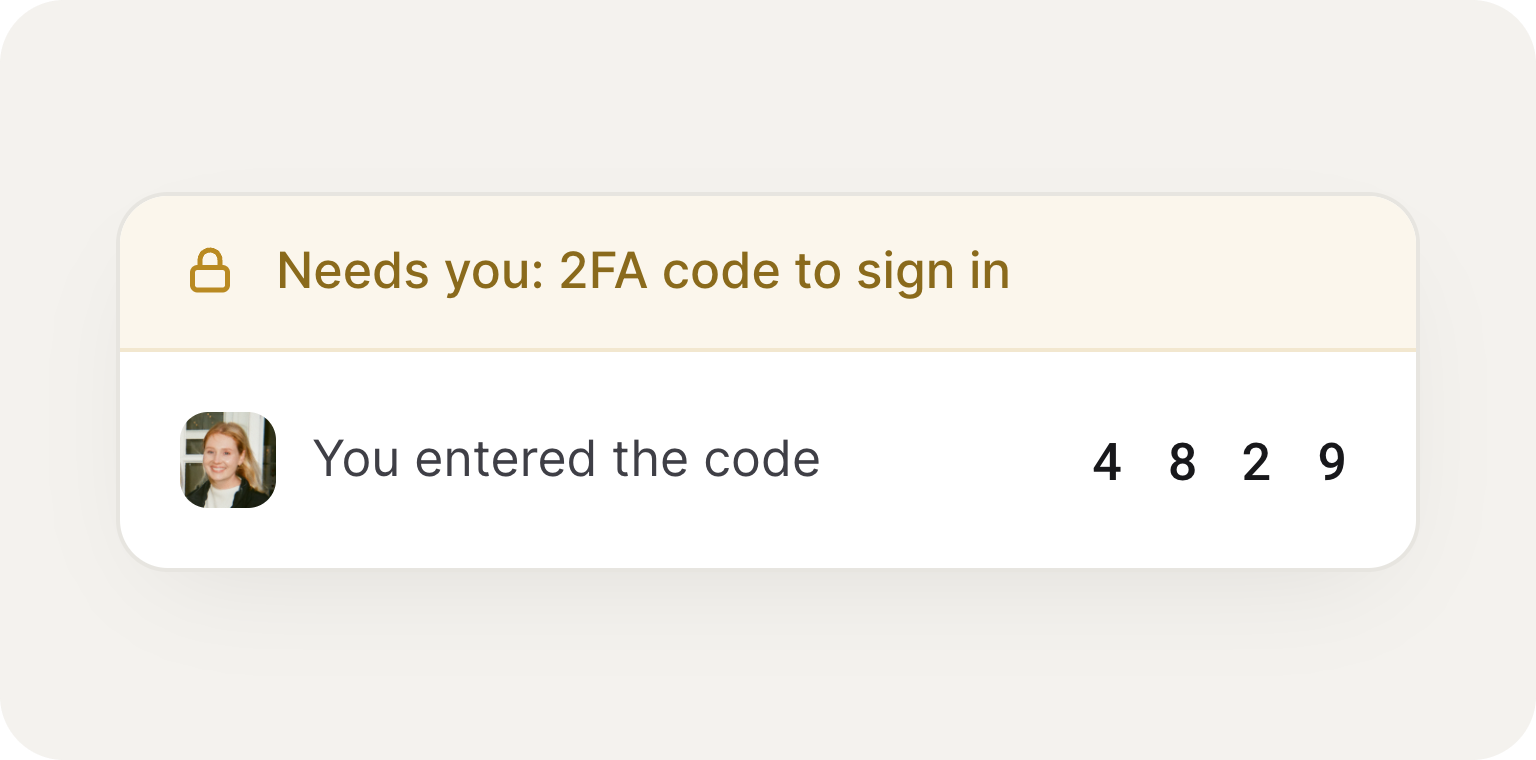
Take over for logins, approvals, or 2FA, then hand control right back to your agent.
Give your agent a task, and it uses it's own computer to complete the work from start to finish.
.png)



Every agent has its own computer in the cloud, with a real web browser and a file system. It uses them to do real work: browsing sites, filling forms, creating files, and completing tasks end to end, the same way a person would at their desk.
Anything you can do on a computer. Your agent clicks, types, fills out forms, downloads files, and uses websites just like a person, and it can create documents, spreadsheets, and presentations, then organize them into folders as the work gets done.
Yes. Because the agent drives a real browser, it can log into and operate any site directly, even ones with no API. If a task can only be done inside a website, your agent can still do it by navigating the page the way you would.
Yes. In web chat, the browser is shared with you in the Computer panel, so you can watch your agent work and take the wheel anytime. Step in for logins, a captcha, or a payment, then hand control right back and the agent picks up where you left off.
In your shared workspace, a folder both you and the agent can browse. Anything it produces, reports, exports, spreadsheets, images, shows up there and persists between sessions, and the agent can also hand you a file to download right in the conversation.
Yes, with your permission. The cloud computer is the agent’s own machine, but if the work lives on your laptop, a local server, a tool you have installed, Skydive Desktop lets you grant one agent access to reach it. It stays off until you turn it on, and you can revoke it anytime.