FEATURES / ROUTINES
Automation that never sleeps
Turn recurring work into routines. Your agents monitor, take action, and keep work moving, even after you've closed your laptop.

Turn recurring work into routines. Your agents monitor, take action, and keep work moving, even after you've closed your laptop.
With routines, agent keeps monitoring, taking action, and delivering results, even when you're away.
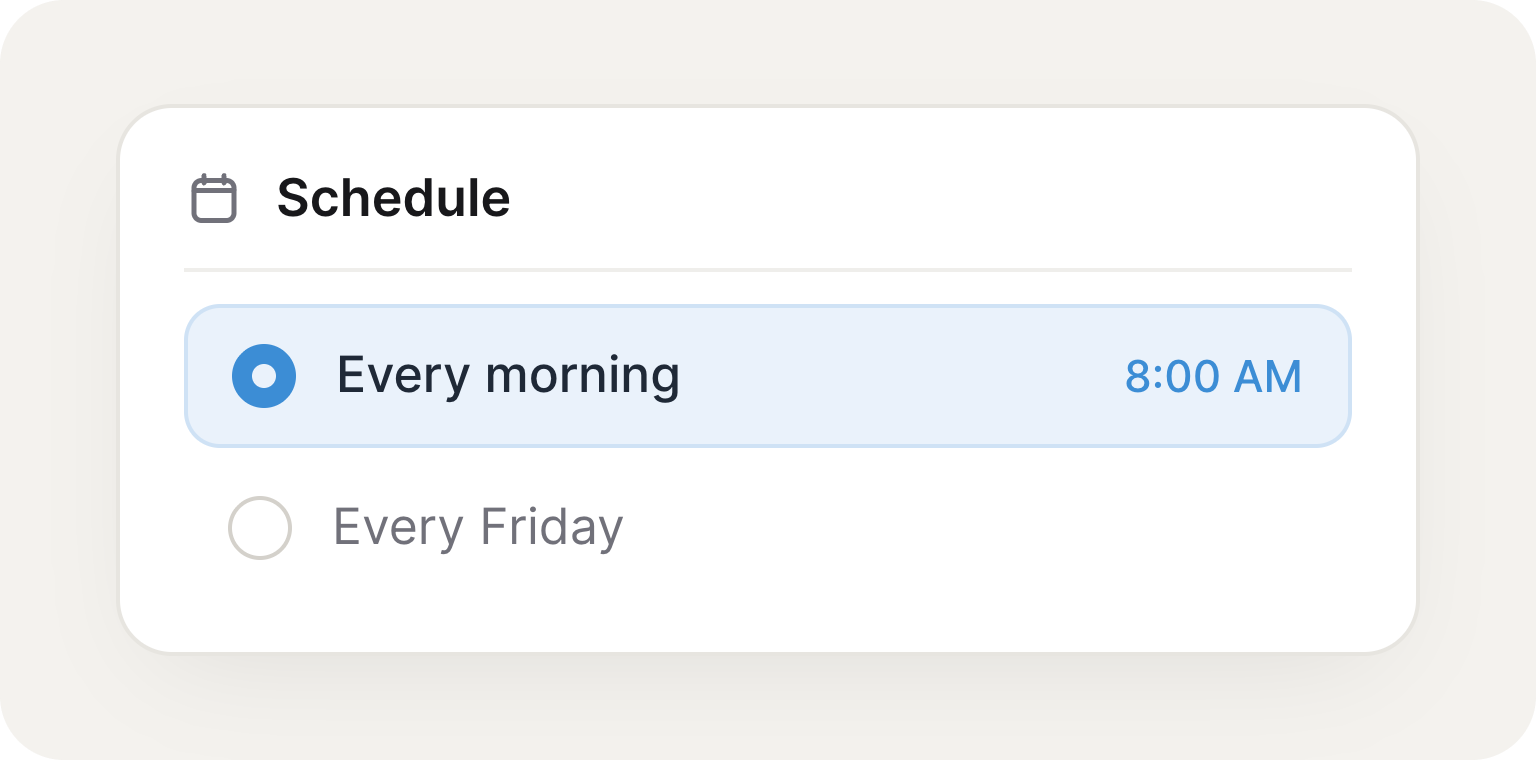
Choose exactly when work should happen: every morning, every Friday, or whenever you need it.
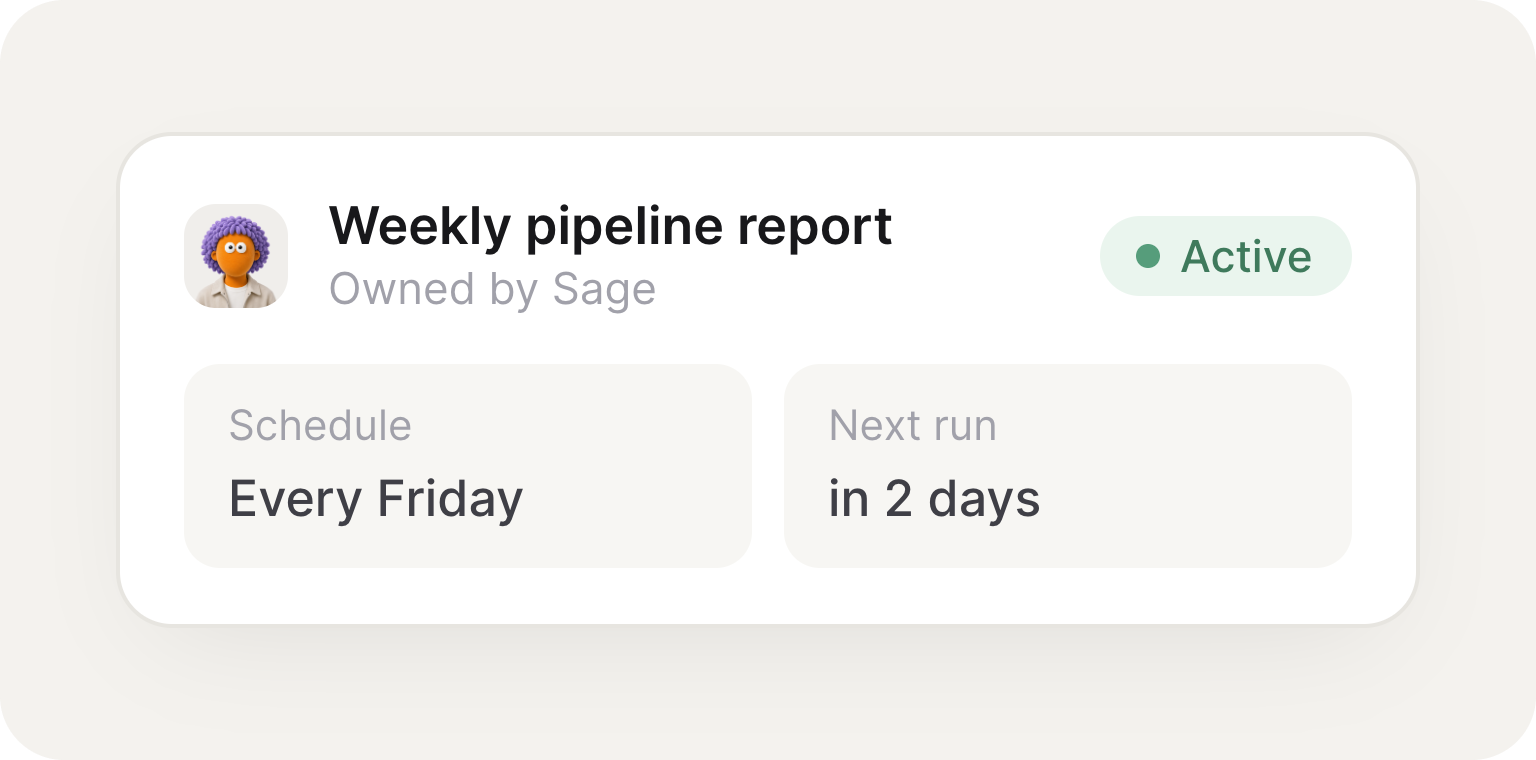
Give agents recurring work they automatically stay on top of, without needing to be asked again.
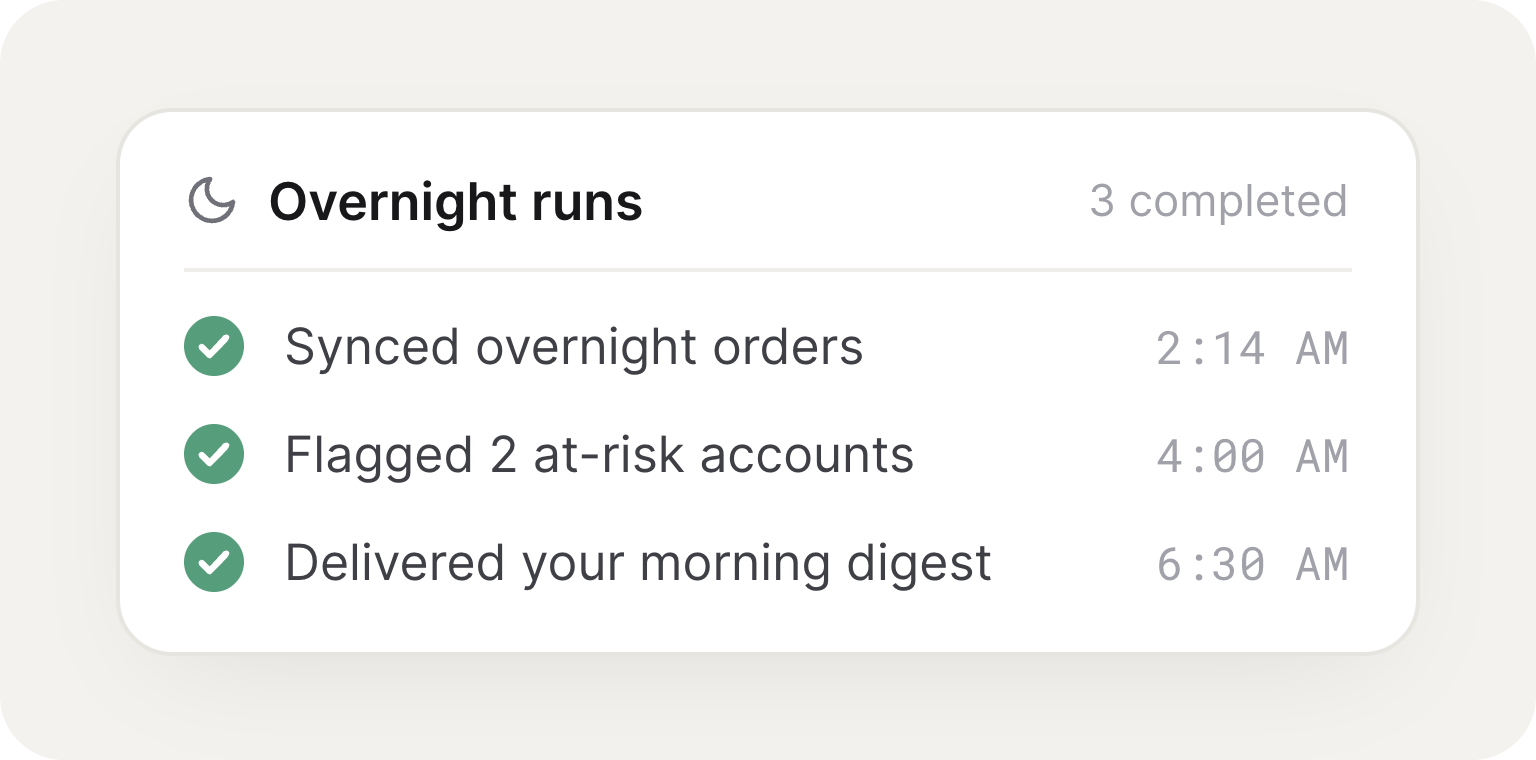
Your agents keep monitoring, taking action, and delivering results, even after you've signed off.
Describe recurring work in plain English. Your agent creates the routine, runs it on schedule, and delivers the results automatically.




A Routine is work your agent runs on its own schedule, with no human in the loop. Use it for anything that should happen later or repeatedly: a weekday inbox summary, a Monday check on competitor pricing, a Friday rollup of closed deals, or a one-time reminder for tomorrow at noon.
Just ask, in plain language. Tell your agent something like "every weekday at 9am, post a summary of yesterday's support tickets to our #cs channel," and it creates the schedule. No cron syntax, no workflow to build.
Both. A Routine can recur on a schedule like "every weekday at 9am" or "the first of each month," or fire once at a single future moment like "tomorrow at noon." Time zones are respected, so "9am" means 9am where you are.
No. On the Routines page, your agent suggests ones it could run for you, based on its role, the work it has already done, and the tools it is connected to. Each suggestion is a real task like check, post, or summarize. Open one to see what it would do and when, then set it up or dismiss it.
Wherever makes sense for the job. A Routine can post to a Slack channel, send an email, or message you directly. Since there is no live conversation when it fires, you tell the agent where the output should land when you set it up.
Yes. You can list, pause, resume, update, and cancel any schedule just by asking, like "pause the daily ticket summary until next week." Every Routine also has a detail view with its full run history, and each past run links to the conversation it ran in, so you can see exactly what your agent did.