Show me everything booked for tomorrow and flag any gaps I could fill.
Jaybird
APP
9:19 AM
Tomorrow has 5 appointments. There is a 90 minute gap at 1pm and a 45 minute gap at 4pm. Both line up with your open slots, so I can offer them to your waitlist.
Brendan
9:24 AM
Yes, offer both.
#
clients
Eldar
8:31 AM
List all clients who completed an intake form this week and what they submitted.
Princess
APP
8:32 AM
7 clients completed intake this week. I pulled each response and flagged 2 that noted prior injuries, so you can review before the sessions. Full summary is in the thread.
Eldar
8:38 AM
Helpful, thanks.
#
briefings
Aleena
9:00 AM
Every morning, give me a summary of today's appointments with client names and notes.
Waltz
APP
9:02 AM
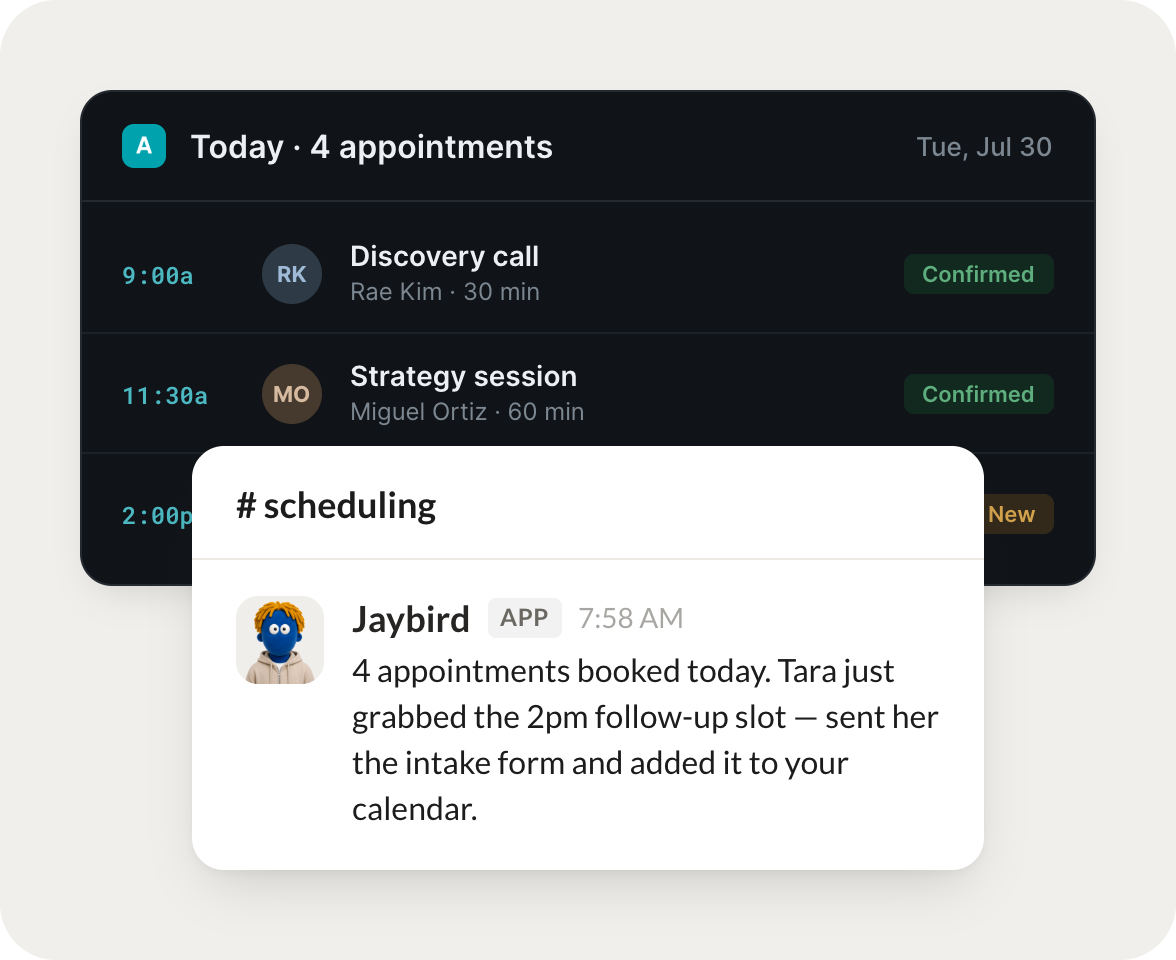
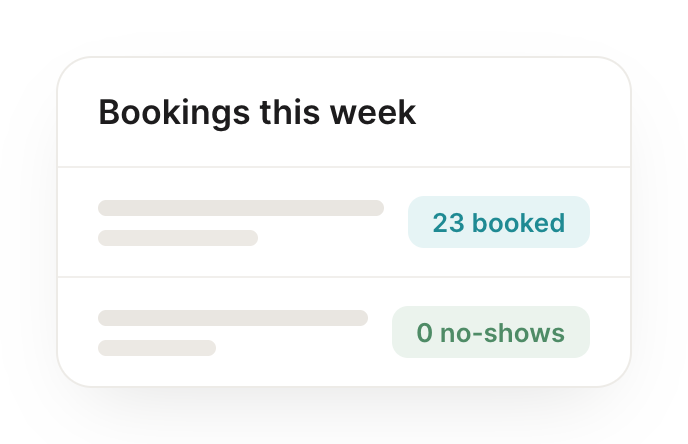
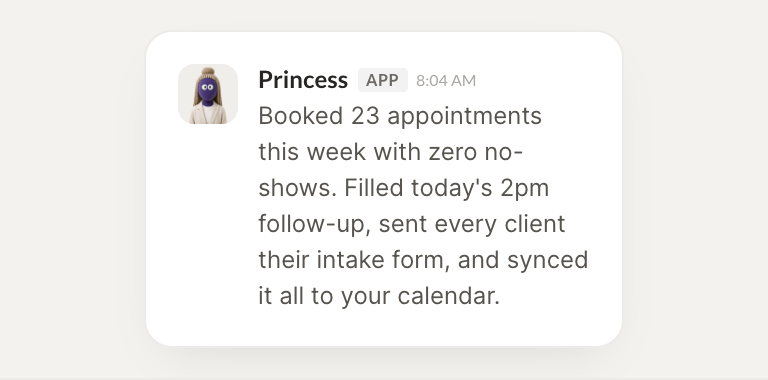
Booked 23 appointments this week with zero no shows. Today you have 4 sessions. I filled the 2pm follow up, sent every client their intake form, and added notes to each record.
Aleena
9:05 AM
Love it, thank you.
Live in three steps
No integration project. Connect in under a minute and your agent is working.
01
Find
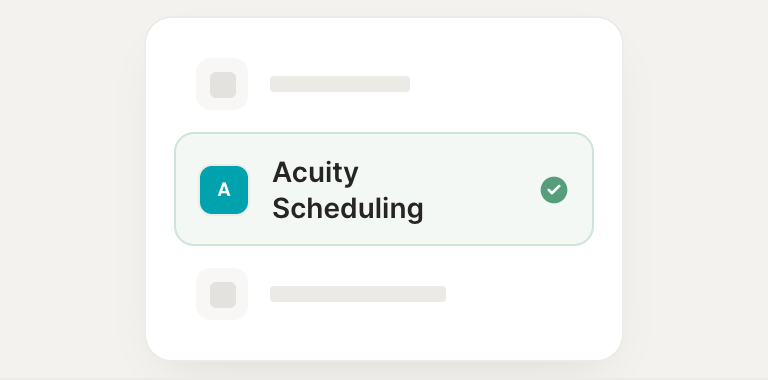
Pick the integration from your agent's list, or just ask the agent to connect it.
02
Approve
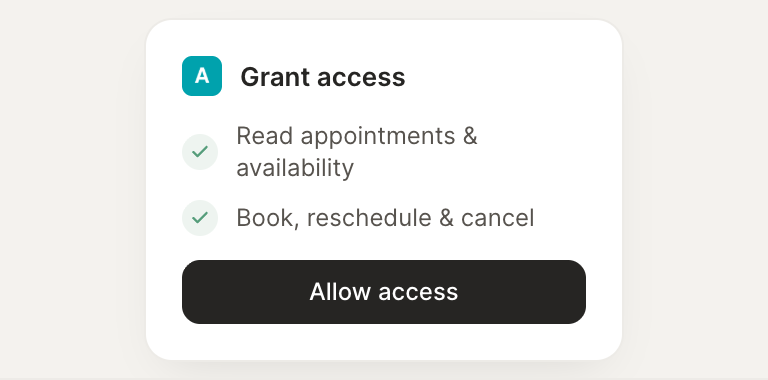
Confirm the access. Change what's granted anytime.