Product
Solutions
Enterprise
Pricing
Blog
Log in
Get Started
→
INTEGRATIONS
/
Airbyte
Airbyte pipelines, watched from chat
Your agent tracks your data connections, reports sync volume, and flags any pipeline that stalls so your warehouse stays fresh.
Connect Airbyte
→
Learn more
Airbyte, connected
Every data sync, in one place
Ask how a connection is running or how many rows synced and the agent has it from Airbyte.
Just ask, in plain English
Just ask, and the agent handles the rest in Airbyte.
Sync status
Connection watch
Pipeline recap
#
data
Arnav
9:18 AM
What is the status of our data connections right now?
Princess
APP
9:19 AM
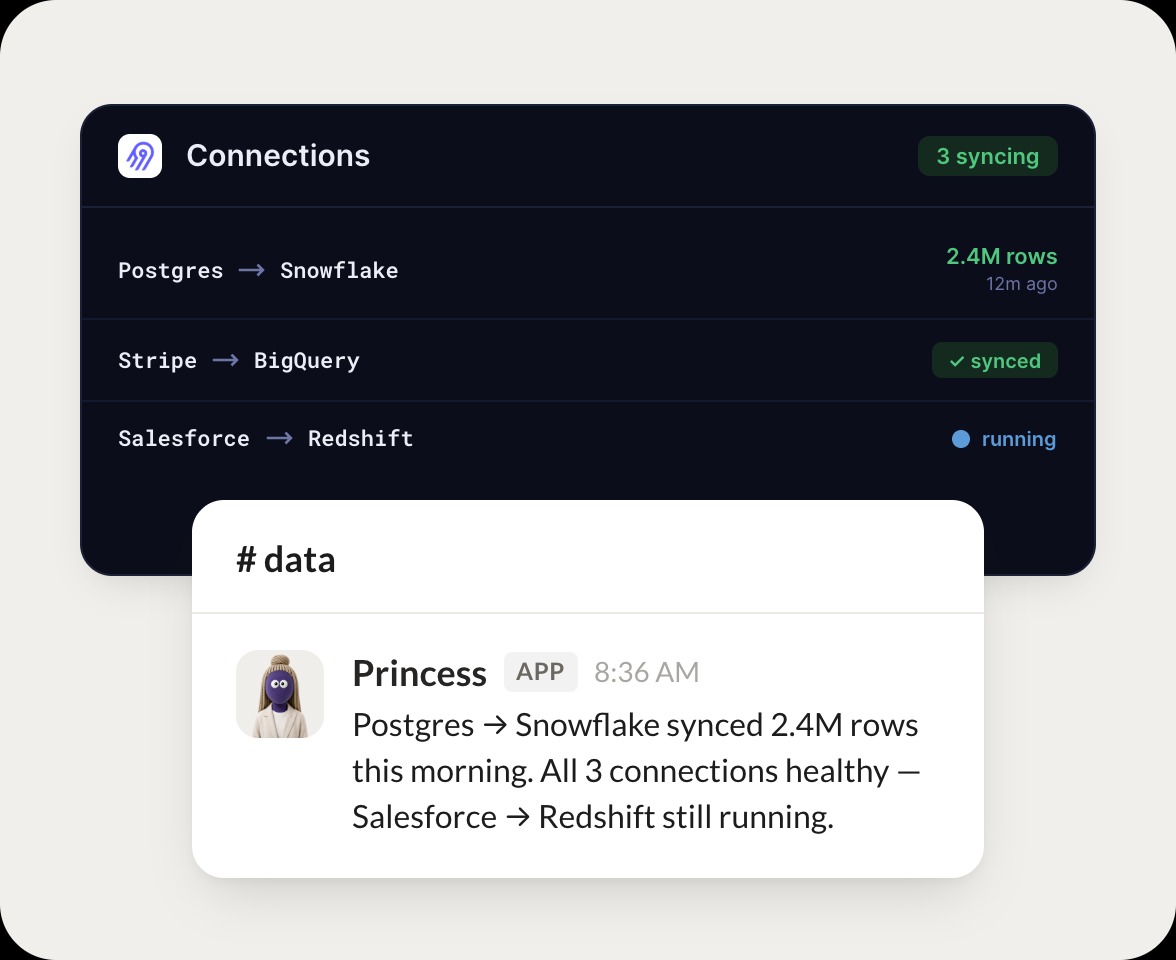
Postgres to Snowflake synced 2.4M rows this morning. All 3 connections are healthy and Salesforce to Redshift is still running.
Arnav
9:24 AM
Great, all healthy.
#
pipelines
Dylan
8:31 AM
How many rows synced across the warehouse this week?
Amelie
APP
8:32 AM
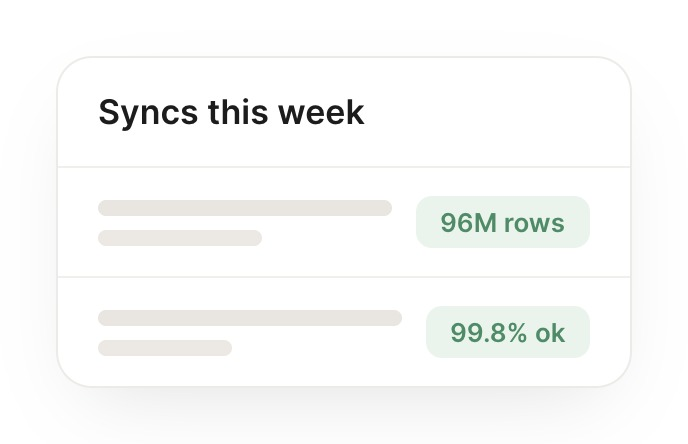
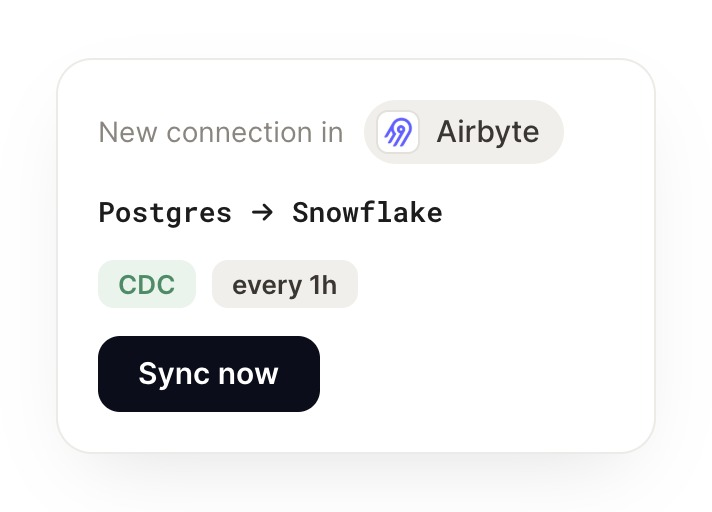
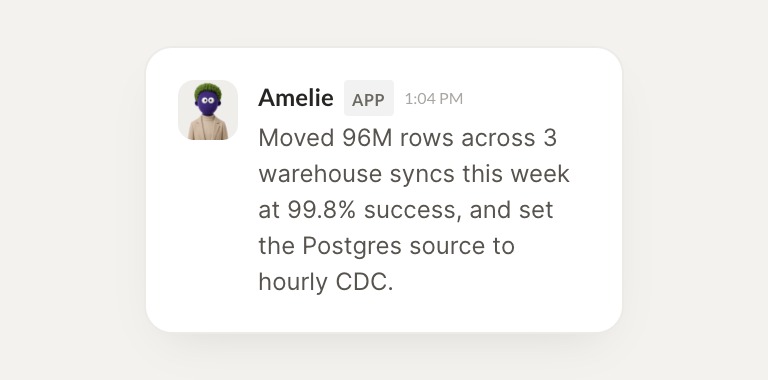
Moved 96M rows across 3 warehouse syncs this week at 99.8 percent success, and set the Postgres source to hourly CDC.
Dylan
8:38 AM
Solid throughput.
#
syncs
James
9:00 AM
Recap this week's pipeline activity and any failures.
Elderberry
APP
9:02 AM
Ran 3 connections all week with zero failed syncs and moved 96M rows total. Everything landed clean in the warehouse.
James
9:05 AM
Clean week, thanks.
Live in three steps
No integration project. Connect in under a minute and your agent is working.
01
Find
Pick the integration from your agent's list, or just ask the agent to connect it.
02
Approve
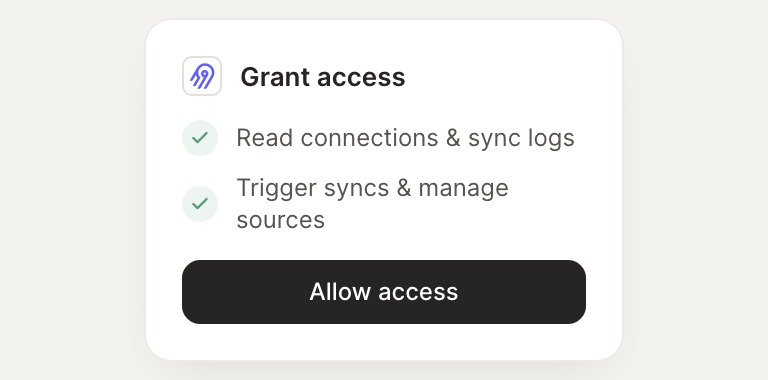
Confirm the access. Change what's granted anytime.
03
Done
Your agent gets to work and reports back.
⇄
Keep the team current on every data sync
Connect Airbyte
→
Browse all integrations