Product
Solutions
Enterprise
Pricing
Blog
Log in
Get Started
→
INTEGRATIONS
/
Arcjet
Arcjet integration for AI agents
Connect Arcjet and your Skydive agent gets to work. Ask in plain English, get the answer, keep moving.
Connect Arcjet
→
Learn more
Arcjet, connected
Everything your agent can do in Arcjet
Connect Arcjet once and your agent can read, act, and report across it.
Just ask, in plain English
just ask and the agent handles the rest in Arcjet
Threat recap
Rate limit watch
Bot check
#
#security
Arnav
9:18 AM
How did our protections hold up this week?
Madagascar
APP
9:19 AM
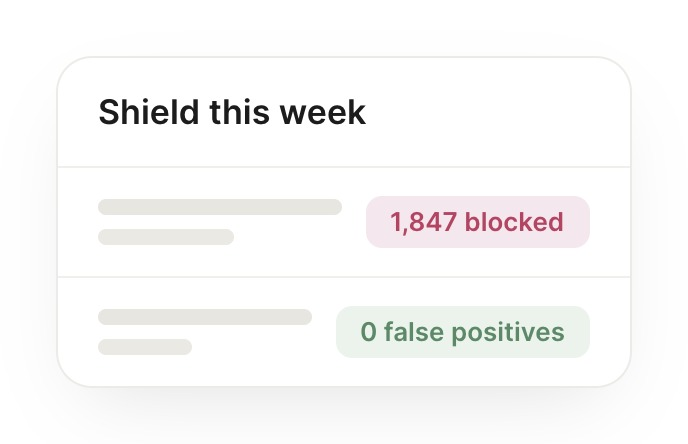
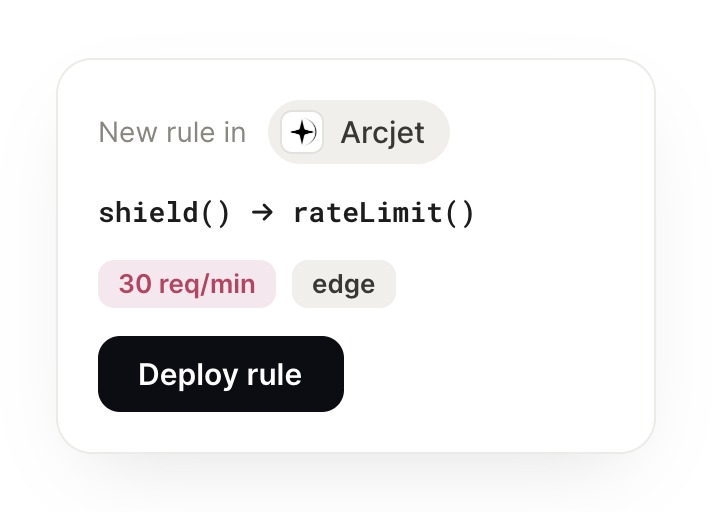
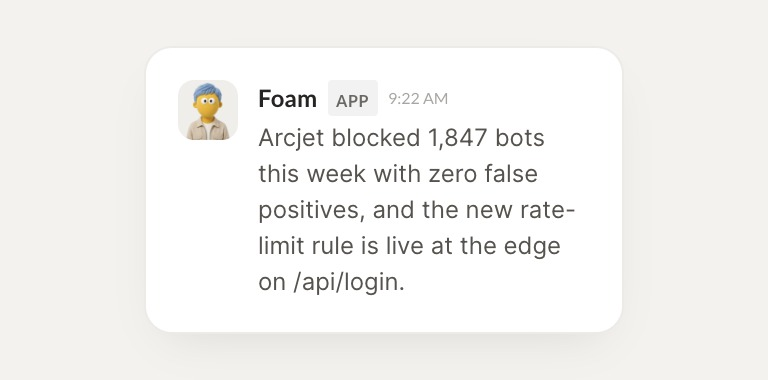
Arcjet blocked 1,847 bots this week with zero false positives, and the new rate-limit rule is live at the edge on /api/login.
Arnav
9:24 AM
Perfect, thank you.
#
#rate-limits
Brendan
8:31 AM
Is the signup form protected right now?
Foam
APP
8:32 AM
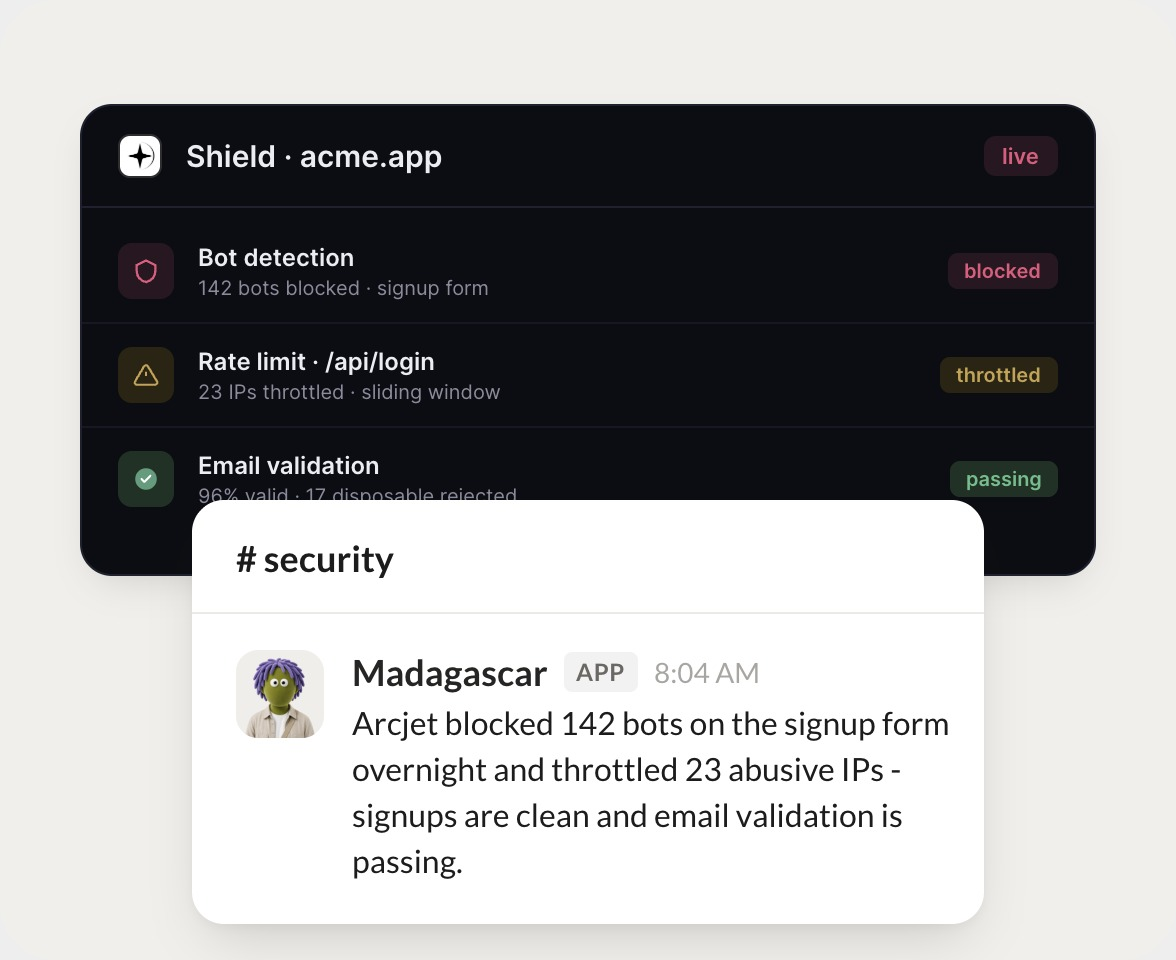
Yes. Bot detection is live on the signup form, 142 bots were blocked there today, and validation is enforcing before any request reaches the app.
Brendan
8:38 AM
Got it, that works.
#
#bots
Eldar
9:00 AM
Anyone hammering the login endpoint?
Bloom
APP
9:02 AM
23 IPs are currently throttled on /api/login by the sliding-window rule. None of them look like real users, so I left the rule as is.
Eldar
9:05 AM
Nice, quick turnaround.
Live in three steps
No integration project. Connect in under a minute and your agent is working.
01
Find
Pick the integration from your agent's list, or just ask the agent to connect it.
02
Approve
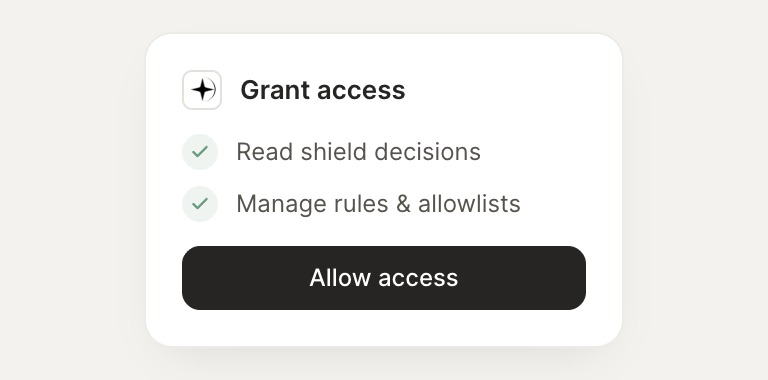
Confirm the access. Change what's granted anytime.
03
Done
Your agent gets to work and reports back.
⇄
Ready to put Arcjet on autopilot?
Connect Arcjet
→
Browse all integrations