Make tracked links for this campaign, one per channel, so I can see what works.
Yolanda
APP
9:19 AM
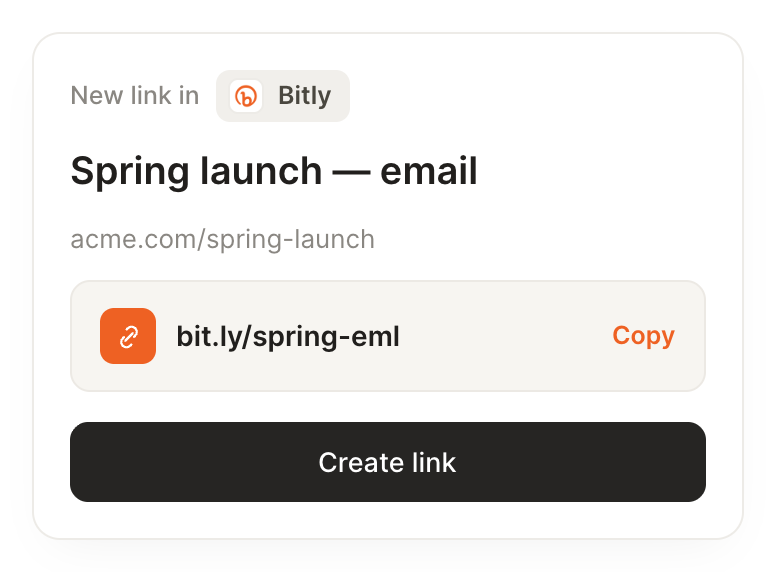
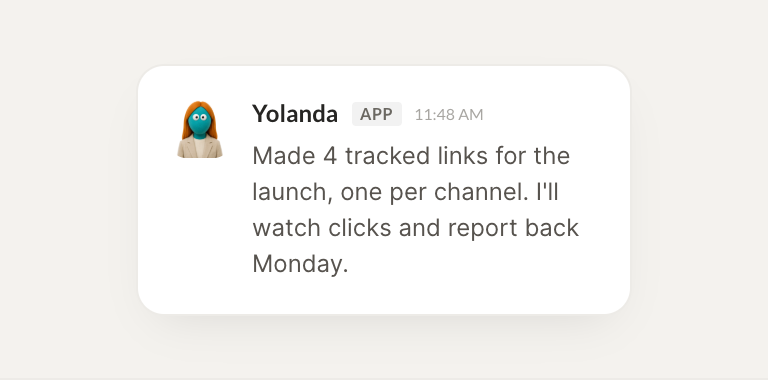
Done. I made five tracked links for the launch, one each for email, LinkedIn, X, the newsletter, and the blog. They all point to the landing page with the channel tagged so you can compare.
James
9:24 AM
Great, sending them out now.
#
weekly
Dylan
8:31 AM
Every Monday, tell me which links got the most clicks.
Floss
APP
8:32 AM
Here's Monday. Your top link was the newsletter CTA with 1,240 clicks, up a third from last week. The LinkedIn link doubled, and the X link stalled, so that channel is worth a rethink.
Dylan
8:38 AM
Thanks, I'll shift focus.
#
tracking
Vento
9:00 AM
Shorten this and tell me how it performs over the next week.
Paco
APP
9:02 AM
Shortened it, your new link is live. I'll watch it for the week and flag any spike. So far it has forty clicks, mostly from mobile in the afternoon.
Vento
9:05 AM
Perfect, keep me posted.
Live in three steps
No integration project. Connect in under a minute and your agent is working.
01
Find
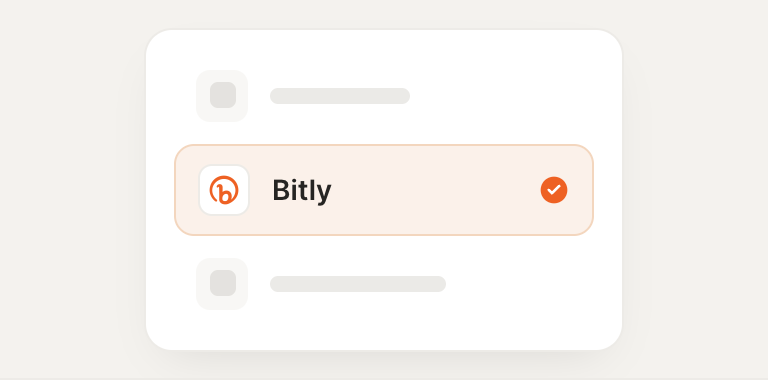
Pick the integration from your agent's list, or just ask the agent to connect it.
02
Approve
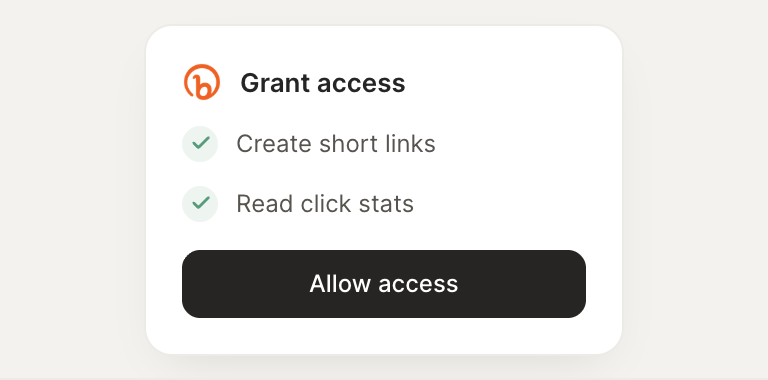
Confirm the access. Change what's granted anytime.