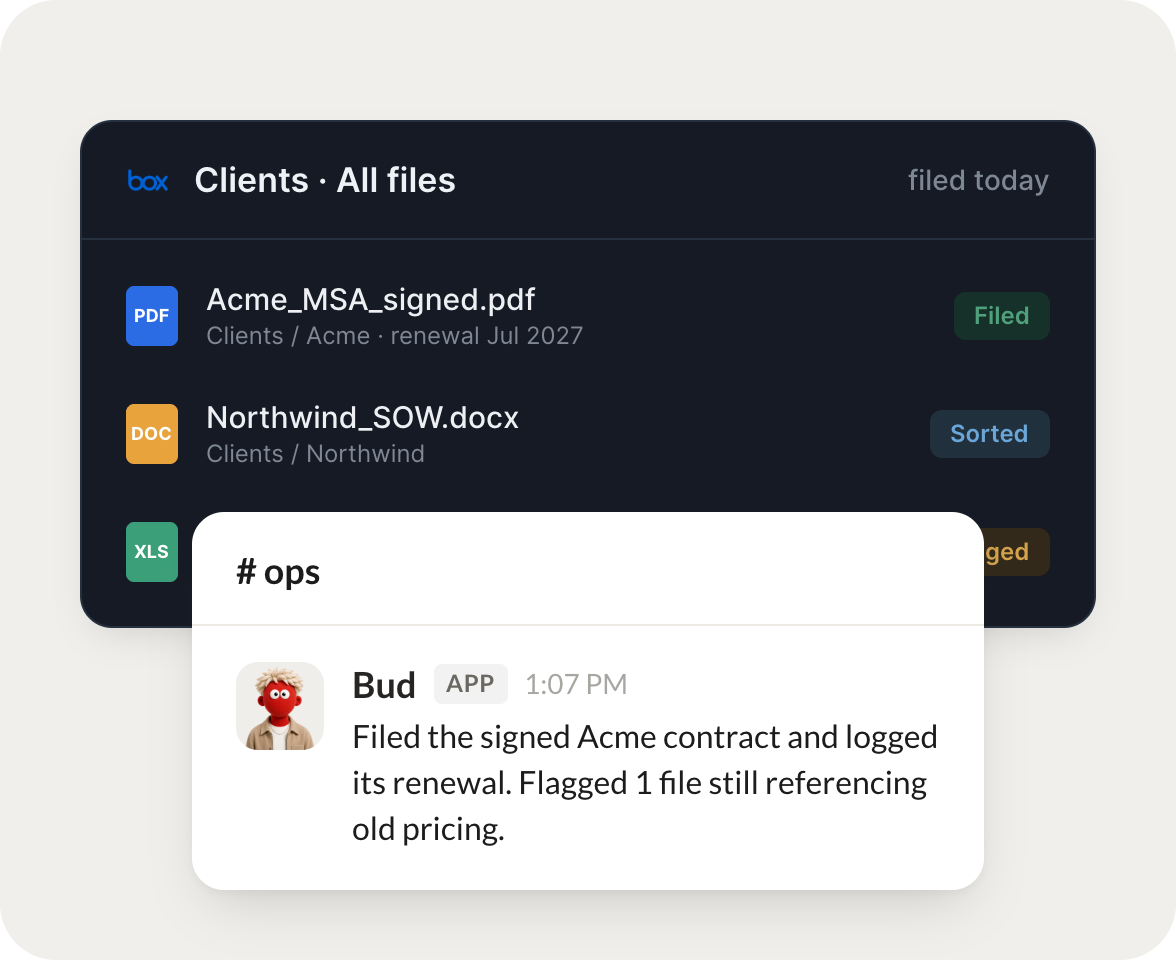
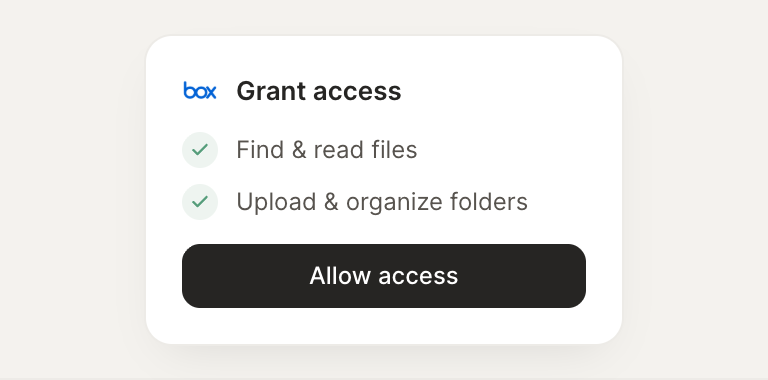
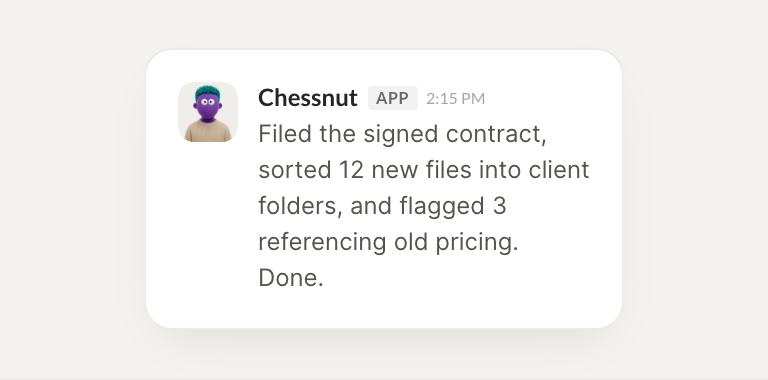
Connect Box and your agent finds, reads, and files your documents, keeping every project's files where they belong. Your files stay organized while you do the work that matters.
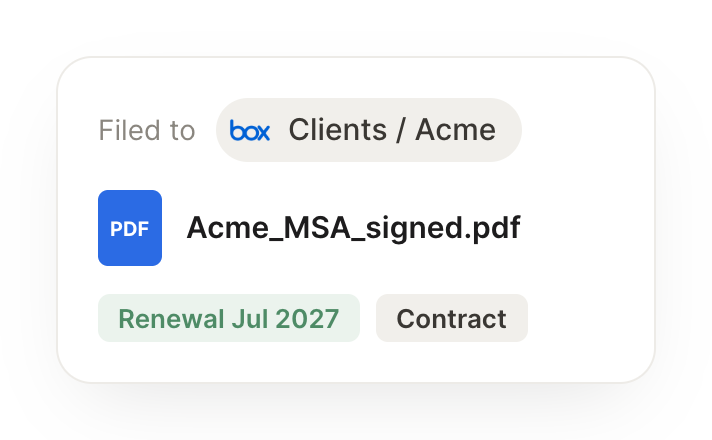
When a signed contract lands, file it in the right client folder and log the renewal date.
Harvey
APP
9:19 AM
Done. The signed contract landed, so I filed it in the client's folder and logged the renewal date, so it won't sneak up on you.
Vento
9:24 AM
Great, thanks.
#
projects
Arnav
8:31 AM
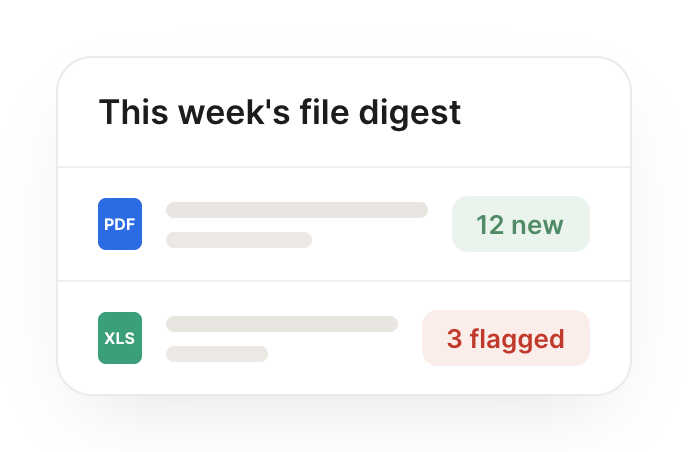
Every week, gather the new files across my projects into a single digest.
Peachy
APP
8:32 AM
Here's this week's digest: 14 new files across your projects, grouped by project with a one-line note on each, so you can skim what changed in a minute.
Arnav
8:38 AM
Handy.
#
docs
Leo
9:00 AM
Find every document mentioning the old pricing and list what needs updating.
Theo
APP
9:02 AM
Found 9 documents that still mention the old pricing. I listed each one with where the outdated number appears, so you know exactly what needs updating.
Leo
9:05 AM
Perfect.
Live in three steps
No integration project. Connect in under a minute and your agent is working.
01
Find
Pick the integration from your agent's list, or just ask the agent to connect it.
02
Approve
Confirm the access. Change what's granted anytime.