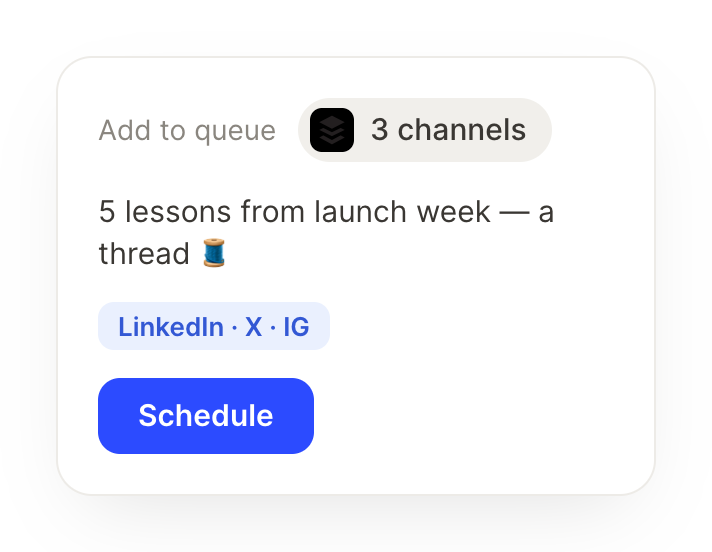
Queue this launch update across my Buffer channels for Tuesday at 10am.
Pepita
APP
9:19 AM
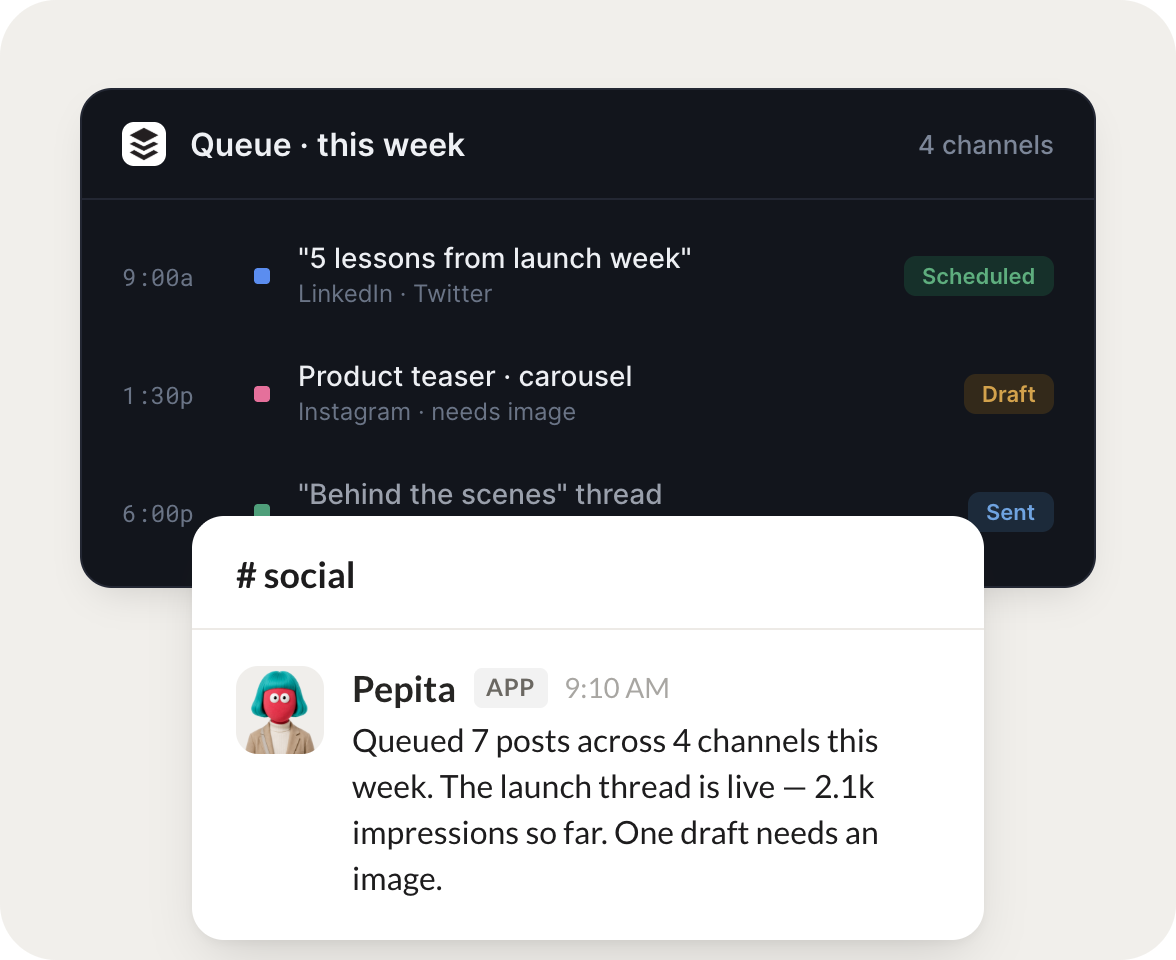
Queued. Your launch update is scheduled across all four connected channels for Tuesday at 10am. I tailored the length for each one so it reads well everywhere.
Philip
9:24 AM
Love it, thanks.
#
ideas
Rain
8:31 AM
Every Monday, draft three post ideas from last week's wins and leave them in Buffer for me to review.
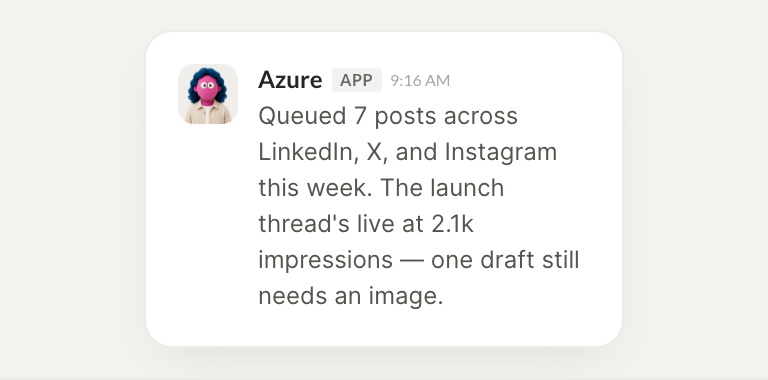
Azure
APP
8:32 AM
Done. I pulled last week's wins and drafted three post ideas, a customer milestone, a product tip, and a behind the scenes note. They are sitting in Buffer as drafts for your review.
Rain
8:38 AM
Nice, I will pick one.
#
schedule
Gen
9:00 AM
List what is scheduled for the rest of the week and flag any gaps.
Sunkist
APP
9:02 AM
Here is the rest of the week. Seven posts are queued through Friday, with Thursday afternoon empty. I flagged that gap so you can decide whether to fill it.
Gen
9:05 AM
Let us fill Thursday.
Live in three steps
No integration project. Connect in under a minute and your agent is working.
01
Find
Pick the integration from your agent's list, or just ask the agent to connect it.
02
Approve
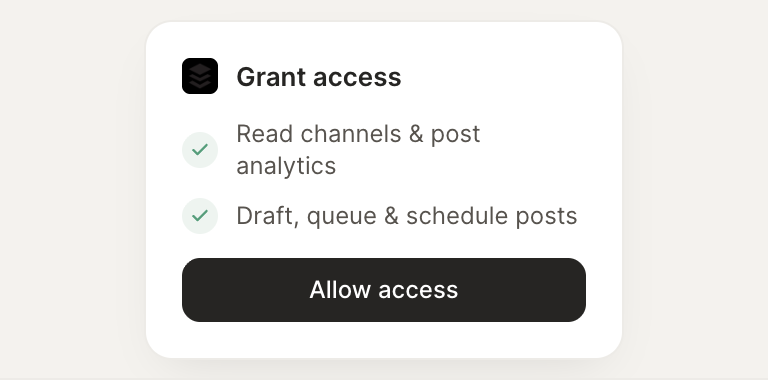
Confirm the access. Change what's granted anytime.