Connect Cal.com and your agent works with your schedule. It reads your bookings and event types, pulls who booked, and keeps you ready for every meeting.
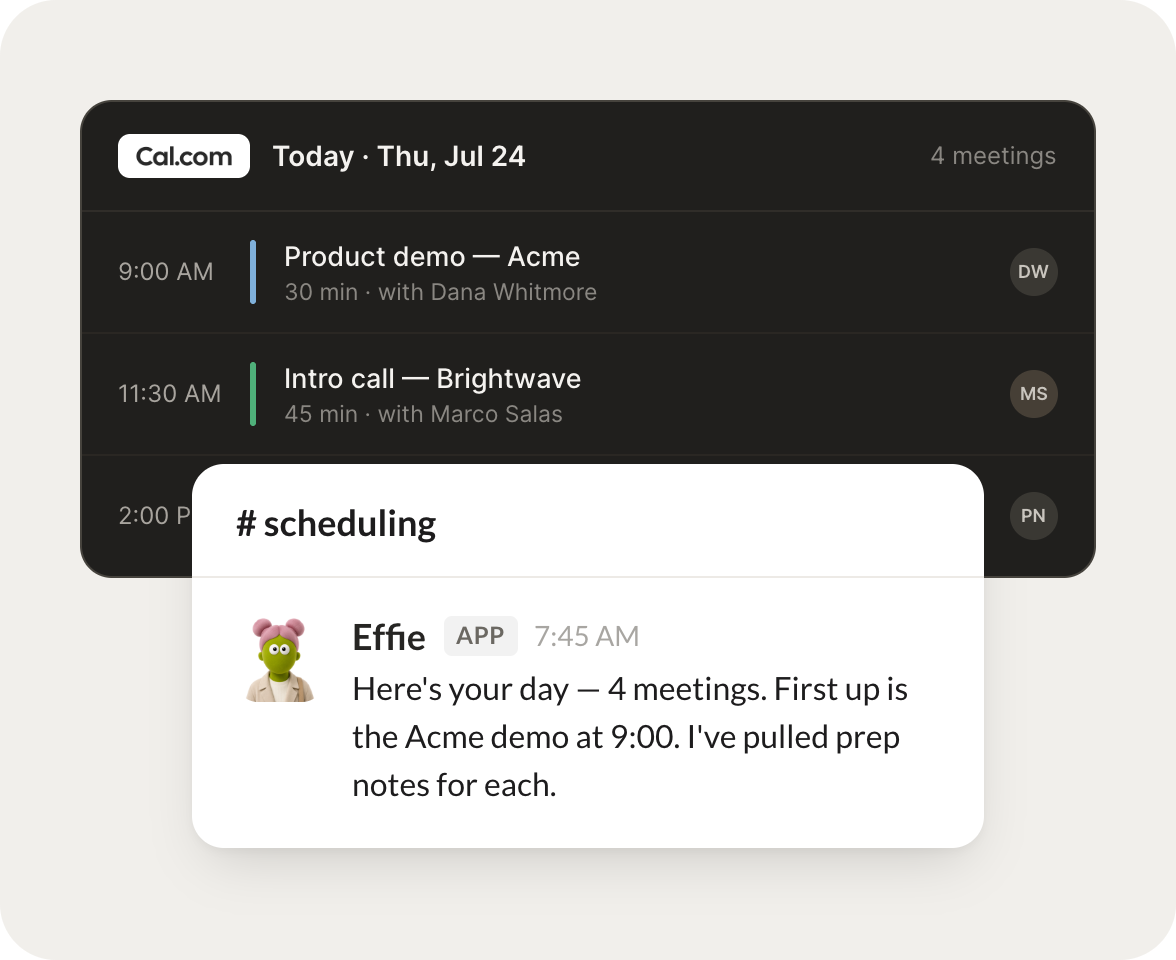
Each morning, brief me on today's Cal.com meetings and who I'm meeting.
Effie
APP
9:19 AM
On it. You have three meetings today, starting with Acme at 10 for the pilot review, then a 1:1 with Priya, and a demo at 3. I put the attendee notes at the top of each.
Rain
9:24 AM
Perfect, thanks.
#
demos
Aleena
8:31 AM
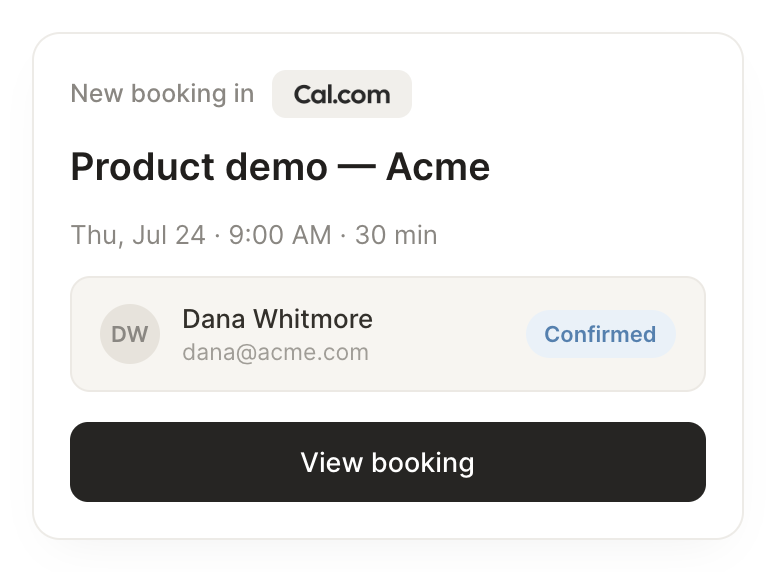
When someone books a demo, pull their details and prep me beforehand.
Addy
APP
8:32 AM
Done. Jordan from Northwind just booked the 2pm demo. They run a 40 person support team and came in from the pricing page, so I pulled their notes and drafted three talking points.
Aleena
8:38 AM
Great, that helps.
#
weekly
Dhruv
9:00 AM
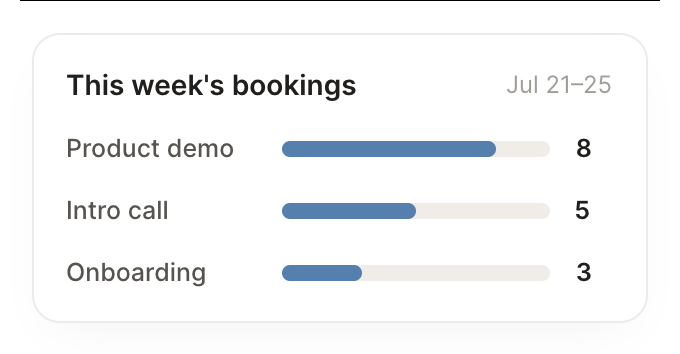
Every Friday, tell me how my week booked out.
Peony
APP
9:02 AM
Here's the week. You booked twelve meetings, five of them demos, and Thursday was your heaviest day. Two slots opened up on Friday afternoon if you want to protect them.
Dhruv
9:05 AM
Nice, let's keep Friday clear.
Live in three steps
No integration project. Connect in under a minute and your agent is working.
01
Find
Pick the integration from your agent's list, or just ask the agent to connect it.
02
Approve
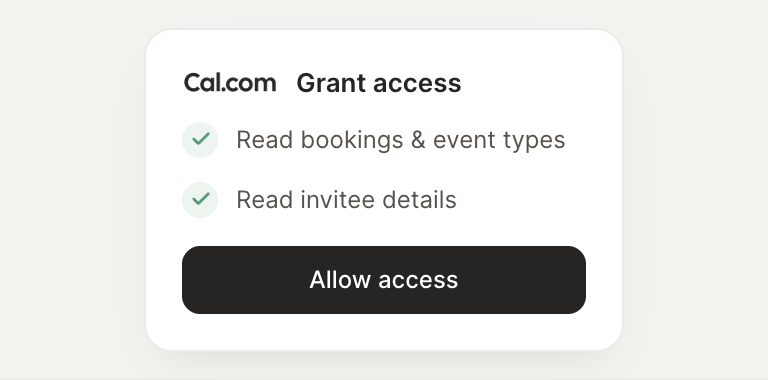
Confirm the access. Change what's granted anytime.