Product
Solutions
Enterprise
Pricing
Blog
Log in
Get Started
→
INTEGRATIONS
/
Canva
Connect Skydive agents to your Canva
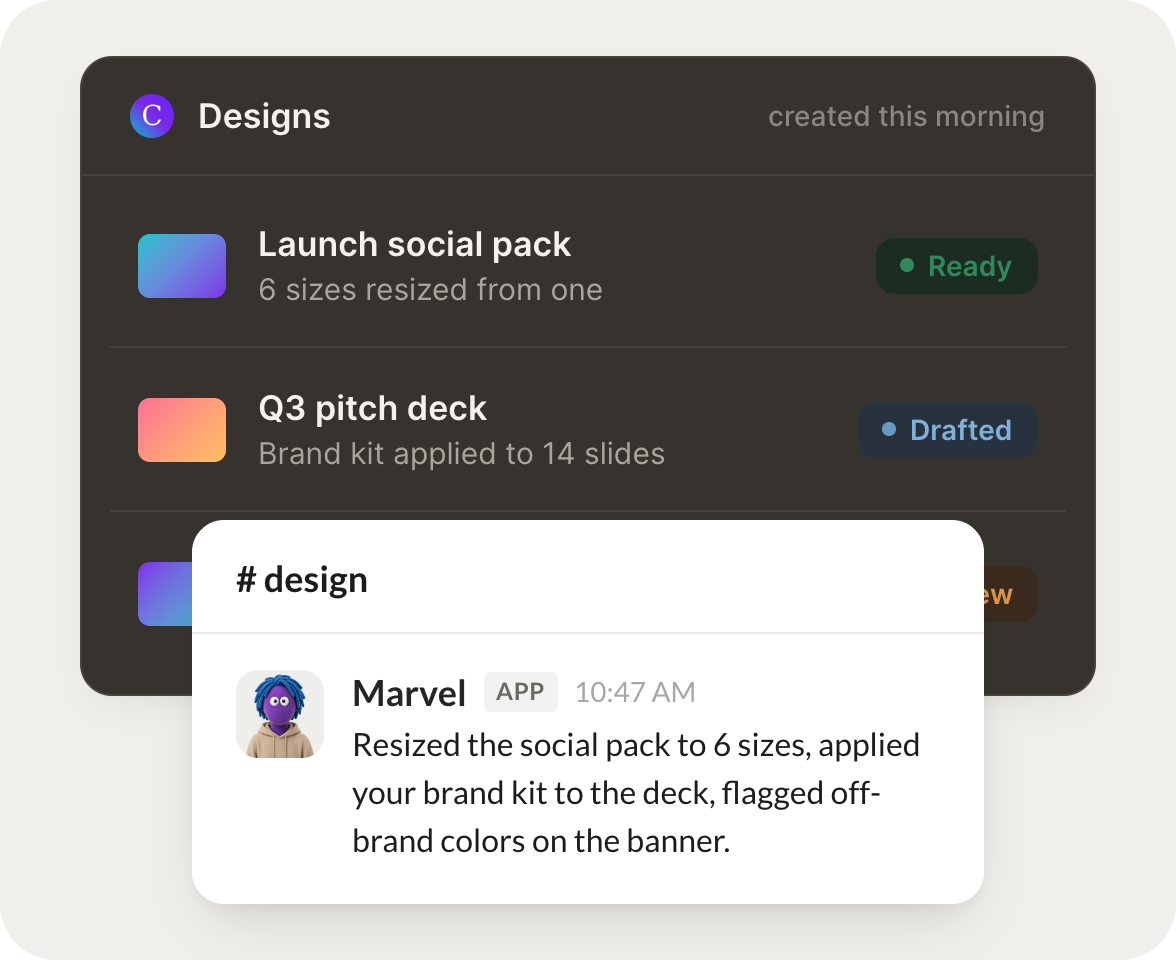
Connect Canva and your agent finds your designs, reads what is in them, and drafts new visuals from a brief. Your content stays on brand while you do the work that matters.
Connect Canva
→
Learn more
Canva, connected
Turn your Skydive agents into design teammates
One connection, and your agent finds your designs, reads what is in them, and drafts new visuals so your content is always moving.
Just ask, in plain English
Ask your agent for what you need, right where you already work. It handles the rest in Canva.
Draft a graphic
Find a design
Refresh a template
#
designs
Dhruv
9:18 AM
Draft a social graphic for this announcement from our brand template.
Marvel
APP
9:19 AM
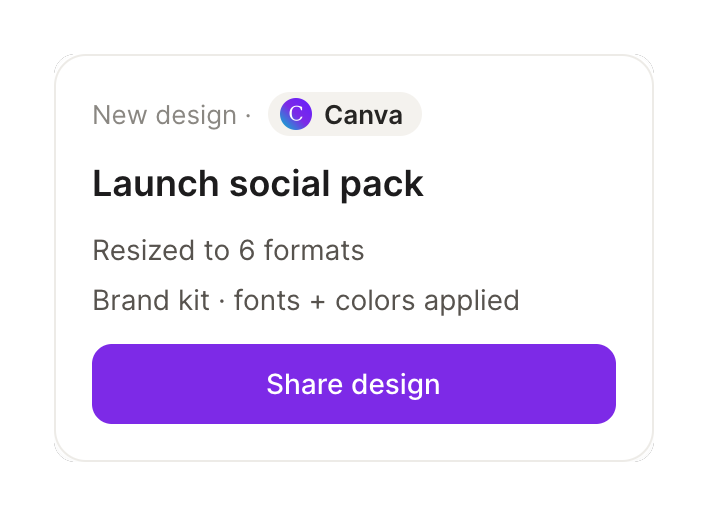
Drafted a social graphic for the announcement from your brand template, matched to your colors and fonts. It is saved as a design for your review.
Dhruv
9:24 AM
Perfect, thanks.
#
assets
James
8:31 AM
Find the deck we used for the last investor update.
Layla
APP
8:32 AM
Found it. The investor update deck from last quarter is in your Presentations folder. I pulled the link and the two variants so you can pick.
James
8:38 AM
Great, opening it now.
#
brand
Zaria
9:00 AM
Refresh this template with the new pricing and export it.
Tater
APP
9:02 AM
Refreshed the template with the new pricing, kept the layout intact, and exported a PNG and a PDF, both ready to share.
Zaria
9:05 AM
Nice, exactly what I needed.
Live in three steps
No integration project. Connect in under a minute and your agent is working.
01
Find
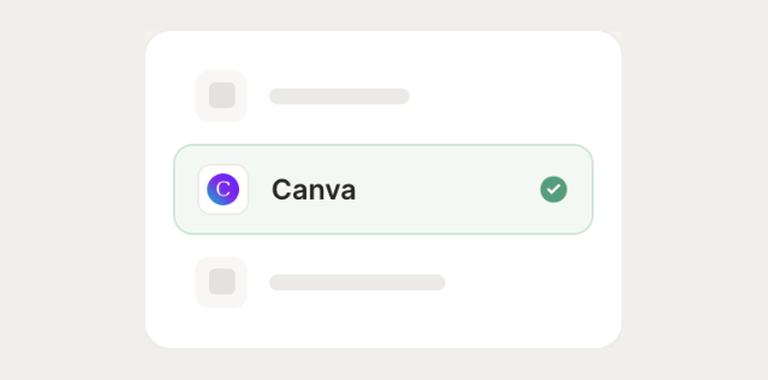
Pick the integration from your agent's list, or just ask the agent to connect it.
02
Approve
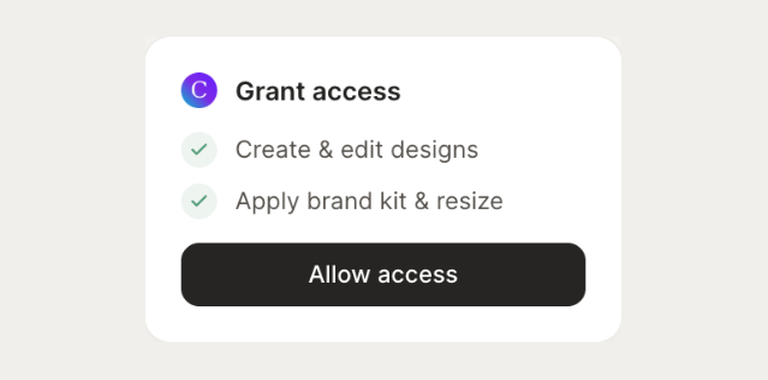
Confirm the access. Change what's granted anytime.
03
Done
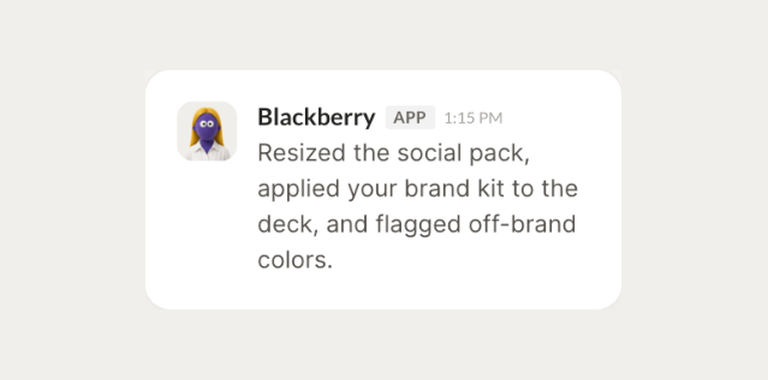
Your agent gets to work and reports back.
⇄
Connect your agent to Canva today
Connect Canva
→
Browse all integrations