Connect ClickUp and your agent reads your tasks and lists, files new work, and flags what's stuck. Your tracker stays current while you do the work that matters.
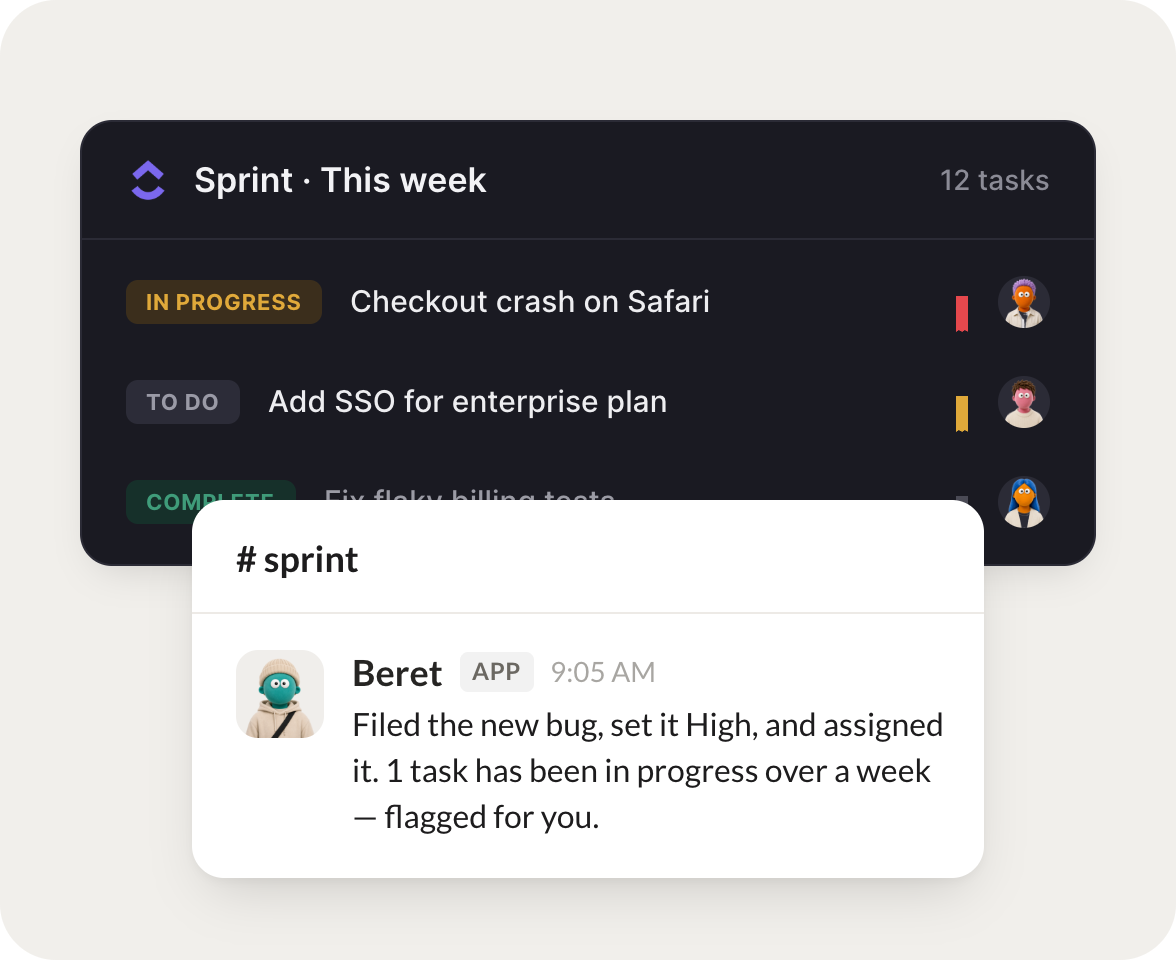
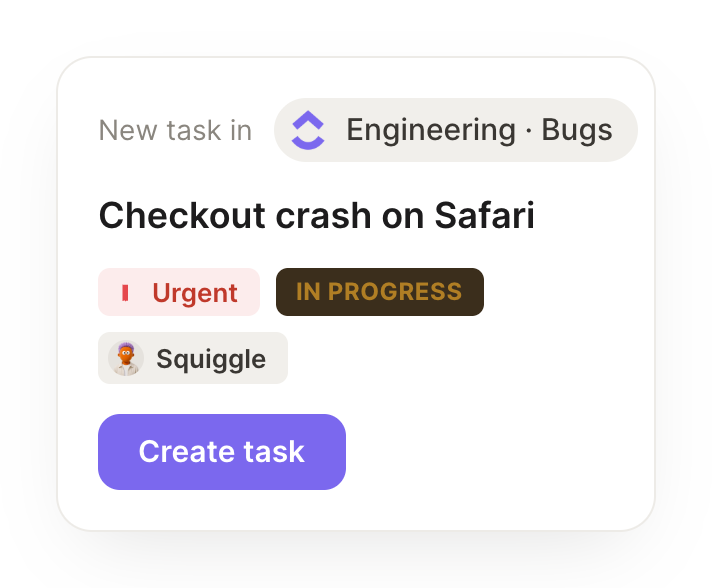
When a bug is reported, file it in the right list, set priority, and assign it.
Beret
APP
9:19 AM
Done. I filed the new bug to the right list, set it to High priority, and assigned it to the owner of that area. One task has been in progress over a week, so I flagged it for you.
Zaria
9:24 AM
Nice, thanks.
#
eng
Marcus
8:31 AM
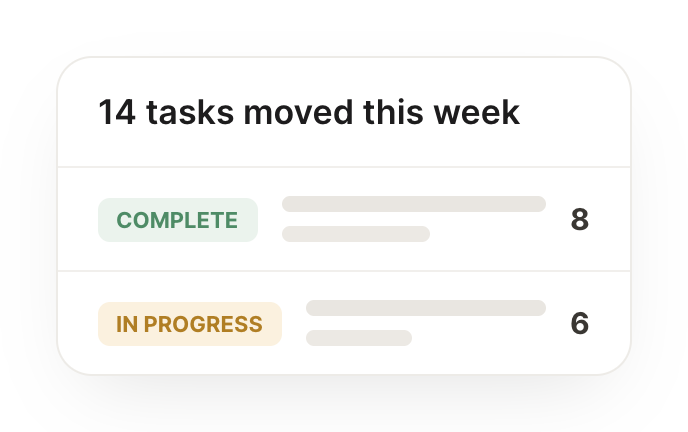
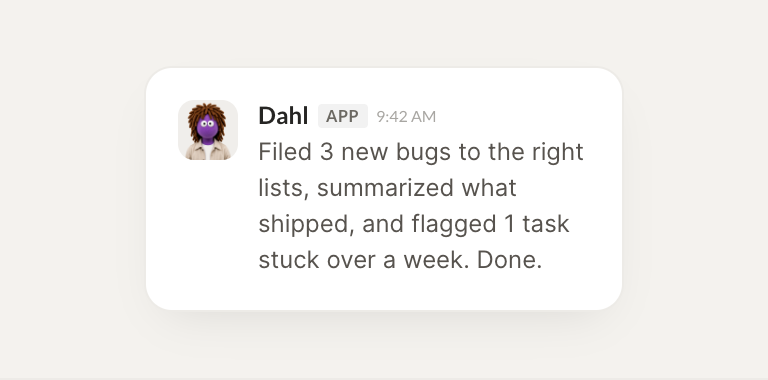
Each Friday, summarize what the team shipped and what's carrying over.
Dahl
APP
8:32 AM
Here's what the team shipped this week, plus the items carrying over into next. I grouped them by list so the Friday recap is ready to share.
Marcus
8:38 AM
Great work.
#
sprint
Brendan
9:00 AM
Flag any task that's been in progress more than a week without an update.
Roxie
APP
9:02 AM
Flagged 3 tasks that have been in progress more than a week without an update, each with a note on where it stalled, so you can nudge or reassign.
Brendan
9:05 AM
Perfect.
Live in three steps
No integration project. Connect in under a minute and your agent is working.
01
Find
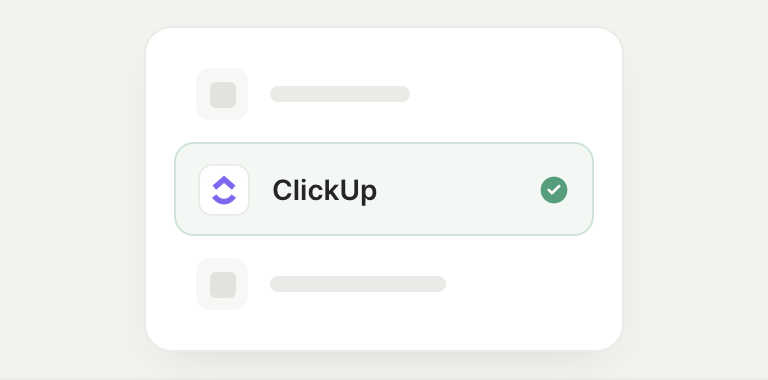
Pick the integration from your agent's list, or just ask the agent to connect it.
02
Approve
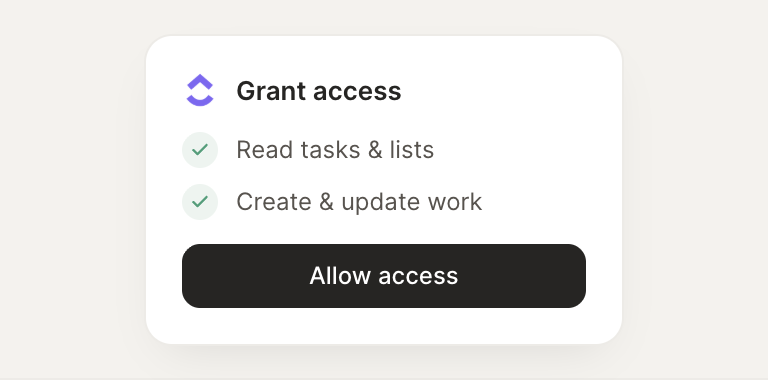
Confirm the access. Change what's granted anytime.