Connect Constant Contact and your agent reads your contacts and campaign results, then tells you what worked and who to reach next. Your marketing keeps moving while you do the work that matters.
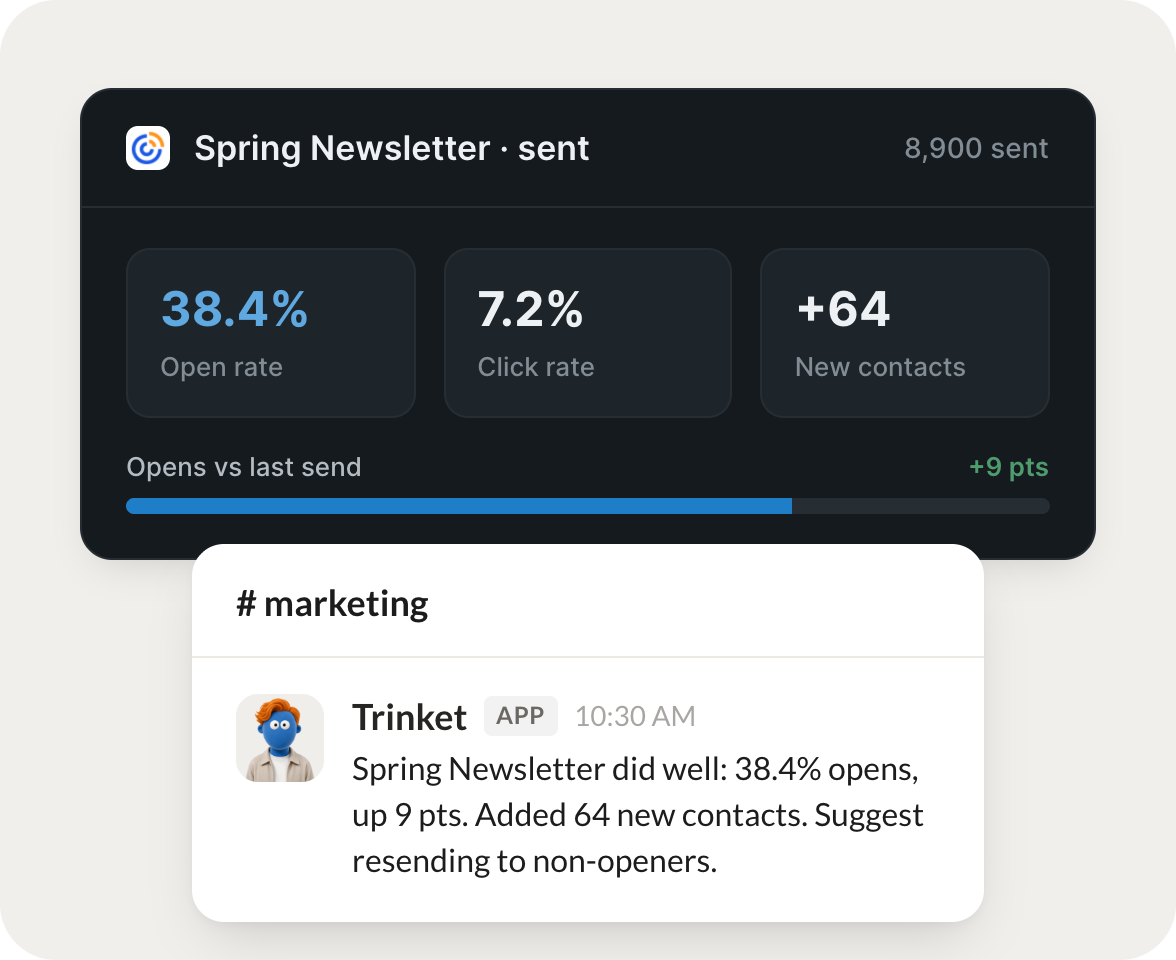
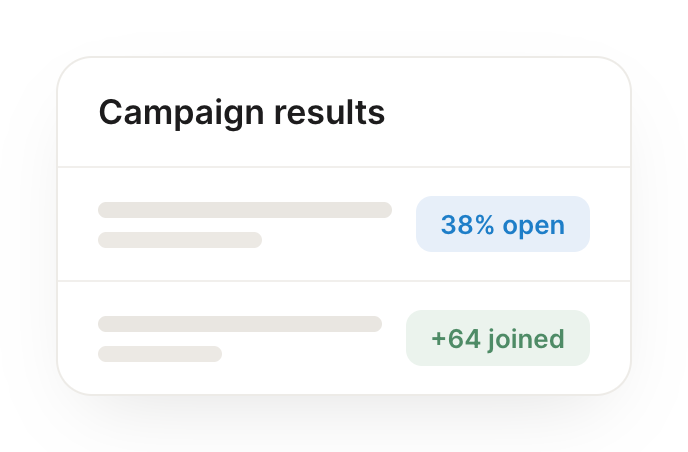
After each send, report the results and flag what to change next time.
Ice
APP
9:19 AM
Your latest send is in: a solid open rate and click rate, both above your average. The subject line looked like the driver, so I'd test a similar hook next time.
Gen
9:24 AM
Love it.
#
signups
James
8:31 AM
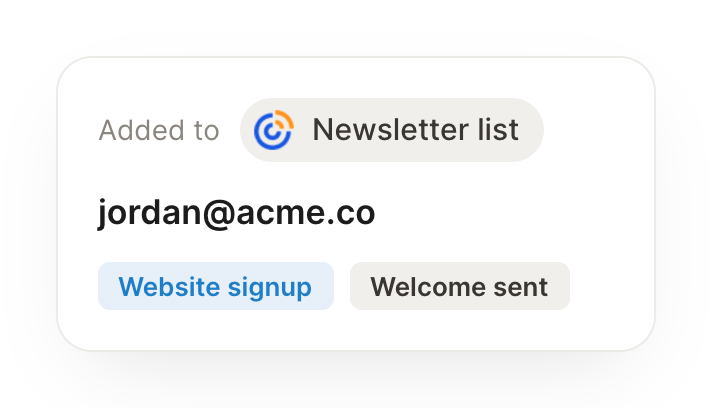
When a contact comes in from a form, add them to the right list automatically.
Trinket
APP
8:32 AM
A new contact came in from your signup form, so I added them to the right list automatically and tagged the source, keeping your segments clean.
James
8:38 AM
Perfect.
#
growth
Aleena
9:00 AM
Every Monday, tell me how my list is growing and who's disengaging.
Goji
APP
9:02 AM
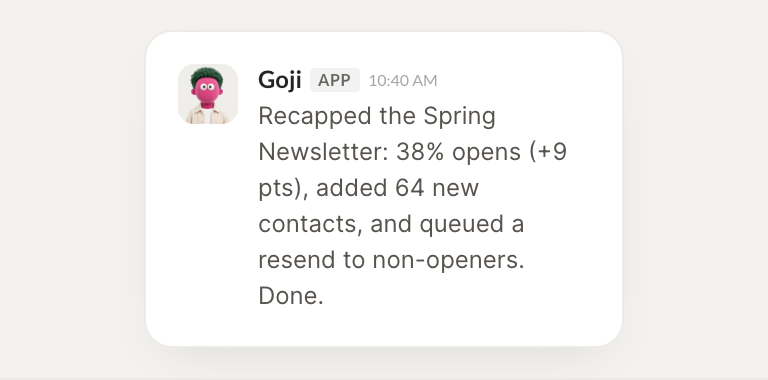
Here's your list health for the week: steady growth in new contacts, and a small group going quiet. I pulled the disengaging ones so you can plan a win-back.
Aleena
9:05 AM
Good to know.
Live in three steps
No integration project. Connect in under a minute and your agent is working.
01
Find
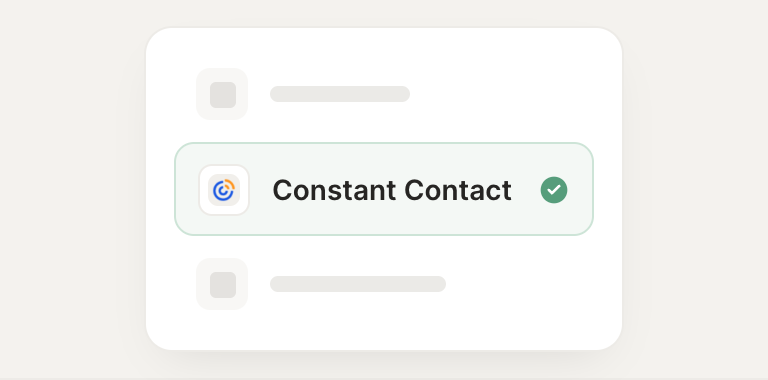
Pick the integration from your agent's list, or just ask the agent to connect it.
02
Approve
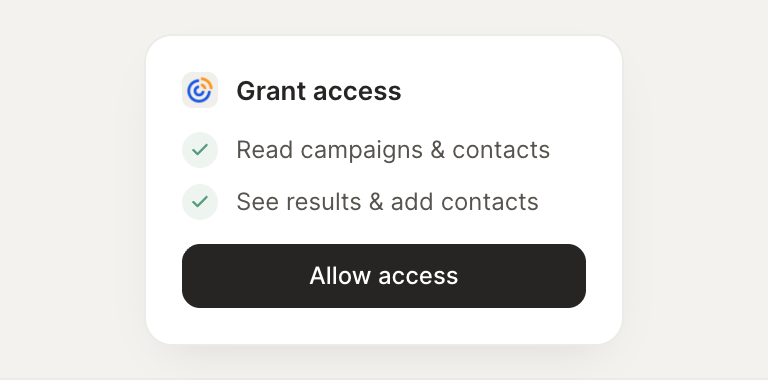
Confirm the access. Change what's granted anytime.