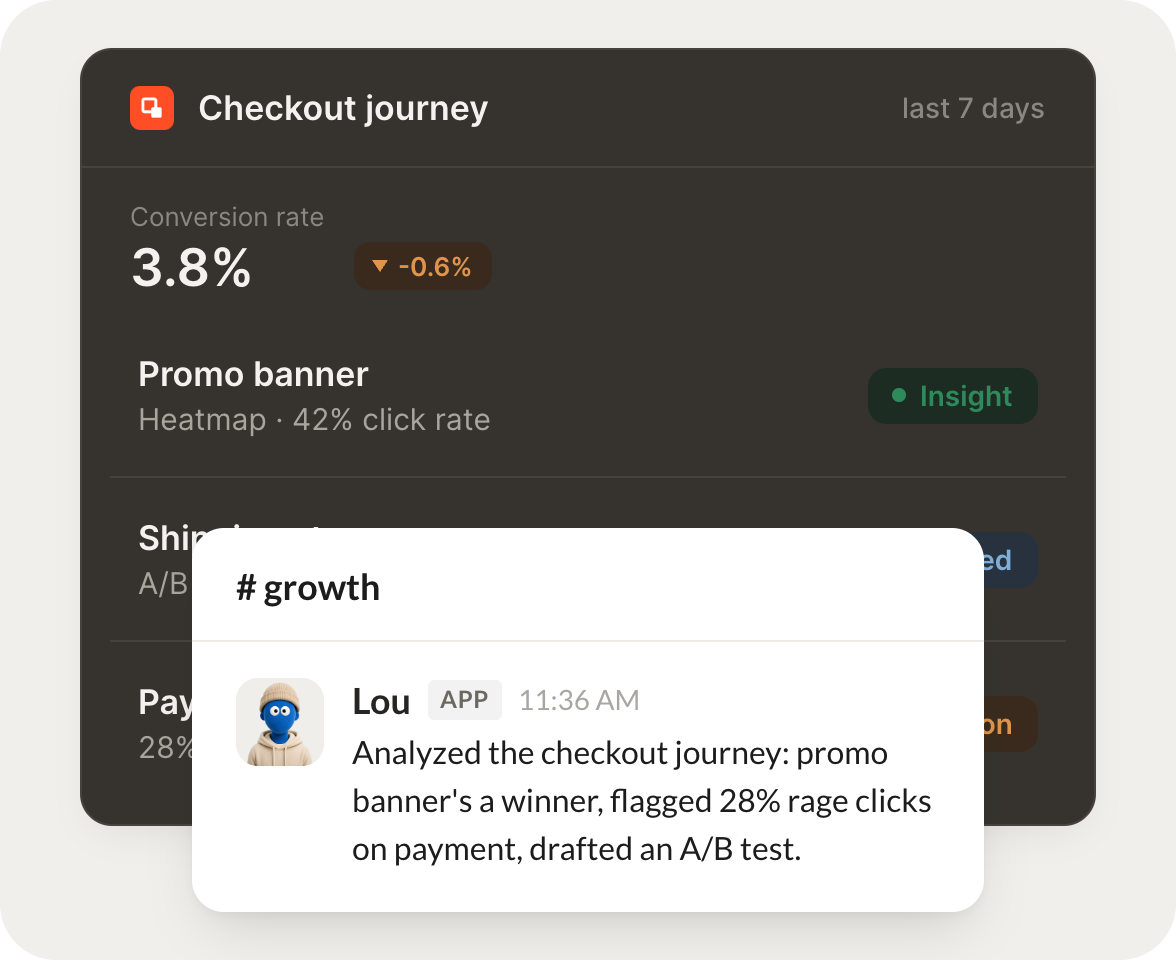
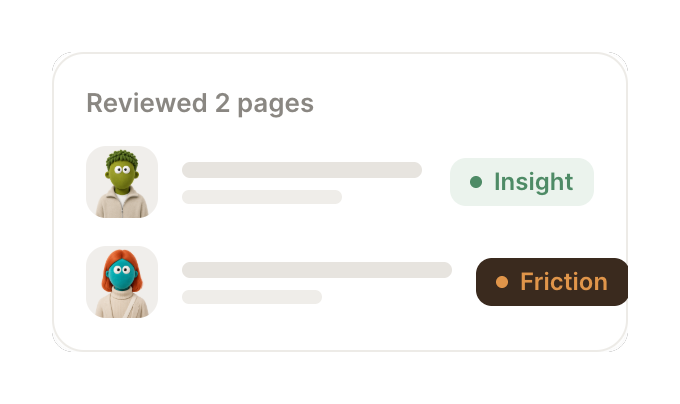
Connect Contentsquare and your agent reads your experience metrics, spots where visitors struggle, and tells you what to fix. Your site keeps improving while you do the work that matters.
Every Monday, tell me how the site experience trended and what changed.
Lou
APP
9:19 AM
Here is the week. Engagement held steady and the pricing page improved 9 percent after the layout change. Two mobile pages slipped, so I pulled them for a closer look.
Gen
9:24 AM
Good to know, thanks.
#
friction
Rain
8:31 AM
When a page starts frustrating visitors, flag it with what is going wrong.
Slippers
APP
8:32 AM
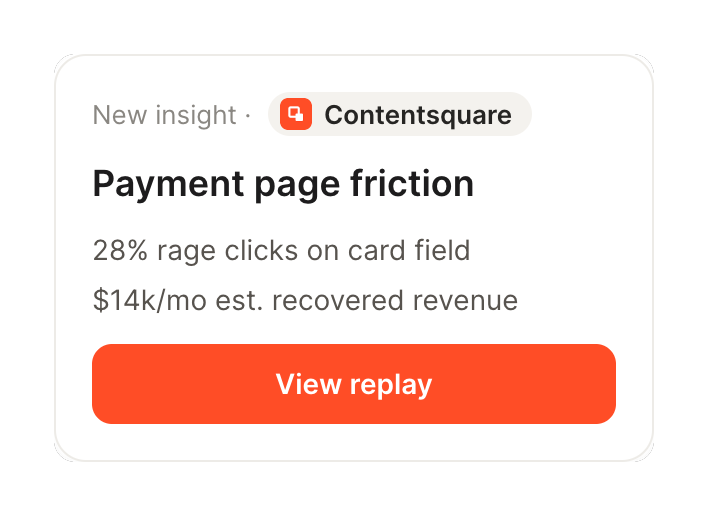
Flagged the new signup page. Visitors are rage clicking on a button that does not respond on mobile, and 14 percent abandon right there. I captured the exact step.
Rain
8:38 AM
Nice catch, fixing it.
#
journeys
Marcus
9:00 AM
Show me where people drop off in the checkout journey.
Autumn
APP
9:02 AM
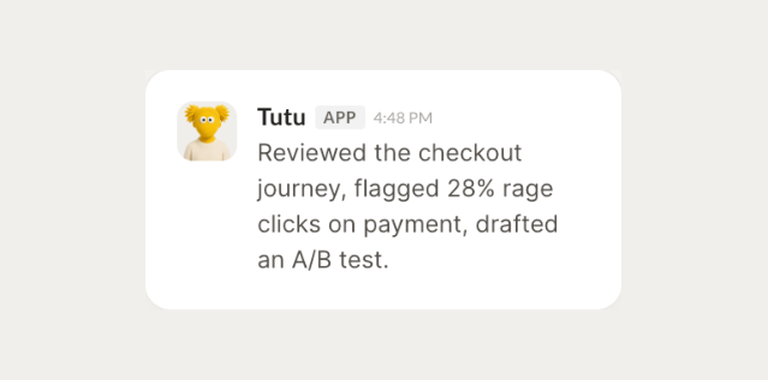
Traced the checkout journey. Most drop off happens at the shipping step where the form errors out. I laid out the path and where each visitor left so you can fix the worst point first.
Marcus
9:05 AM
Really helpful.
Live in three steps
No integration project. Connect in under a minute and your agent is working.
01
Find
Pick the integration from your agent's list, or just ask the agent to connect it.
02
Approve
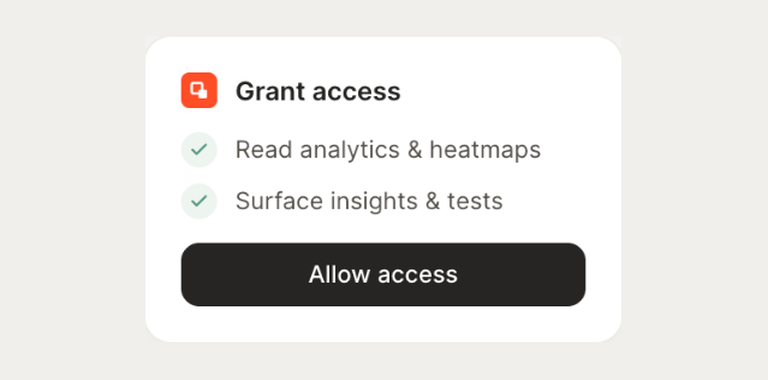
Confirm the access. Change what's granted anytime.