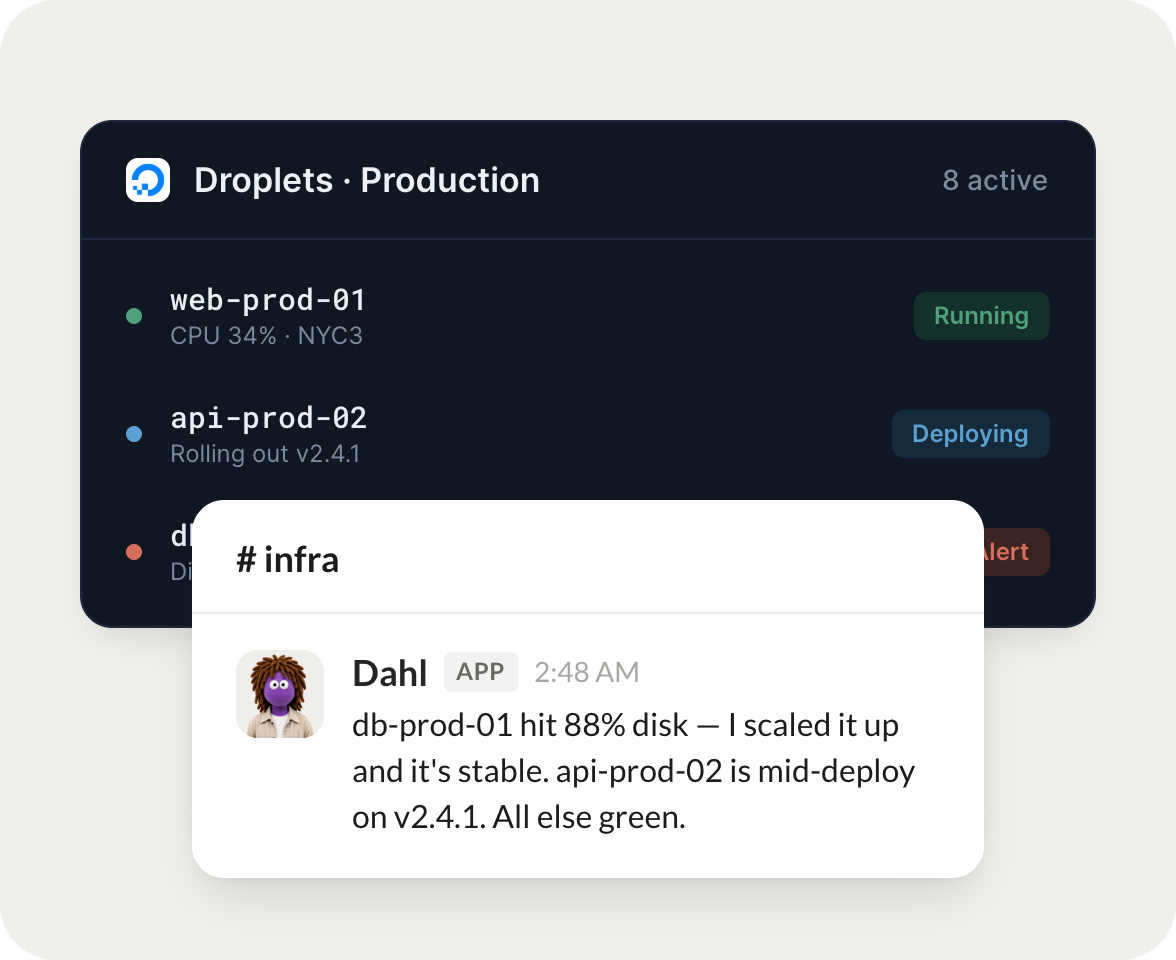
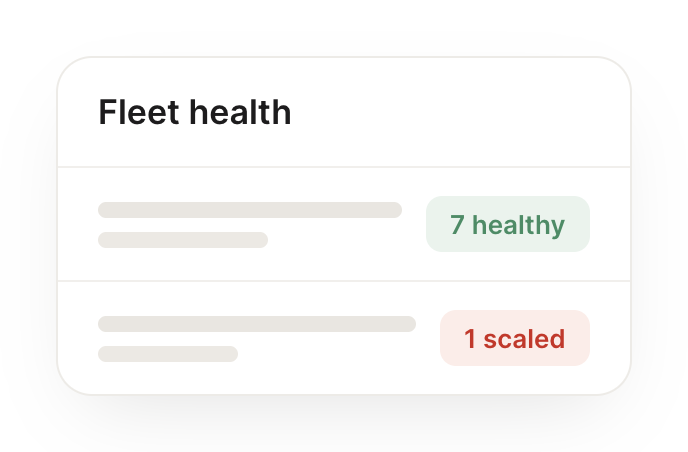
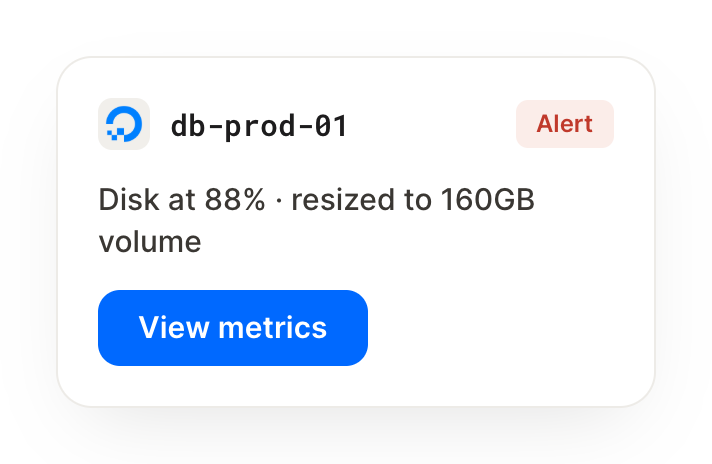
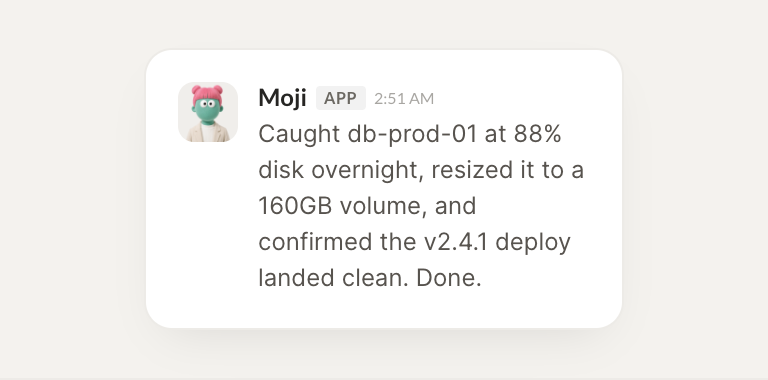
Connect DigitalOcean and your agent reads your Droplets, databases, and resource status, then surfaces anything unhealthy. You stay on top of your infrastructure without watching dashboards.
Checked all your Droplets. 6 are running healthy and 1 in nyc3 has been reporting high CPU for the last hour. I pulled its metrics so you can decide whether to resize.
Dhruv
9:24 AM
Thanks.
#
status
Josh
8:31 AM
Every morning, flag any resource that looks unhealthy.
Moji
APP
8:32 AM
Set up the morning sweep. Today everything is healthy except one managed database nearing its storage limit, so I flagged it with the current usage and the headroom left.
Josh
8:38 AM
Good catch.
#
costs
Vento
9:00 AM
Summarize my current DigitalOcean footprint and costs.
Diesel
APP
9:02 AM
Here's your footprint: 7 Droplets, 2 managed databases, and 3 volumes across two regions. I summarized the running resources and where the spend is concentrated so you can trim what sits idle.
Vento
9:05 AM
Very helpful.
Live in three steps
No integration project. Connect in under a minute and your agent is working.
01
Find
Pick the integration from your agent's list, or just ask the agent to connect it.
02
Approve
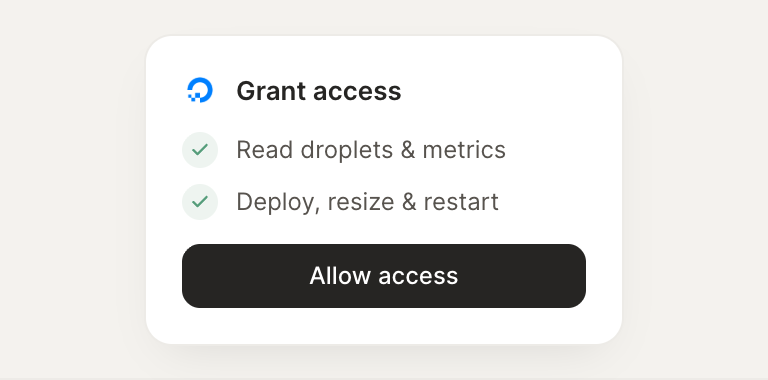
Confirm the access. Change what's granted anytime.