Product
Solutions
Enterprise
Pricing
Blog
Log in
Get Started
→
INTEGRATIONS
/
Discord
Connect Skydive agents to your Discord
Connect Discord and your agent reads the channels you share, recaps activity, and posts replies. Your community stays looked after while you do the work that matters.
Connect Discord
→
Learn more
Discord, connected
Turn your Skydive agents into community managers
One connection, and your agent reads your channels, recaps activity, answers common questions, and flags what needs you.
Just ask, in plain English
Ask your agent for what you need, right where you already work. It handles the rest in Discord.
Overnight recap
Common questions
Urgent watch
#
community
Aleena
9:18 AM
Every morning, summarize what happened in our community overnight and flag what needs a reply.
Posey
APP
9:19 AM
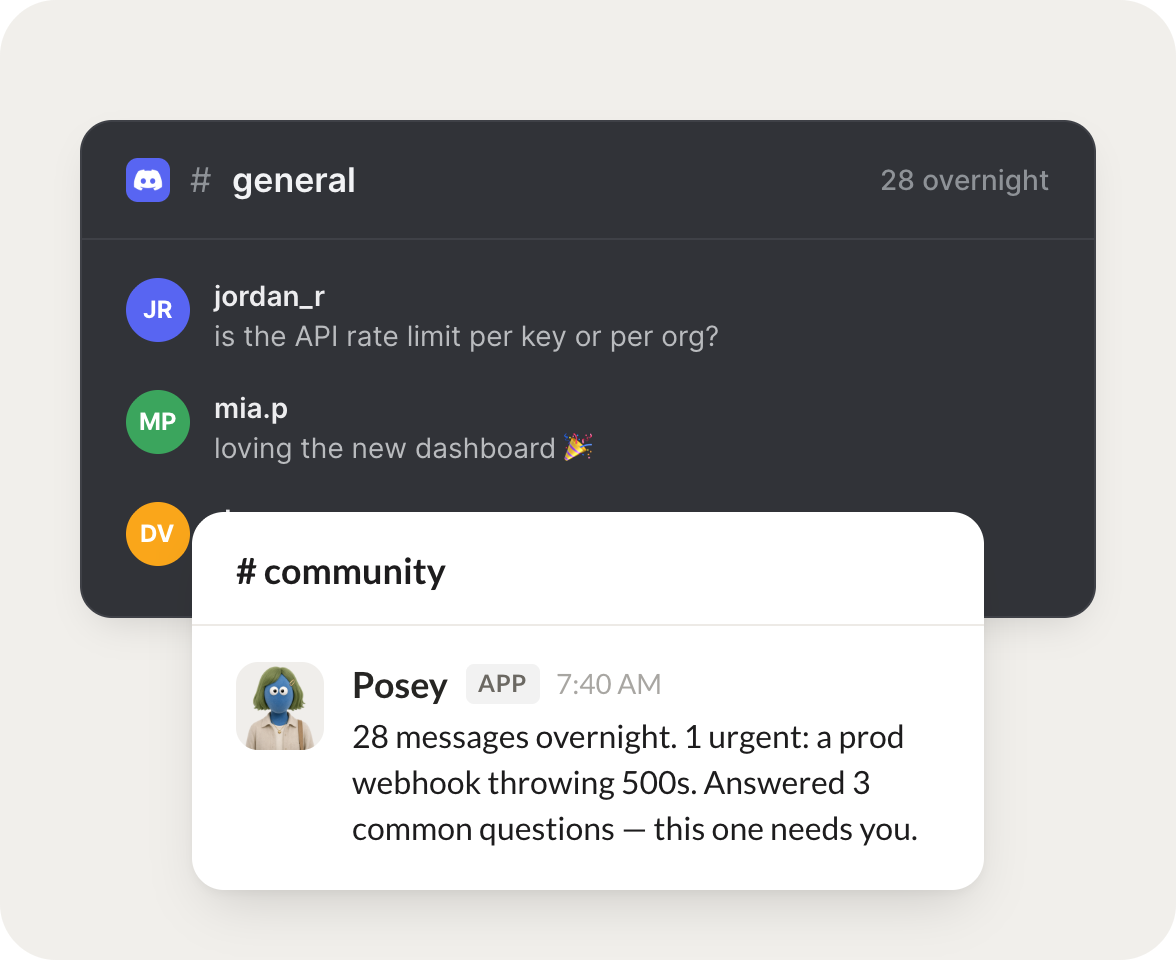
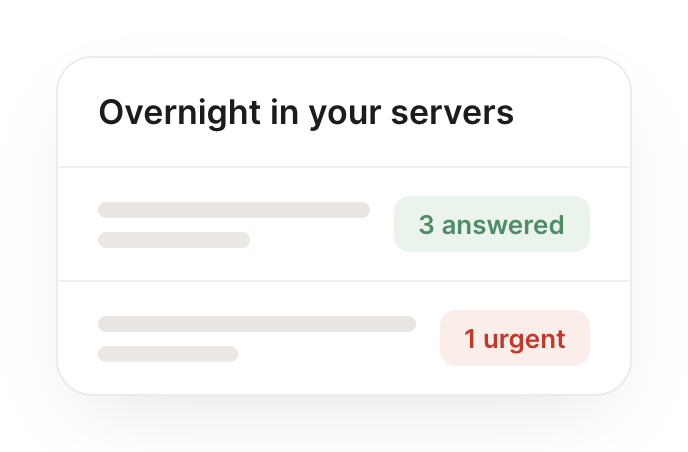
Recapped the 28 messages from overnight, answered 3 common questions, and flagged one urgent item: a prod webhook throwing 500s that needs you.
Aleena
9:24 AM
Perfect, thanks.
#
community
Josh
8:31 AM
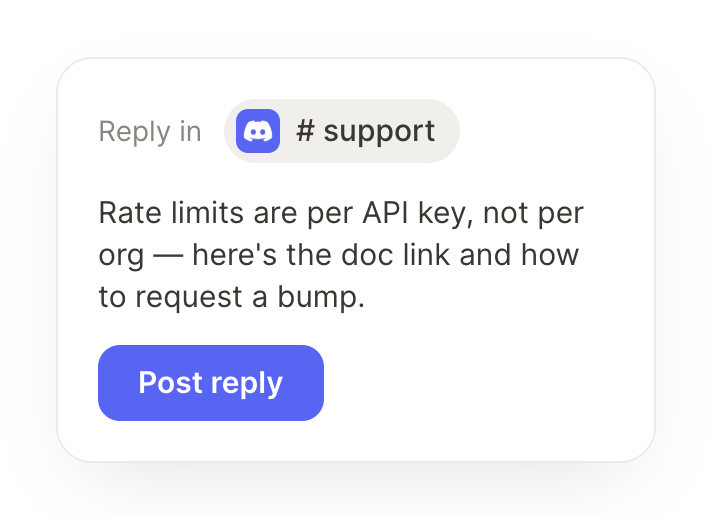
When someone asks a common question, post the answer and tag me if it's new.
Elowen
APP
8:32 AM
Someone asked a question we get a lot, so I posted the answer. It was slightly new, so I've tagged you in case you want to add anything.
Josh
8:38 AM
Great call.
#
support
Zaria
9:00 AM
Watch for anything urgent in #support and DM me right away.
Berry
APP
9:02 AM
Watching #support now. The moment anything urgent lands I'll DM you right away with the details so nothing slips overnight.
Zaria
9:05 AM
Sounds good.
Live in three steps
No integration project. Connect in under a minute and your agent is working.
01
Find
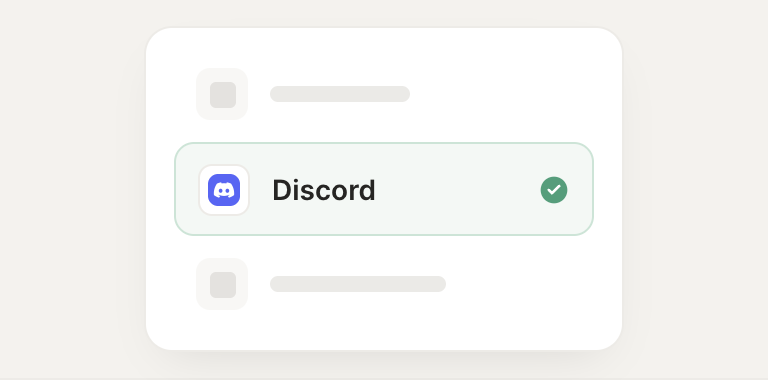
Pick the integration from your agent's list, or just ask the agent to connect it.
02
Approve
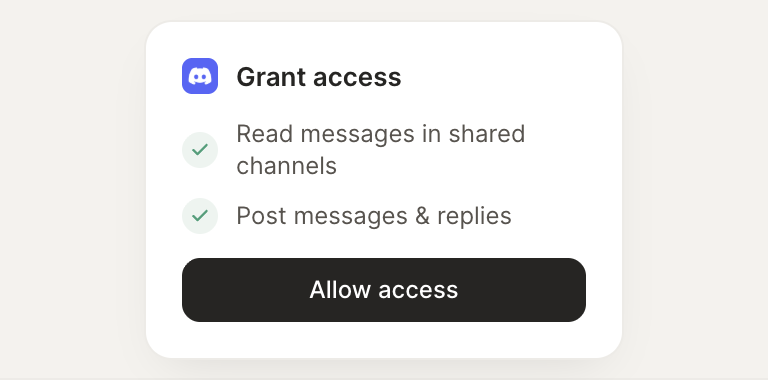
Confirm the access. Change what's granted anytime.
03
Done
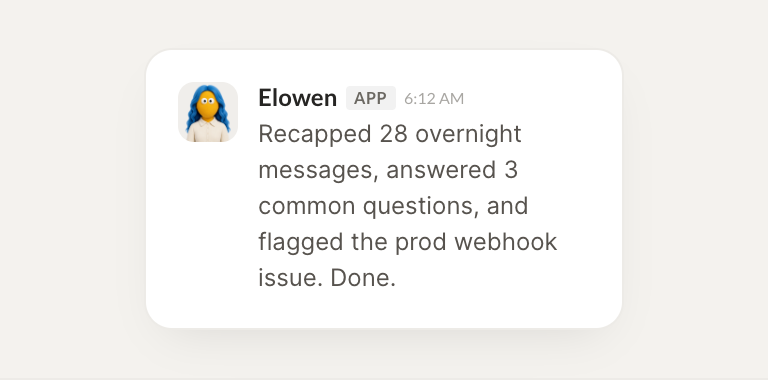
Your agent gets to work and reports back.
⇄
Connect your agent to Discord today
Connect Discord
→
Browse all integrations