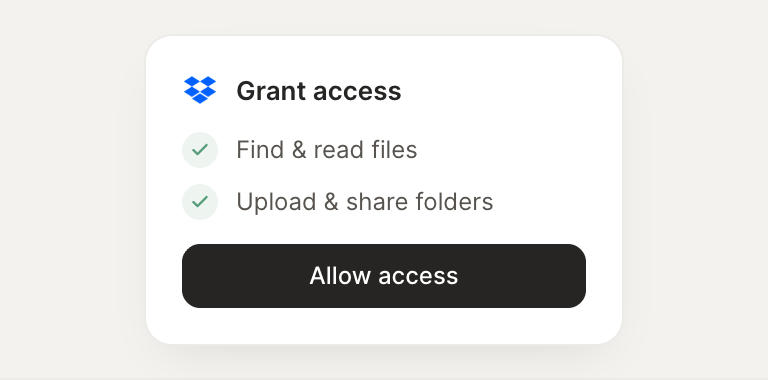
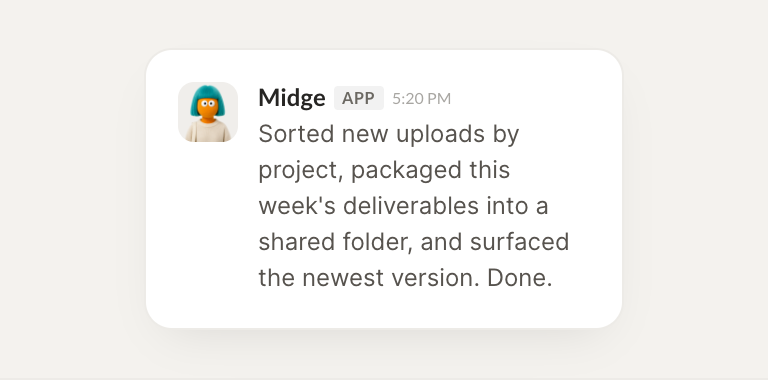
Connect Dropbox and your agent finds, reads, and files your documents, sorting new uploads where they belong. Your files stay organized while you do the work that matters.
When a client uploads assets, sort them into the right project folder automatically.
Paisley
APP
9:19 AM
Done. The client's new uploads are sorted into the right project folders automatically, named consistently so you can find them later without digging.
Vento
9:24 AM
Perfect.
#
delivery
Zaria
8:31 AM
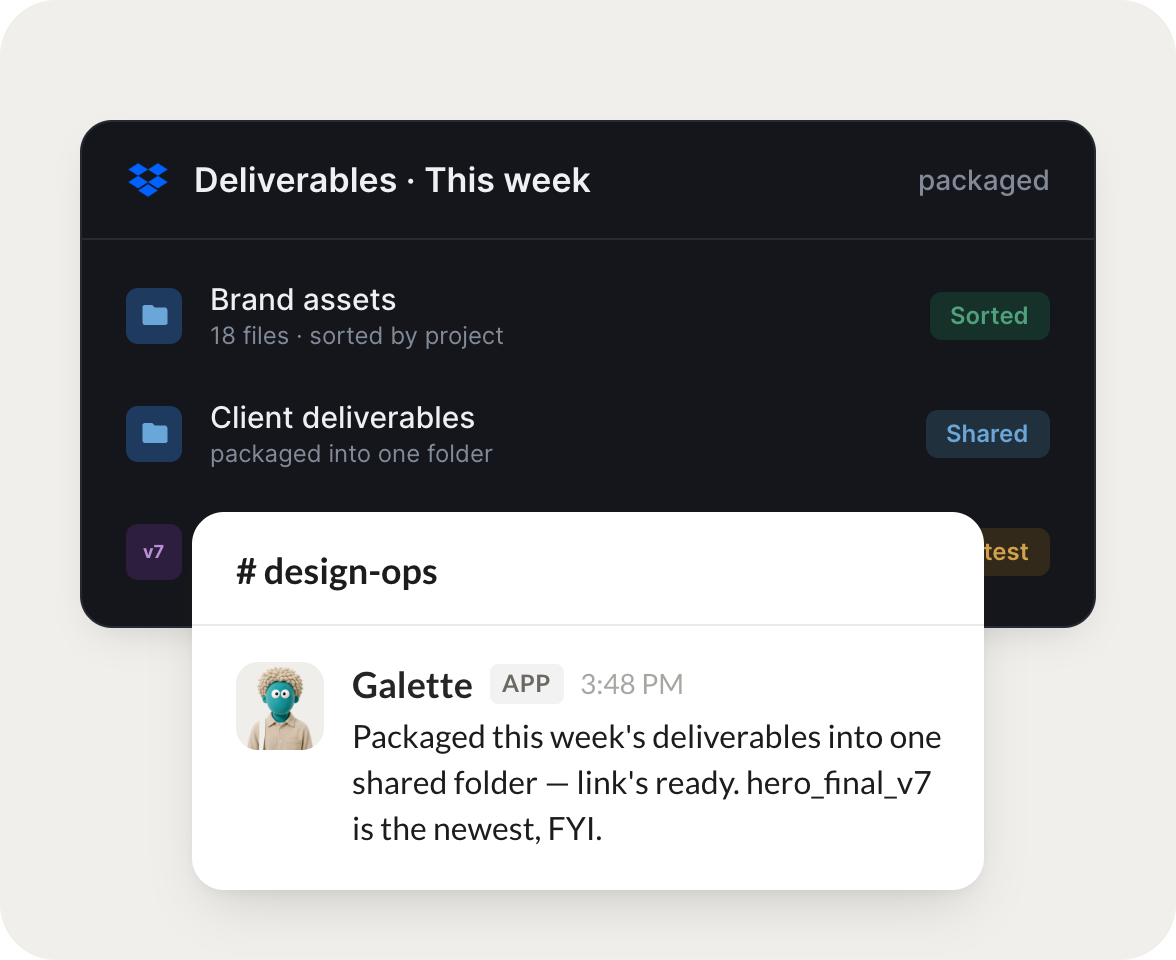
Each Friday, package the week's deliverables into one shared folder and send me the link.
Reef
APP
8:32 AM
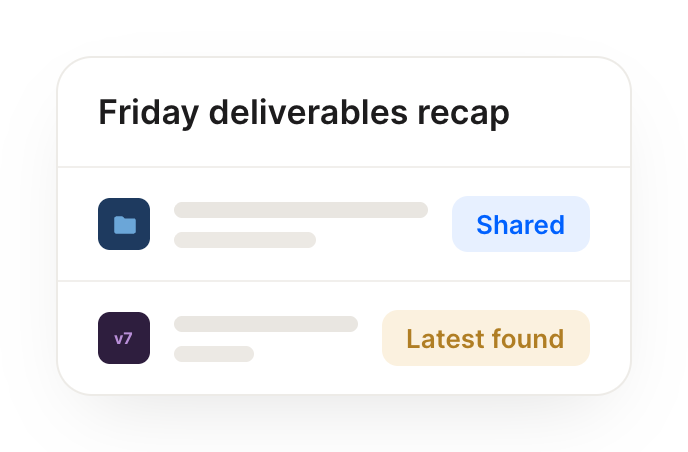
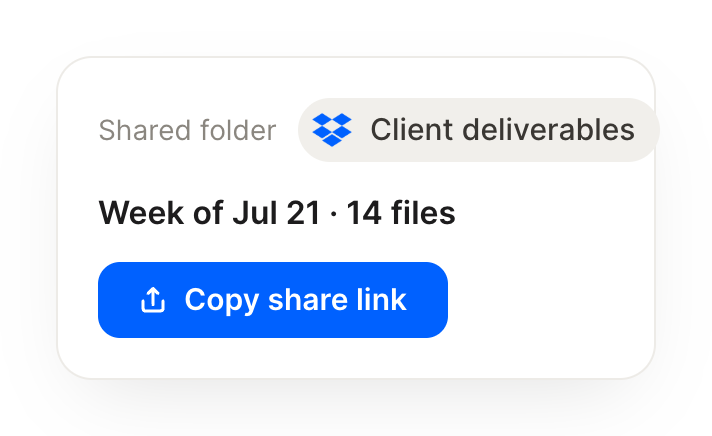
It's Friday, so I packaged this week's deliverables into one shared folder. Here's the link, ready to hand off to the client.
Zaria
8:38 AM
Thanks, sending it.
#
files
Dylan
9:00 AM
Find the latest version of every file with "final" in the name and tell me which is actually newest.
Rio
APP
9:02 AM
Checked every file with 'final' in the name. Three are close, but the one actually newest is the v3 from yesterday. I flagged the older two so nobody grabs the wrong file.
Dylan
9:05 AM
Good catch.
Live in three steps
No integration project. Connect in under a minute and your agent is working.
01
Find
Pick the integration from your agent's list, or just ask the agent to connect it.
02
Approve
Confirm the access. Change what's granted anytime.