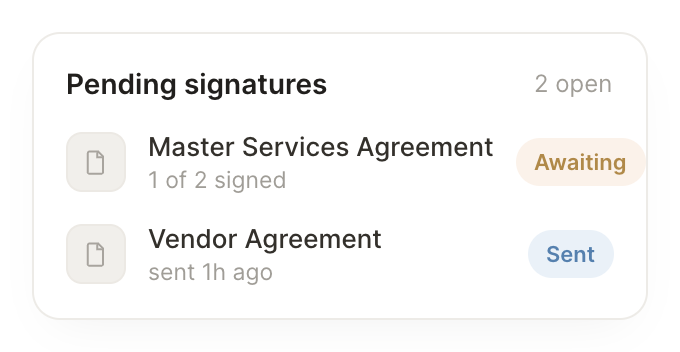
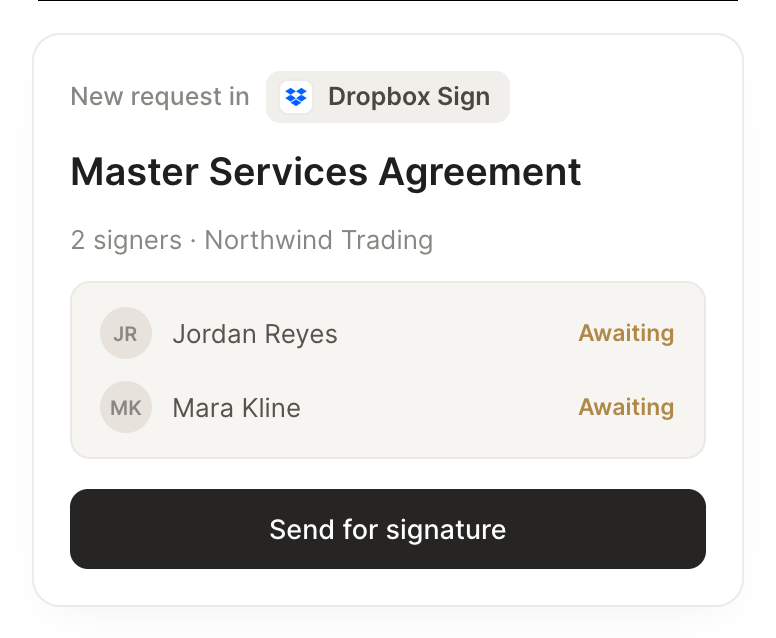
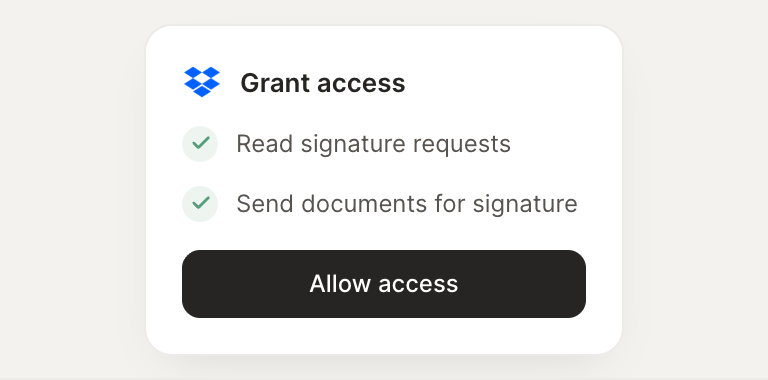
Connect Dropbox Sign and your agent works with your e-signatures. It reads signature requests, tracks what is pending, and sends documents out to sign.
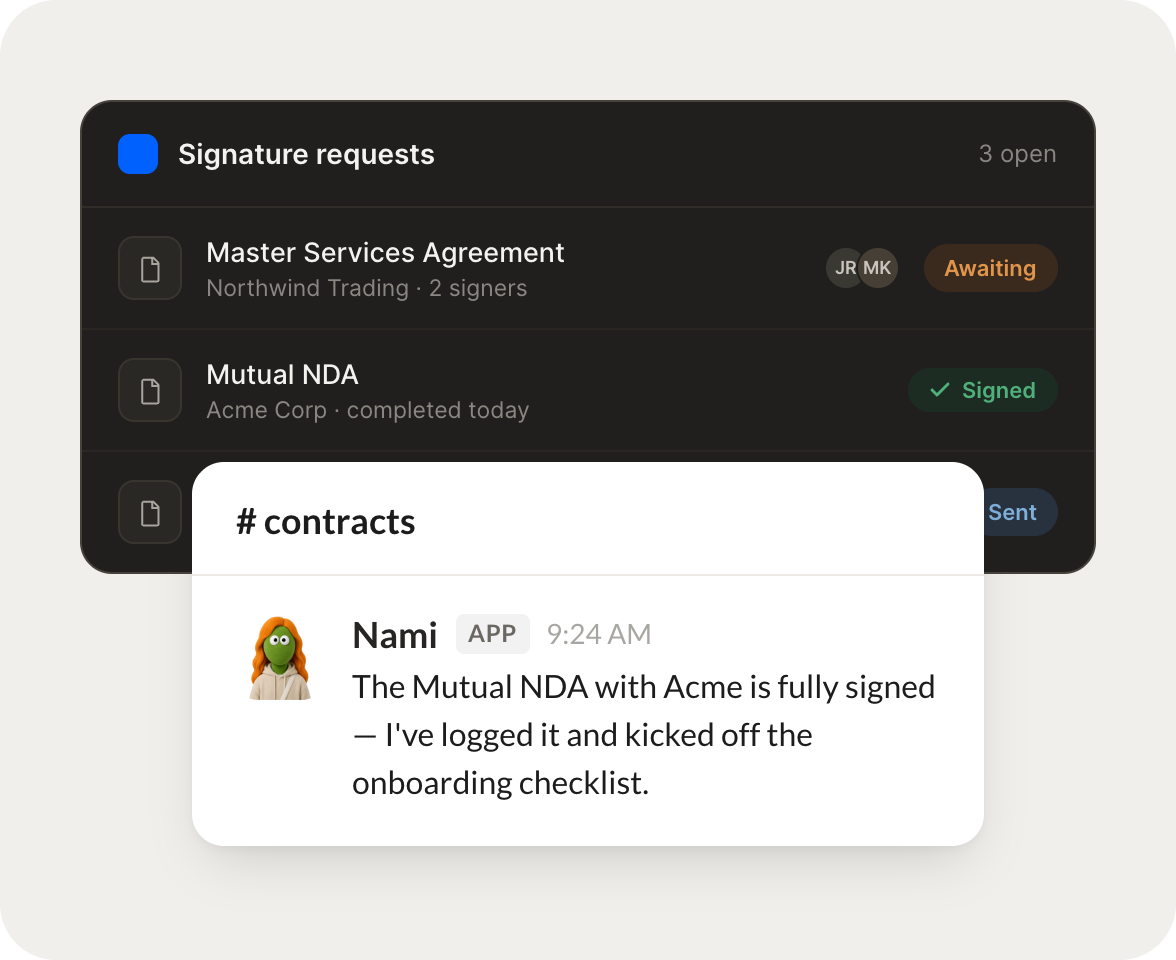
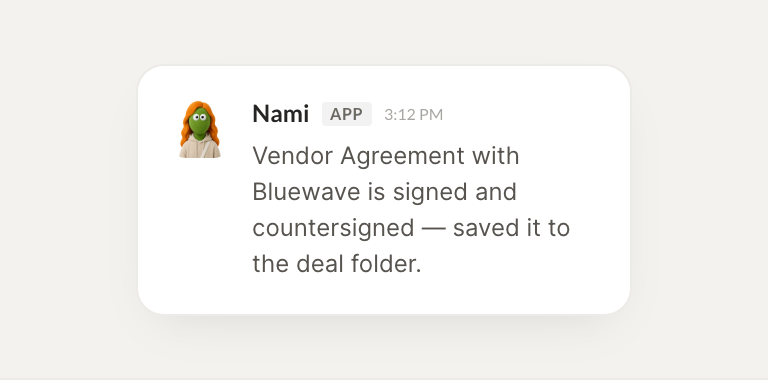
The moment a contract is fully signed, log it and kick off the onboarding checklist.
Nami
APP
9:19 AM
Done. The Acme contract came back fully signed at 9:14, so I logged it to the deal record and kicked off the onboarding checklist. The kickoff task is already assigned to the success team.
Gen
9:24 AM
Perfect, that saves a step.
#
pending
Marcus
8:31 AM
Every morning, tell me which signature requests have gone quiet for more than two days.
Coffee
APP
8:32 AM
Here's the morning. Three requests have gone quiet for more than two days, the biggest being the Northwind MSA sitting with their legal team. I drafted a gentle nudge for each if you want to send them.
Marcus
8:38 AM
Yes, send the nudges.
#
signing
Brendan
9:00 AM
Send this agreement for signature and ping me when it's done.
Lilly
APP
9:02 AM
Sent. The agreement went out to Priya for signature a moment ago, and I'll ping you the second it comes back. I set a two day reminder in case it stalls.
Brendan
9:05 AM
Great, thanks.
Live in three steps
No integration project. Connect in under a minute and your agent is working.
01
Find
Pick the integration from your agent's list, or just ask the agent to connect it.
02
Approve
Confirm the access. Change what's granted anytime.