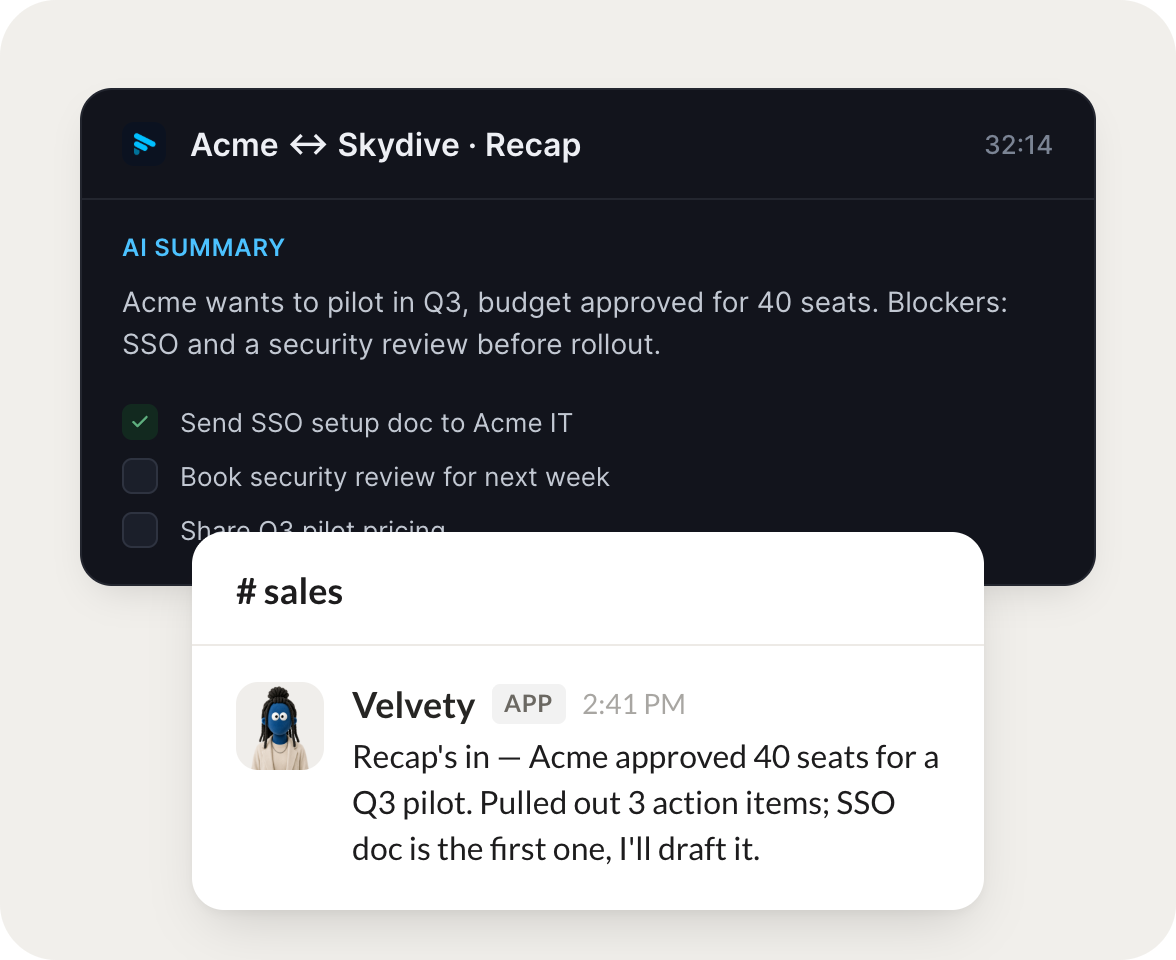
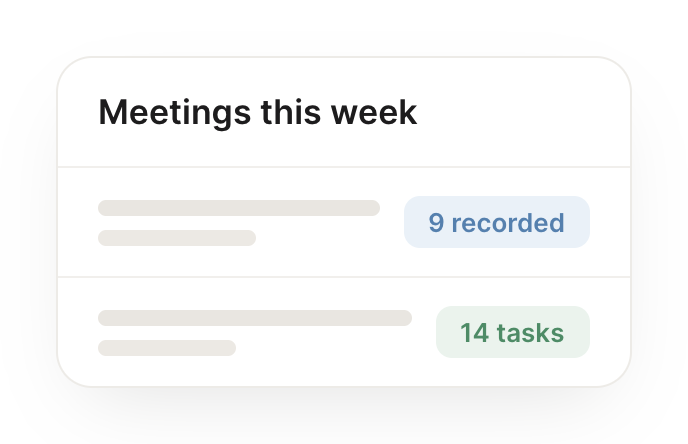
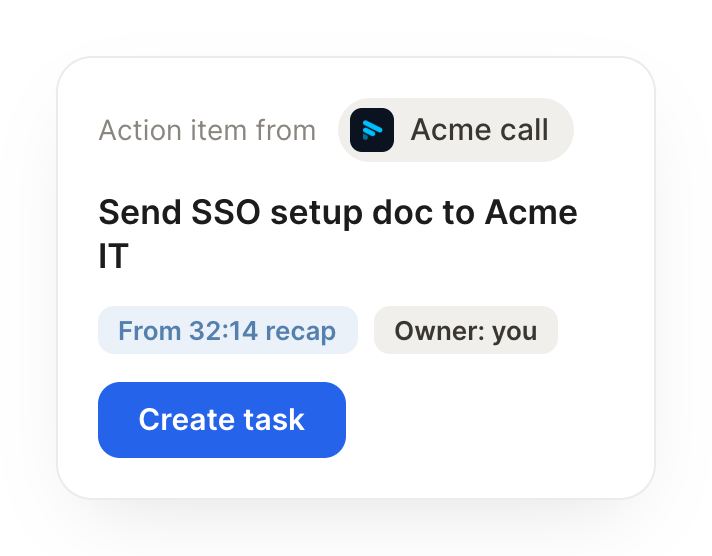
After each customer call, pull the Fathom summary and file the action items in Linear.
Velvety
APP
9:19 AM
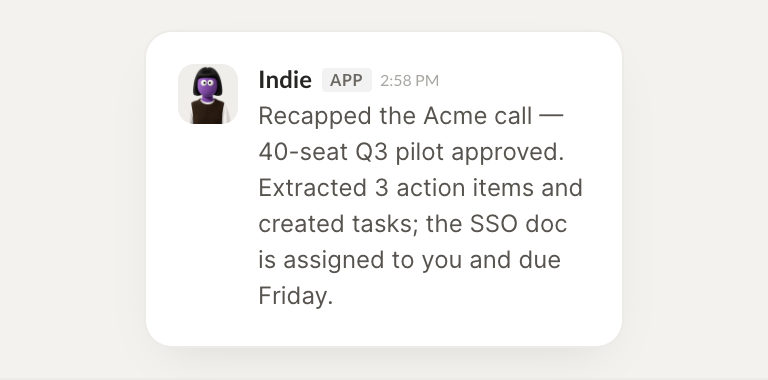
Recap is in. Acme approved 40 seats for a Q3 pilot. I pulled 3 action items from the Fathom summary and filed them in Linear, starting with the SSO setup doc.
Leo
9:24 AM
Great, I will take the SSO doc.
#
recaps
Rain
8:31 AM
Get the transcript from yesterday's design review and draft a recap for the team.
Indie
APP
8:32 AM
Read the full transcript from yesterday's design review and drafted a clean recap for the team. It covers the decisions, open questions, and owners, ready to send.
Rain
8:38 AM
Thanks, sending it now.
#
research
Vento
9:00 AM
List meetings from this week that mention pricing and pull the relevant clips.
Pink
APP
9:02 AM
Found 4 meetings this week that mention pricing and pulled the relevant clips with timestamps, so you can jump straight to each moment.
Vento
9:05 AM
Perfect, that saves me a rewatch.
Live in three steps
No integration project. Connect in under a minute and your agent is working.
01
Find
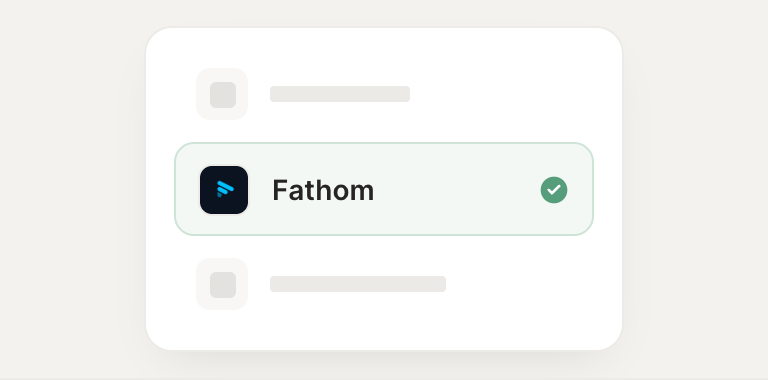
Pick the integration from your agent's list, or just ask the agent to connect it.
02
Approve
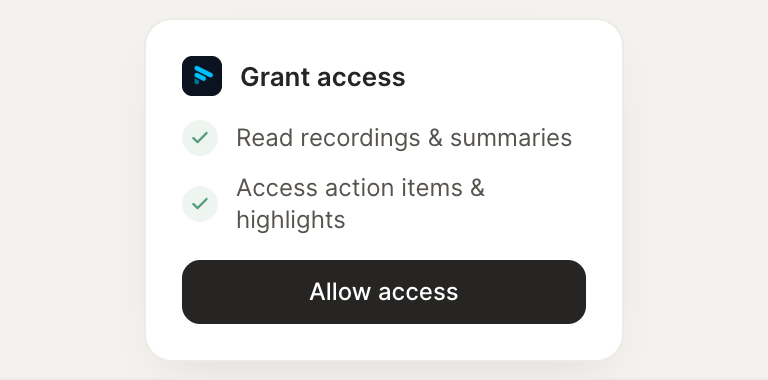
Confirm the access. Change what's granted anytime.