Product
Solutions
Enterprise
Pricing
Blog
Log in
Get Started
→
INTEGRATIONS
/
Flagsmith
Flagsmith rollouts, handled in chat
Your agent reads your feature flags, tracks which are on per environment, and reports rollout progress so releases stay in view.
Connect Flagsmith
→
Learn more
Flagsmith, connected
Every flag, in plain sight
Ask which flags are live in production or how a rollout is going and the agent has it from Flagsmith.
Just ask, in plain English
Just ask, and the agent handles the rest in Flagsmith.
Flag status
Rollout watch
Release recap
#
eng
Gen
9:18 AM
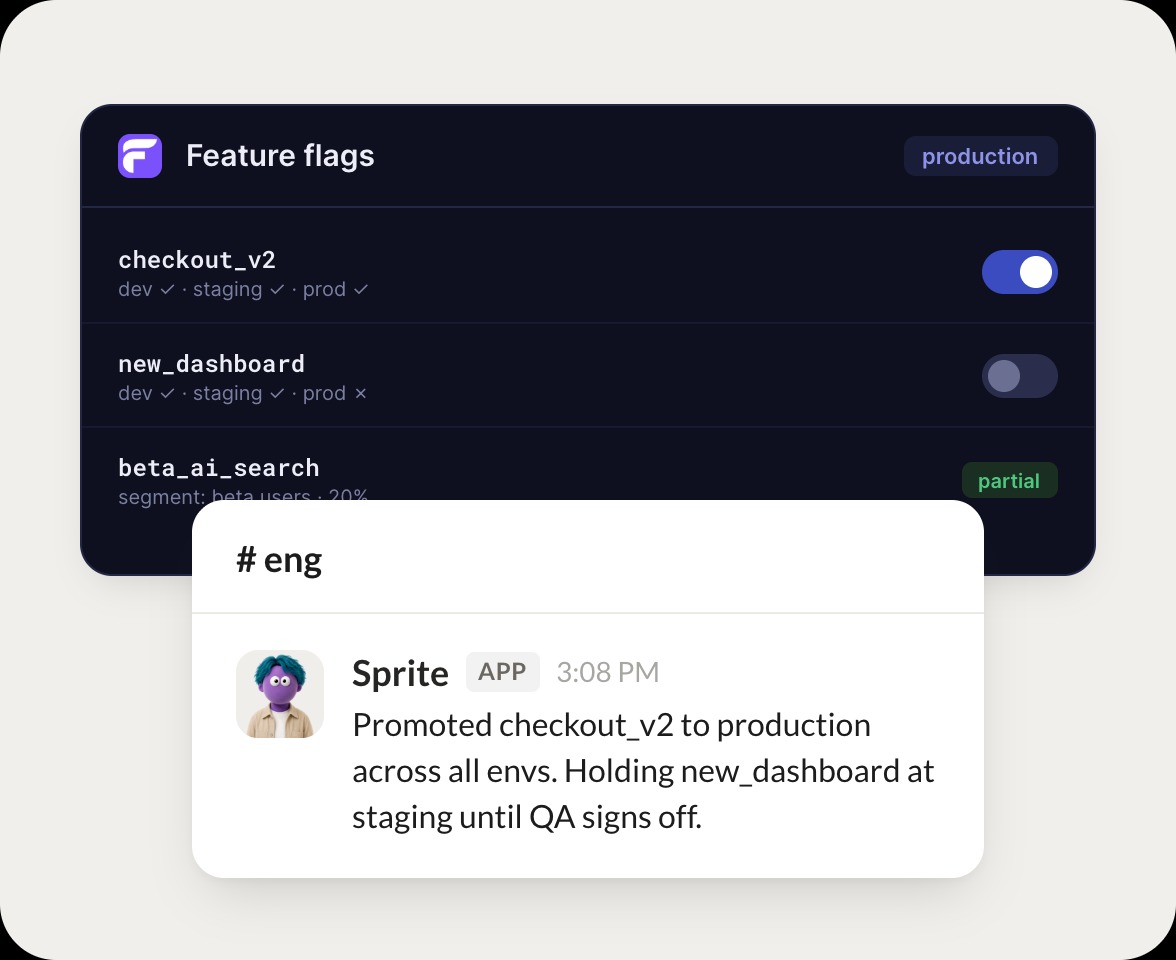
Which flags are on in production right now?
Sprite
APP
9:19 AM
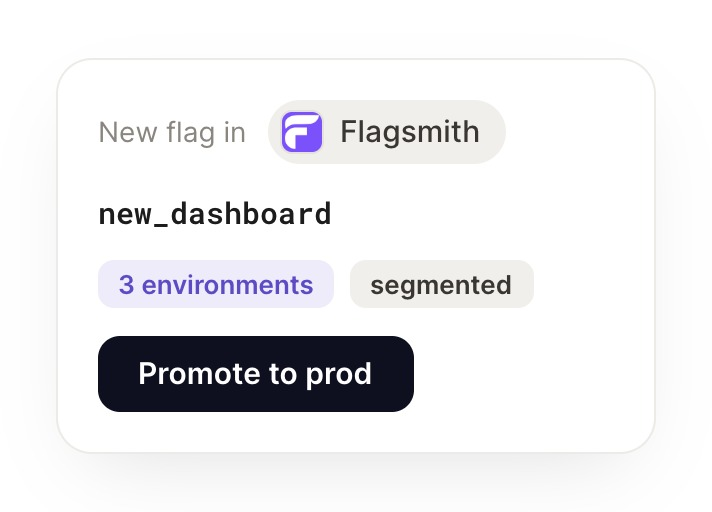
Promoted checkout v2 to production across all envs. Holding new dashboard at staging until QA signs off.
Gen
9:24 AM
Good, hold that one.
#
flags
Marcus
8:31 AM
How is the beta search rollout going?
Goldy
APP
8:32 AM
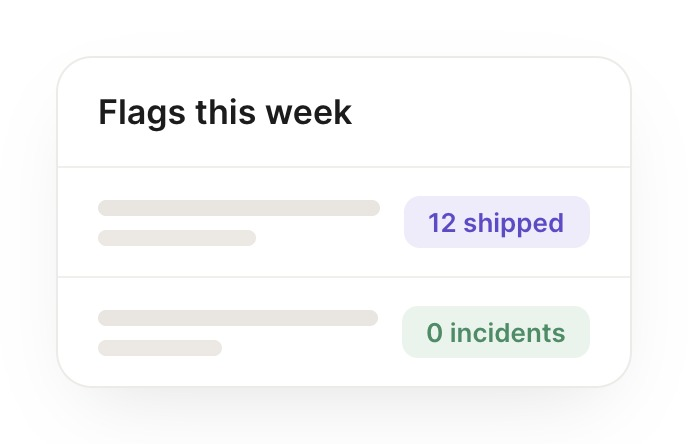
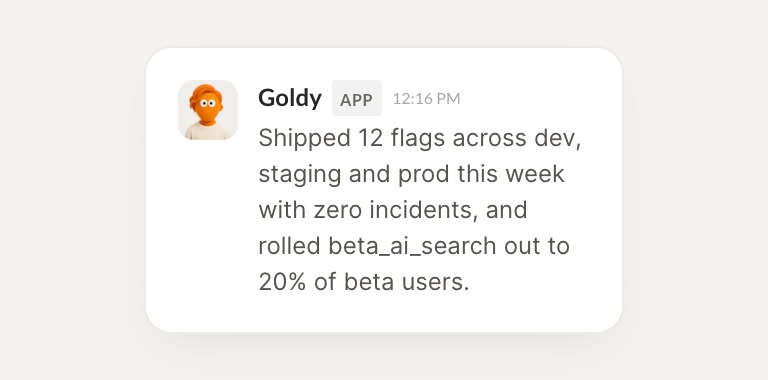
Shipped 12 flags across dev, staging and prod this week with zero incidents, and rolled beta search out to 20 percent of beta users.
Marcus
8:38 AM
Zero incidents, love it.
#
releases
Zaria
9:00 AM
Recap this week's flag changes across environments.
Cerise
APP
9:02 AM
Made 12 flag changes across all three environments this week with no incidents. Beta search is now at 20 percent rollout.
Zaria
9:05 AM
Clean rollout, thanks.
Live in three steps
No integration project. Connect in under a minute and your agent is working.
01
Find
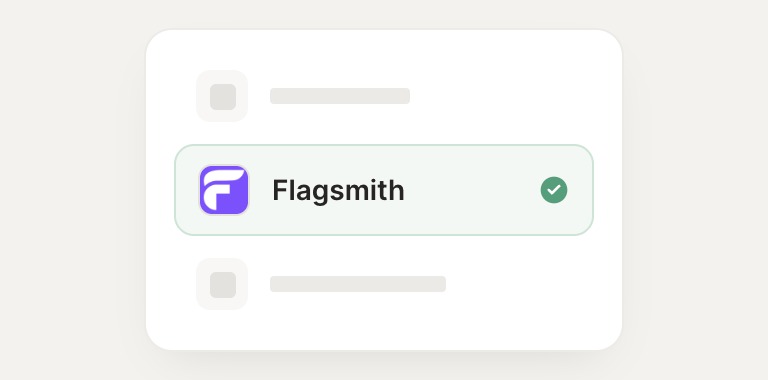
Pick the integration from your agent's list, or just ask the agent to connect it.
02
Approve
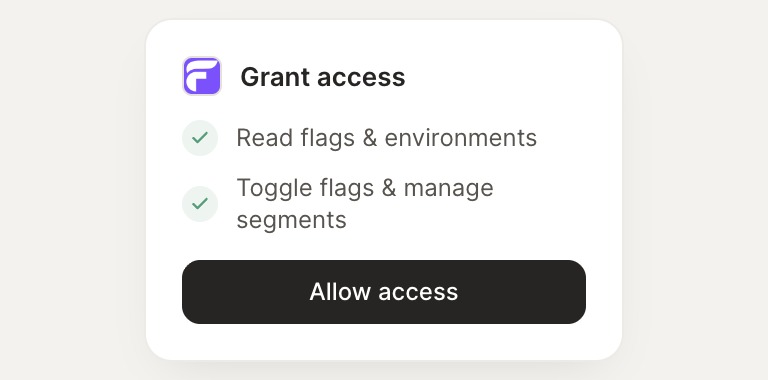
Confirm the access. Change what's granted anytime.
03
Done
Your agent gets to work and reports back.
⇄
Keep every release under control
Connect Flagsmith
→
Browse all integrations