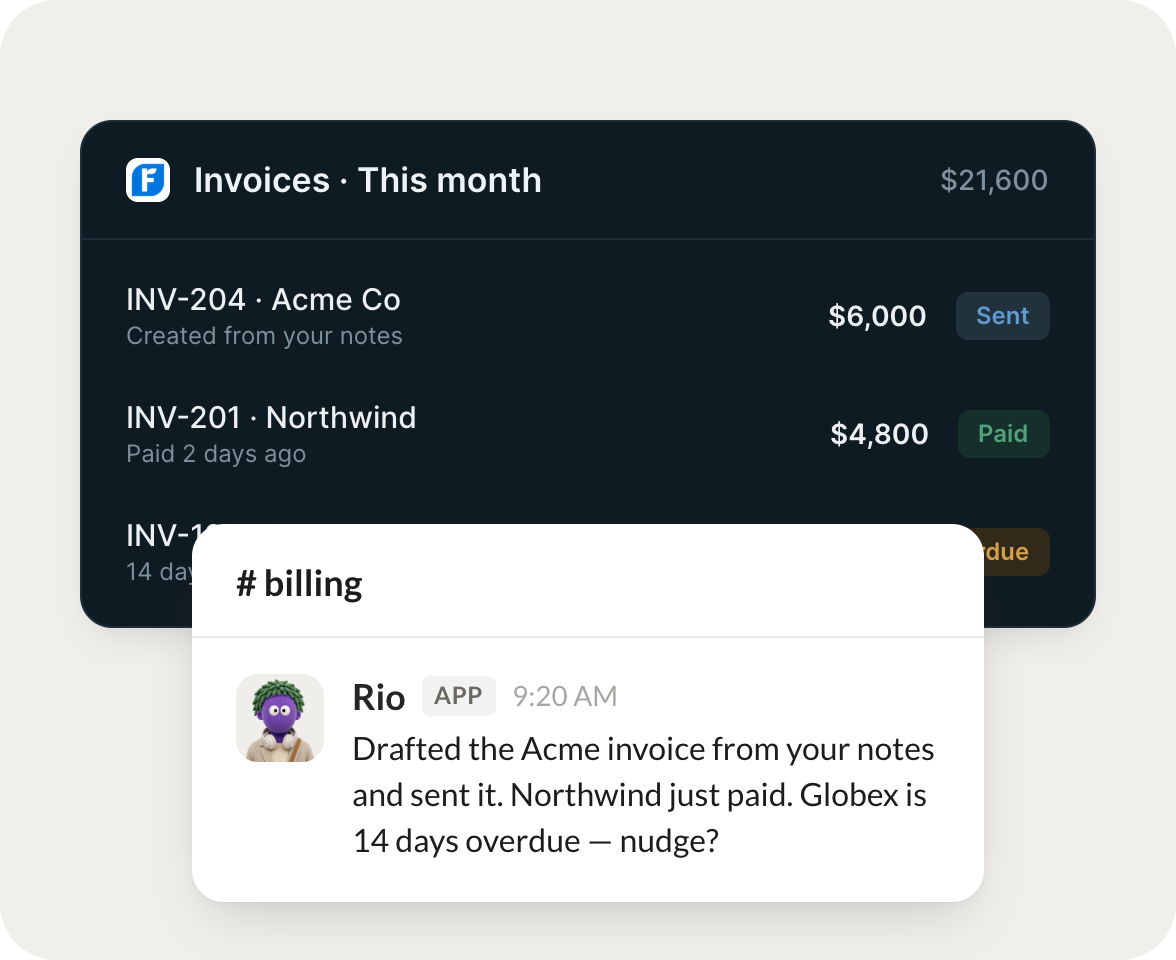
Connect FreshBooks and your agent reads your invoices and clients, chases what's overdue, and creates records. Your books stay current while you do the work that matters.
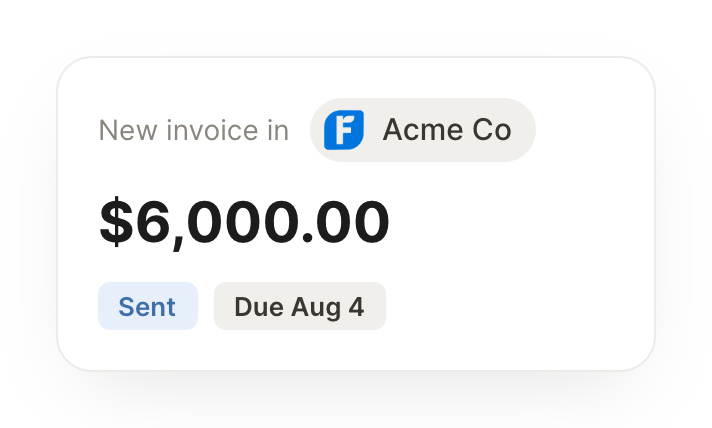
When a project wraps, generate the invoice from the tracked time and send it.
Gumdrop
APP
9:19 AM
The project wrapped, so I generated the invoice from the tracked time, itemized by task, and sent it to the client with a due date, so you get paid without the admin.
James
9:24 AM
Perfect.
#
billing
Josh
8:31 AM
Every Monday, tell me what's outstanding and who's overdue.
Rio
APP
8:32 AM
Here's what's outstanding: 5 invoices unpaid and 2 clients overdue. I drafted a friendly reminder for each overdue one, ready for you to send.
Josh
8:38 AM
On it.
#
finance
Vento
9:00 AM
Summarize what I billed this month versus last.
Briar
APP
9:02 AM
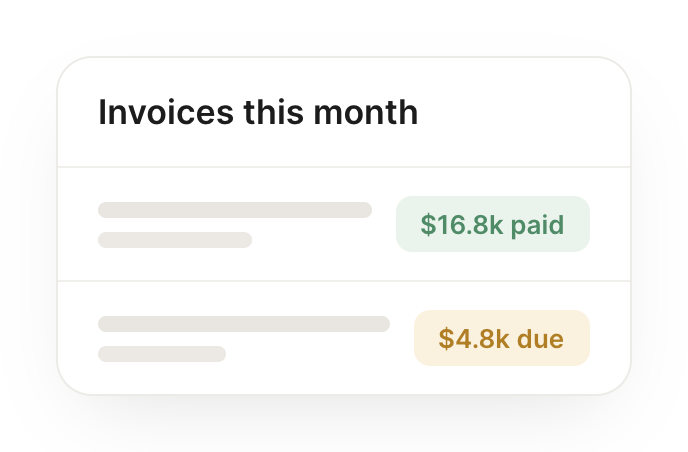
You billed more this month than last, driven by two larger projects. I laid out the month over month comparison so you can see exactly what changed.
Vento
9:05 AM
That's clear, thanks.
Live in three steps
No integration project. Connect in under a minute and your agent is working.
01
Find
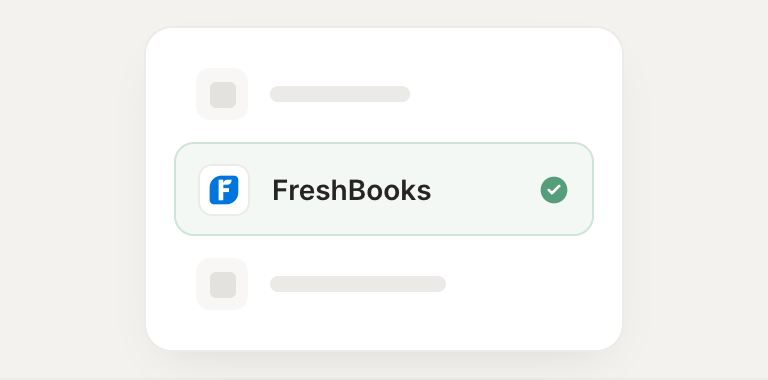
Pick the integration from your agent's list, or just ask the agent to connect it.
02
Approve
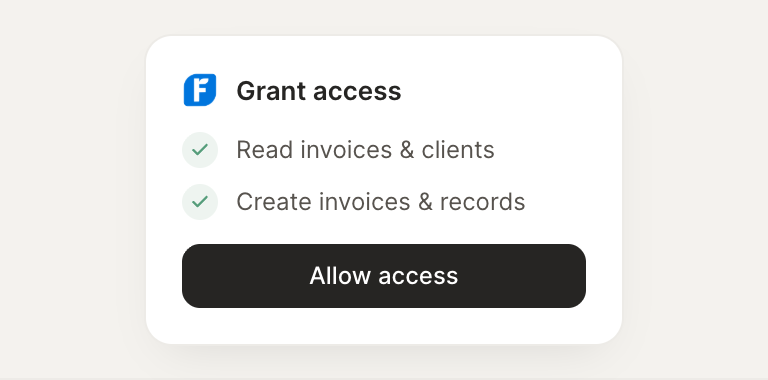
Confirm the access. Change what's granted anytime.