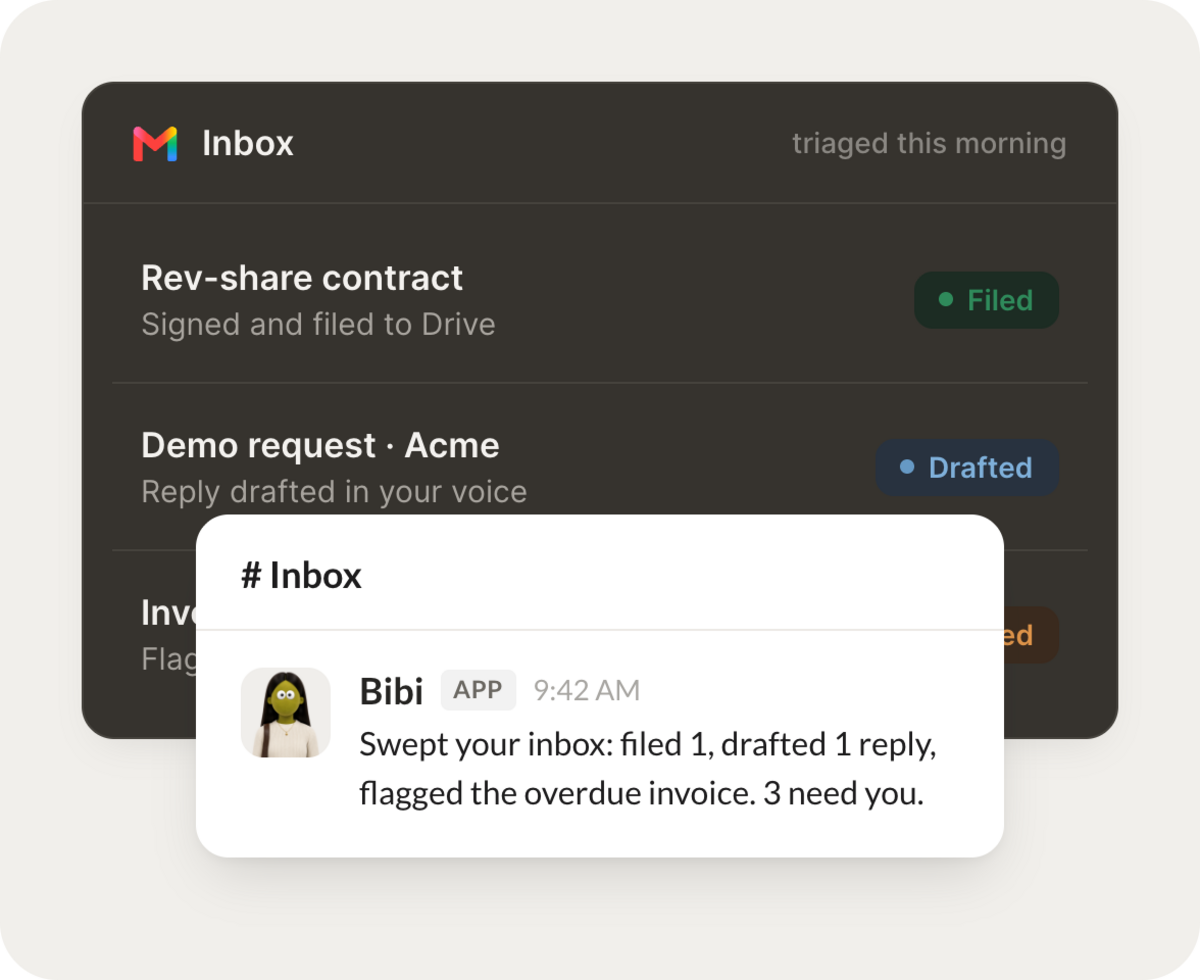
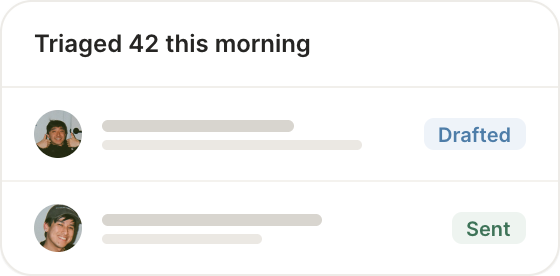
Every morning, triage my inbox: summarize what matters, draft replies to the routine ones, and flag what's urgent.
Ross
APP
9:19 AM
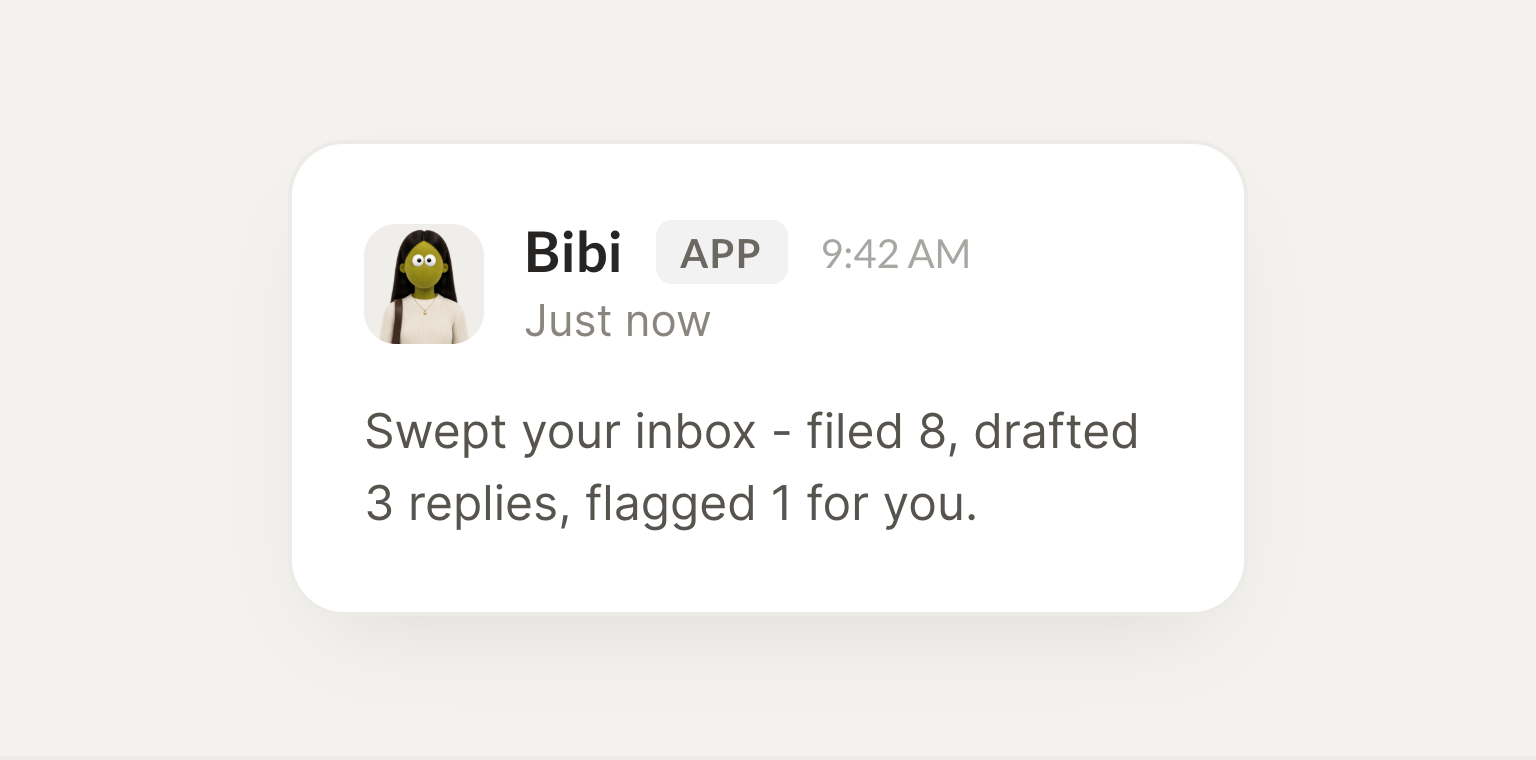
On it. I swept your inbox this morning, filed 8 threads to the right labels, drafted 3 replies in your voice, and flagged the overdue invoice so it doesn't slip. Nothing else needs you right now.
Josh
9:24 AM
Perfect, that's exactly what I needed.
#
contracts
Leo
8:31 AM
When a contract arrives, pull the key dates into my calendar and file the email.
Pippy
APP
8:32 AM
Done. I filed the Acme contract to the right folder and added both key dates to your calendar: the Mar 3 kickoff and the Apr 1 renewal, each with a reminder a few days ahead.
Leo
8:38 AM
Amazing, thank you.
#
clients
Eldar
9:00 AM
Watch for anything from this client and tell me the moment it lands.
Emmy
APP
9:02 AM
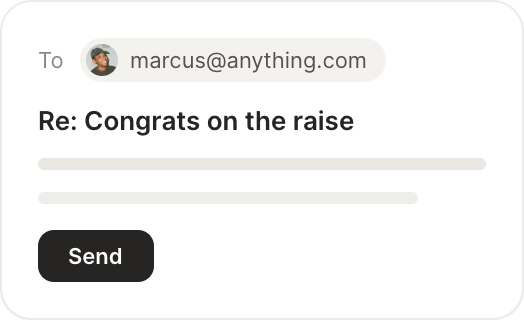
Watching now. Meridian just emailed about the timeline. I've summarized the thread, pulled the two open questions, and drafted a reply in your voice that's ready to send.
Eldar
9:05 AM
Great, I'll take a look.
Live in three steps
No integration project. Connect in under a minute and your agent is working.
01
Find
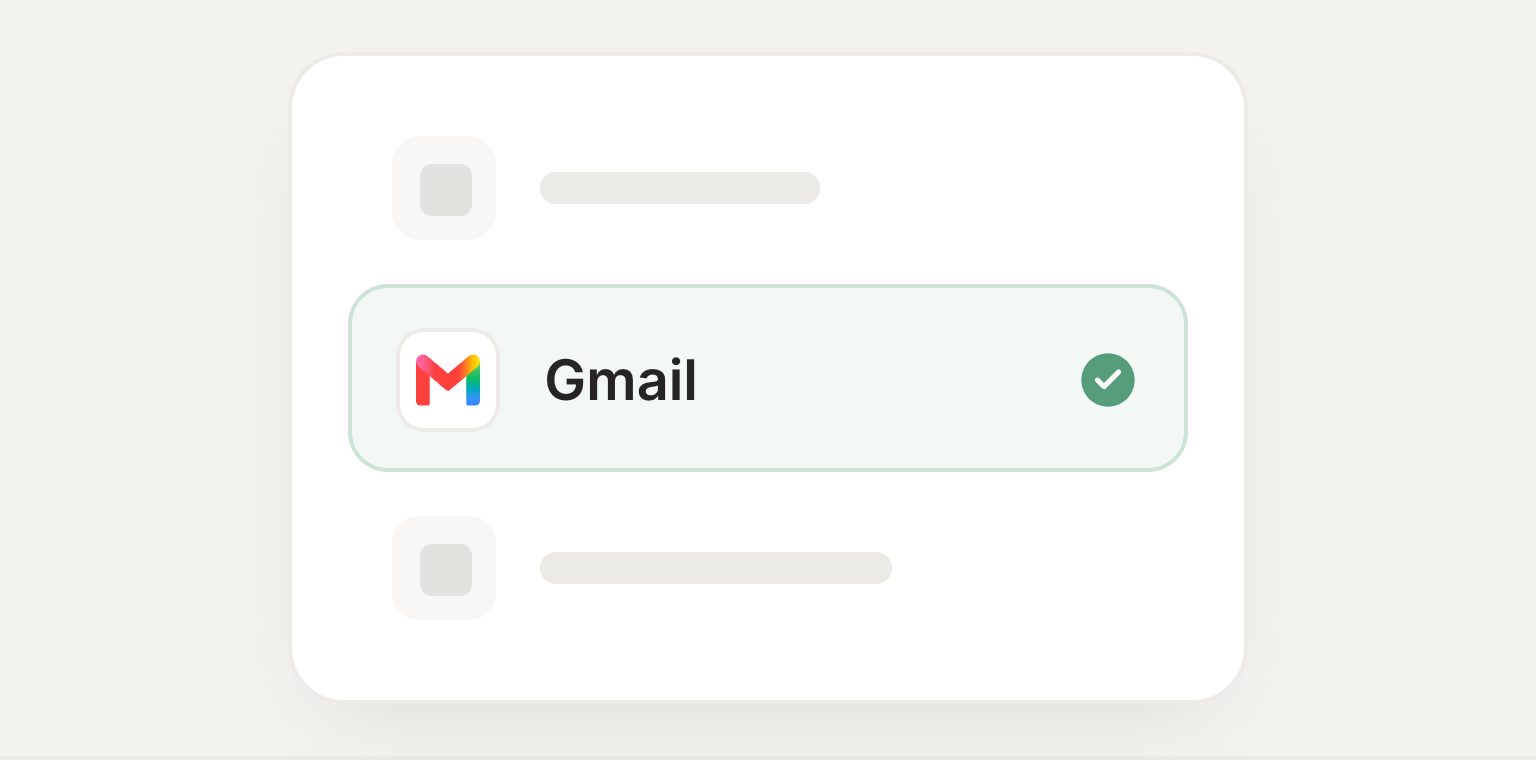
Pick the integration from your agent's list, or just ask the agent to connect it.
02
Approve
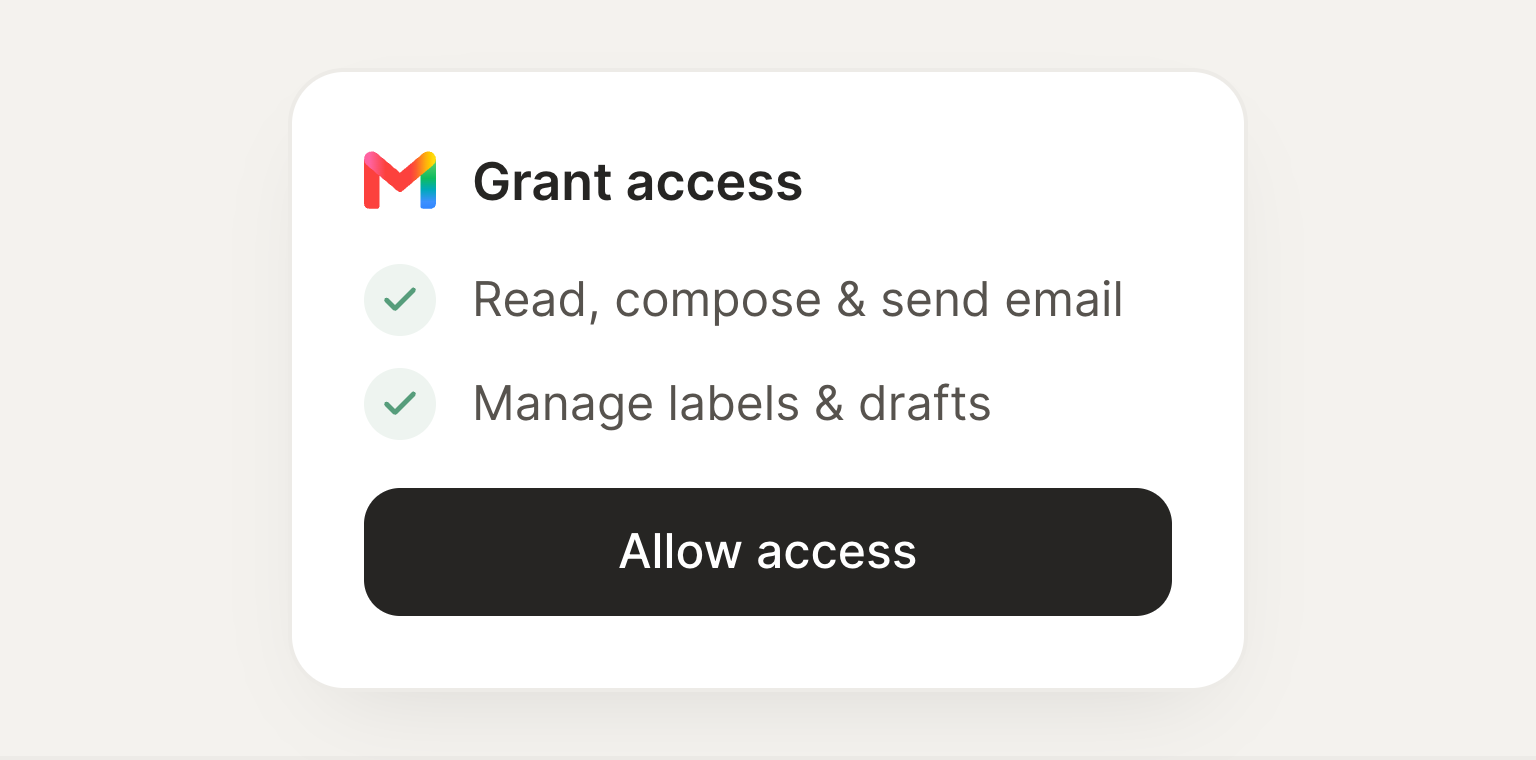
Confirm the access. Change what's granted anytime.