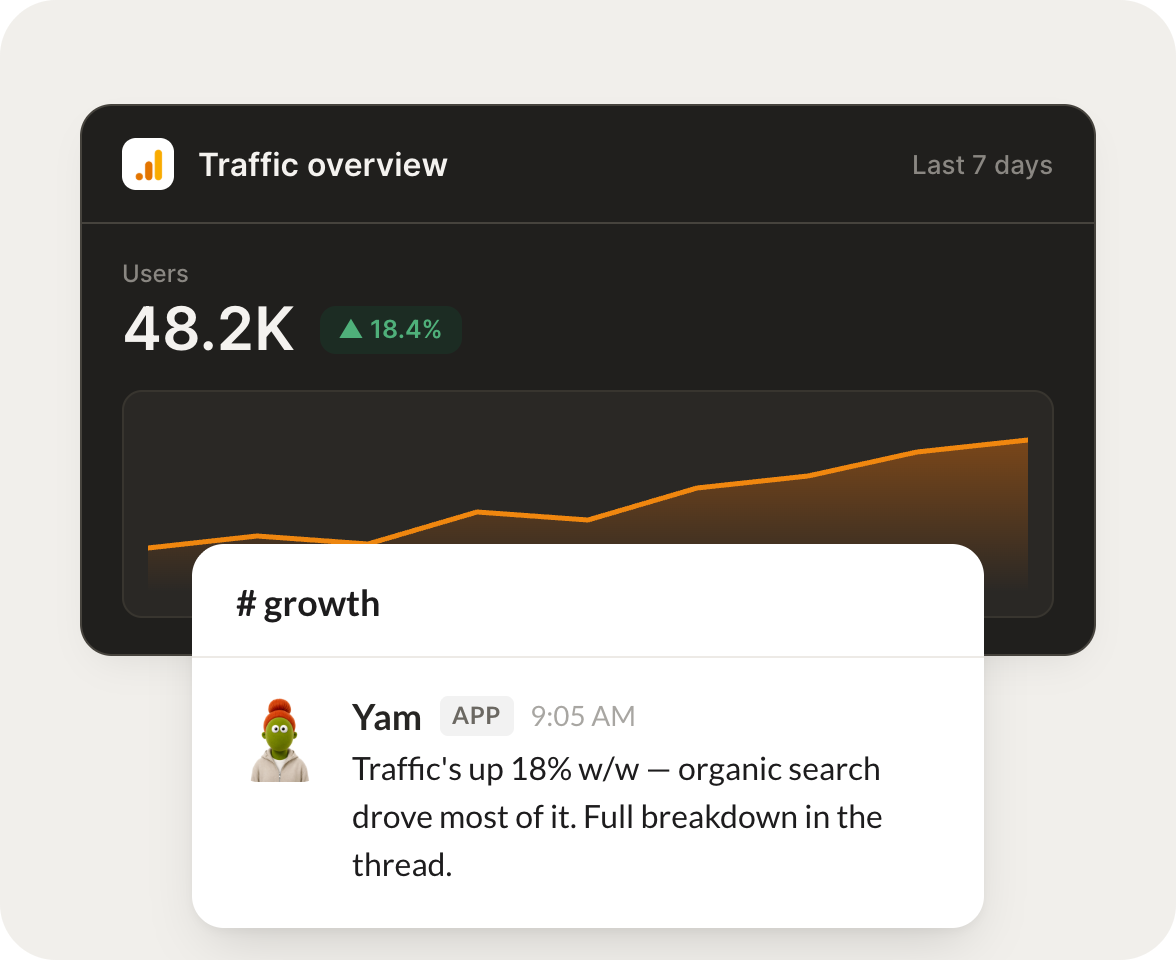
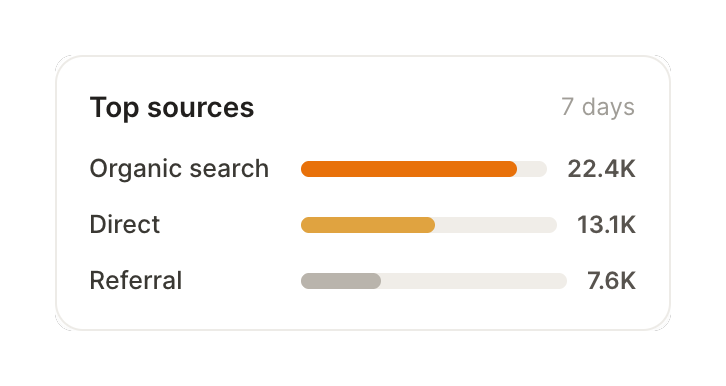
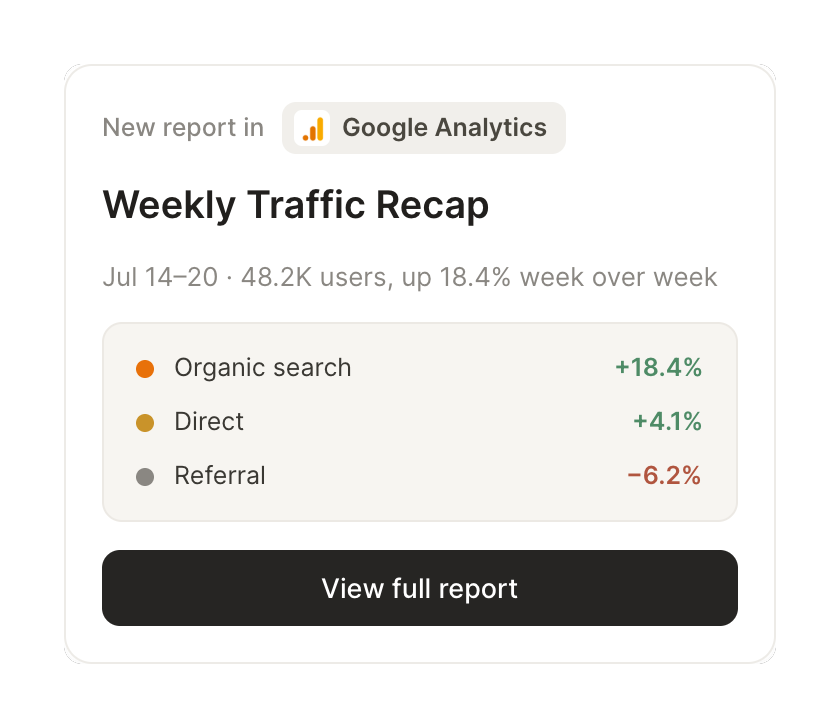
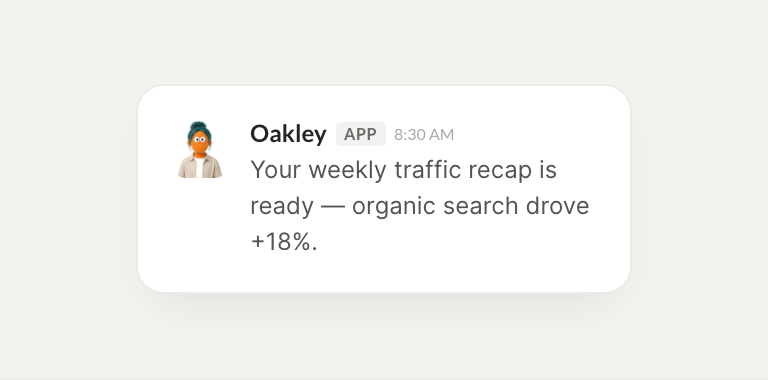
Connect Google Analytics and your agent reads your traffic, sources, and trends. It sends you the story of what moved and what is growing, without the dashboard hunt.
One connection, and your agent pulls sessions and users, reads where visitors come from, and compares any date range, so the analysis reaches you without you building a report.
Just ask, in plain English
Ask your agent for what you need, right where you already work. It handles the rest in Google Analytics.
Every Monday, send me the traffic story: what moved, what's growing, what dropped.
Yam
APP
9:19 AM
Here is your Monday story. Sessions are up 9 percent week over week, organic search is the growth driver at plus 18 percent, and direct traffic dropped 6 percent. The blog post from Tuesday is carrying most of the lift.
Eldar
9:24 AM
Love it, thanks.
#
sources
Gen
8:31 AM
When traffic spikes, tell me where it came from so I can lean in.
Oakley
APP
8:32 AM
Traced it. The spike came from a Reddit thread in r/startups that linked your pricing page, sending 2,300 sessions in six hours with a strong 4 minute average time on page. Worth engaging there today.
Gen
8:38 AM
On my way there now.
#
reports
Philip
9:00 AM
Compare this month to last and explain what changed.
Aurora
APP
9:02 AM
Compared. This month beat last by 12 percent on users and 21 percent on conversions, mostly from a referral bump and better landing page retention. The full month over month table is in the thread.
Philip
9:05 AM
Great, this helps.
Live in three steps
No integration project. Connect in under a minute and your agent is working.
01
Find
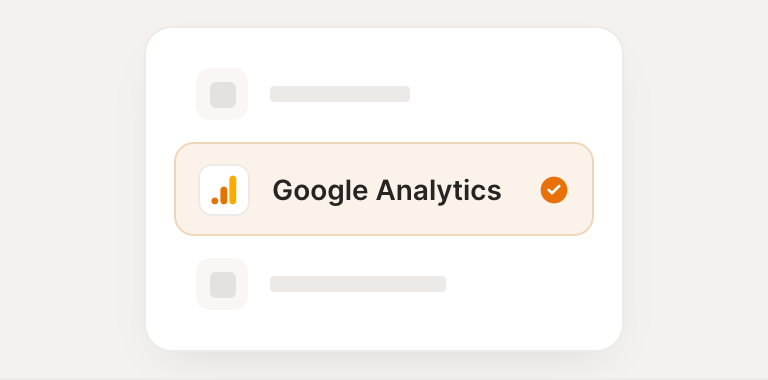
Pick the integration from your agent's list, or just ask the agent to connect it.
02
Approve
Confirm the access. Change what's granted anytime.