INTEGRATIONS/
Google Calendar
Connect Skydive agents to your Google Calendar
Connect Google Calendar and your agent reads your schedule, checks when you are free, and creates events for you, all inside the calendar you already run your day on.
Google Calendar, connected
Turn your Skydive agents into scheduling teammates
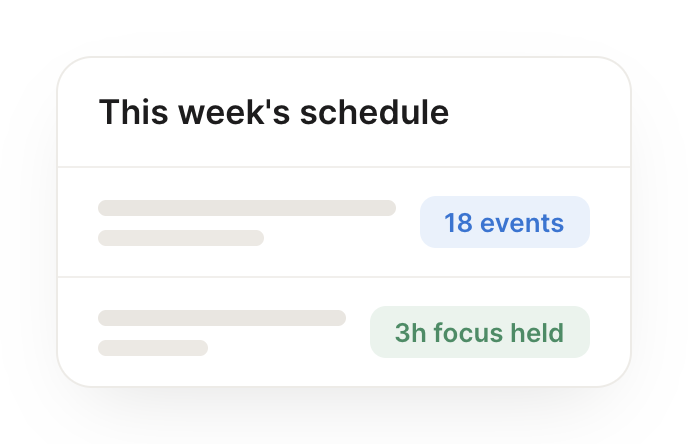
One connection, and your agent reads your events, checks your availability, and books meetings for you, then keeps your week organized so nothing collides.
Just ask, in plain English
Ask your agent for what you need, right where you already work. It handles the rest in Google Calendar.

#
calendar
Zaria
9:18 AM
Each morning, brief me on my day with context on everyone I am meeting.
Bumble
APP
9:19 AM
On it. Every morning I will brief you on the day. Tomorrow you have 5 meetings, and I added notes on who you are meeting and why for each one.
Zaria
9:24 AM
Perfect.
#
scheduling
Philip
8:31 AM
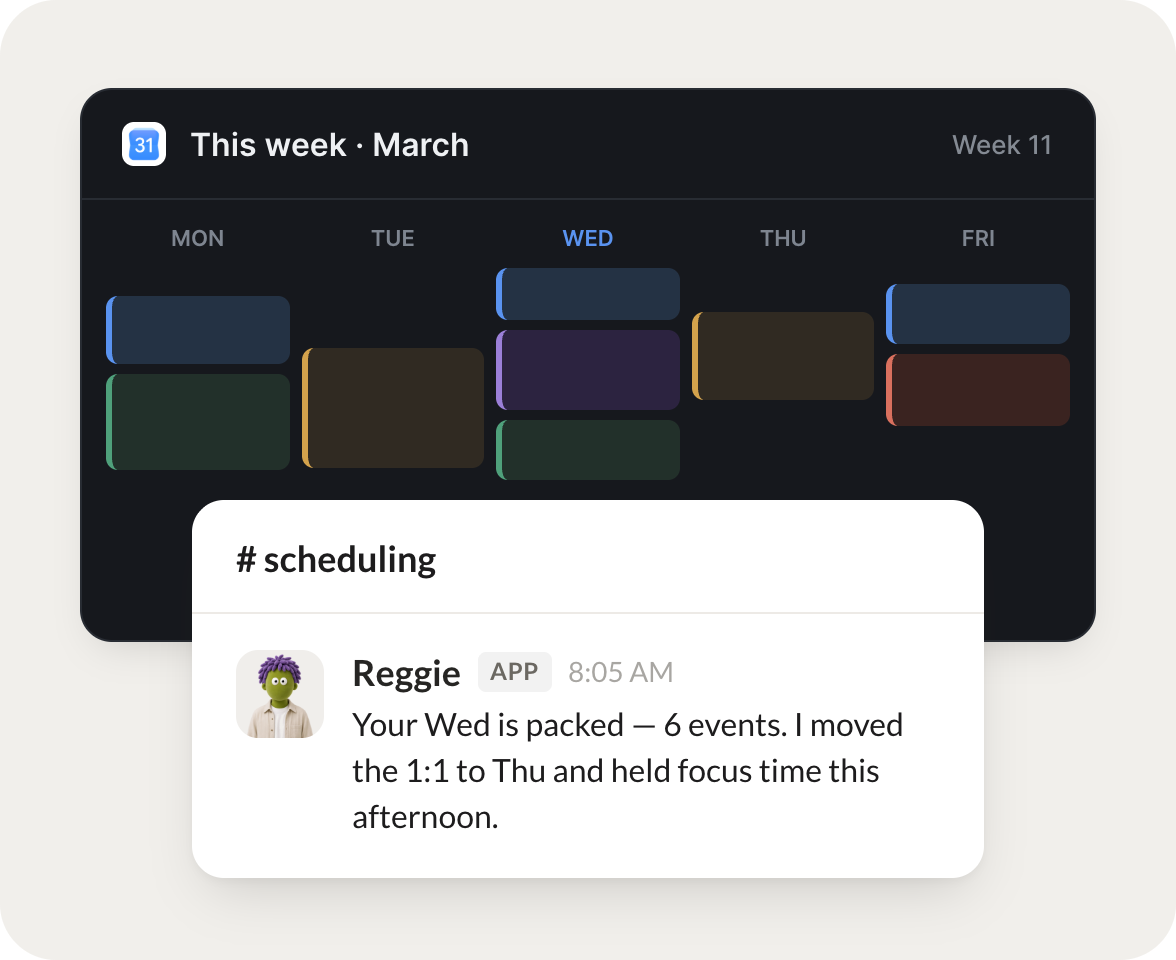
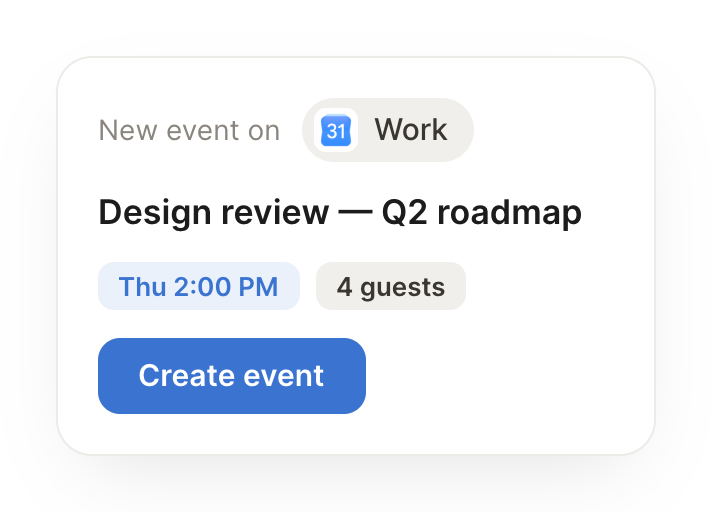
When someone asks to meet, find a slot that works and send the invite.
Reggie
APP
8:32 AM
Done. Found a 30 minute slot Thursday at 2pm that works for both of you and sent the invite.
Philip
8:38 AM
Thanks.
#
planning
James
9:00 AM
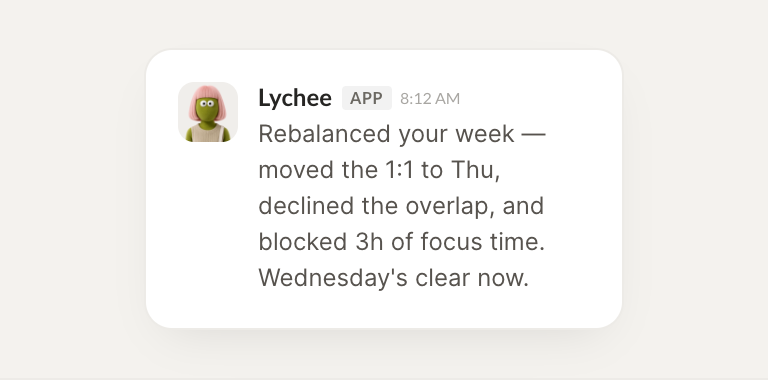
Tell me where my week is overbooked and what I could reschedule.
Lychee
APP
9:02 AM
Looked at your week. Wednesday is overbooked with 7 back to back meetings. I flagged two you could move to Friday, which is wide open.
James
9:05 AM
Great, do it.
Live in three steps
No integration project. Connect in under a minute and your agent is working.
01
Find
Pick the integration from your agent's list, or just ask the agent to connect it.
02
Approve
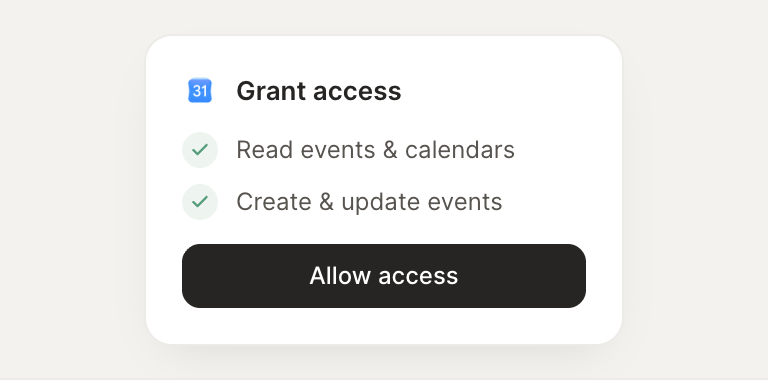
Confirm the access. Change what's granted anytime.
03
Done
Your agent gets to work and reports back.
Connect your agent to Google Calendar today
Connect Google Calendar
Browse all integrations