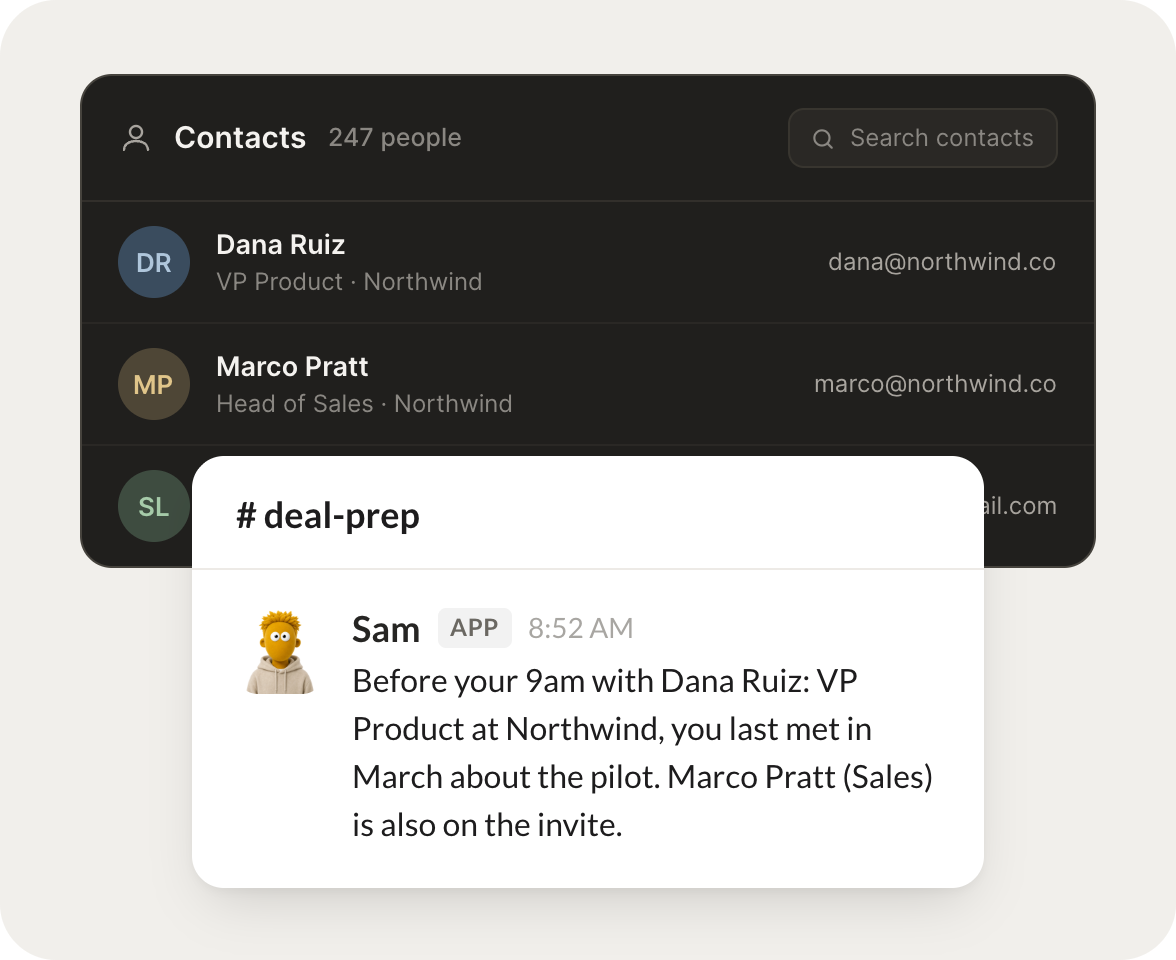
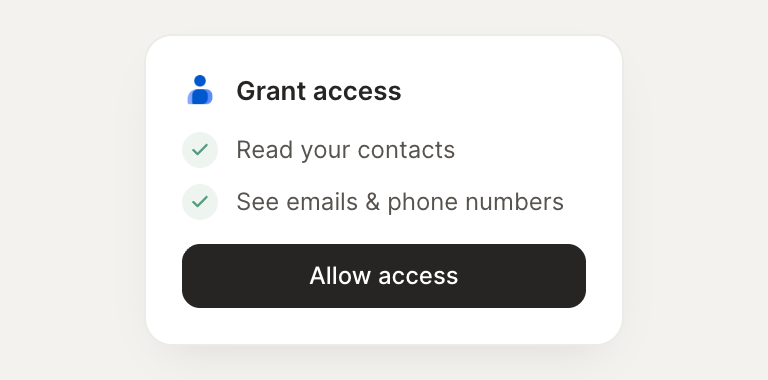
Connect Google Contacts and your agent looks up the people you work with. It pulls their details, finds who you already know somewhere, and keeps your address book at hand.
Before my 2pm, pull up who I'm meeting and our recent history.
Sam
APP
9:19 AM
Done. You're meeting Dana Cole from Acme. I pulled her details and our last three touchpoints, including the pricing thread from March and the note that she owns procurement.
Rain
9:24 AM
Perfect, that's what I needed.
#
intros
Dhruv
8:31 AM
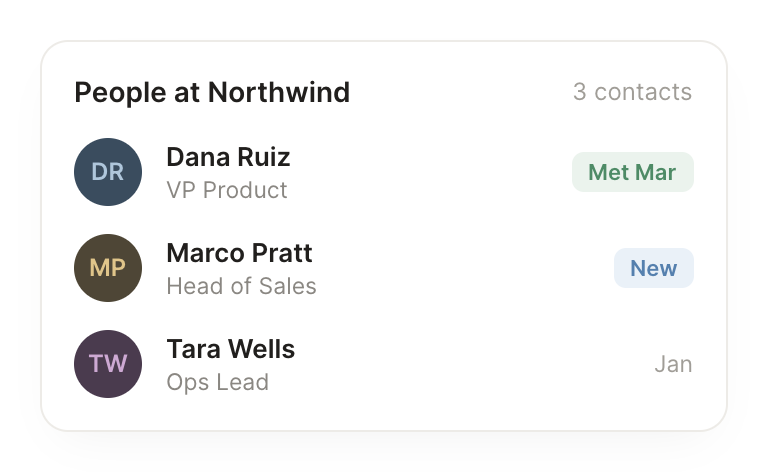
Find everyone I know at Northwind and my warmest intro there.
Mauve
APP
8:32 AM
Found four contacts at Northwind. Your warmest is Priya Shah, who you have emailed nine times and met in person last quarter, so she is the best path in.
Dhruv
8:38 AM
Great, I'll reach out to Priya.
#
contacts
Josh
9:00 AM
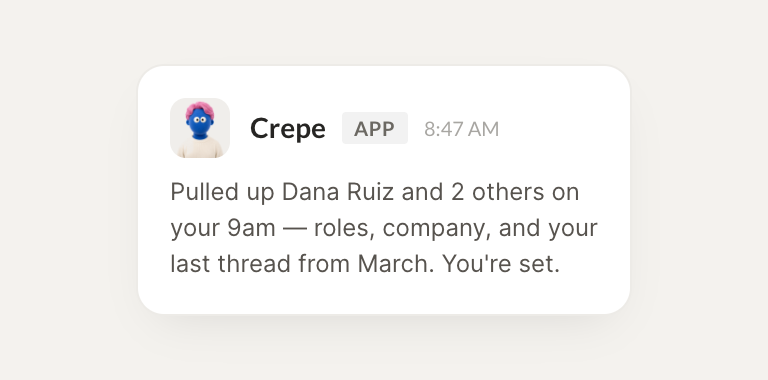
This client changed roles, keep their details current for me.
Crepe
APP
9:02 AM
Updated. I refreshed their title and company in your contacts and flagged the two other people from their old company so your notes stay accurate.
Josh
9:05 AM
Thank you, all set.
Live in three steps
No integration project. Connect in under a minute and your agent is working.
01
Find
Pick the integration from your agent's list, or just ask the agent to connect it.
02
Approve
Confirm the access. Change what's granted anytime.