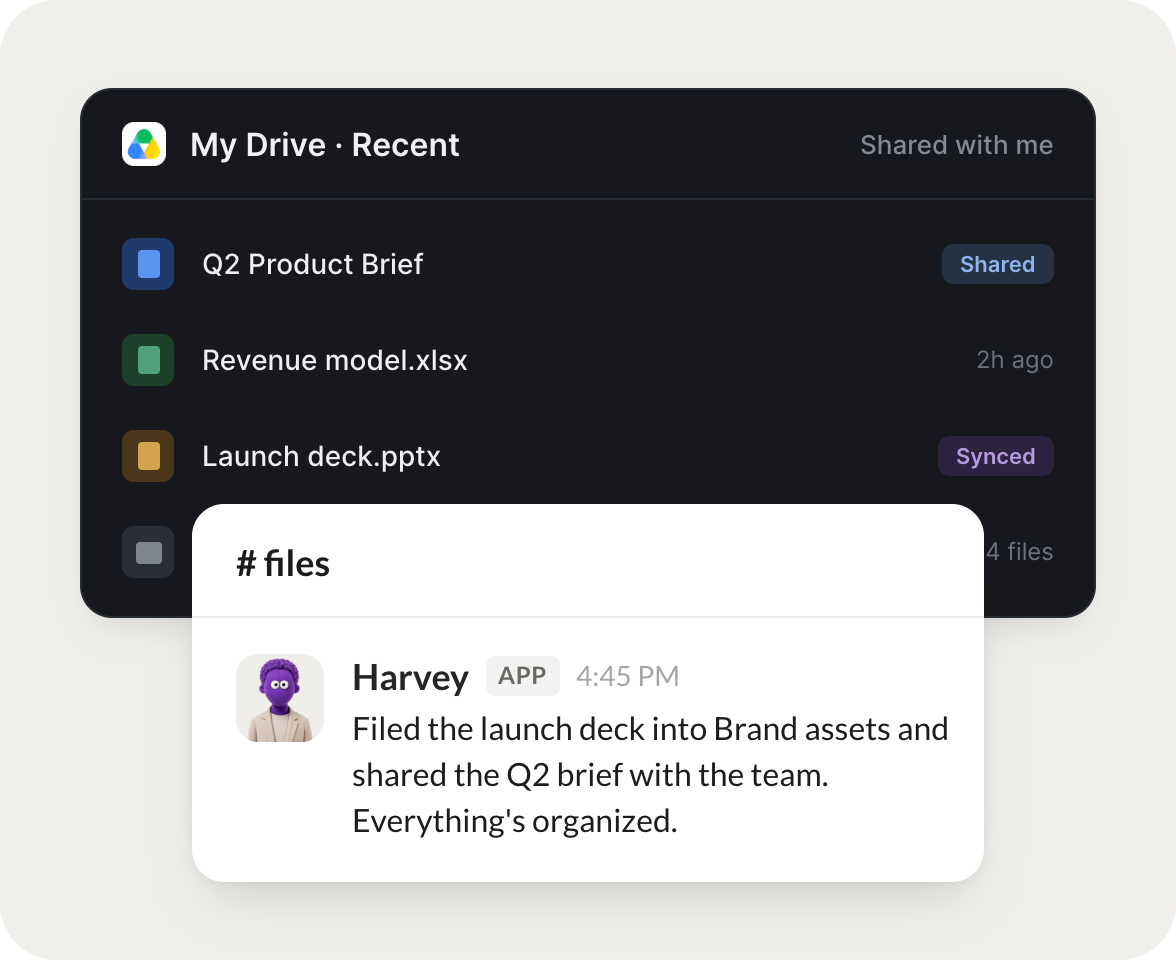
Connect Google Drive and your agent finds files, reads their contents, and saves new documents for you, all inside the drive your team already keeps its work in.
Turn your Skydive agents into file management teammates
One connection, and your agent searches your Drive, reads what it finds, and writes new files to the right folder, so your documents stay organized on their own.
Just ask, in plain English
Ask your agent for what you need, right where you already work. It handles the rest in Google Drive.
When a signed doc lands, file it in the right folder and log the renewal date.
Harvey
APP
9:19 AM
Set up. When a signed doc lands I file it in the right folder and log the renewal date. Filed the Acme contract just now and noted the renewal for next March.
Eldar
9:24 AM
Nice.
#
recaps
Dylan
8:31 AM
Every Friday, gather the week's work into a single recap doc.
Nibs
APP
8:32 AM
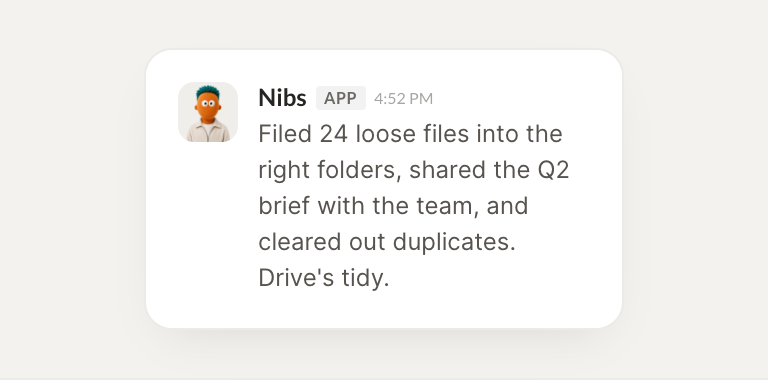
Every Friday I gather the week's work into one recap doc. This week's is ready with 14 files linked and grouped by project.
Dylan
8:38 AM
Love it.
#
cleanup
Josh
9:00 AM
Find every file mentioning the old pricing and list what needs updating.
Nellie
APP
9:02 AM
Searched your Drive and found 9 files that mention the old pricing. I listed each one with what needs updating.
Josh
9:05 AM
Great, thanks.
Live in three steps
No integration project. Connect in under a minute and your agent is working.
01
Find
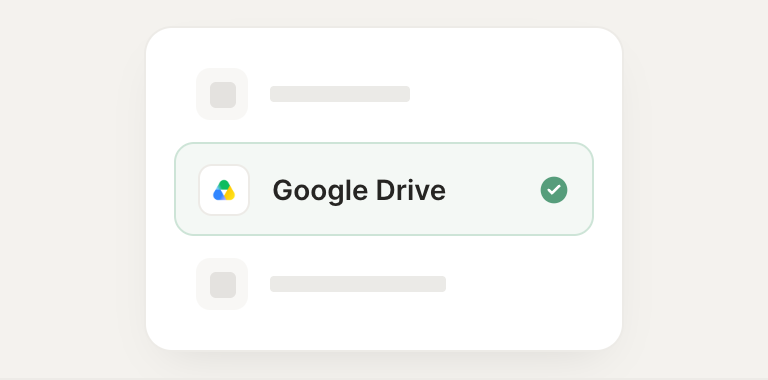
Pick the integration from your agent's list, or just ask the agent to connect it.
02
Approve
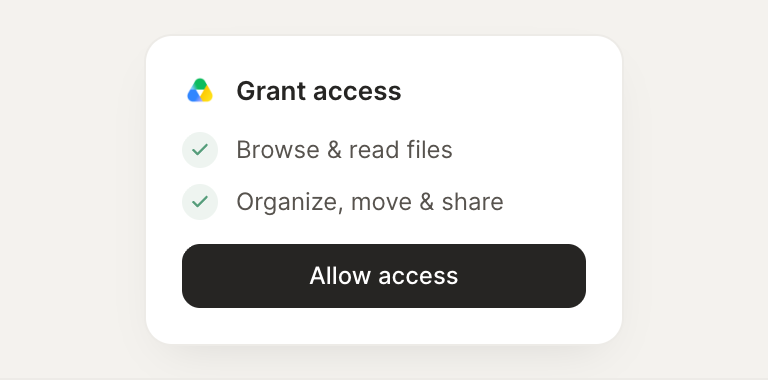
Confirm the access. Change what's granted anytime.