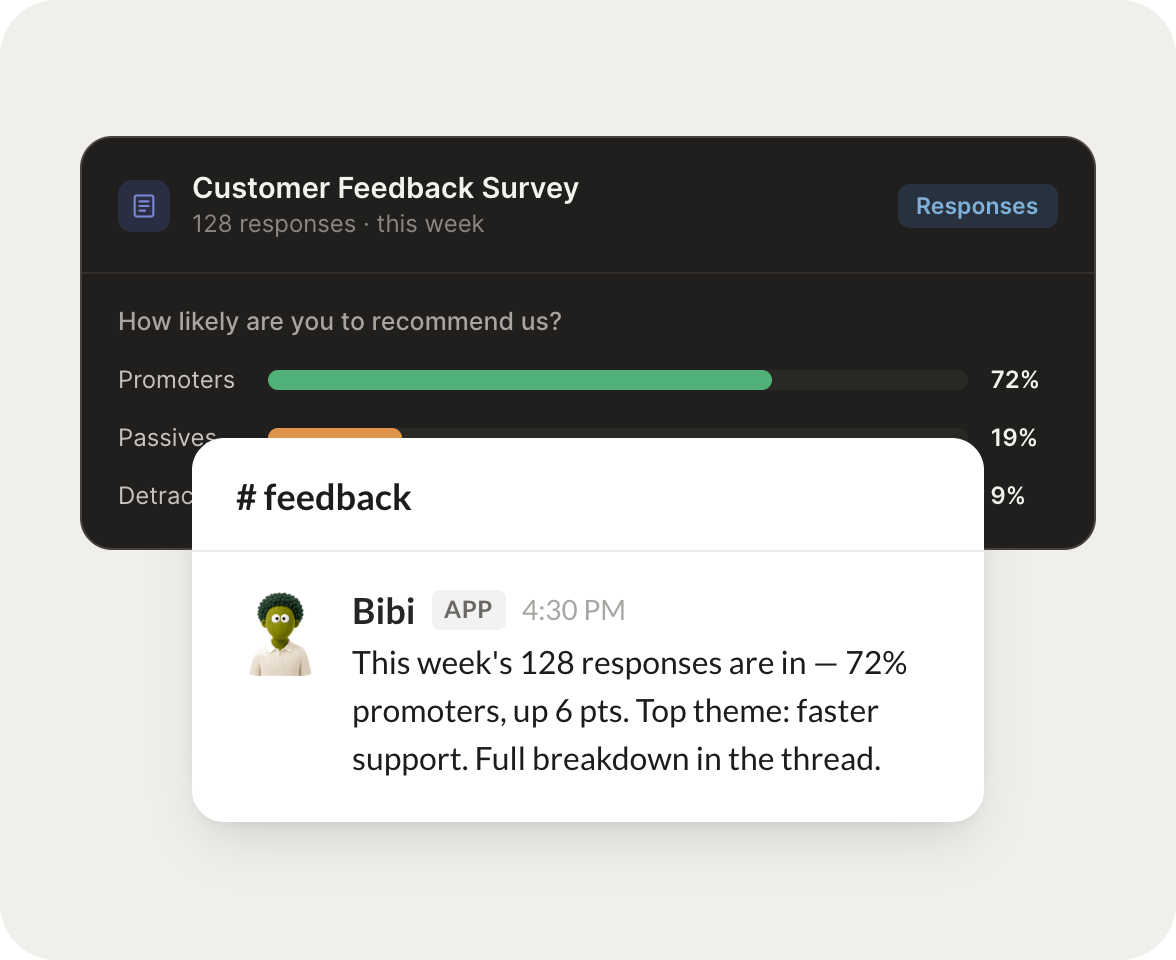
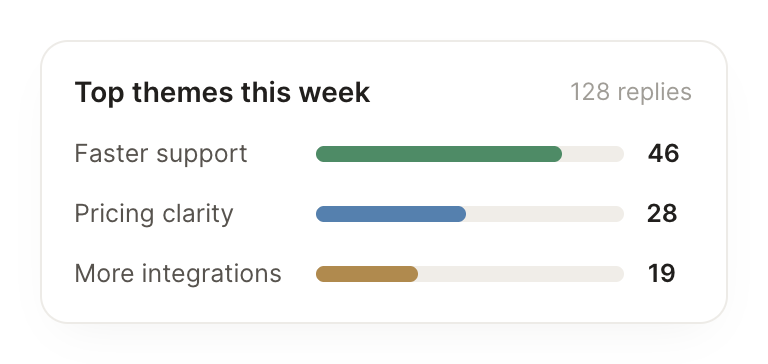
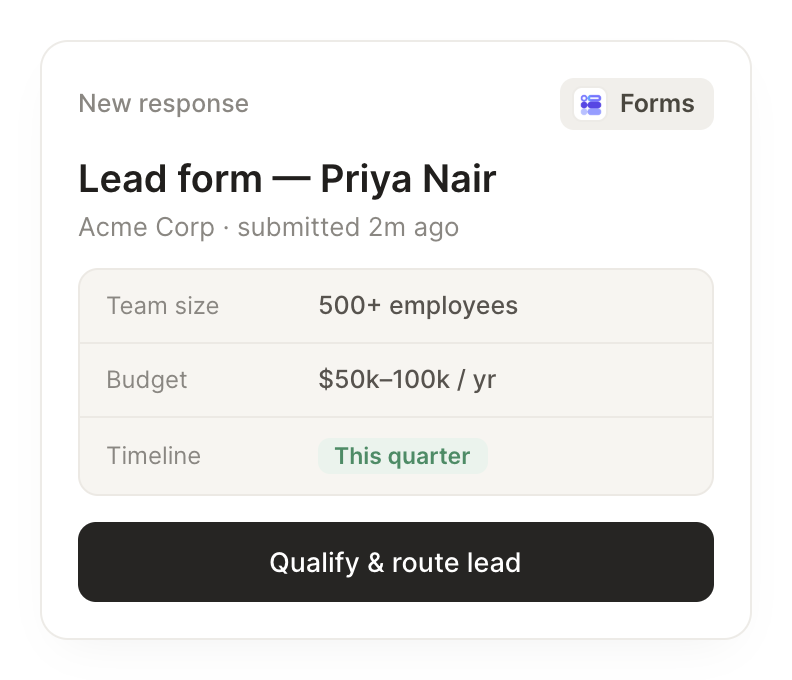
Connect Google Forms and your agent reads your forms and the answers people submit. It qualifies new responses, rolls up the week, and flags what needs you.
When someone submits the lead form, qualify it and route a hot one to me now.
Bibi
APP
9:19 AM
On it. A new lead just came in from Acme with a 40 seat request and a next month timeline, so it scores hot. I sent you the full response and the qualifying notes.
Zaria
9:24 AM
Nice, I'll call them today.
#
recaps
Vento
8:31 AM
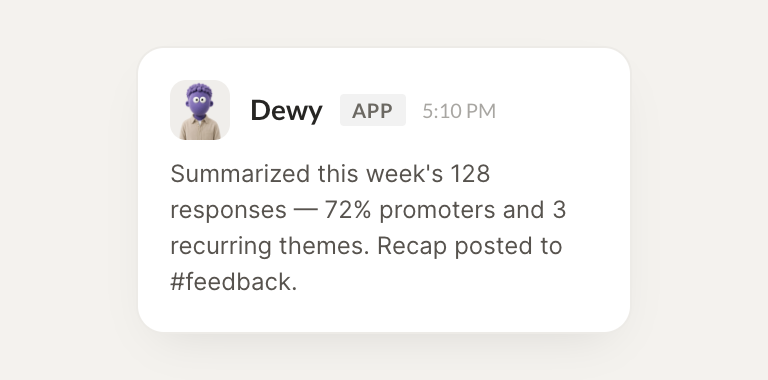
Every Friday, summarize the week's responses and the themes to act on.
Dewy
APP
8:32 AM
Here's the week. You got 62 responses, up from 48. The top theme is onboarding confusion at 18 mentions, and pricing questions came second, so those are the two to act on.
Vento
8:38 AM
Good, let's fix onboarding first.
#
alerts
Philip
9:00 AM
Flag any answer that signals an unhappy customer.
Cora
APP
9:02 AM
Flagged three. One rated us a 2 and mentioned a billing mistake, and two others called support slow, so I pulled their contact details and grouped them for you.
Philip
9:05 AM
Thanks, I'll reach out to all three.
Live in three steps
No integration project. Connect in under a minute and your agent is working.
01
Find
Pick the integration from your agent's list, or just ask the agent to connect it.
02
Approve
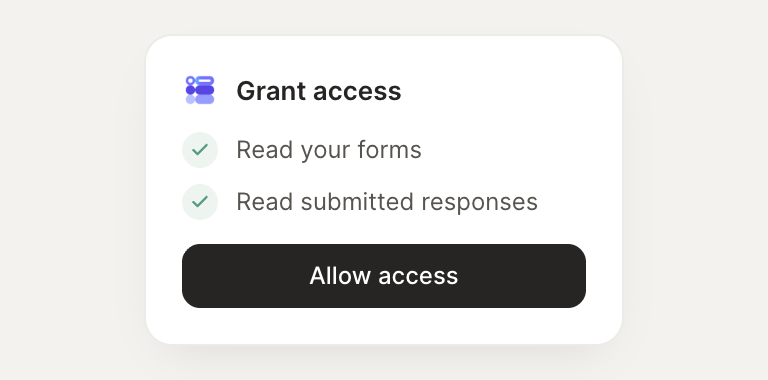
Confirm the access. Change what's granted anytime.