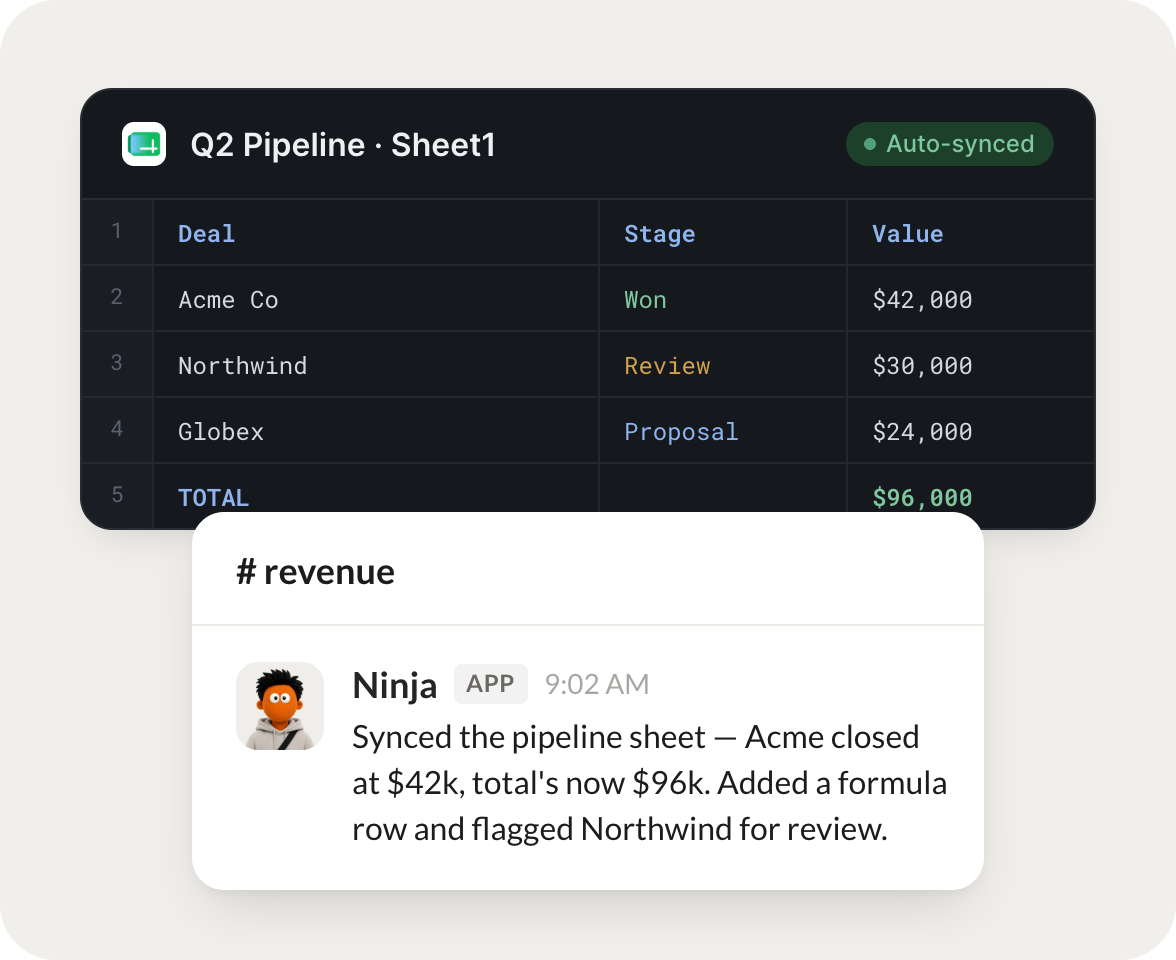
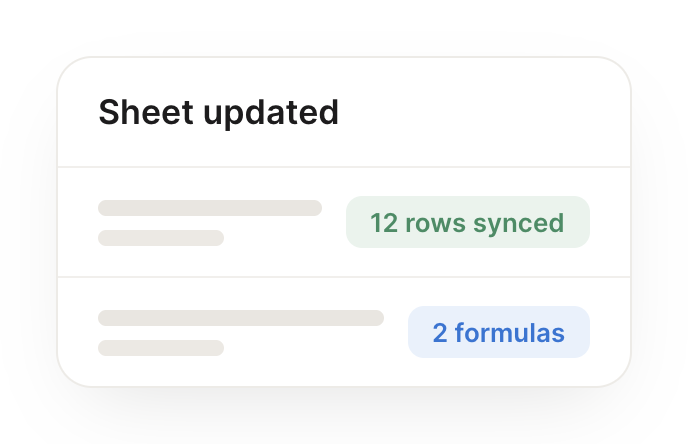
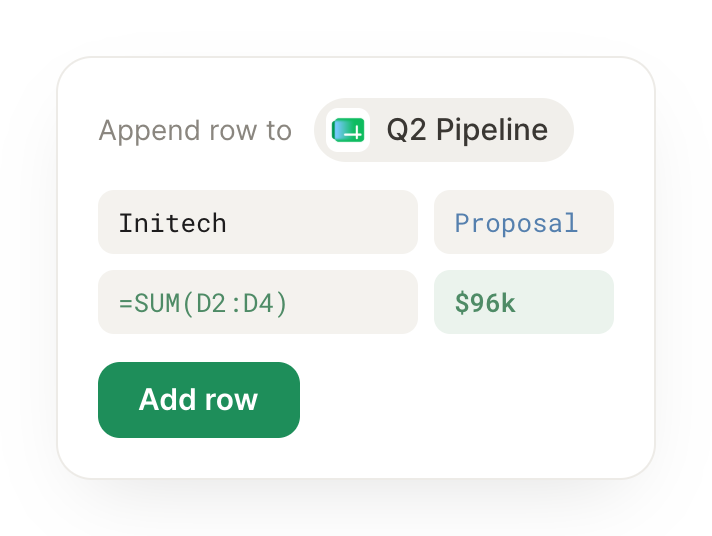
Connect Google Sheets and your agent reads cells and ranges, writes values back, and keeps every tracker current, all inside the spreadsheet your team already runs on.
Turn your Skydive agents into spreadsheet teammates
One connection, and your agent pulls values from any range, updates rows, and builds clean summaries, so the spreadsheet work moves without you touching a cell.
Just ask, in plain English
Ask your agent for what you need, right where you already work. It handles the rest in Google Sheets.
Every Monday, refresh my tracker from the latest data and flag what's slipping.
Ninja
APP
9:19 AM
Refreshed your tracker with this week's numbers and recalculated the totals. I flagged three rows that slipped past their target date and left a note on each, so you know where to look first.
Aleena
9:24 AM
Perfect, thanks.
#
leads
Brendan
8:31 AM
When a lead comes in, add it to my sheet with the source and a follow-up date.
Digby
APP
8:32 AM
Added the new lead to your sheet with the source filled in and a follow-up date set for next Tuesday. The row sorted into the right section, so your pipeline view stays clean.
Brendan
8:38 AM
Nice work.
#
reports
Vento
9:00 AM
Turn this raw export into a clean summary with totals by category.
Jingle
APP
9:02 AM
Turned the raw export into a clean summary tab with totals grouped by category and a grand total row. I also removed the duplicate entries I found, so the numbers add up.
Vento
9:05 AM
Exactly what I needed.
Live in three steps
No integration project. Connect in under a minute and your agent is working.
01
Find
Pick the integration from your agent's list, or just ask the agent to connect it.
02
Approve
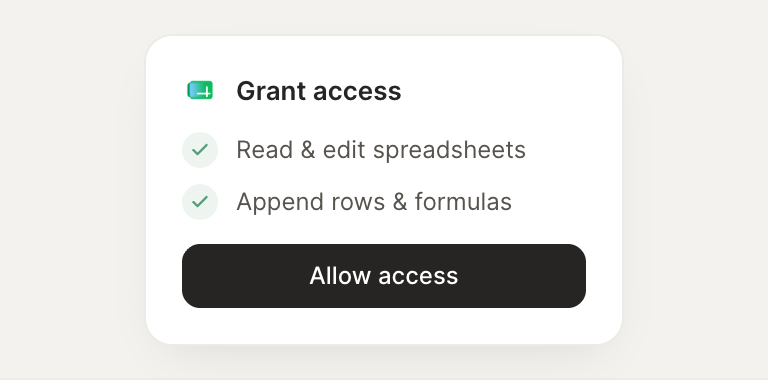
Confirm the access. Change what's granted anytime.