Connect Google Slides and your agent reads your decks and creates new ones. It drafts the presentation and refreshes the numbers, so you start from something real.
One connection, and your agent pulls content from any presentation, builds a new deck from your template, and updates the slides, so the first draft is ready before you open the file.
Just ask, in plain English
Ask your agent for what you need, right where you already work. It handles the rest in Google Slides.
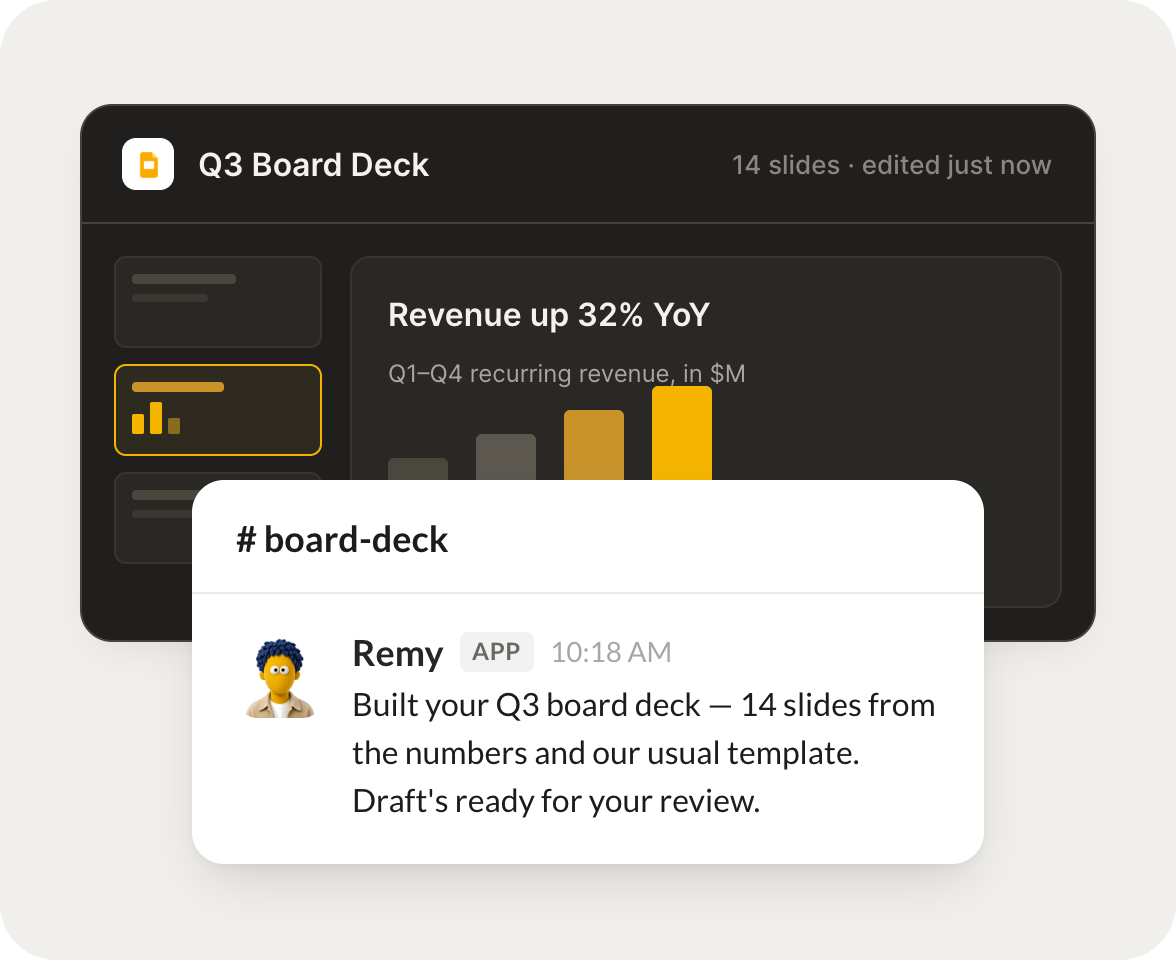
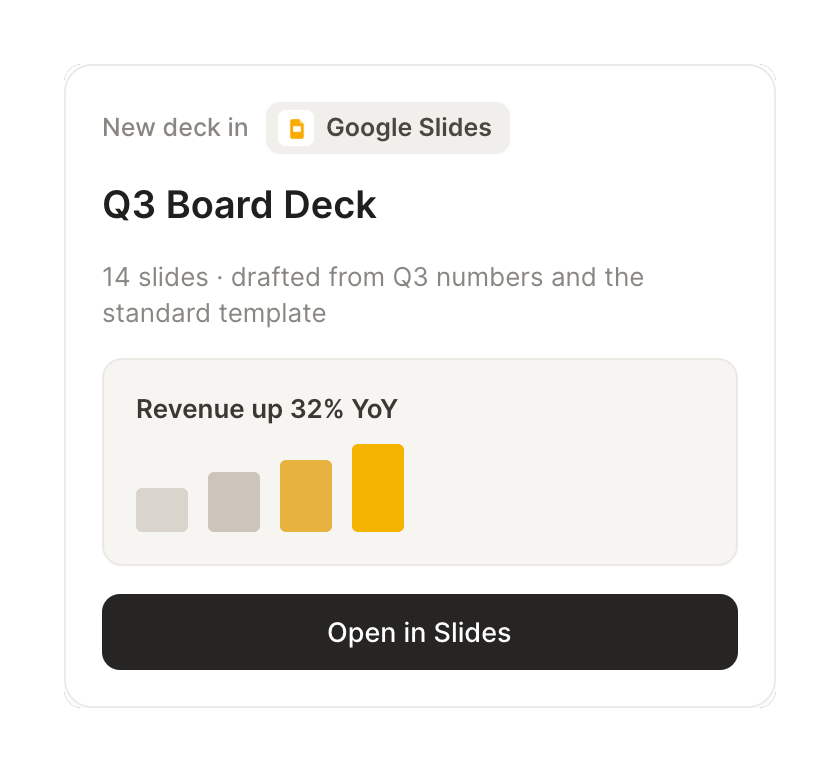
Build a first-draft deck from this quarter's numbers and our usual template.
Remy
APP
9:19 AM
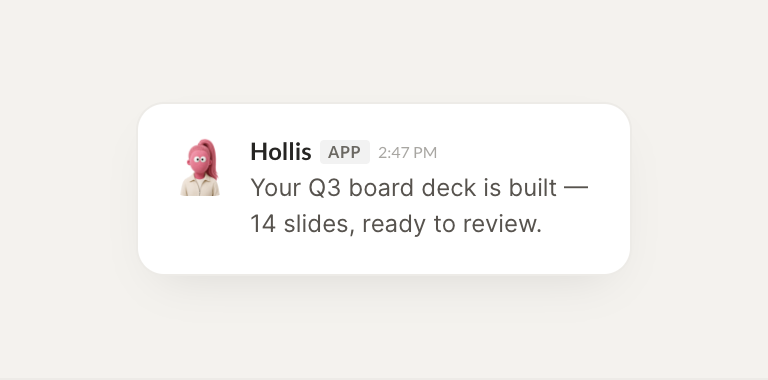
Draft is ready. I built a 14 slide deck from the Q3 numbers on your standard template, with the revenue, pipeline, and retention charts filled in. Link is in the thread for you to review and reword.
Josh
9:24 AM
Great, reviewing now.
#
updates
Leo
8:31 AM
Refresh the metrics slides in my monthly deck with the latest data.
Hollis
APP
8:32 AM
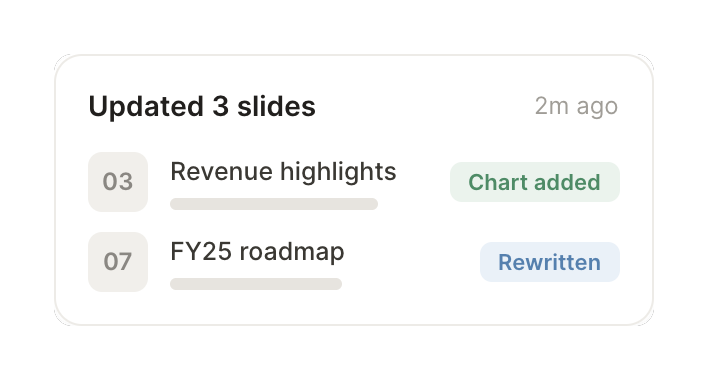
Refreshed. I updated all six metrics slides in your monthly deck with October data, kept your formatting, and left a comment on the one chart where the source range looked off so you can confirm.
Leo
8:38 AM
Perfect, thank you.
#
prep
Marcus
9:00 AM
Pull the talking points so I can rehearse from my phone.
Trinket
APP
9:02 AM
Pulled them. I turned your deck into a clean set of talking points, one bullet block per slide with the key number highlighted, formatted so it reads well on a phone. Sent to the thread.
Marcus
9:05 AM
This is exactly it.
Live in three steps
No integration project. Connect in under a minute and your agent is working.
01
Find
Pick the integration from your agent's list, or just ask the agent to connect it.
02
Approve
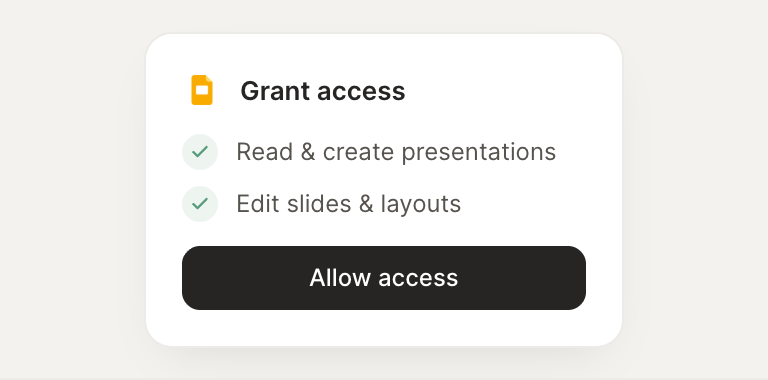
Confirm the access. Change what's granted anytime.