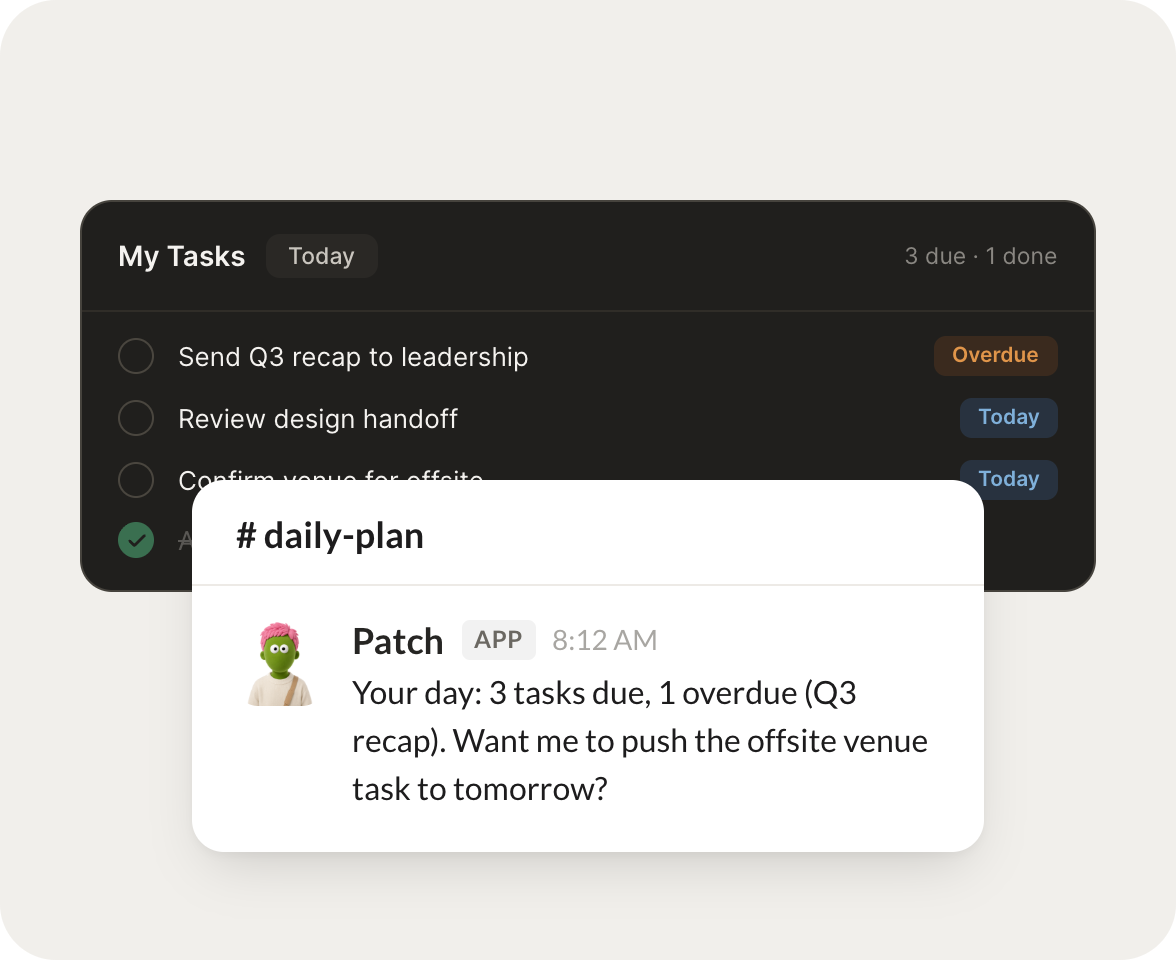
Each morning, plan my day from what's due and what I keep pushing.
Patch
APP
9:19 AM
Morning. I built your plan for today from what is due and the three tasks you keep pushing. I put the two time sensitive ones at the top so they stop slipping.
Eldar
9:24 AM
Perfect.
#
tasks
Marcus
8:31 AM
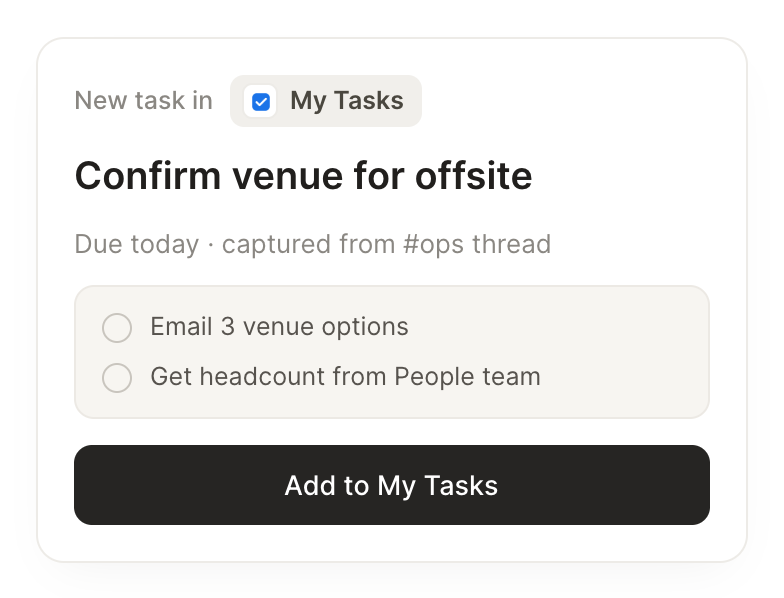
Turn the action items from my last meeting into tasks with deadlines.
Olga
APP
8:32 AM
Done. I pulled the action items from yesterday's meeting and created five tasks, each with a short note and a deadline based on what you discussed.
Marcus
8:38 AM
Nice.
#
recaps
Rain
9:00 AM
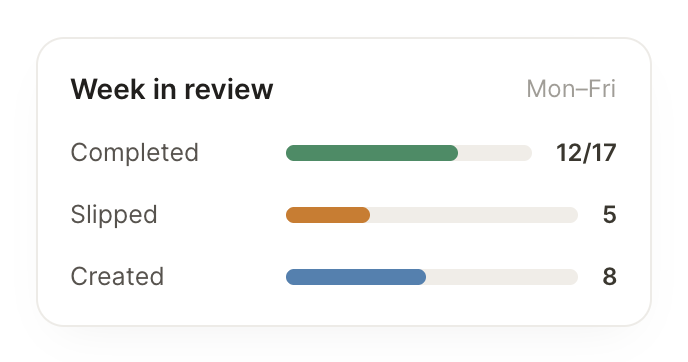
At week's end, tell me what I finished and what slipped.
Philly
APP
9:02 AM
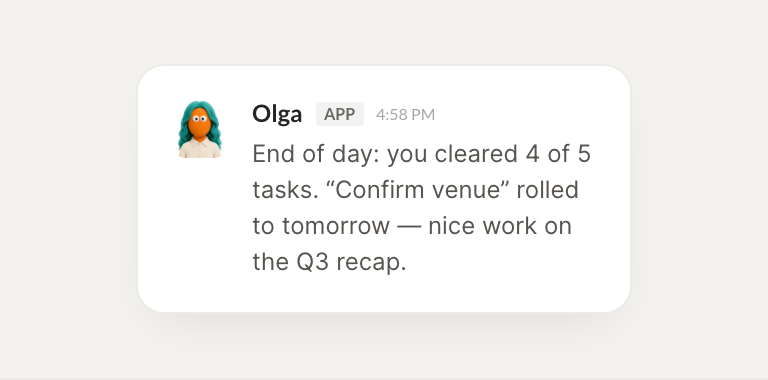
Here is your week. You finished eleven tasks and three slipped to next week. I listed the ones that slipped so you can decide what to reprioritize.
Rain
9:05 AM
Thanks, super helpful.
Live in three steps
No integration project. Connect in under a minute and your agent is working.
01
Find
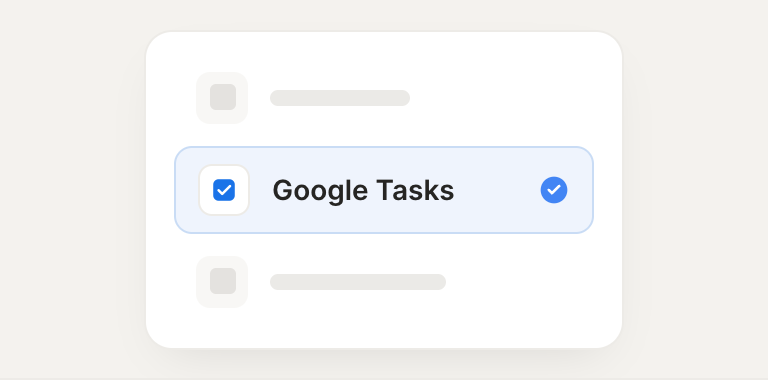
Pick the integration from your agent's list, or just ask the agent to connect it.
02
Approve
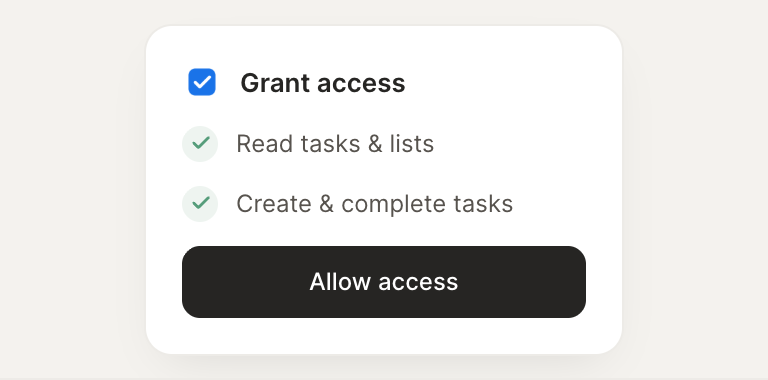
Confirm the access. Change what's granted anytime.