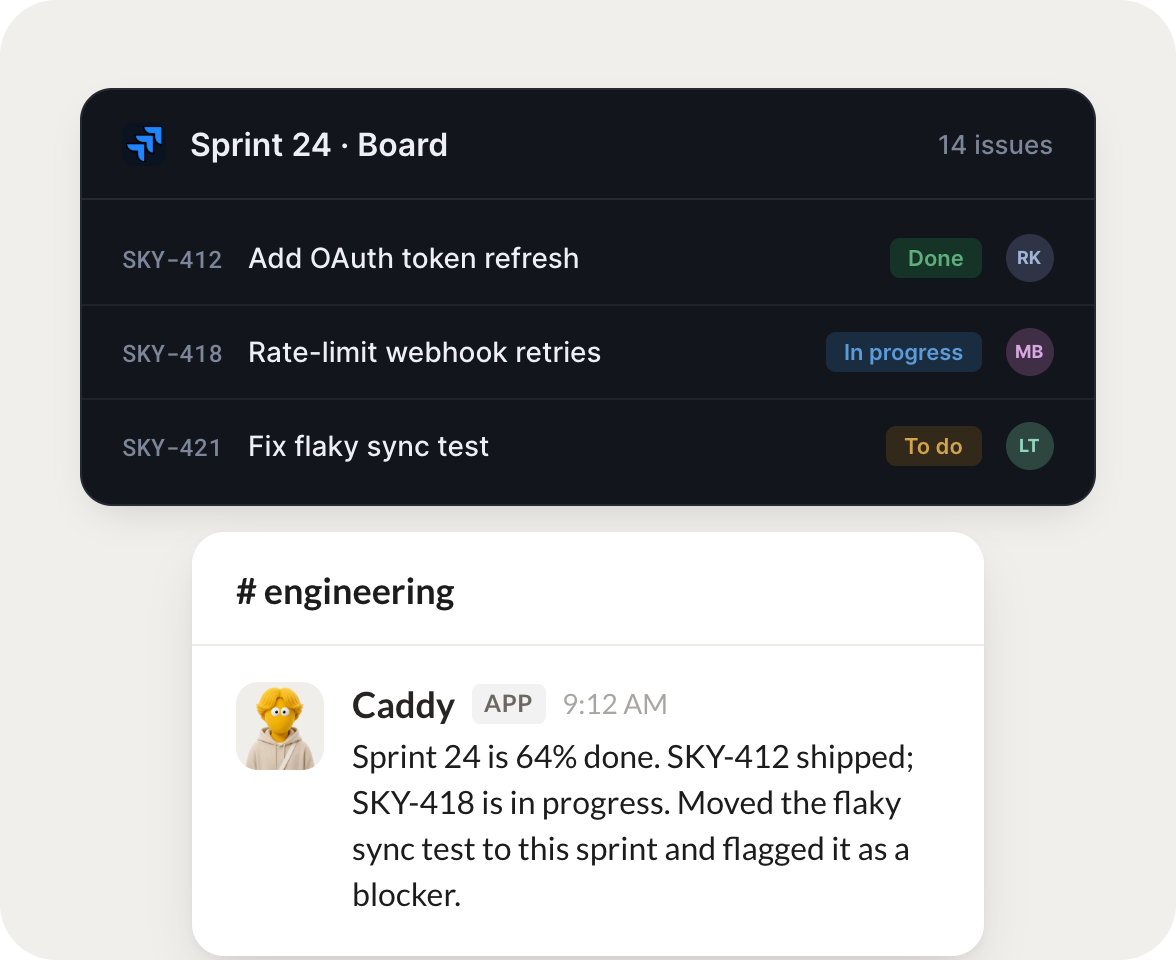
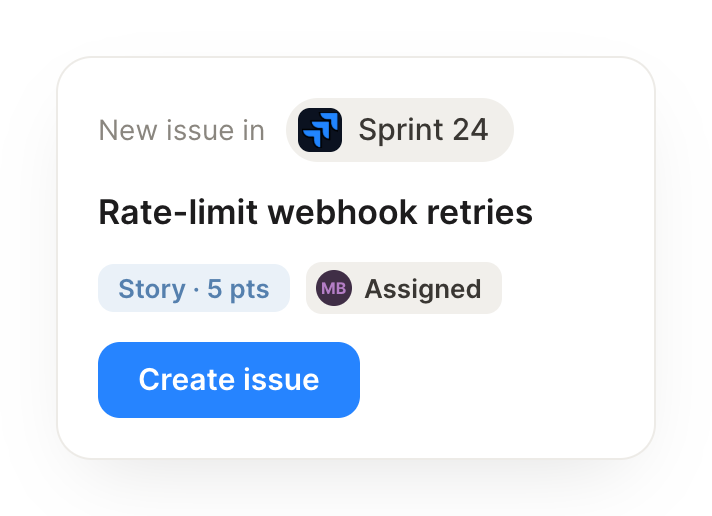
Turn each support escalation into a Jira issue with the customer context attached.
Caddy
APP
9:19 AM
Filed SKY-431 from the latest support escalation, with the customer name, plan, and the full thread attached. I set it to the Sprint 24 board and tagged the on-call engineer so it doesn't sit.
James
9:24 AM
Perfect, that's one less thing.
#
eng-standup
Josh
8:31 AM
Every Monday, tell me which bugs are aging and which sprint is at risk.
Xavier
APP
8:32 AM
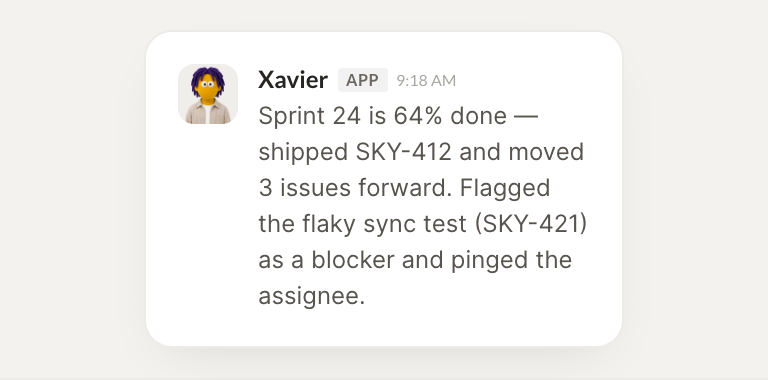
Sprint 24 is 64 percent done with 3 days left, so it reads at risk. 4 bugs have been open over 10 days, led by SKY-418 on rate-limit retries. I listed them oldest first so you can triage in order.
Josh
8:38 AM
Got it, I'll rebalance the sprint.
#
customer
Zaria
9:00 AM
When an issue moves to Done, draft the note back to the customer who reported it.
Squiggle
APP
9:02 AM
SKY-412 just moved to Done, so I drafted a note to the customer who reported it with what shipped and a link to try it. It's waiting in your drafts for a quick read before it goes out.
Zaria
9:05 AM
Reading it now, thanks.
Live in three steps
No integration project. Connect in under a minute and your agent is working.
01
Find
Pick the integration from your agent's list, or just ask the agent to connect it.
02
Approve
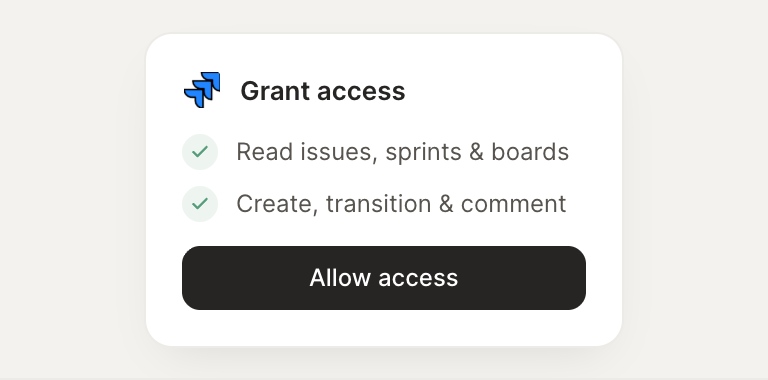
Confirm the access. Change what's granted anytime.