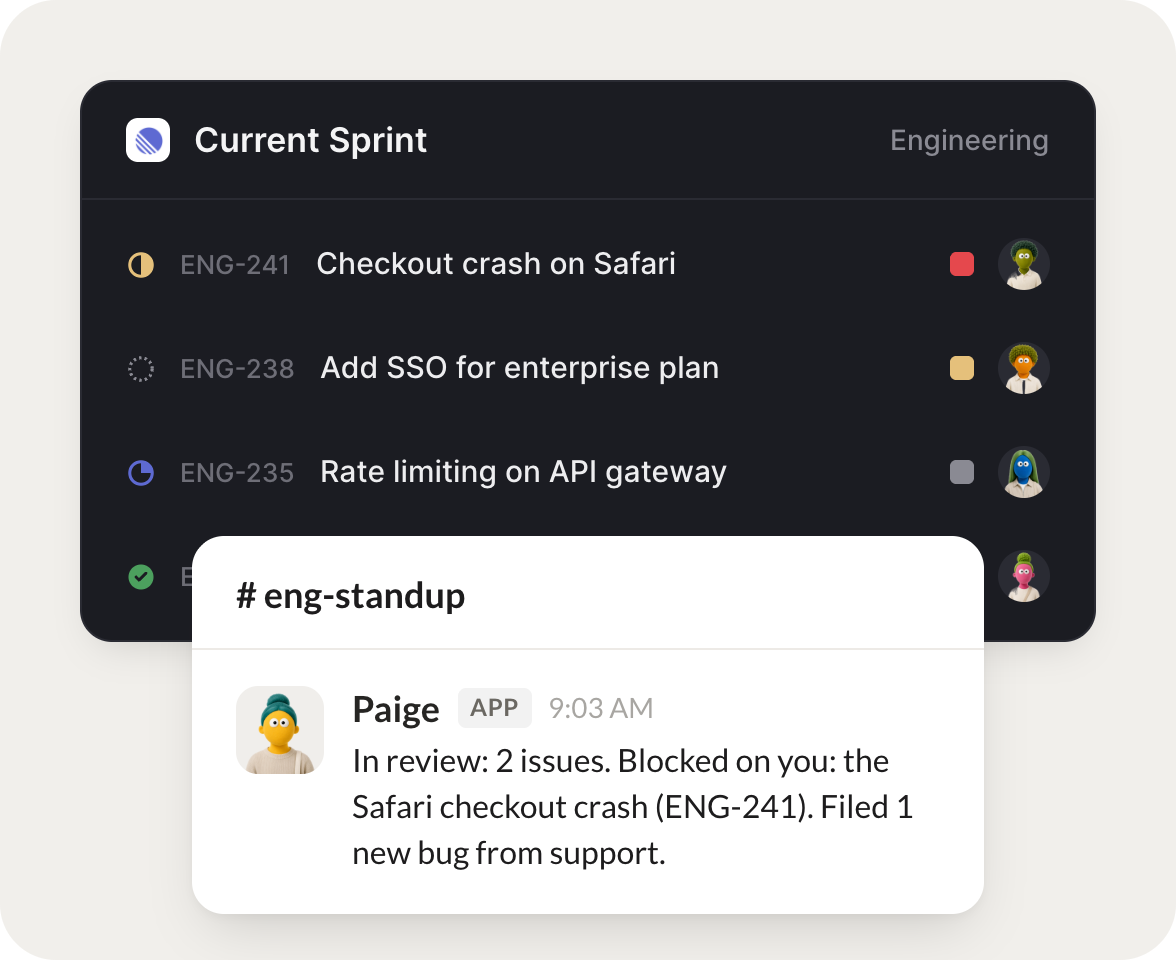
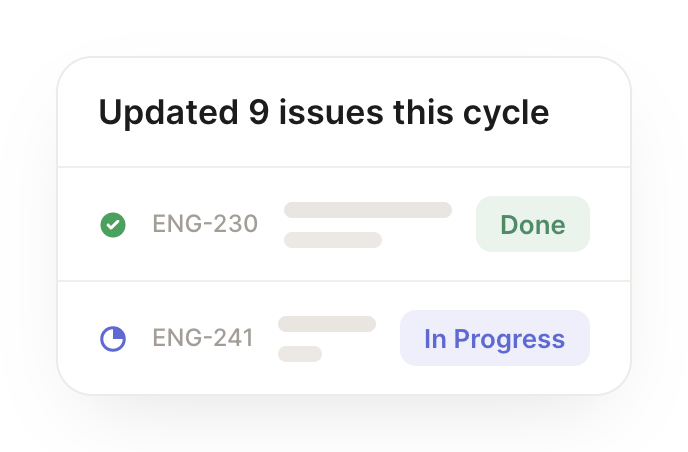
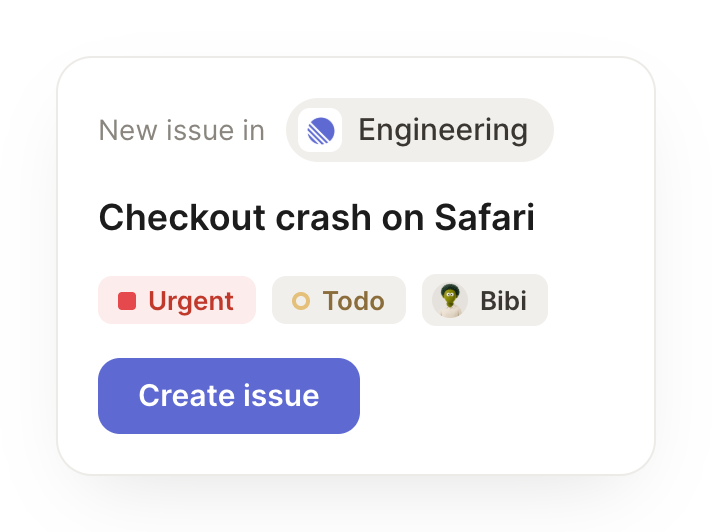
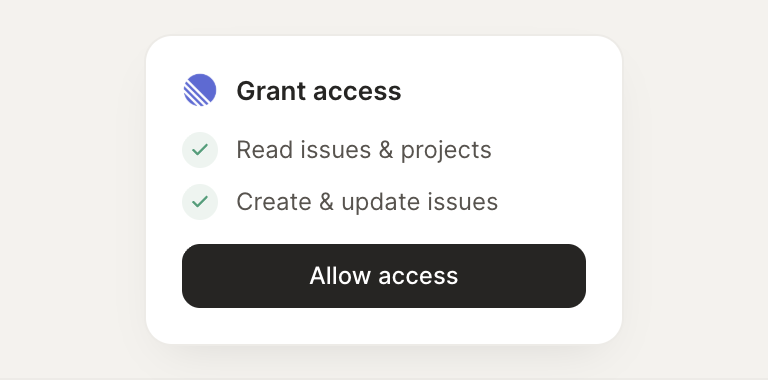
Connect Linear and your agent reads your issues, files new ones, and updates status, assignee, and priority. Your board stays current while you do the work that matters.
When a customer hits a bug, file a Linear issue with the repro steps and tag the team.
Paige
APP
9:19 AM
On it. I filed ENG-482 from the #support thread with the full repro steps, attached the error logs, set it to high priority, and tagged the @platform team who owns that area.
James
9:24 AM
Great, that was fast.
#
eng-standup
Gen
8:31 AM
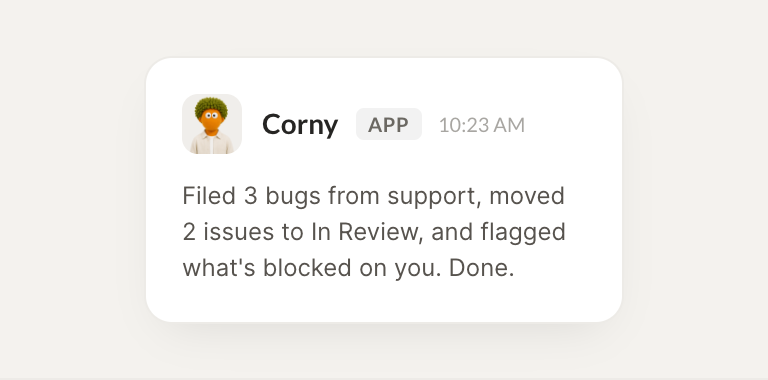
Each morning, tell me what's in review and what's blocked on me.
Corny
APP
8:32 AM
3 issues are in review right now, and LIN-206 is blocked on you and needs your sign-off. The other two are moving. Here's the shortlist so you can unblock in one pass.
Gen
8:38 AM
Thanks, I'll sign off now.
#
releases
Dylan
9:00 AM
Summarize what shipped this cycle for the changelog.
Ella
APP
9:02 AM
Done. I summarized the 11 issues that shipped this cycle into a clean draft changelog, grouped by feature and fix, and linked each entry back to its issue for reference.
Dylan
9:05 AM
Perfect, I'll publish it.
Live in three steps
No integration project. Connect in under a minute and your agent is working.
01
Find
Pick the integration from your agent's list, or just ask the agent to connect it.
02
Approve
Confirm the access. Change what's granted anytime.