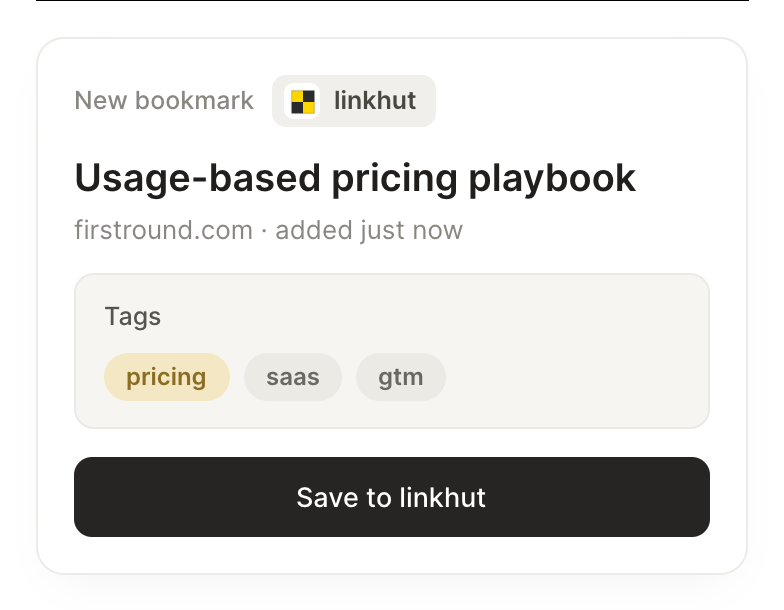
Save this article to my linkhut with the right tags.
Fable
APP
9:19 AM
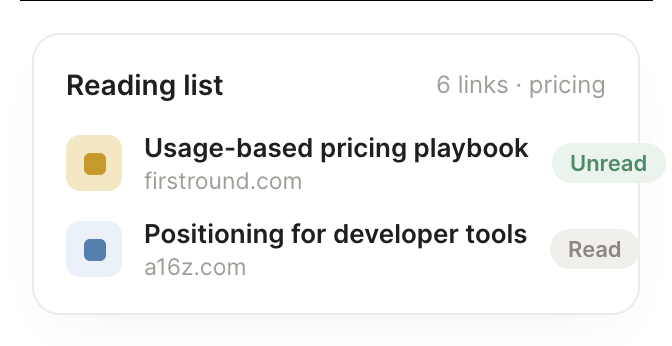
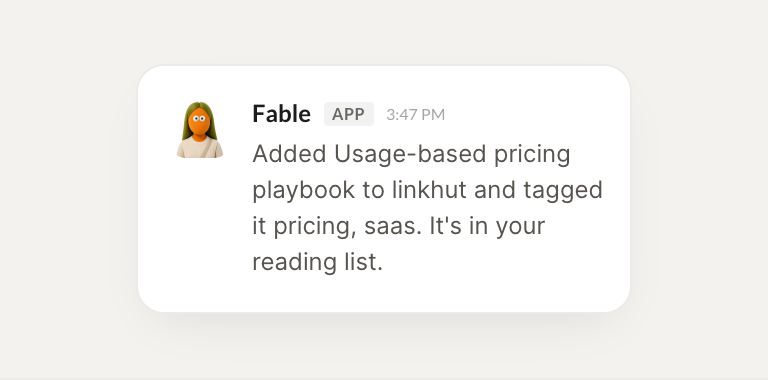
Saved. I added the Usage-based pricing playbook to your linkhut and tagged it pricing and saas. It is in your reading list now.
Dhruv
9:24 AM
Perfect, thanks.
#
search
Gen
8:31 AM
What have I bookmarked about pricing recently?
Tigerlily
APP
8:32 AM
You have five recent saves tagged pricing, including the First Round playbook and two teardown posts from last week. I listed them newest first with the source.
Gen
8:38 AM
Great, opening those.
#
reading
James
9:00 AM
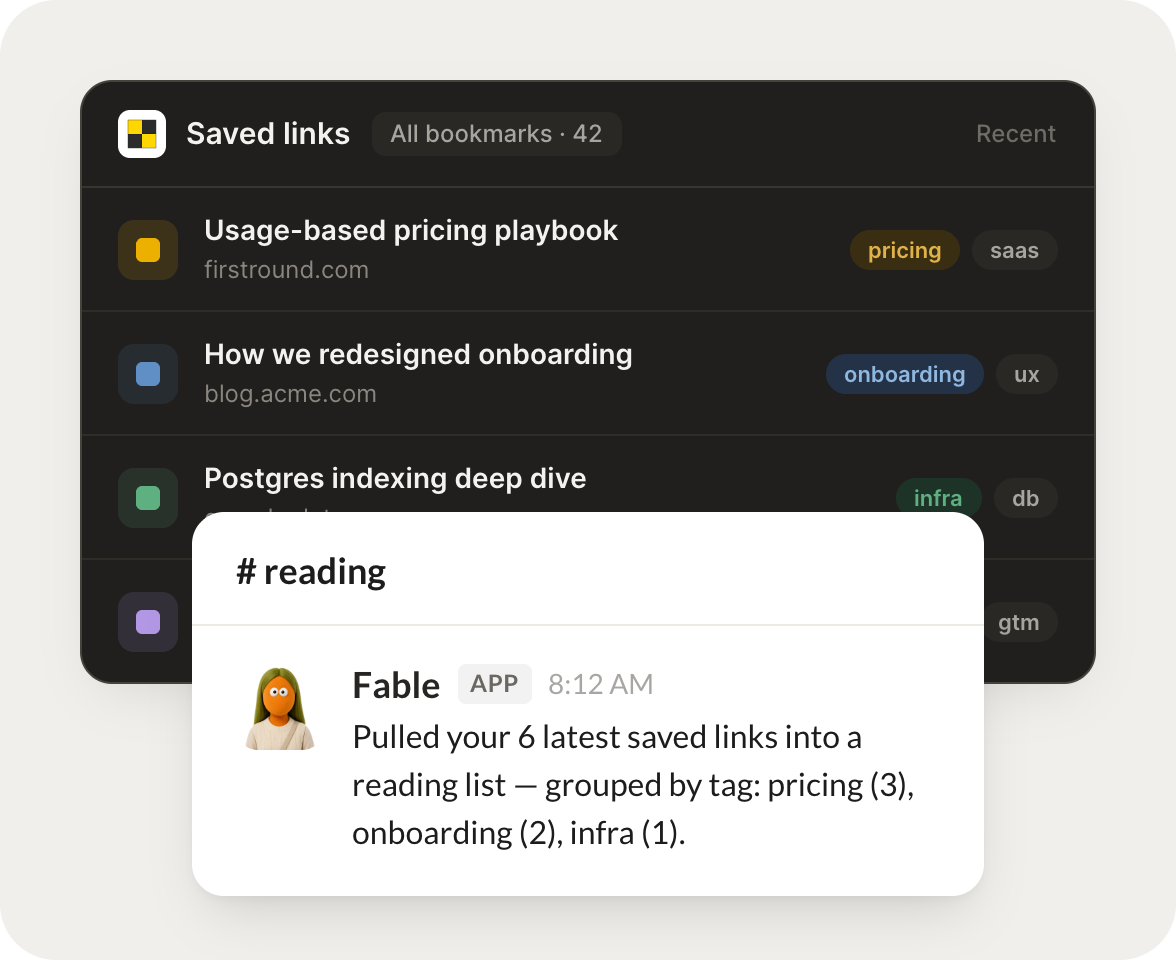
Pull my latest saved links into a reading list.
Popcorn
APP
9:02 AM
Done. I pulled your six latest saved links into a reading list, grouped by tag: pricing has three, onboarding two, and infra one.
James
9:05 AM
Nice, exactly what I wanted.
Live in three steps
No integration project. Connect in under a minute and your agent is working.
01
Find
Pick the integration from your agent's list, or just ask the agent to connect it.
02
Approve
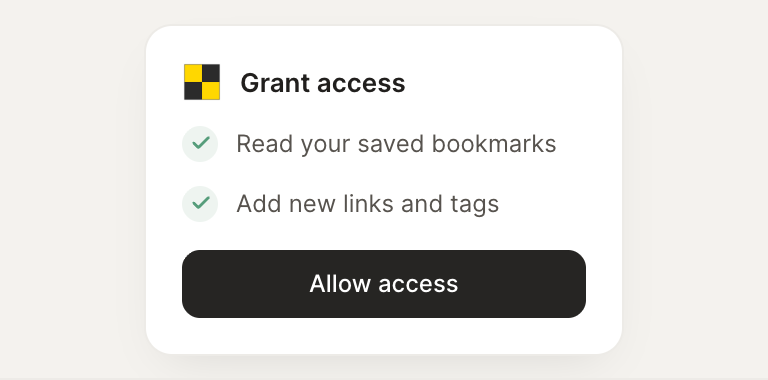
Confirm the access. Change what's granted anytime.