Connect Notion and your agent reads your pages and databases, pulls what it needs, and writes updates back. Your workspace stays current while you do the work that matters.
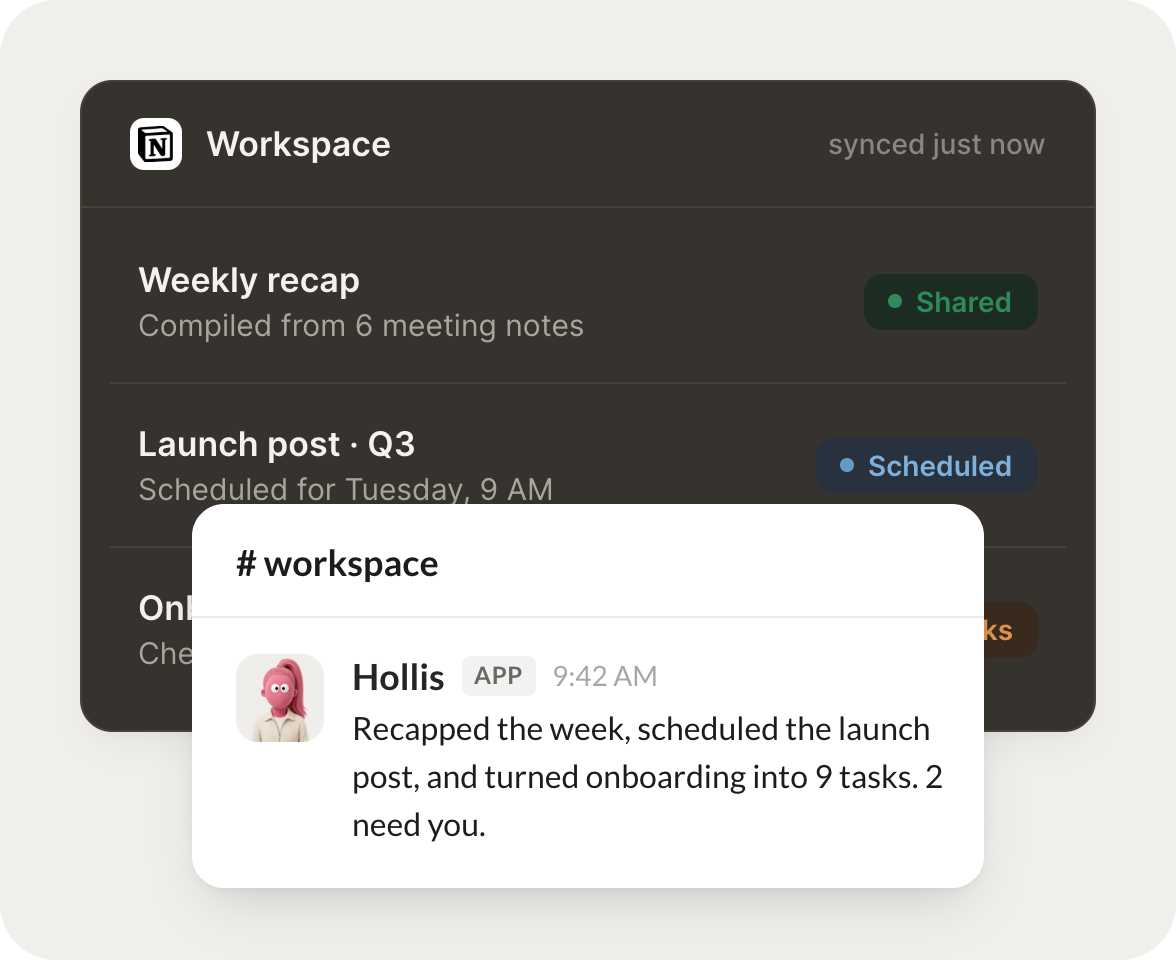
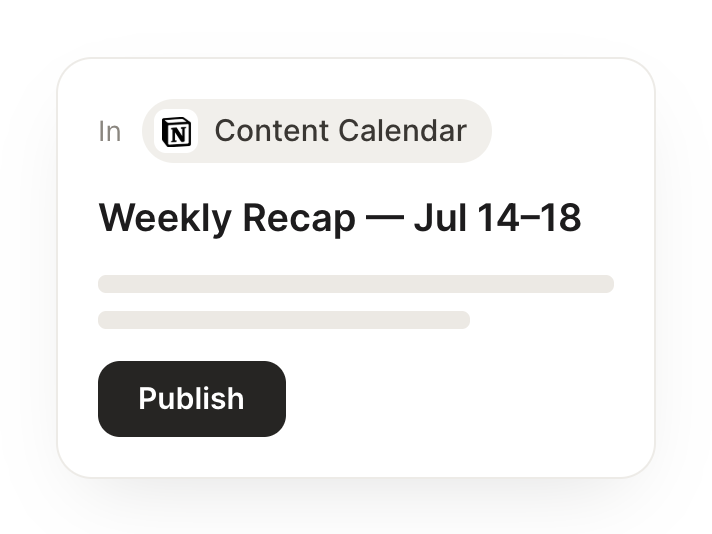
Every Monday, pull the past week's meeting notes into a single recap page and share it with the team.
Hollis
APP
9:19 AM
On it. I posted Monday's recap: pulled the past week's meeting notes from 6 pages into one clean summary, grouped by project, and shared it with the team channel.
Eldar
9:24 AM
Love it, saves me an hour.
#
content
Dylan
8:31 AM
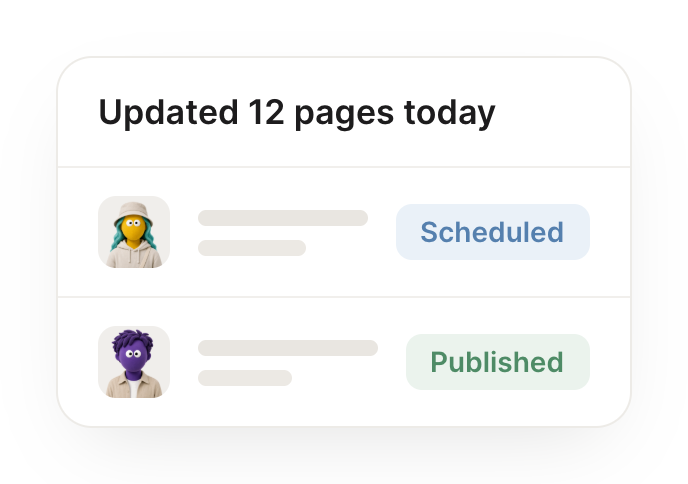
When I approve a draft in my Content Calendar, flip its status to Scheduled and set the publish date.
Cashew
APP
8:32 AM
Done. When you approved the draft I flipped 'Q2 launch post' to Scheduled and set the publish date to Apr 12, then linked it back to the campaign tracker so nothing's orphaned.
Dylan
8:38 AM
Perfect.
#
onboarding
Gen
9:00 AM
Read the Onboarding page, turn the checklist into tasks, and DM the new hire their first day plan.
Juno
APP
9:02 AM
Done. I read the Onboarding page, turned the checklist into 9 tasks with owners and due dates, and DM'd Priya her first-day plan so she knows exactly where to start.
Gen
9:05 AM
Thanks, she's all set then.
Live in three steps
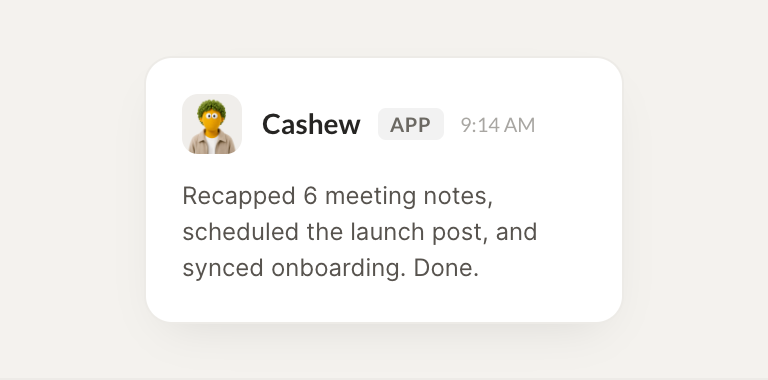
No integration project. Connect in under a minute and your agent is working.
01
Find
Pick the integration from your agent's list, or just ask the agent to connect it.
02
Approve
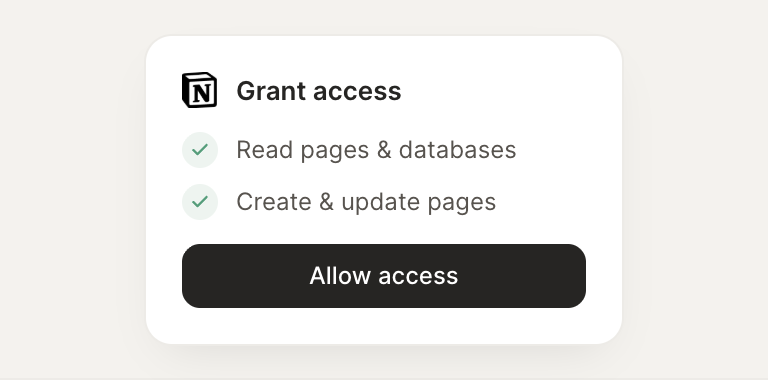
Confirm the access. Change what's granted anytime.