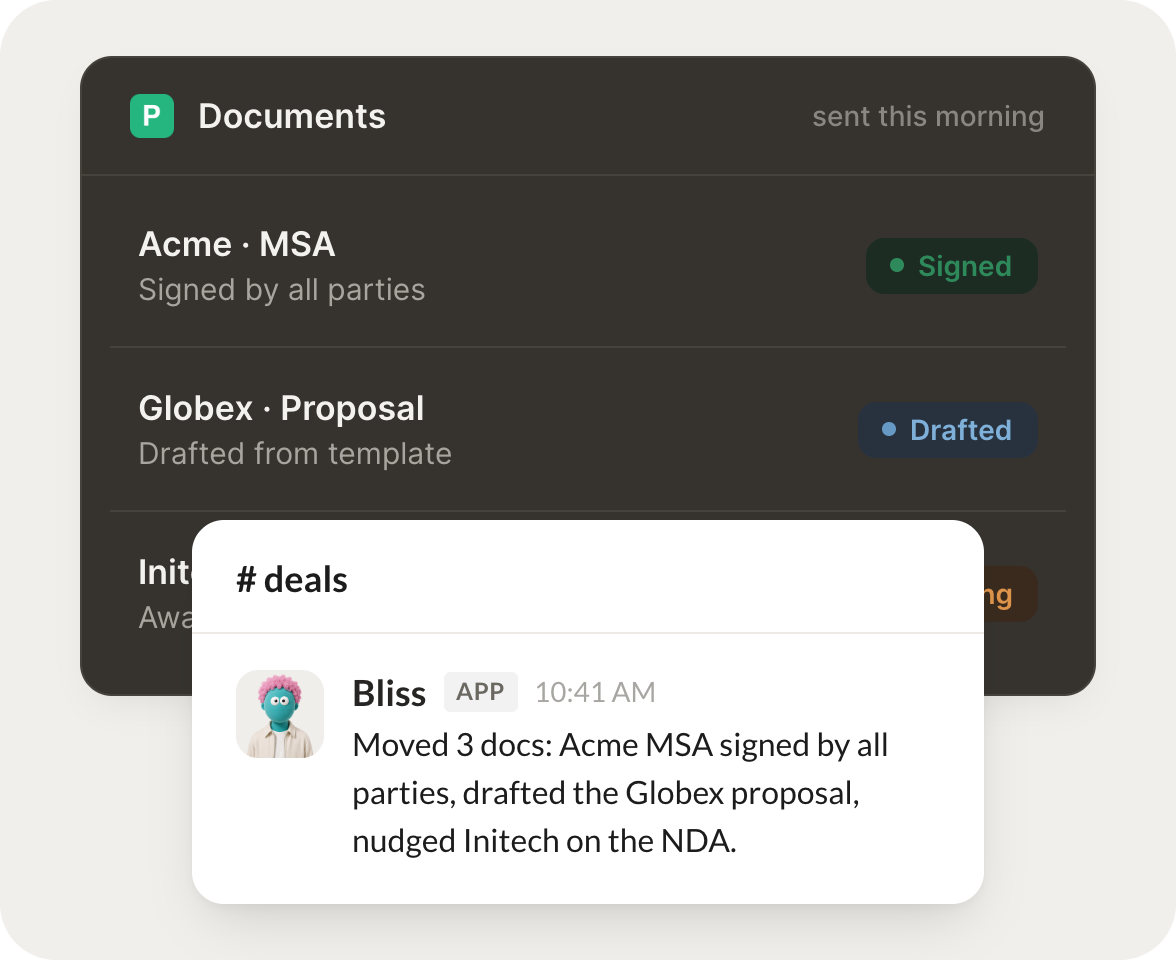
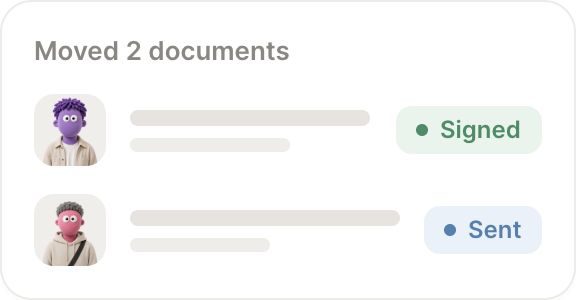
Connect PandaDoc and your agent reads your documents, drafts proposals, and tracks what is signed. Your deals keep moving while you do the work that matters.
Checked PandaDoc for you. Four documents are still awaiting signature and two have been sitting for over a week. I listed each with who still needs to sign.
Dylan
9:24 AM
Good to know.
#
proposals
Rain
8:31 AM
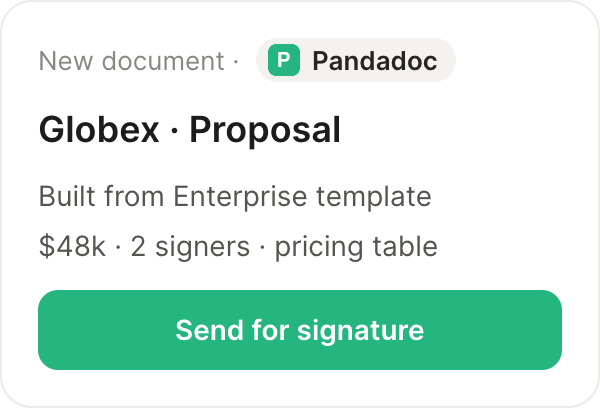
Draft the proposal for this deal from our standard template.
Taro
APP
8:32 AM
Drafted the proposal from your standard template, filled in the deal amount and scope, and left it ready for your review before it goes out.
Rain
8:38 AM
Perfect, sending it.
#
signing
Vento
9:00 AM
What is the status of the Acme contract?
Slipper
APP
9:02 AM
The Acme contract is out for signature and one of the two signers has signed. I also have the timestamp of the last view so you know it was opened.
Vento
9:05 AM
Great, thanks.
Live in three steps
No integration project. Connect in under a minute and your agent is working.
01
Find
Pick the integration from your agent's list, or just ask the agent to connect it.
02
Approve
Confirm the access. Change what's granted anytime.