Product
Solutions
Enterprise
Pricing
Blog
Log in
Get Started
→
INTEGRATIONS
/
Read AI
Read AI integration for AI agents
Connect Read AI and your Skydive agent gets to work. Ask in plain English, get the answer, keep moving.
Connect Read AI
→
Learn more
Read AI, connected
Everything your agent can do in Read AI
Connect Read AI once and your agent can read, act, and report across it.
Just ask, in plain English
just ask and the agent handles the rest in Read AI
Sync recap
Roadmap decision
All hands transcript
#
#product-ops
Rain
9:18 AM
Summarize yesterday's product sync and list any action items assigned to me.
Sushi
APP
9:19 AM
Product sync recap is ready. You own two action items: the pricing page review and the beta invite list, both due Friday.
Rain
9:24 AM
Amazing, thank you.
#
#product
Leo
8:31 AM
What did we decide about the Q4 roadmap in last week's planning meeting?
Alto
APP
8:32 AM
The team agreed to move the integrations launch into Q4 and push the mobile refresh to Q1. Quotes are in the thread.
Leo
8:38 AM
That works.
#
#team
Gen
9:00 AM
Pull the transcript from the all hands on August 15th.
Blanket
APP
9:02 AM
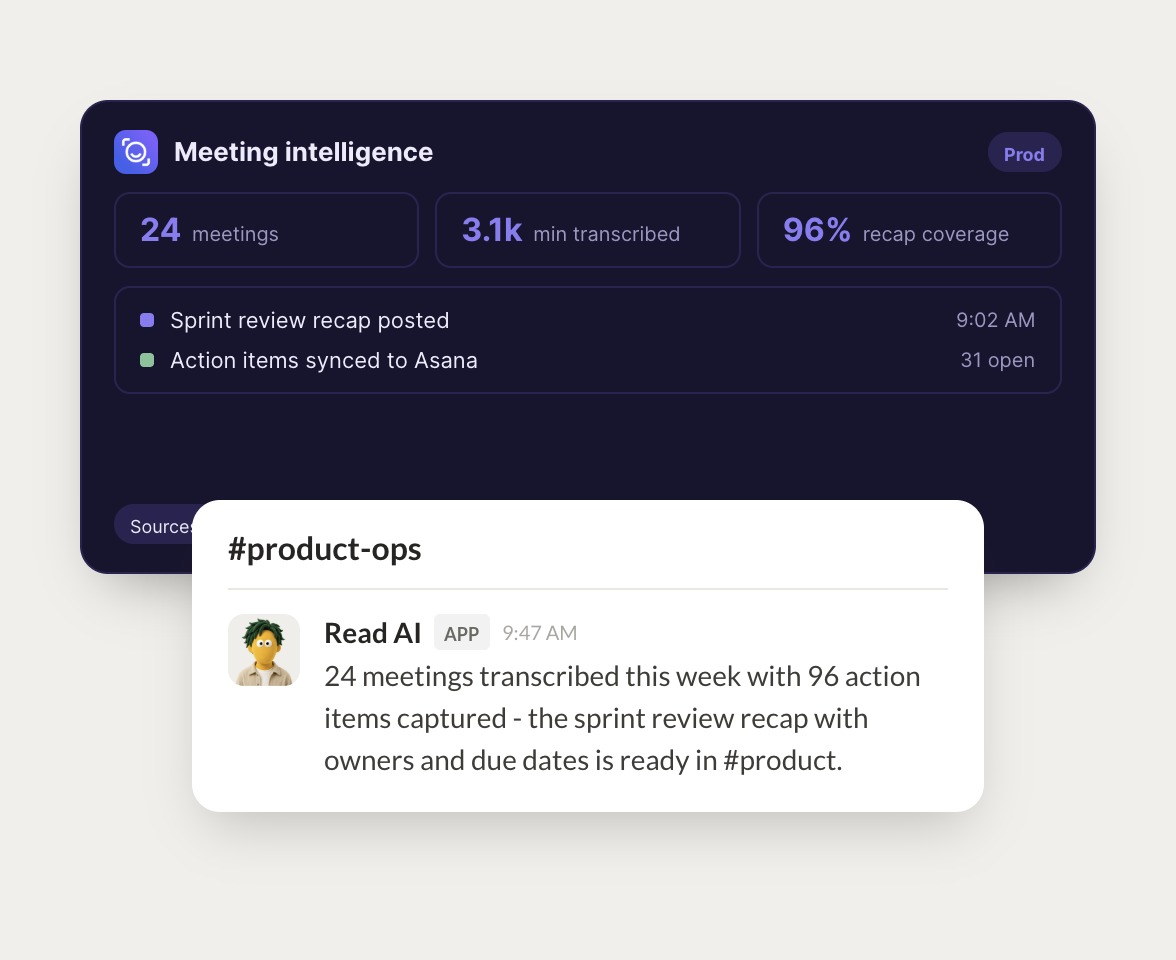
Here's the full all hands transcript from August 15th. It runs 52 minutes and the Q&A starts around minute 38.
Gen
9:05 AM
Perfect, thank you.
Live in three steps
No integration project. Connect in under a minute and your agent is working.
01
Find
Pick the integration from your agent's list, or just ask the agent to connect it.
02
Approve
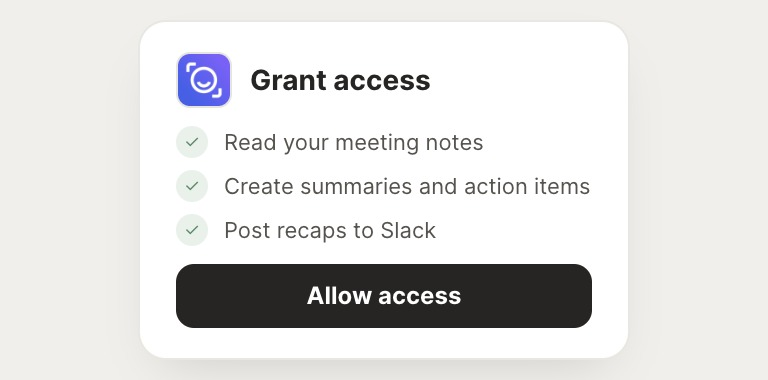
Confirm the access. Change what's granted anytime.
03
Done
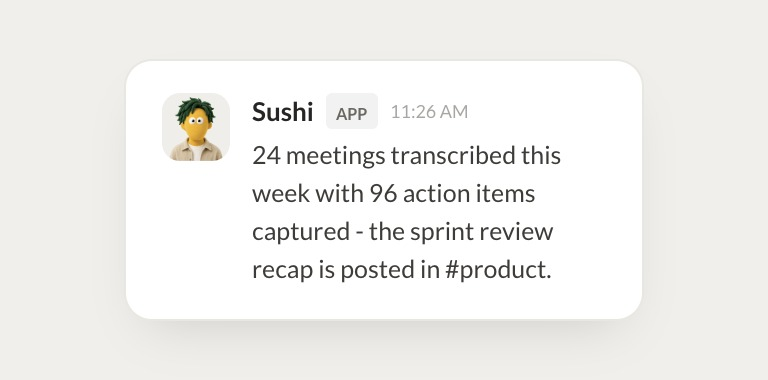
Your agent gets to work and reports back.
⇄
Ready to put Read AI on autopilot?
Connect Read AI
→
Browse all integrations