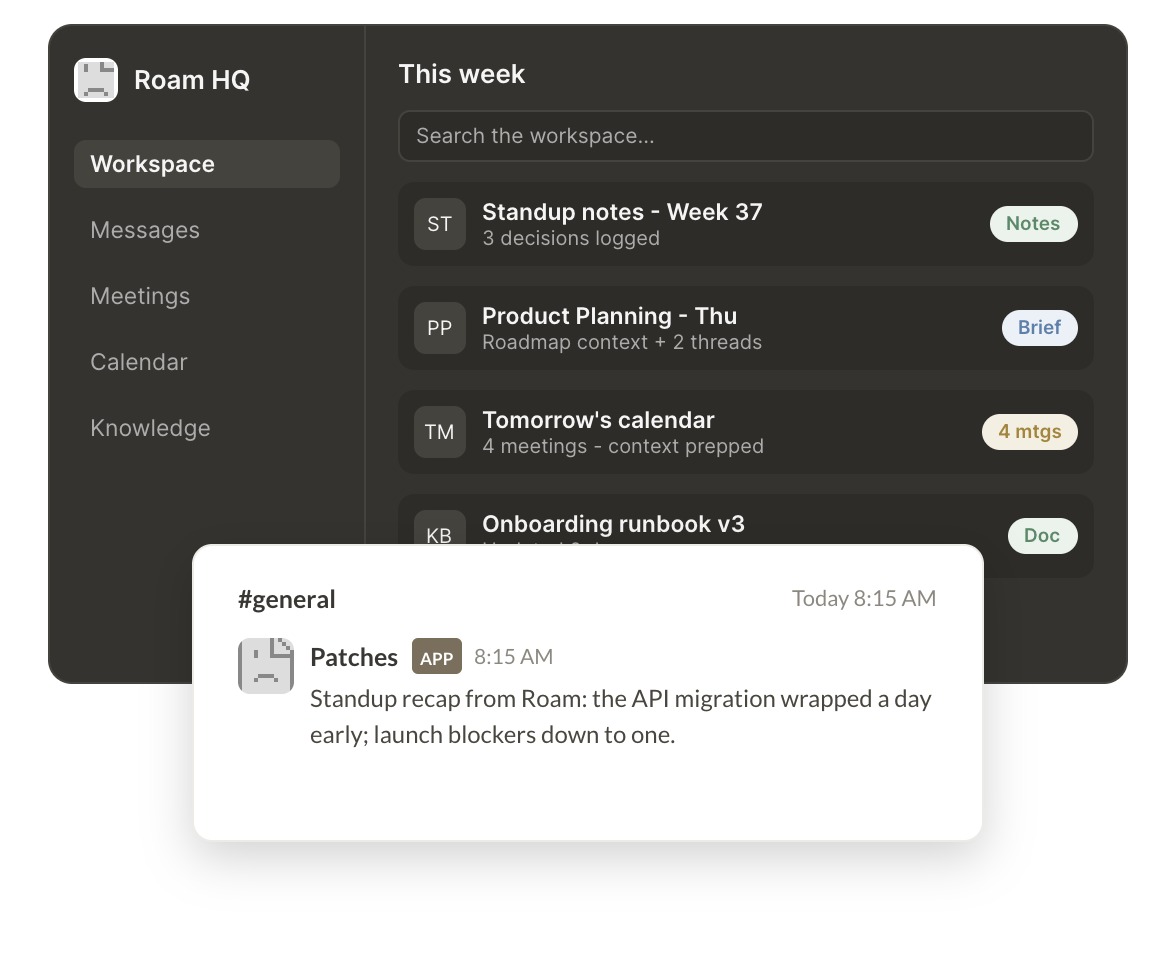
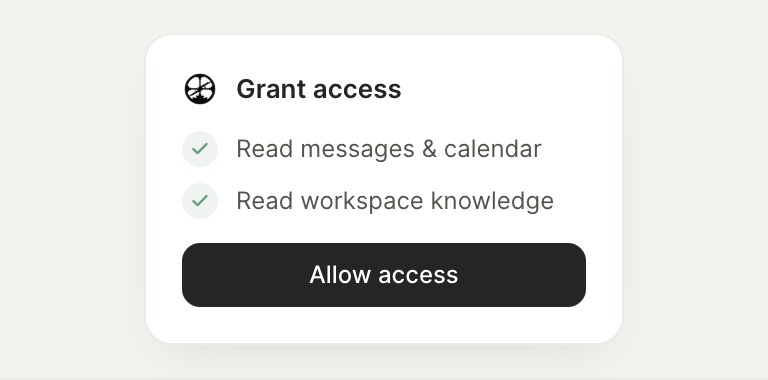
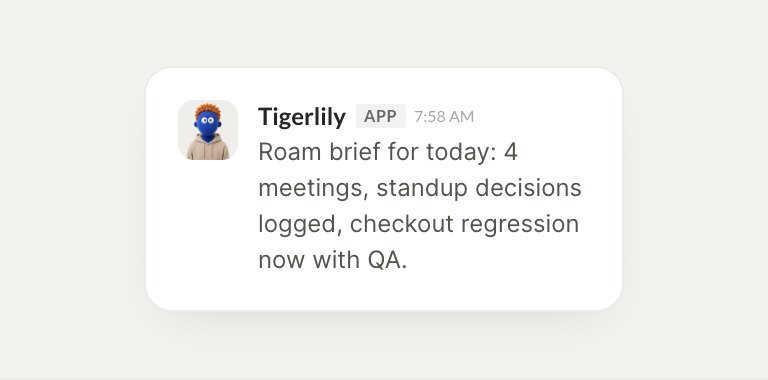
Connect Roam and your agent surfaces meeting context, workspace knowledge, and calendar info so your team acts on what is happening. Everything stays grounded in your workspace while you do the work that matters.
What did the team discuss in this week's standups? Summarize the key decisions.
Jax
APP
9:19 AM
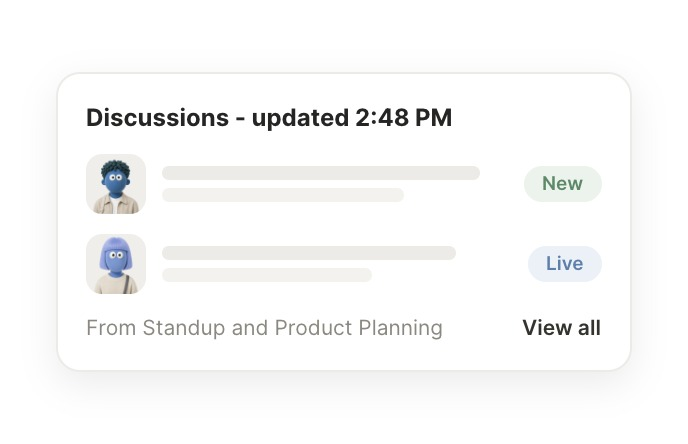
Read this week's standups. Three decisions stand out: the API freeze holds until Friday, onboarding copy ships Tuesday, and the pricing test moves to next sprint, so I wrote them up.
Gen
9:24 AM
Perfect, thanks.
#
meetings
Marcus
8:31 AM
Find the notes from last Thursday's product planning meeting.
Gingersnap
APP
8:32 AM
Pulled last Thursday's planning notes. The scope cut landed: two features moved out, and the revised milestone is the 18th, so I flagged the owners for each.
Marcus
8:38 AM
Great, that helps.
#
calendar
Brendan
9:00 AM
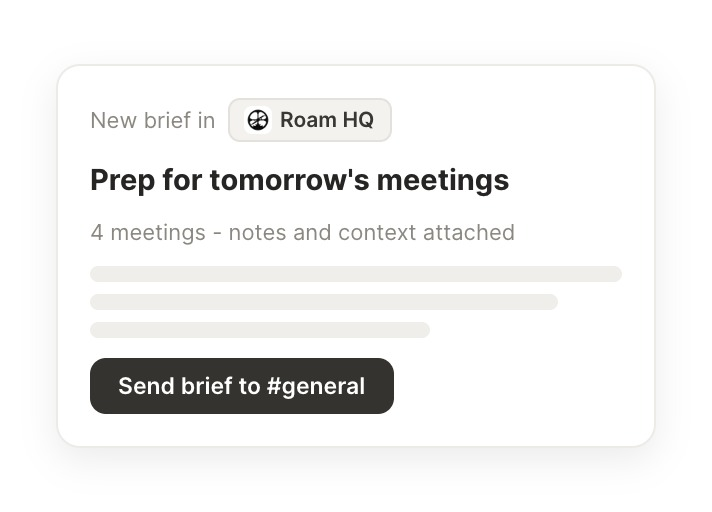
What is on my calendar tomorrow and what context do I need for each meeting?
Smithy
APP
9:02 AM
Checked tomorrow. You have three meetings, and I pulled the relevant threads and notes for each so you can walk in prepared.
Brendan
9:05 AM
Nice, very useful.
Live in three steps
No integration project. Connect in under a minute and your agent is working.
01
Find
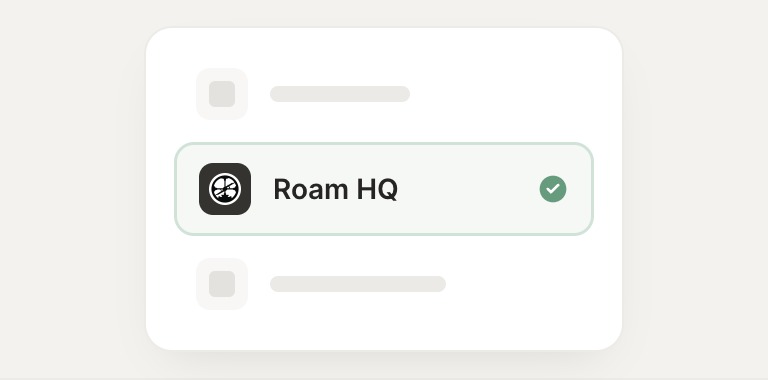
Pick the integration from your agent's list, or just ask the agent to connect it.
02
Approve
Confirm the access. Change what's granted anytime.