Product
Solutions
Enterprise
Pricing
Blog
Log in
Get Started
→
INTEGRATIONS
/
Splitwise
Connect Skydive agents to your Splitwise
Connect Splitwise and your agent reads your groups, expenses, and balances, then tallies who owes what and nudges people to settle up. Shared costs stay squared away while you get on with the trip.
Connect Splitwise
→
Learn more
Splitwise, connected
Turn your Skydive agents into the group treasurer
One connection, and your agent reads your groups and expenses, adds new ones to the right group, and keeps every balance current.
Just ask, in plain English
Ask your agent for what you need, right where you already work. It handles the rest in Splitwise.
Trip settle-up
Auto-split
Monthly balance
#
trip-lisbon
Eldar
9:18 AM
After a trip, tally who owes what and send everyone their share.
Plum
APP
9:19 AM
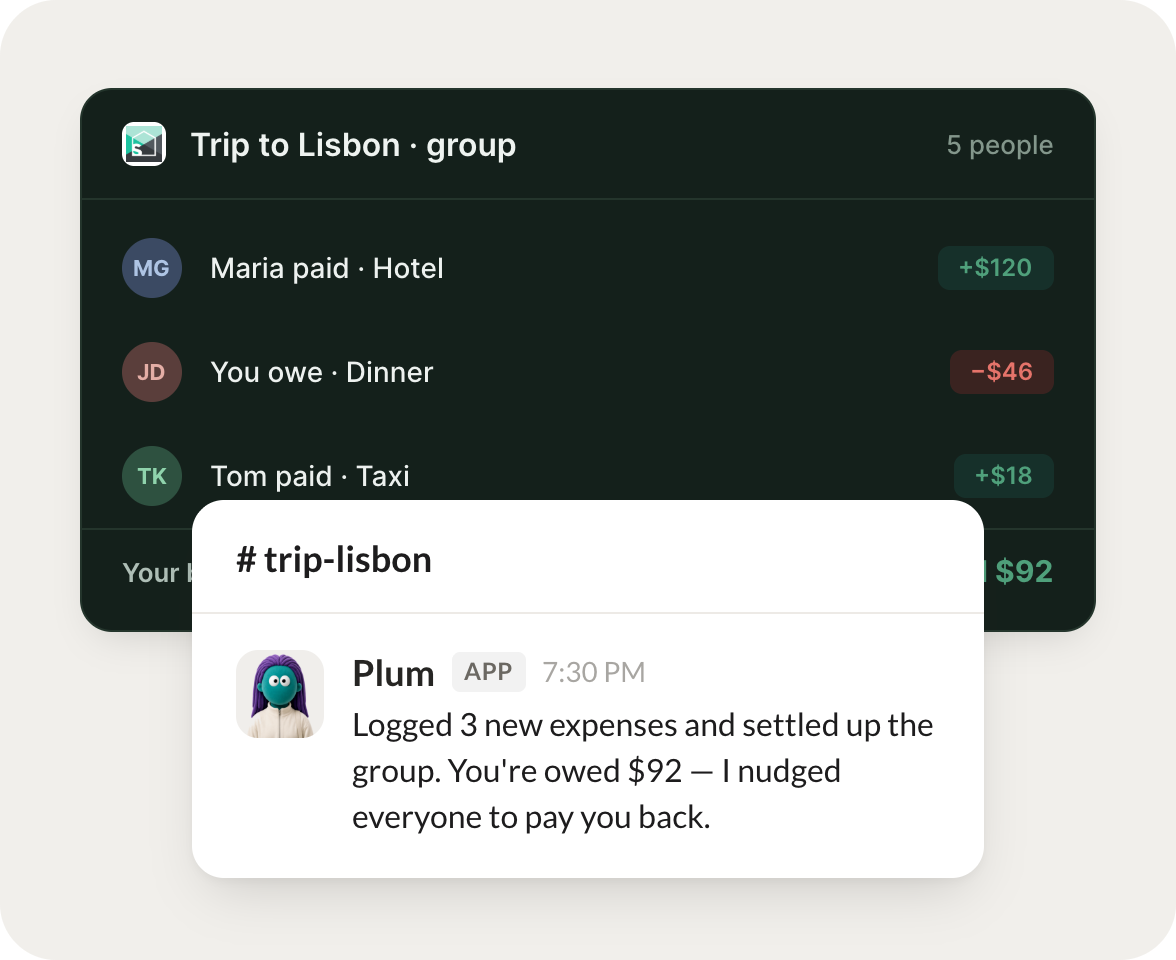
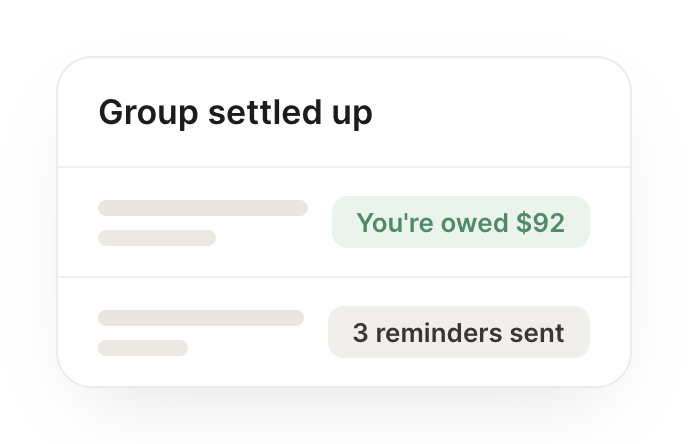
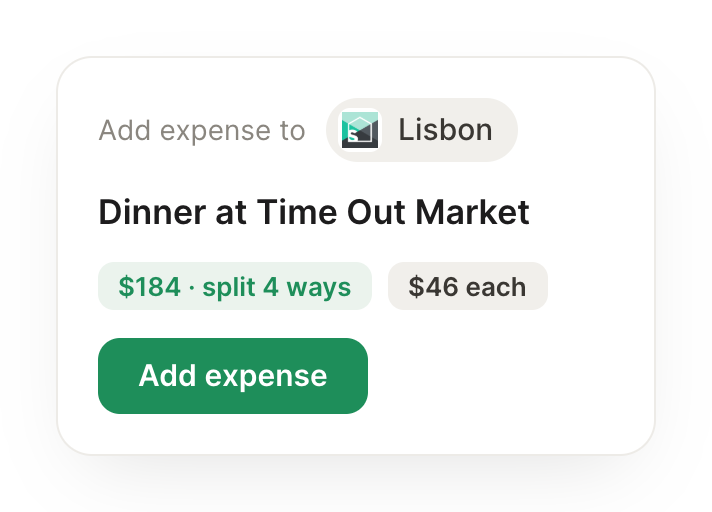
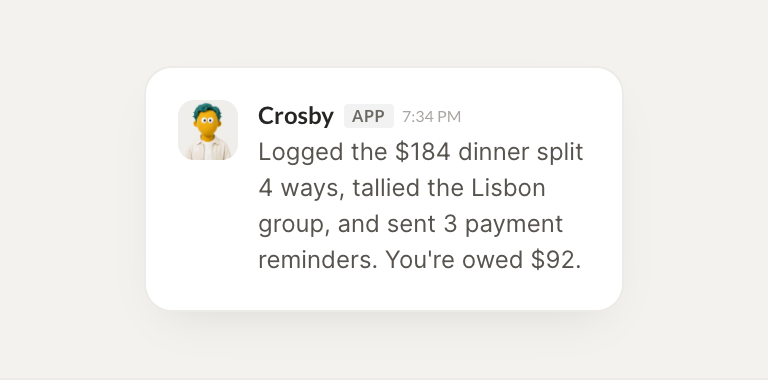
Trip to Lisbon is settled. I logged the $184 dinner split 4 ways, tallied the group, and sent 3 payment reminders. You are owed $92 in total.
Eldar
9:24 AM
Amazing, thanks.
#
expenses
Dylan
8:31 AM
When I add an expense, split it with the right group automatically.
Crosby
APP
8:32 AM
Done. New expenses now drop into the right group automatically based on who was there and the category, so nothing sits unsorted in your inbox.
Dylan
8:38 AM
Perfect, saves me the hassle.
#
money
Marcus
9:00 AM
Each month, tell me my balance across all my groups.
Rocky
APP
9:02 AM
Here is your month across all groups. You are net positive $58: owed $92 in Lisbon, and you owe $34 in the apartment group. Everything else is even.
Marcus
9:05 AM
Great, good to know.
Live in three steps
No integration project. Connect in under a minute and your agent is working.
01
Find
Pick the integration from your agent's list, or just ask the agent to connect it.
02
Approve
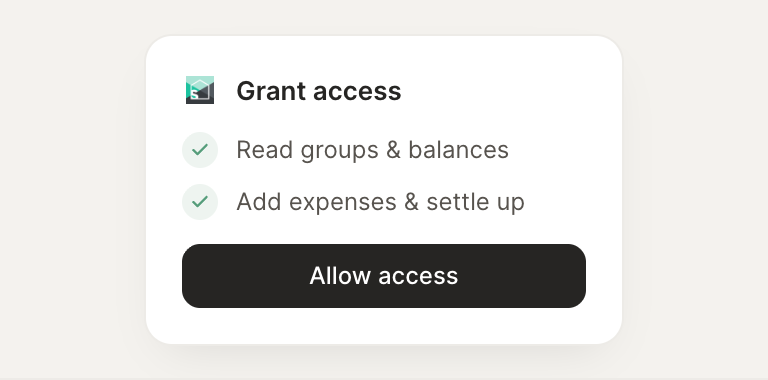
Confirm the access. Change what's granted anytime.
03
Done
Your agent gets to work and reports back.
⇄
Connect your agent to Splitwise today
Connect Splitwise
→
Browse all integrations