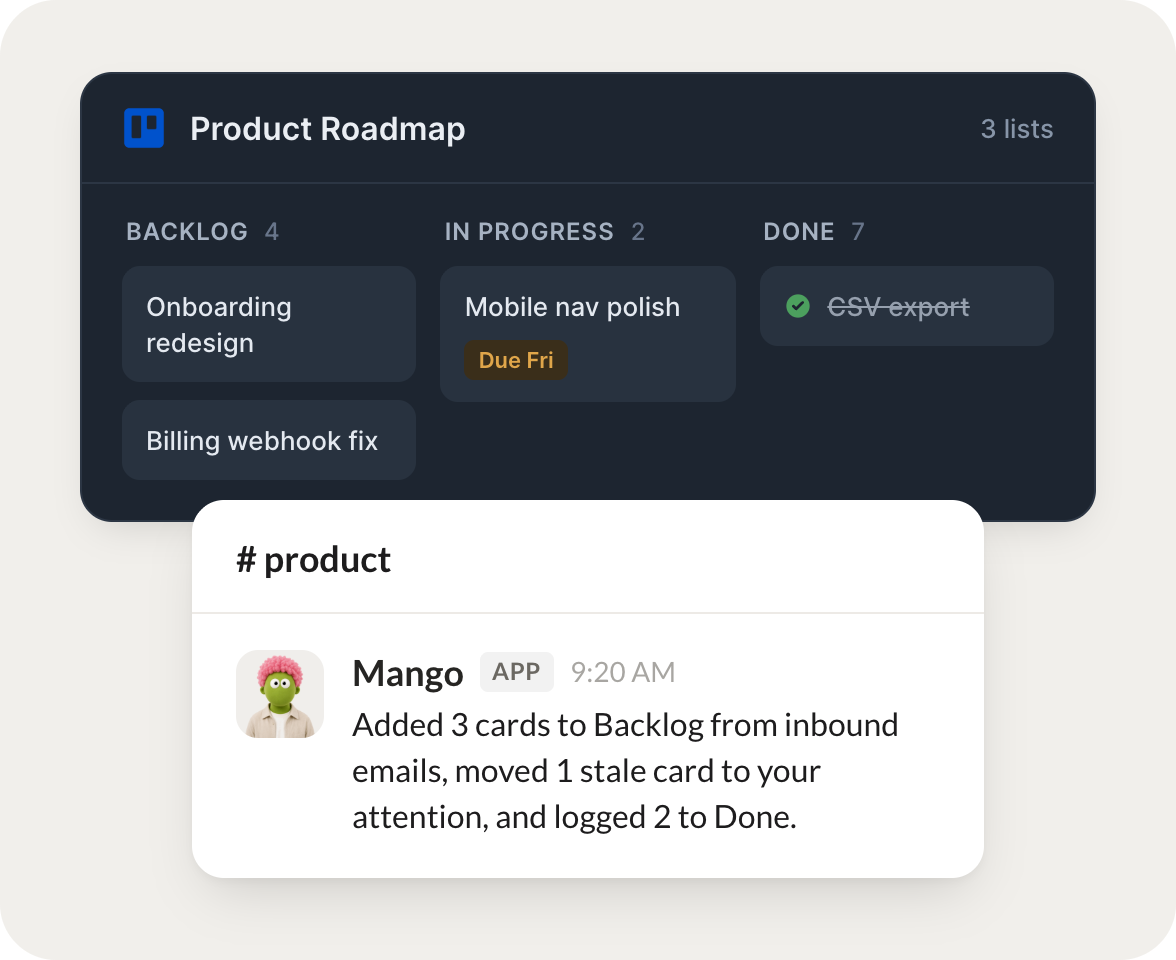
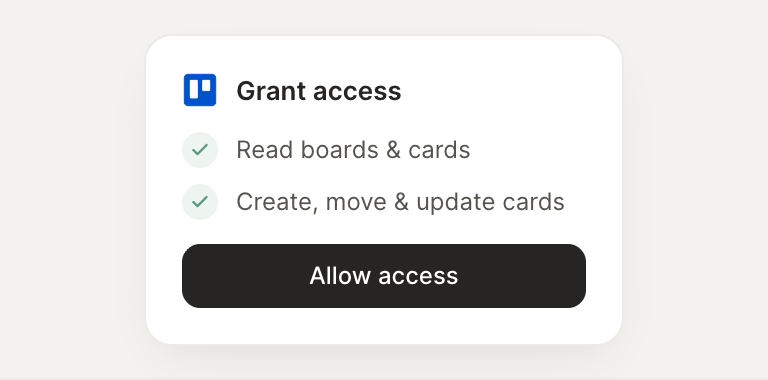
Connect Trello and your agent reads your boards, creates cards, and moves them as work progresses. Your board stays current while you do the work that matters.
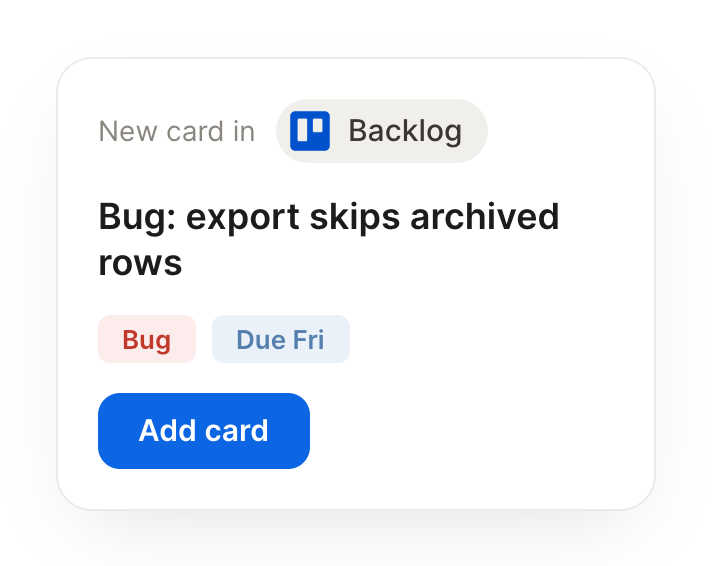
Turn each new inbound email into a card in my "Backlog" with the key details.
Mango
APP
9:19 AM
Done. I added 3 cards to Backlog from this morning's inbound emails, each with the sender, the ask, and a short summary so they're ready to triage.
Aleena
9:24 AM
Nice, that saves me the sorting.
#
standup
Arnav
8:31 AM
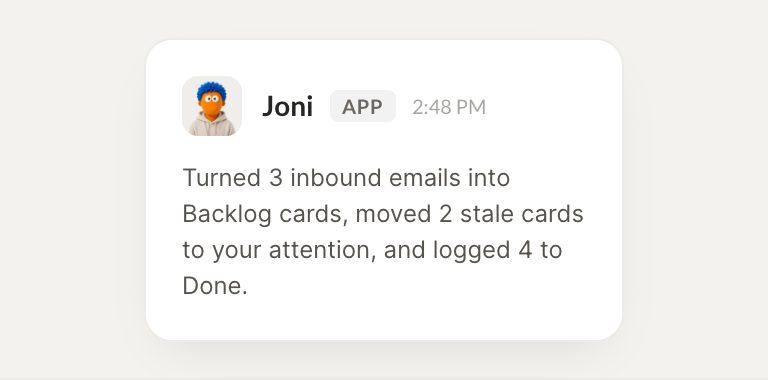
Every morning, move anything stale in "In Progress" to my attention.
Joni
APP
8:32 AM
2 cards in In Progress haven't moved in over a week. I flagged both to your attention with a note on where they stalled, so you can unblock or reassign.
Arnav
8:38 AM
Thanks, I'll unblock them.
#
shipped
Leo
9:00 AM
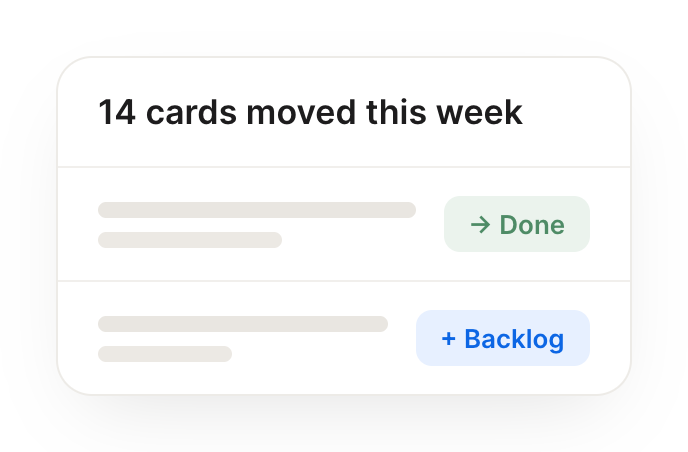
When a card hits "Done," log it to our shipped-this-week list.
Eli
APP
9:02 AM
Done. When a card hits Done I now log it to the shipped-this-week list automatically, with the date and who moved it, so your weekly recap writes itself.
Leo
9:05 AM
Perfect, love that.
Live in three steps
No integration project. Connect in under a minute and your agent is working.
01
Find
Pick the integration from your agent's list, or just ask the agent to connect it.
02
Approve
Confirm the access. Change what's granted anytime.