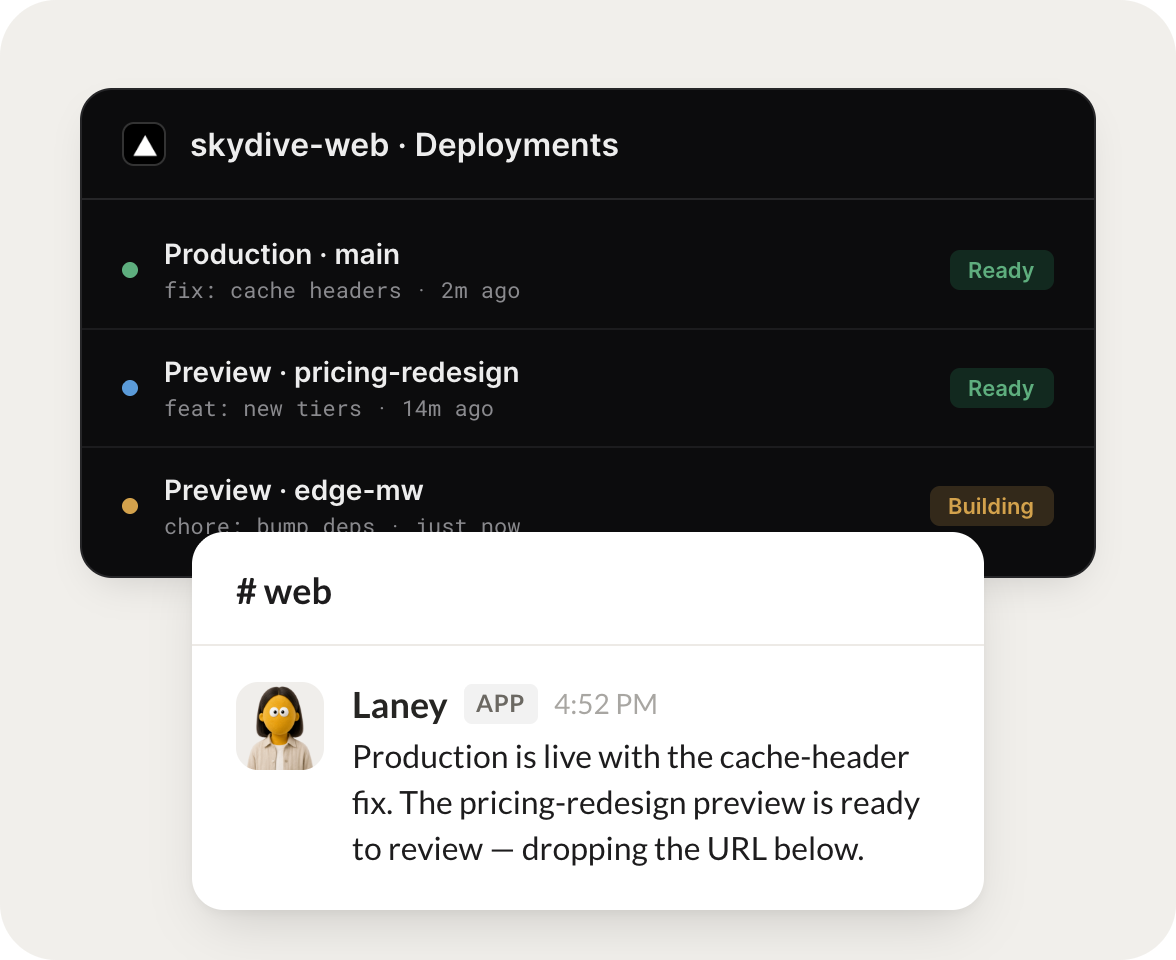
What's the status of the latest production deployment for my main project?
Laney
APP
9:19 AM
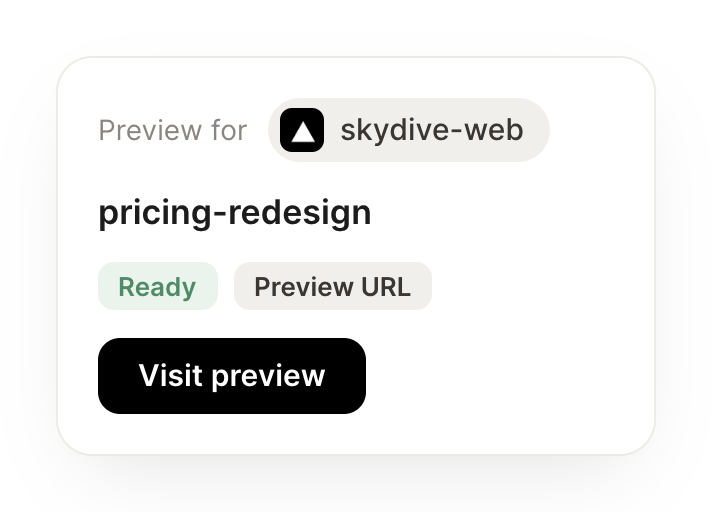
Production on skydive-web is live and green, built from the cache-header fix 2 minutes ago. The pricing-redesign preview is ready to review, and I dropped the URL in the channel.
Brendan
9:24 AM
Nice, taking a look now.
#
alerts
Rain
8:31 AM
Every morning, summarize failed Vercel deployments from the last day and open a note with the error summary.
Yvonne
APP
8:32 AM
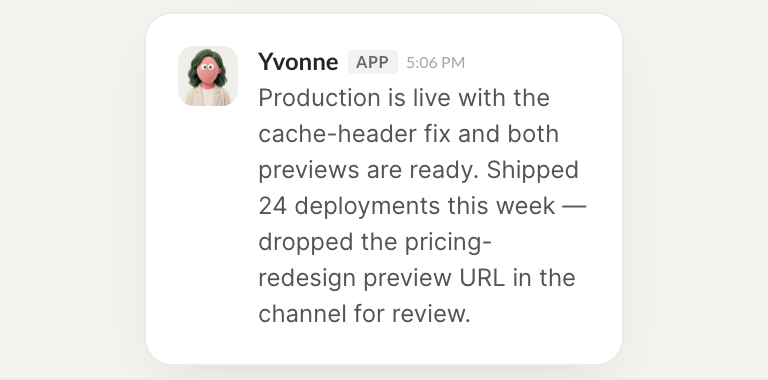
2 deployments failed in the last 24 hours, both on the edge-mw preview from a missing env var. I opened a note with the build logs and the exact error line so you can fix it in one pass.
Rain
8:38 AM
Perfect, that saves me digging.
#
domains
Vento
9:00 AM
List my Vercel projects and which ones have a custom domain.
Homer
APP
9:02 AM
You have 8 projects. 5 have a custom domain attached and 3 are still on the vercel.app default. I listed the 3 without one so you can decide which need a real domain.
Vento
9:05 AM
Good, let's sort those out.
Live in three steps
No integration project. Connect in under a minute and your agent is working.
01
Find
Pick the integration from your agent's list, or just ask the agent to connect it.
02
Approve
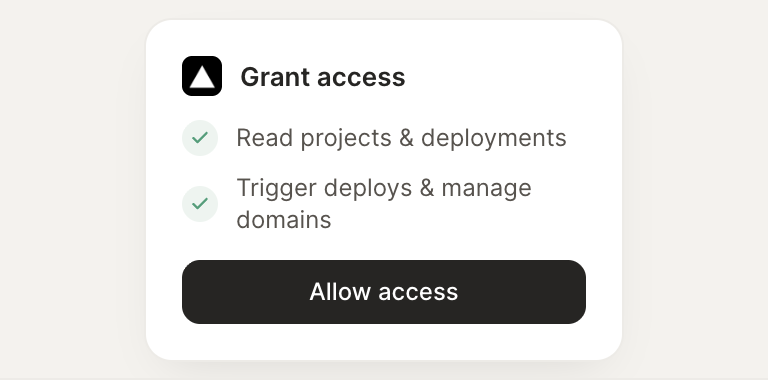
Confirm the access. Change what's granted anytime.