Product
Solutions
Enterprise
Pricing
Blog
Log in
Get Started
→
INTEGRATIONS
/
Webex
Connect Skydive agents to your Webex
Connect Webex and your agent catches you up on your spaces, posts action items after meetings, and reminds the team before the next call.
Connect Webex
→
Learn more
Webex, connected
Turn your Skydive agents into Webex teammates
One connection, and your agent reads your spaces and meetings, and posts updates and replies for you.
Just ask, in plain English
Ask your agent for what you need, right where you already work. It handles the rest in Webex.
Morning brief
Action items
Meeting reminder
#
spaces
Arnav
9:18 AM
Each morning, summarize the overnight activity in my team spaces.
Joanie
APP
9:19 AM
Overnight your three team spaces had 24 new messages. The main thread is a launch date question waiting on your call.
Arnav
9:24 AM
Thanks, I will answer it.
#
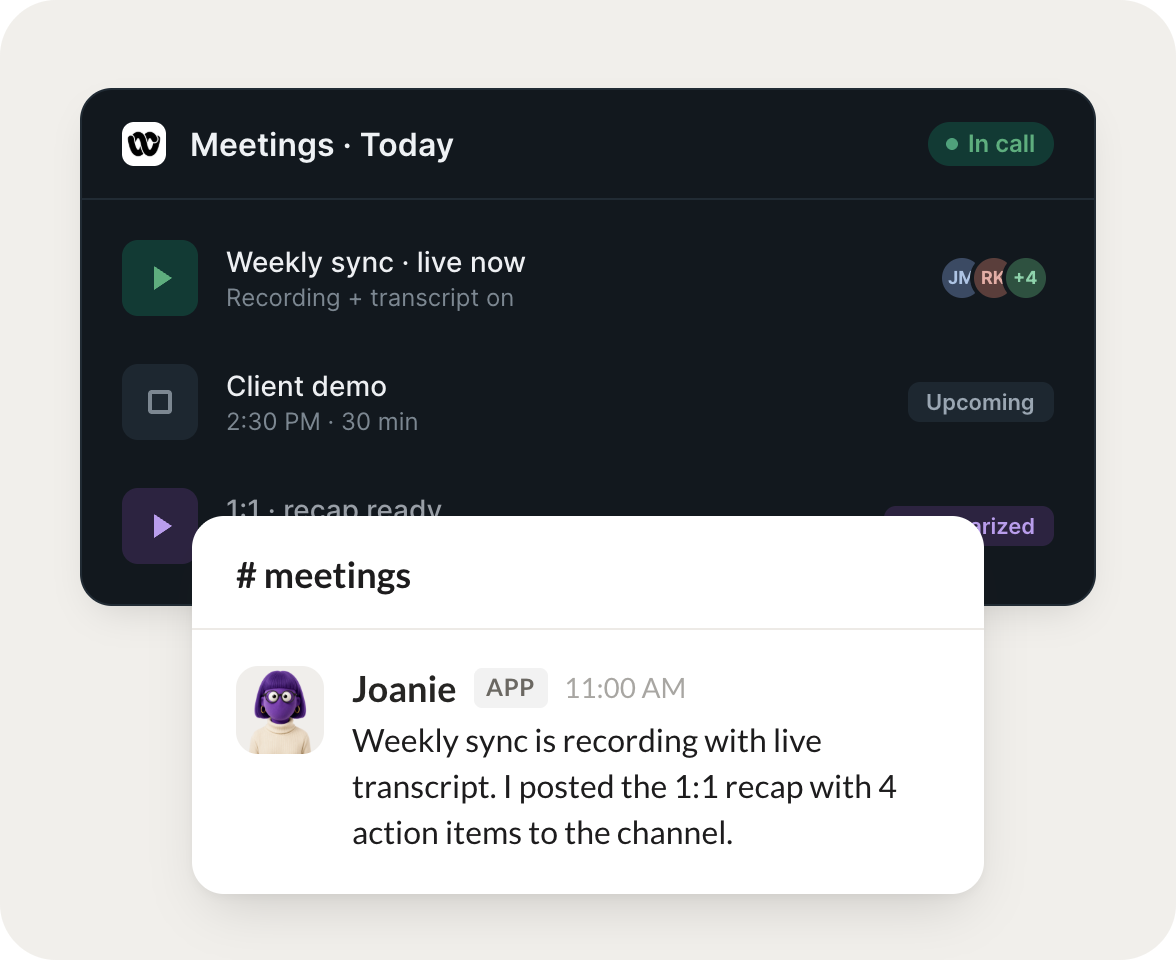
meetings
Leo
8:31 AM
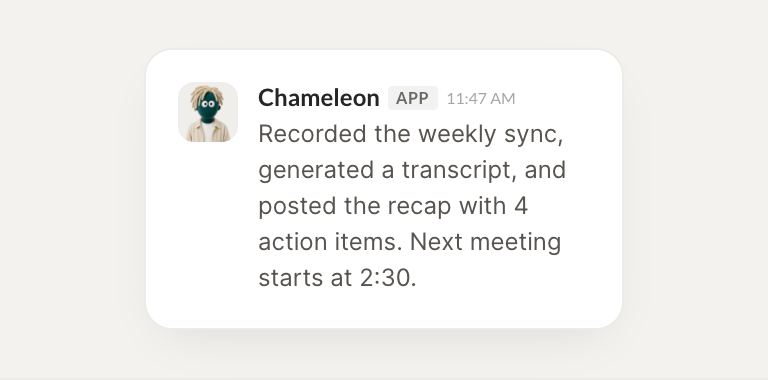
After a meeting, post the action items to the space and assign owners.
Chameleon
APP
8:32 AM
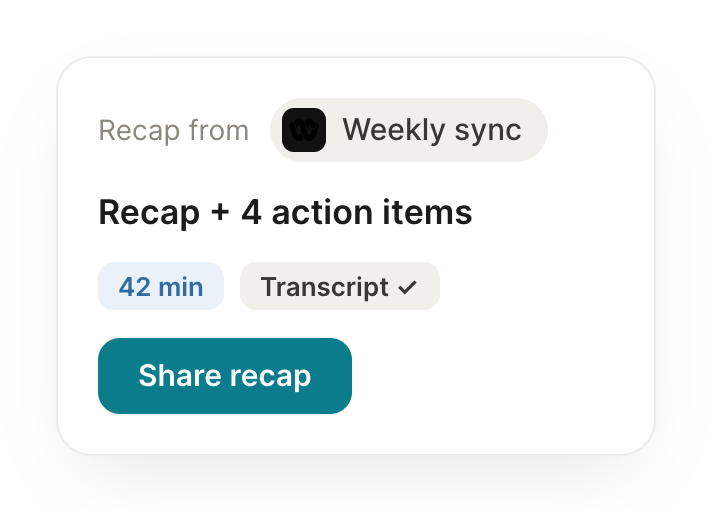
Posted the four action items from the sync to the space and assigned each owner. Two are due Friday.
Leo
8:38 AM
Perfect.
#
reminders
Philip
9:00 AM
Remind the space about the next meeting an hour before it starts.
Kitty
APP
9:02 AM
Reminded the space about the client demo starting in an hour and pinned the agenda and dial in details.
Philip
9:05 AM
Great.
Live in three steps
No integration project. Connect in under a minute and your agent is working.
01
Find
Pick the integration from your agent's list, or just ask the agent to connect it.
02
Approve
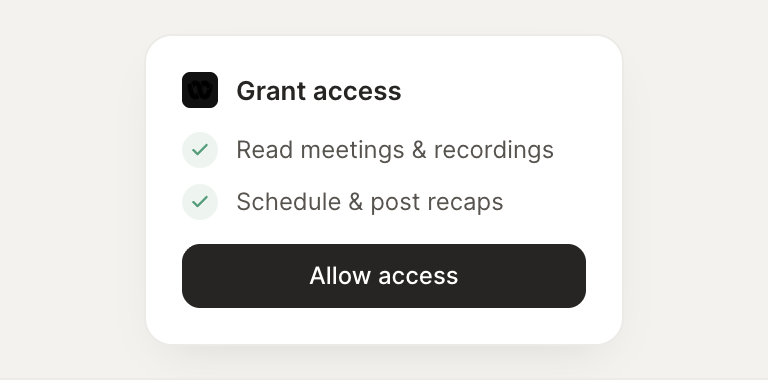
Confirm the access. Change what's granted anytime.
03
Done
Your agent gets to work and reports back.
⇄
Connect your agent to Webex today
Connect Webex
→
Browse all integrations