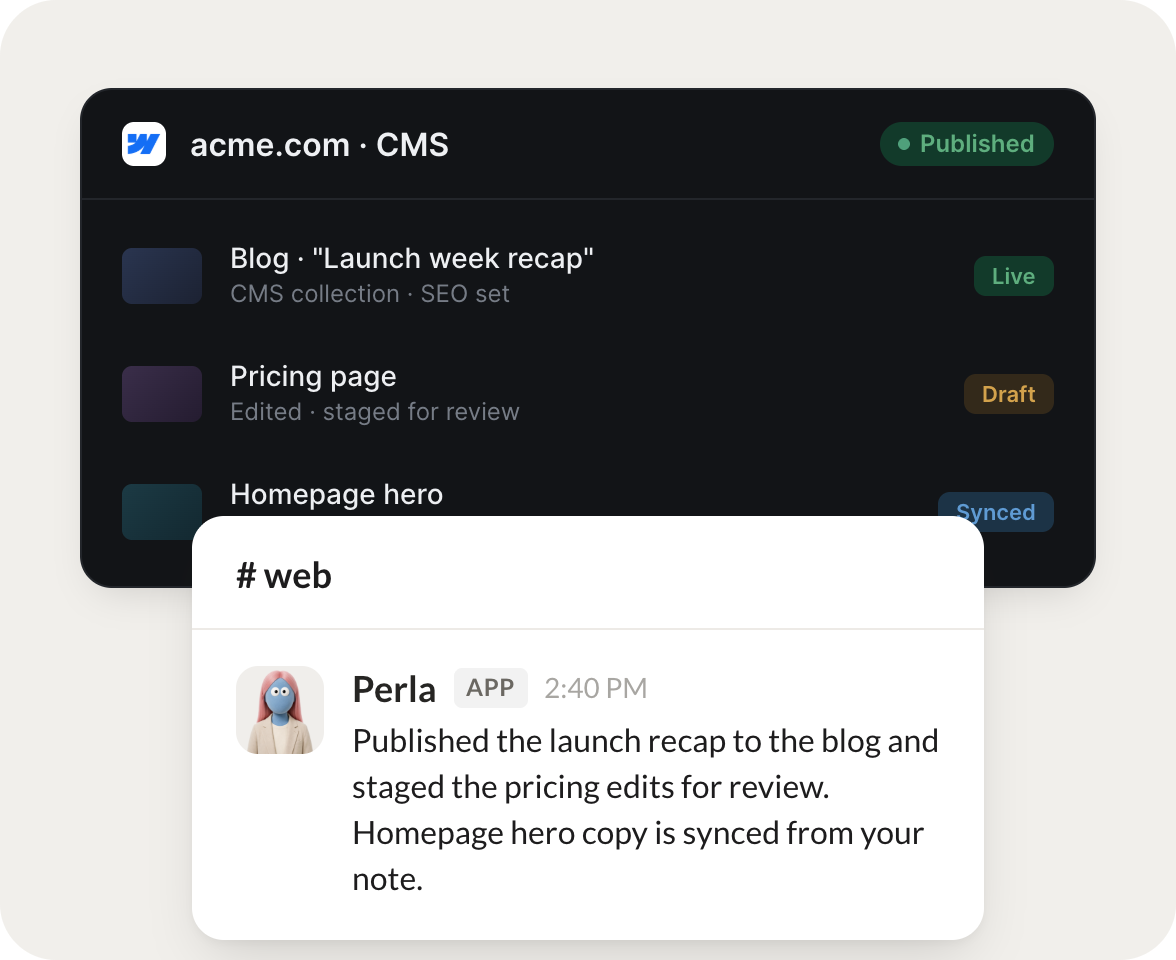
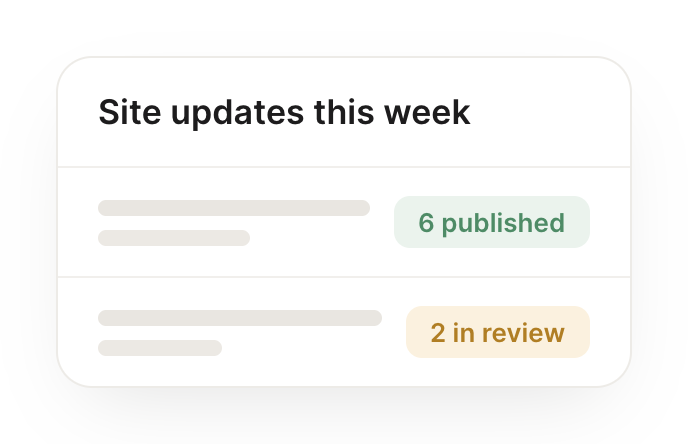
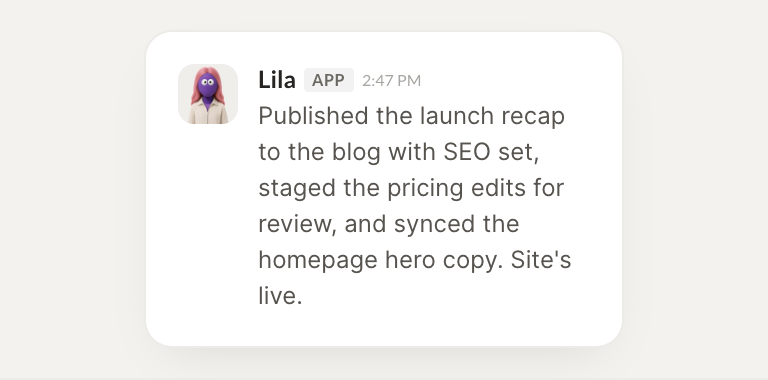
Connect Webflow and your agent works with your CMS. It publishes approved content, updates items, and flags what has gone stale, so your site stays fresh.
When a case study is approved, publish it to the CMS with the right fields.
Perla
APP
9:19 AM
Done. The approved case study is live in the CMS with all fields set, title, summary, hero image, and category. It is published and linked from the collection.
Arnav
9:24 AM
Nice, looks perfect.
#
content
Dylan
8:31 AM
Every Monday, tell me which CMS entries are stale and need a refresh.
Lila
APP
8:32 AM
Checked your collections. Four entries have not been touched in over 90 days. I listed them with last updated dates so you can decide what needs a refresh.
Dylan
8:38 AM
Thanks, I'll refresh those.
#
blog
Eldar
9:00 AM
Add this new blog post to the CMS and set its SEO fields.
Tadpole
APP
9:02 AM
Added the new blog post to the CMS and set its SEO title and meta description. It is staged for review so you can publish when ready.
Eldar
9:05 AM
Great, publishing it.
Live in three steps
No integration project. Connect in under a minute and your agent is working.
01
Find
Pick the integration from your agent's list, or just ask the agent to connect it.
02
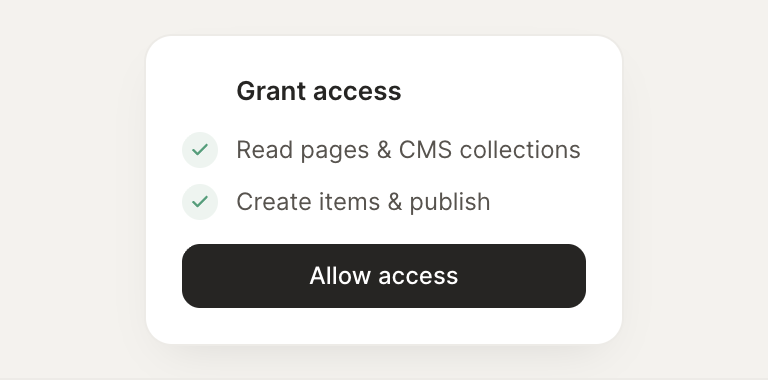
Approve
Confirm the access. Change what's granted anytime.