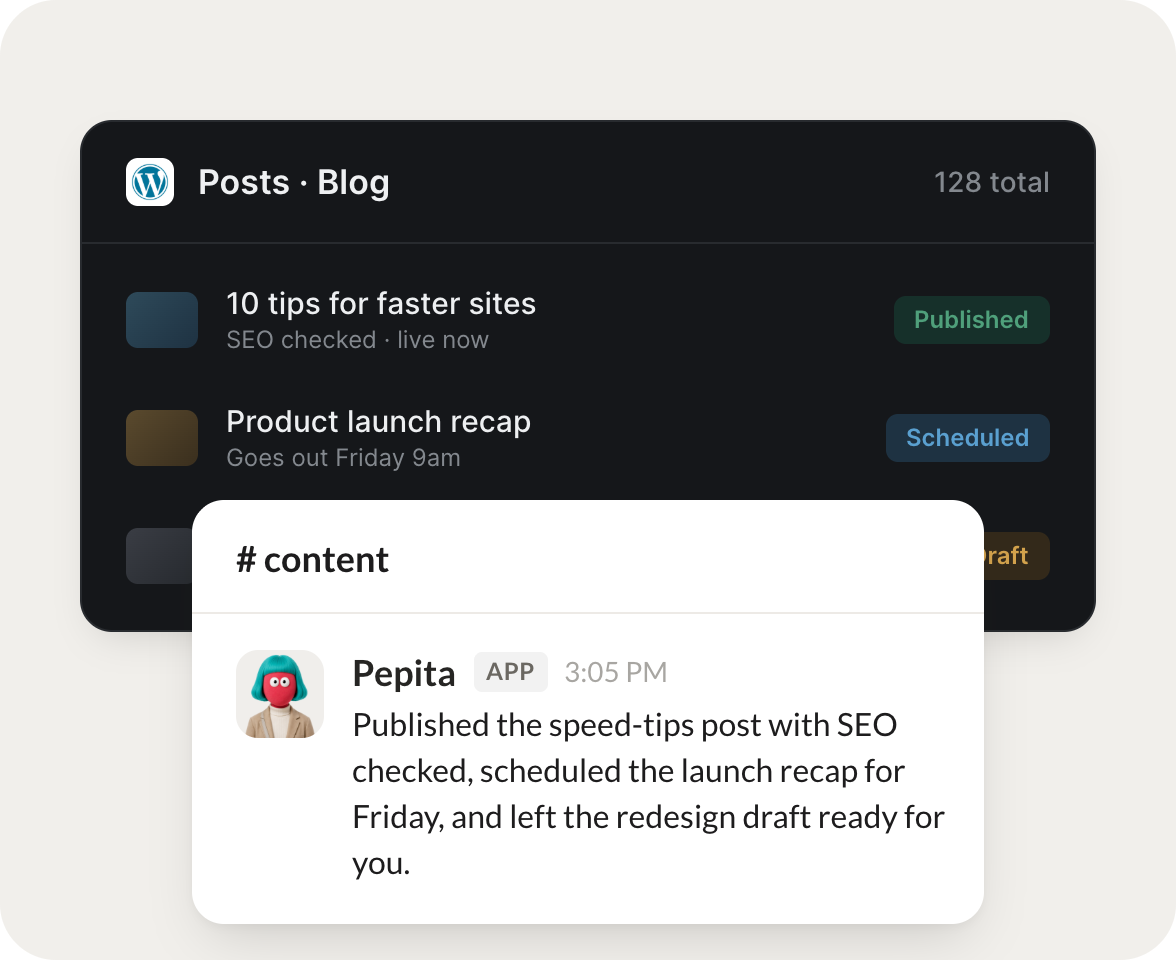
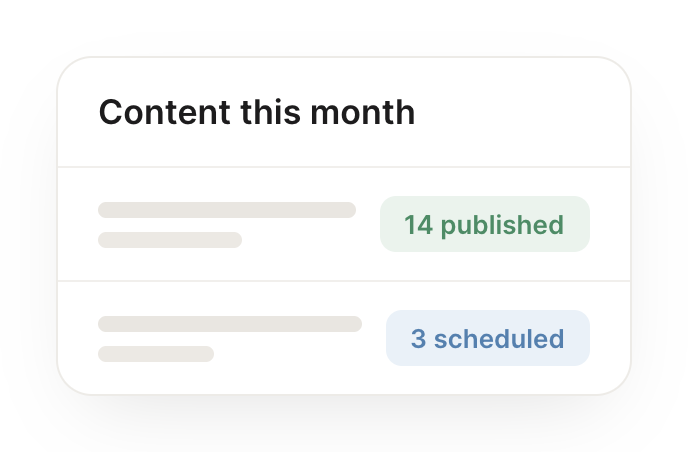
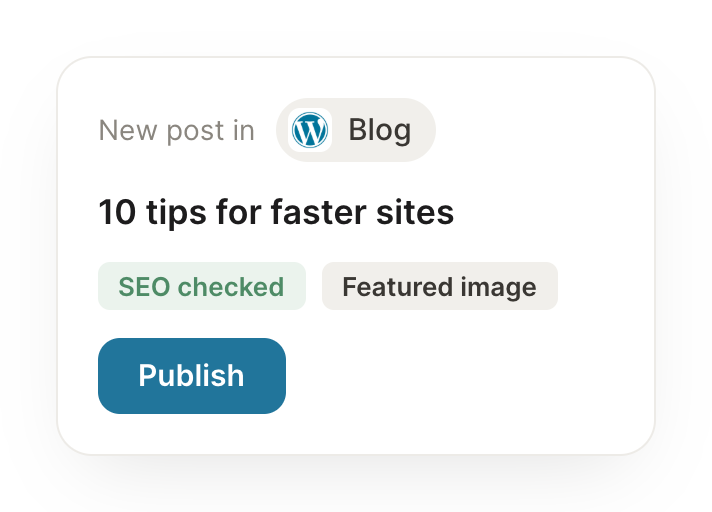
Connect WordPress and your agent reads your posts and pages, drafts and publishes new ones, and updates existing content. Your site stays current while you focus on the writing.
Draft this blog post, optimize the headline, and save it as a draft for my review.
Anjou
APP
9:19 AM
Drafted the blog post from your outline, tested a few headline options and picked the strongest, and saved it as a draft in WordPress for your review. Nothing publishes until you say so.
Aleena
9:24 AM
Love it.
#
publishing
Gen
8:31 AM
When I approve a draft, schedule it and share it to my social channels.
Pepita
APP
8:32 AM
Your draft is approved, so I scheduled it for the morning slot and queued the share posts for your social channels with a short summary and the link. It goes out automatically.
Gen
8:38 AM
Perfect.
#
site-audit
Leo
9:00 AM
Find every post referencing the old product name and list what to update.
Hopper
APP
9:02 AM
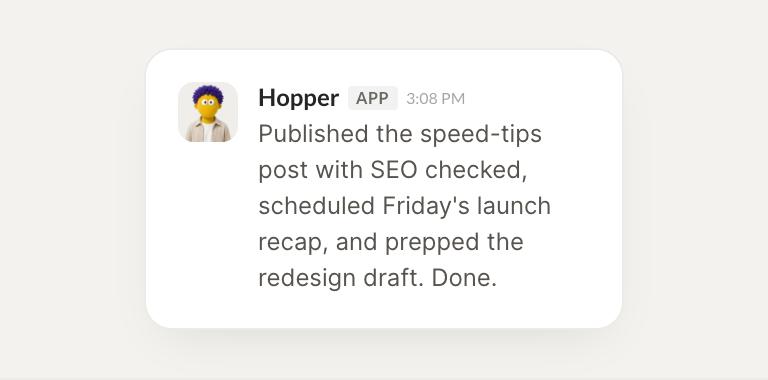
Searched the whole site and found 9 posts referencing the old product name. I listed each one with the exact lines to change so you can update them in a single pass.
Leo
9:05 AM
Thanks.
Live in three steps
No integration project. Connect in under a minute and your agent is working.
01
Find
Pick the integration from your agent's list, or just ask the agent to connect it.
02
Approve
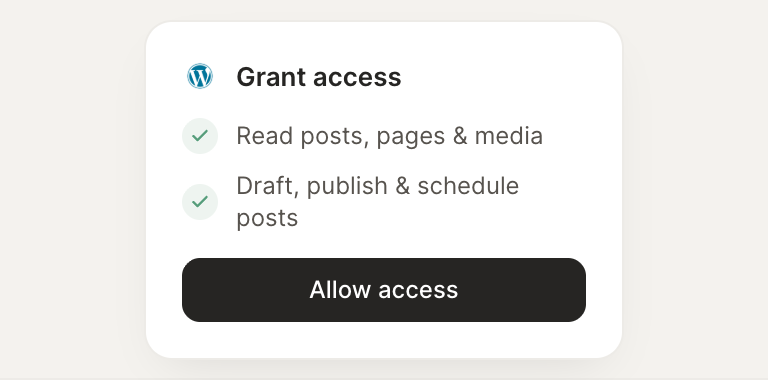
Confirm the access. Change what's granted anytime.