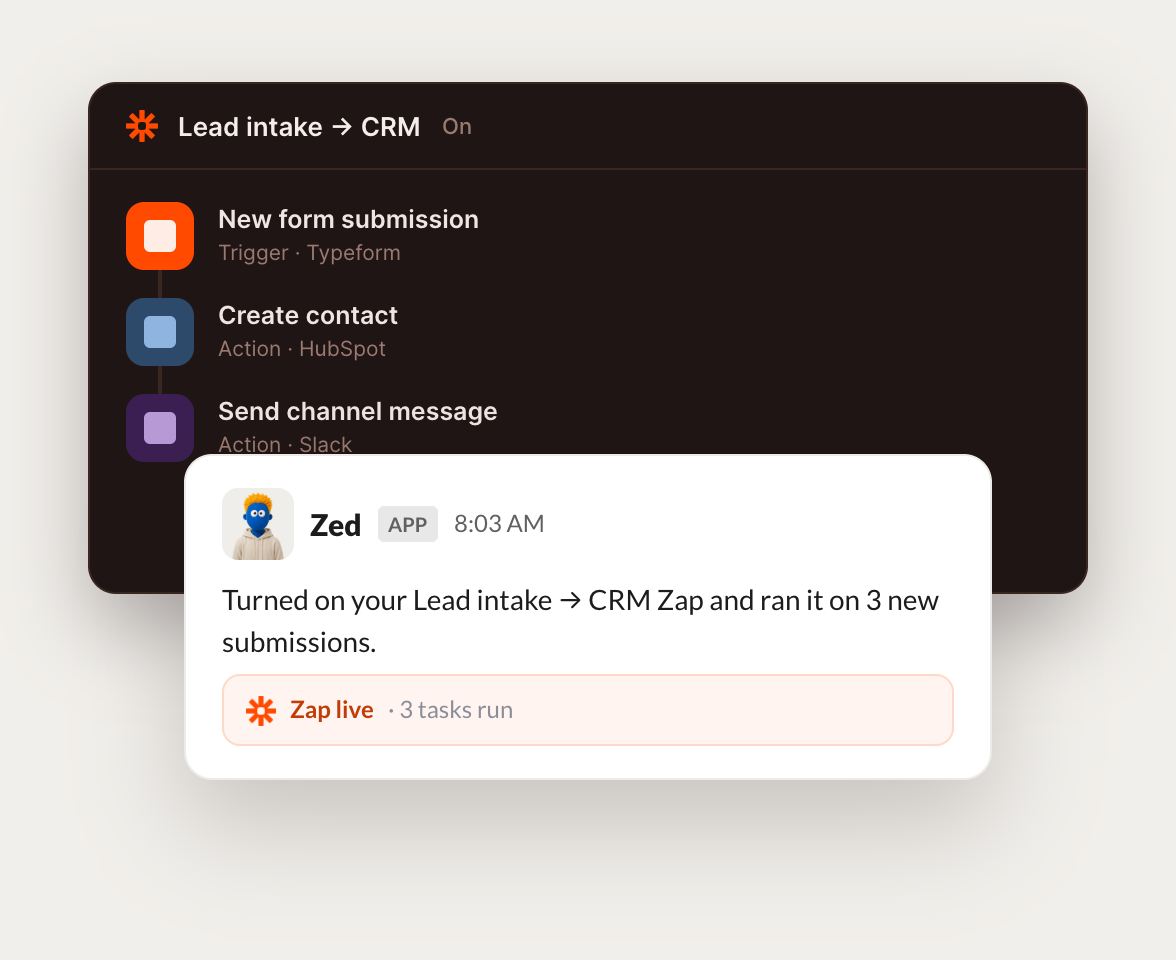
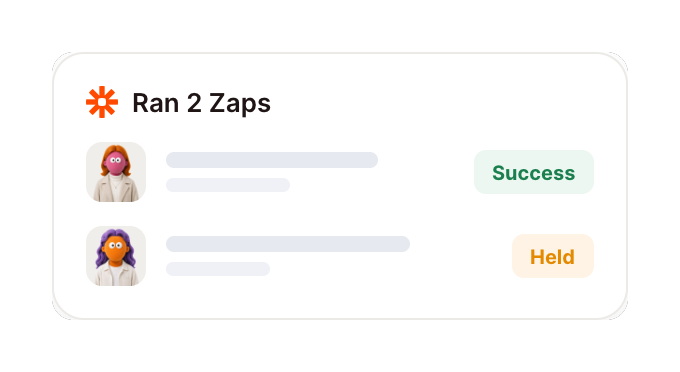
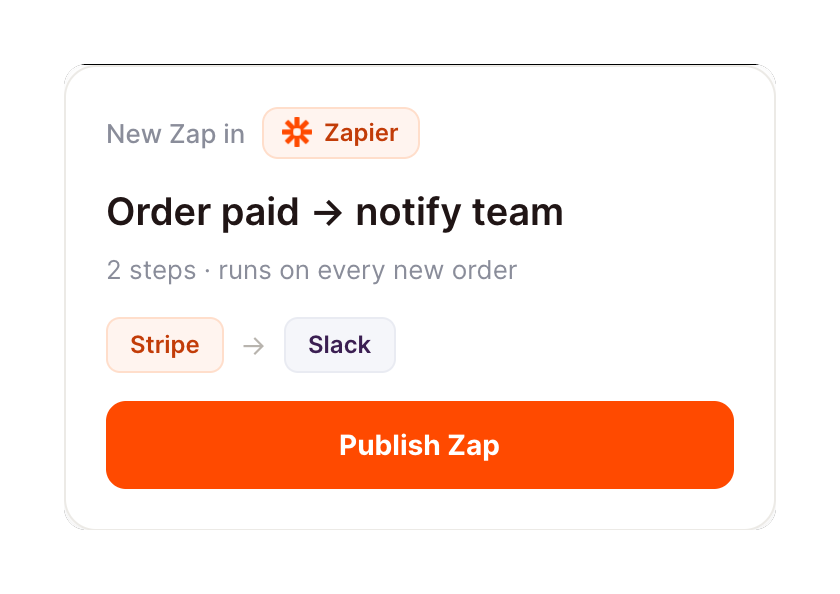
Connect Zapier and your agent reads your Zaps and run history, flags what failed, and tells you which automations need attention. Your workflows keep running while you do the work that matters.
Checked your Zaps. 15 are running clean and 1 lead router errored on a bad email field. I pulled the failing task and the record that tripped it so you can patch it fast.
Zaria
9:24 AM
Good, all clear then.
#
alerts
Leo
8:31 AM
Every morning, flag any Zap that failed overnight.
Shirley
APP
8:32 AM
One Zap failed overnight. The Slack notify step hit a deleted channel, so I captured the error and the trigger that fired. Everything else ran fine.
Leo
8:38 AM
Thanks, I will fix it.
#
zaps
Arnav
9:00 AM
List my Zaps and tell me which ones have not run this week.
Saga
APP
9:02 AM
You have 22 Zaps. 17 ran this week and 5 have been quiet for over 7 days. I listed the 5 idle ones so you can check if they still need to run.
Arnav
9:05 AM
Useful, let me review.
Live in three steps
No integration project. Connect in under a minute and your agent is working.
01
Find
Pick the integration from your agent's list, or just ask the agent to connect it.
02
Approve
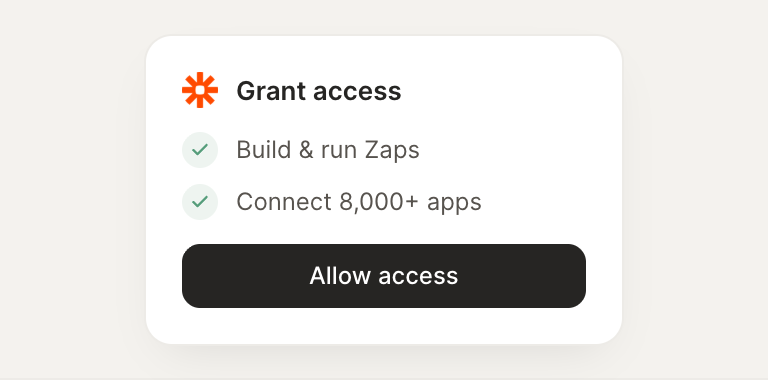
Confirm the access. Change what's granted anytime.