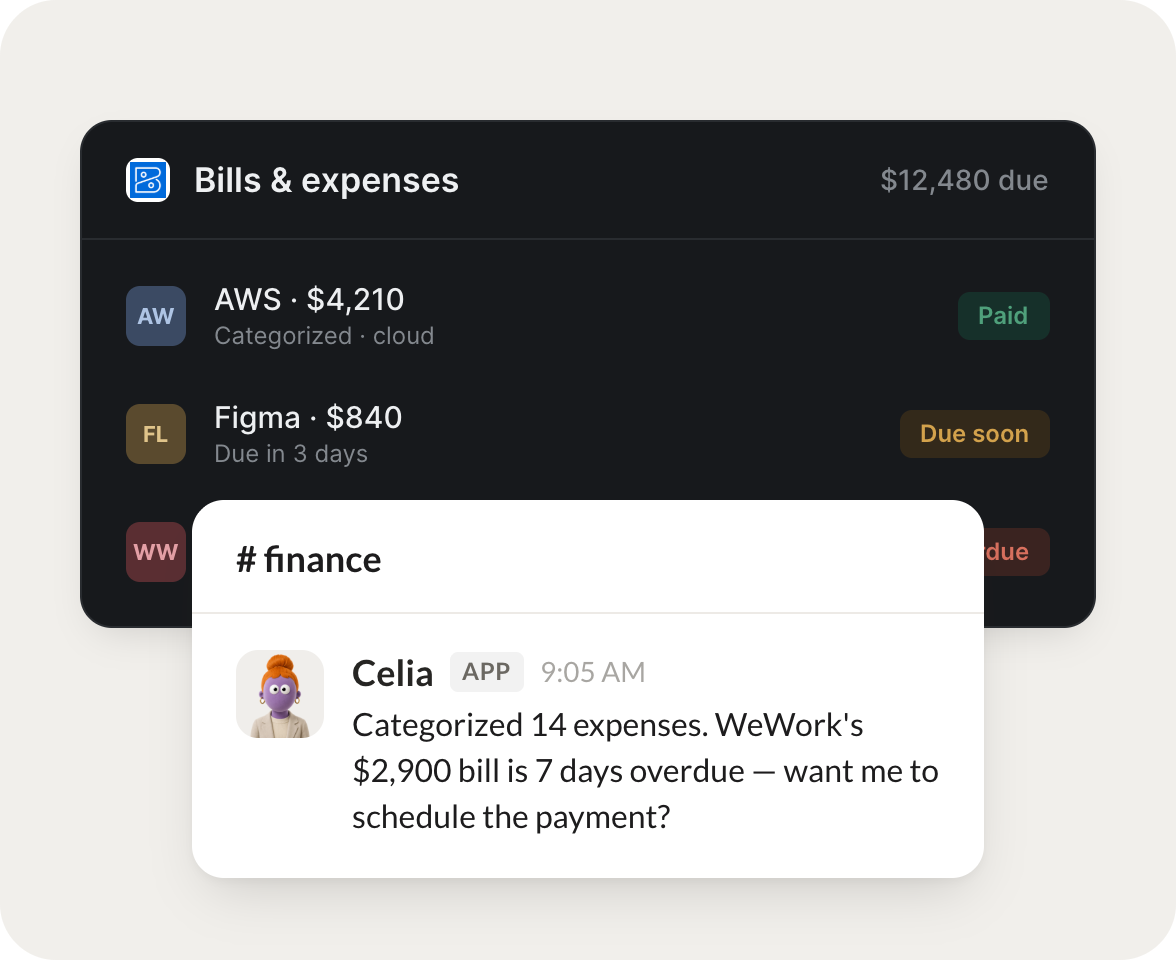
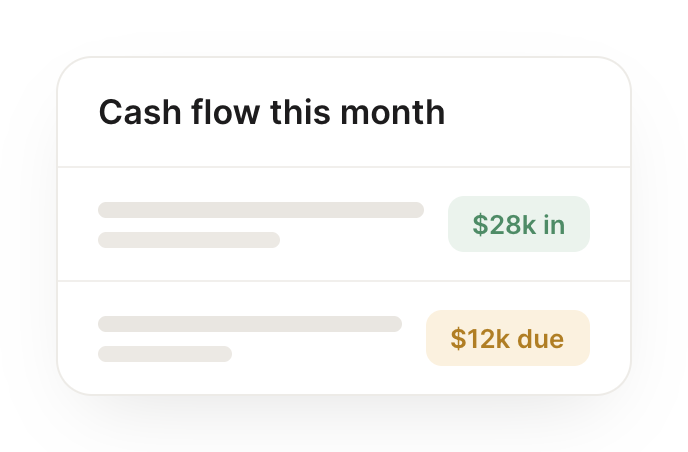
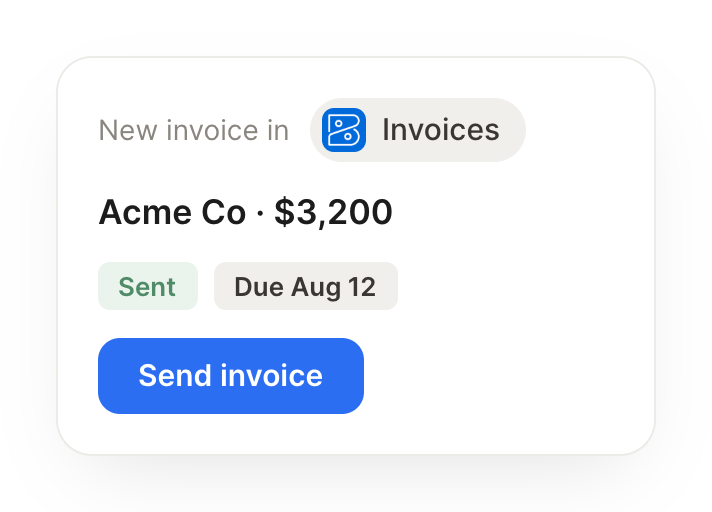
Connect Zoho Books and your agent reads your invoices and expenses, chases what's overdue, and explains your numbers in plain English. Your books stay current while you do the work that matters.
Every Monday, chase overdue invoices with a friendly nudge.
Miri
APP
9:19 AM
Done. I found the overdue invoices and drafted a friendly nudge to each client, personalized with the amount and due date, ready for you to send.
Dylan
9:24 AM
Sending now.
#
bills
Philip
8:31 AM
When a bill arrives, categorize it and flag anything unusual.
Celia
APP
8:32 AM
A new bill came in, so I categorized it to the right account and flagged it, because the amount is higher than the usual monthly charge.
Philip
8:38 AM
Good catch.
#
finance
Rain
9:00 AM
Summarize this quarter's finances in plain English.
Kitty
APP
9:02 AM
Here's a plain-English read on the quarter: revenue is up, costs held steady, and two projects drove most of the gain. I laid out the biggest movers for you.
Rain
9:05 AM
That's clear, thanks.
Live in three steps
No integration project. Connect in under a minute and your agent is working.
01
Find
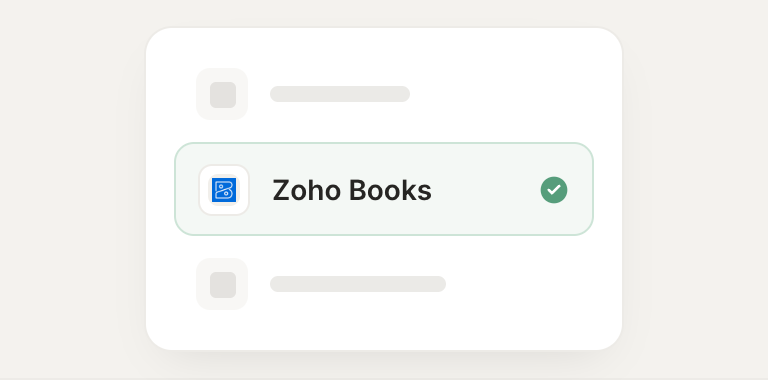
Pick the integration from your agent's list, or just ask the agent to connect it.
02
Approve
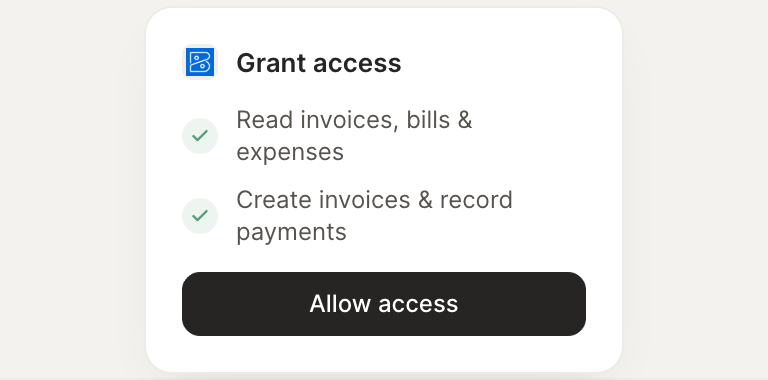
Confirm the access. Change what's granted anytime.