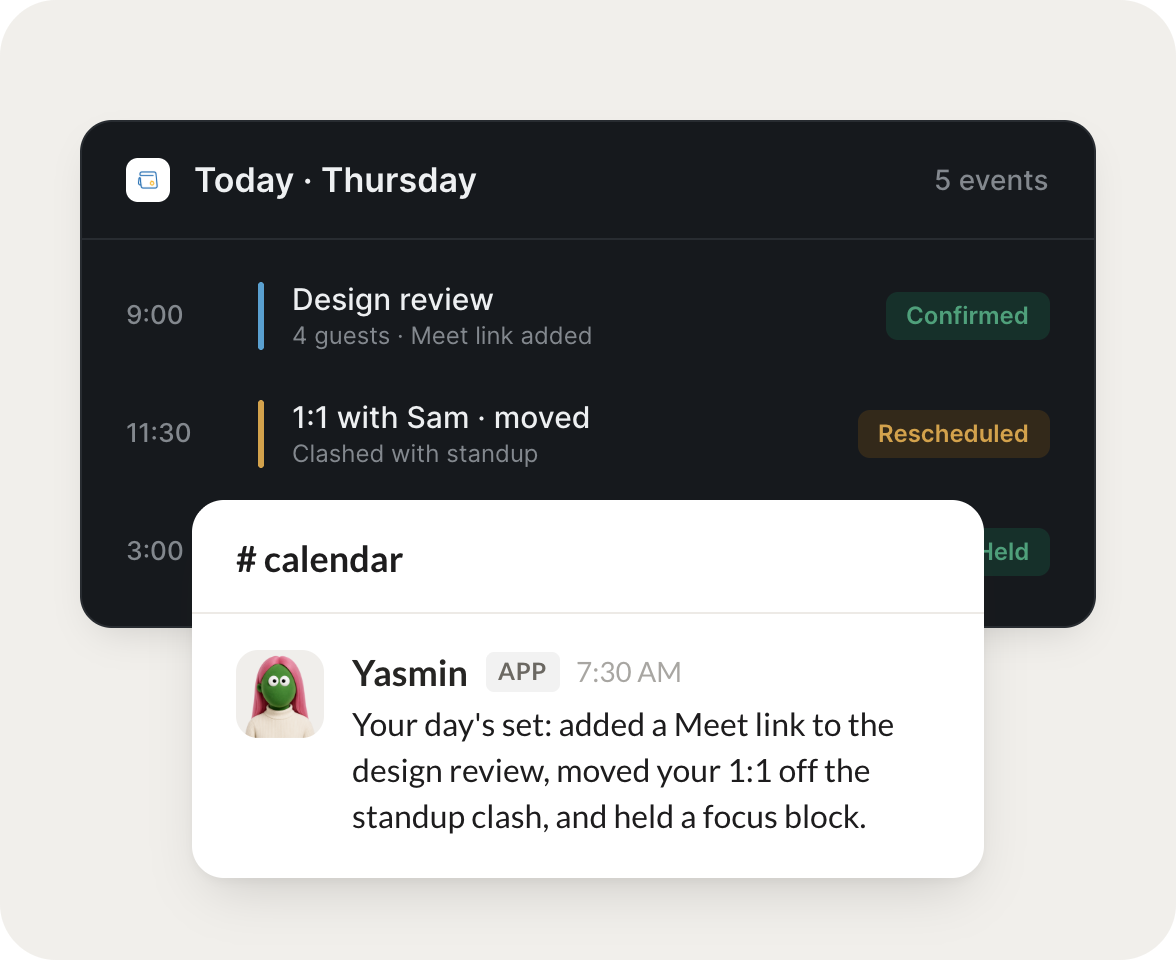
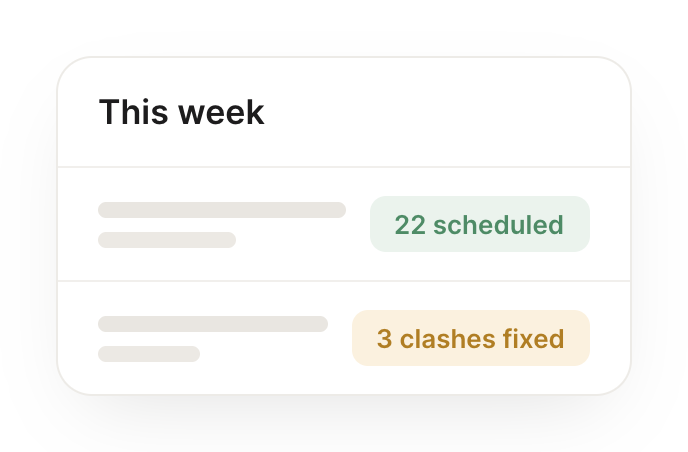
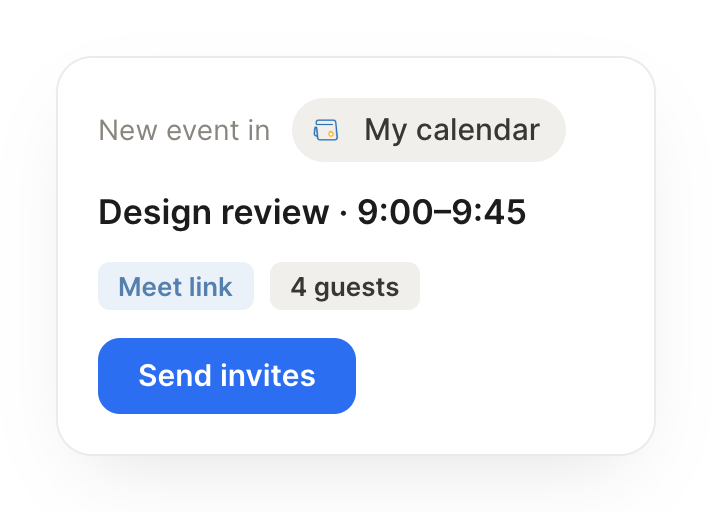
Connect Zoho Calendar and your agent reads your schedule, books meetings at the right time, and flags where your week is overbooked. Your calendar stays clear while you do the work that matters.
Each morning, brief me on my day and surface any conflicts.
Fresco
APP
9:19 AM
Here's your day: 5 meetings, and two overlap at 2pm. I flagged the conflict and suggested a new time for the shorter one, so you're not double-booked.
Aleena
9:24 AM
Thanks.
#
scheduling
Arnav
8:31 AM
Schedule this at the next slot we're both free.
Yasmin
APP
8:32 AM
Found the next slot you're both free and booked it, then sent the invite with a short agenda so everyone knows the purpose going in.
Arnav
8:38 AM
Perfect.
#
planning
Brendan
9:00 AM
Tell me where my week is overbooked.
Ivo
APP
9:02 AM
Your week is heaviest on Wednesday, back-to-back with no break. I flagged it and marked two meetings that look optional, so you can win back some focus time.
Brendan
9:05 AM
Good to know.
Live in three steps
No integration project. Connect in under a minute and your agent is working.
01
Find
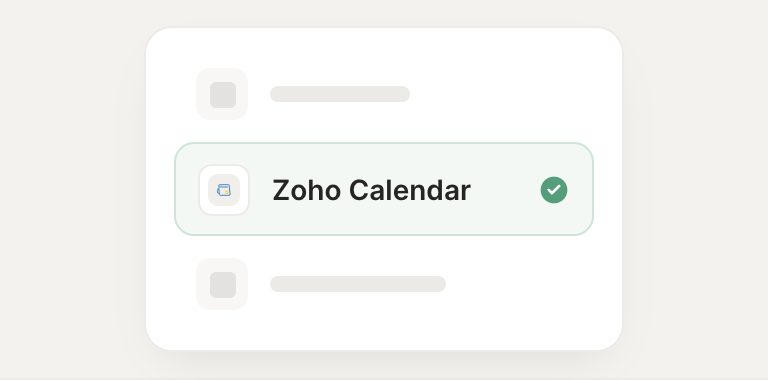
Pick the integration from your agent's list, or just ask the agent to connect it.
02
Approve
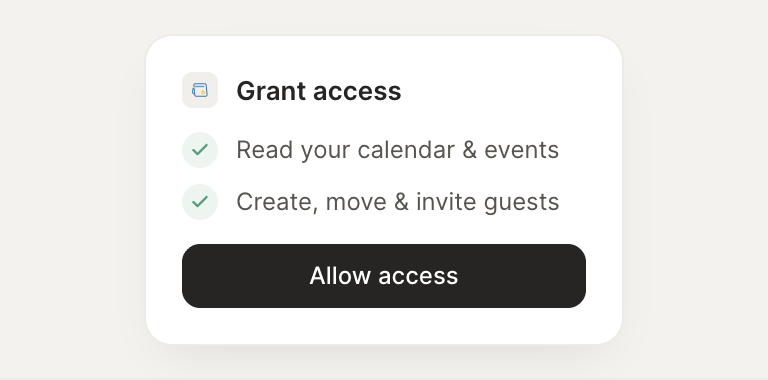
Confirm the access. Change what's granted anytime.