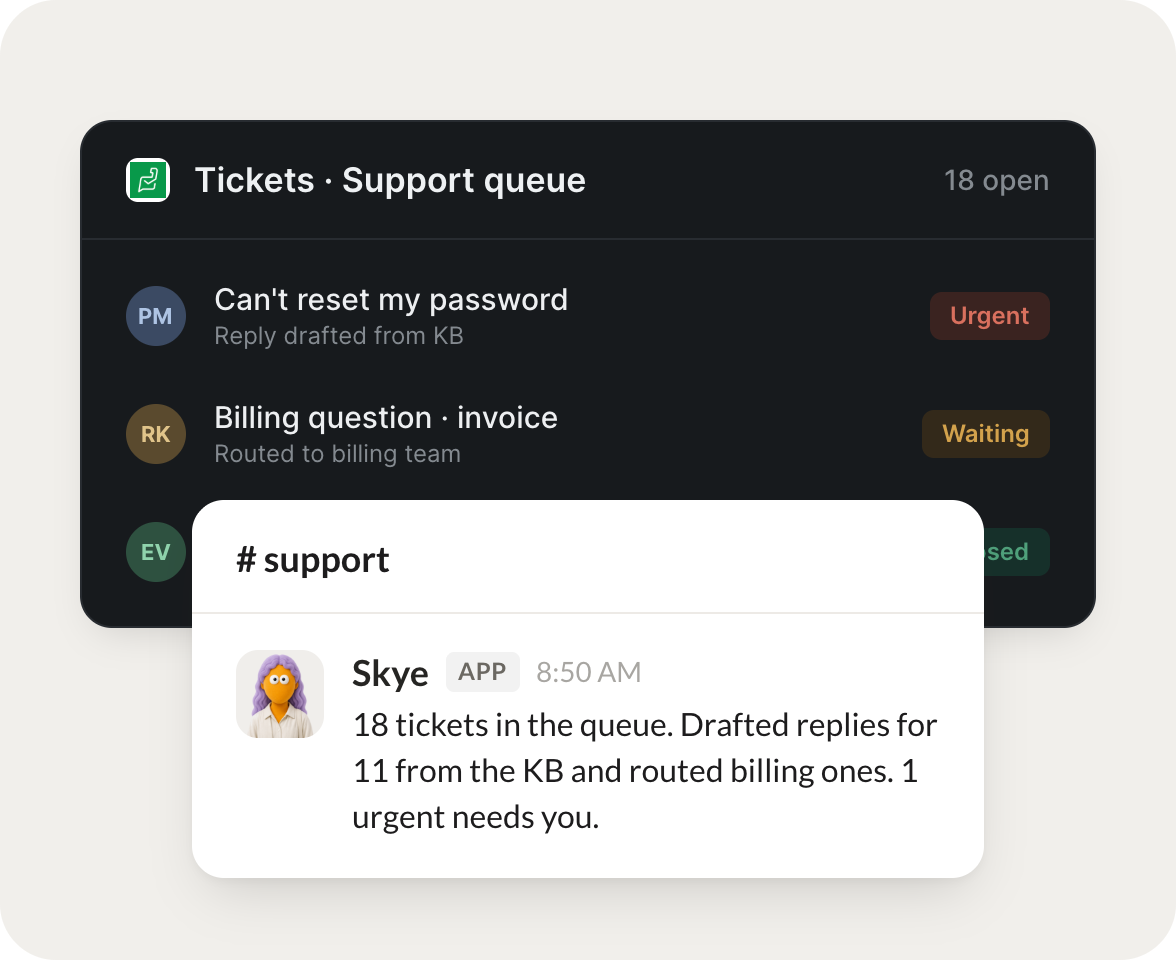
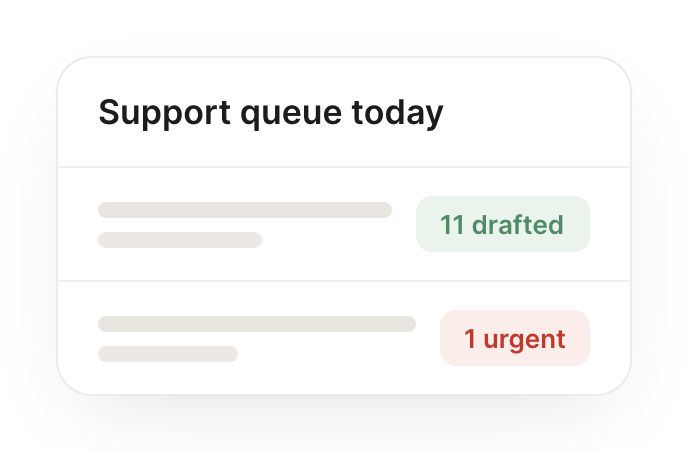
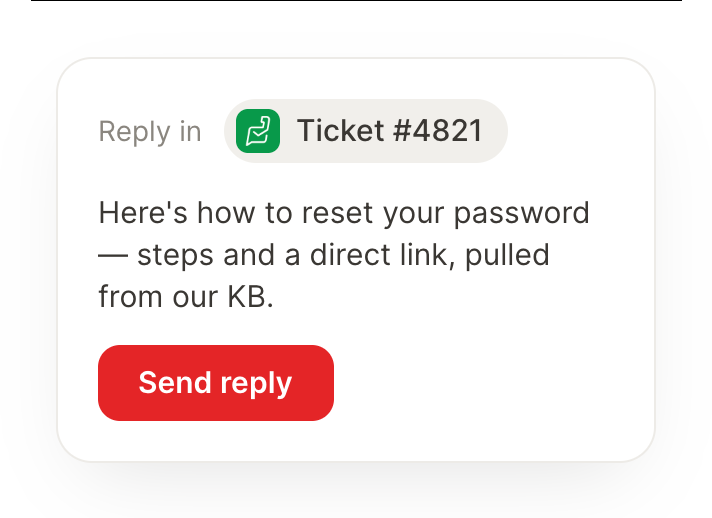
Connect Zoho Desk and your agent reads your tickets, drafts replies, and flags what reopens. Your support queue stays handled while you do the work that matters.
Every morning, triage new tickets and draft replies to the common ones.
Fancy
APP
9:19 AM
Done. I triaged this morning's new tickets and drafted replies to the common ones. The rest are edge cases I left flagged for you.
Marcus
9:24 AM
Great, thanks.
#
escalations
Philip
8:31 AM
When a ticket reopens, escalate it to me with the full history.
Muffet
APP
8:32 AM
A ticket just reopened, so I escalated it to you with the full history: the original issue, what was tried, and the customer's latest reply, all in one place.
Philip
8:38 AM
On it.
#
support
Zaria
9:00 AM
Every Friday, tell me the top issues customers raised this week.
Whimsy
APP
9:02 AM
Here are the top issues customers raised this week, grouped by theme with counts, so you can see what to fix first.
Zaria
9:05 AM
Really helpful.
Live in three steps
No integration project. Connect in under a minute and your agent is working.
01
Find
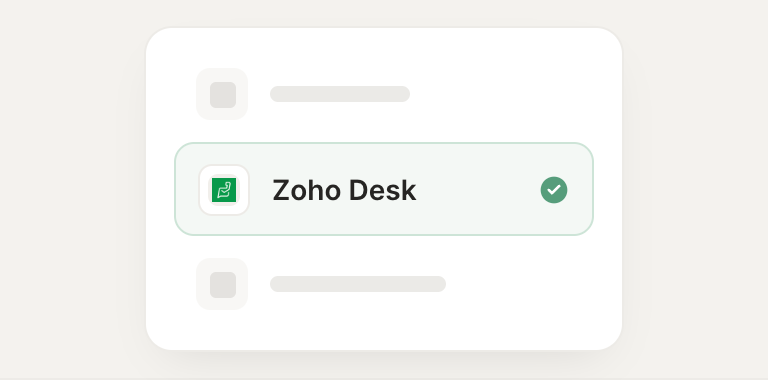
Pick the integration from your agent's list, or just ask the agent to connect it.
02
Approve
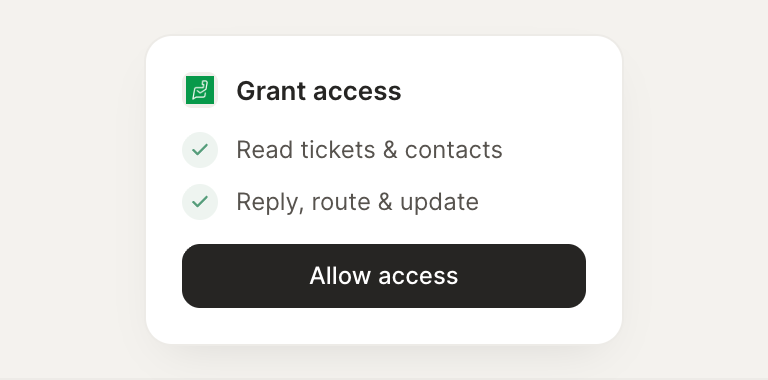
Confirm the access. Change what's granted anytime.