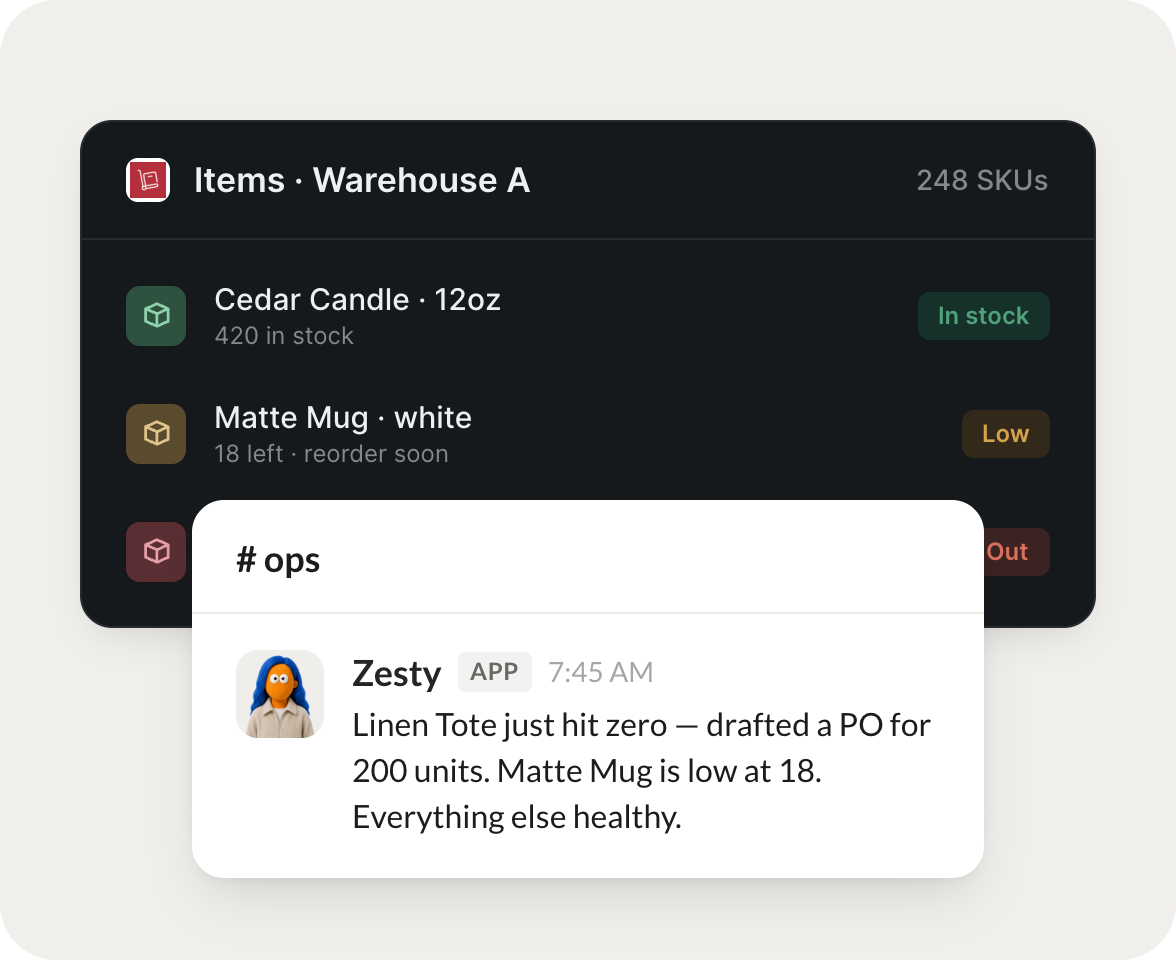
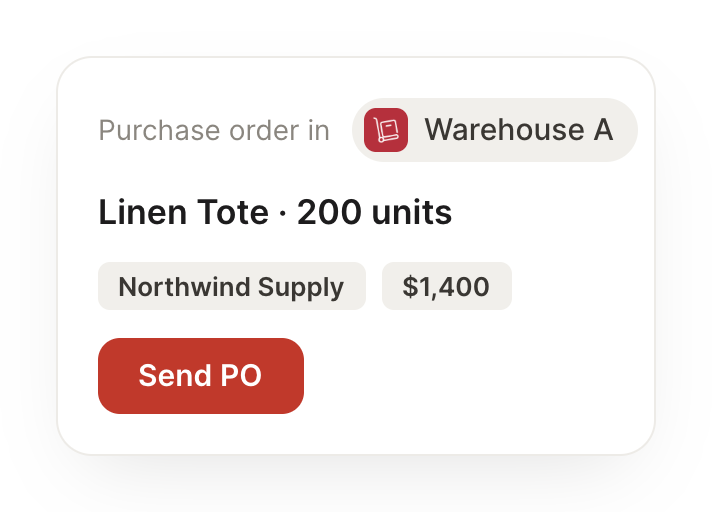
Connect Zoho Inventory and your agent watches your stock, tracks orders, and tells you what's moving. Your shelves stay stocked while you do the work that matters.
Each morning, flag anything low on stock before it runs out.
Giddy
APP
9:19 AM
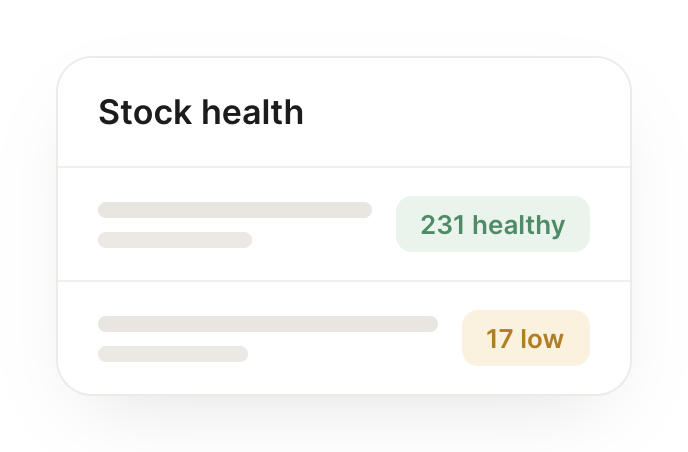
Heads up: 4 items are running low and one is almost out. I listed them by how soon they'll run out, so you can reorder before anything hits zero.
Gen
9:24 AM
Reordering now.
#
orders
James
8:31 AM
When an order ships, update stock and notify the customer.
Zesty
APP
8:32 AM
An order just shipped, so I updated the stock counts and notified the customer with the tracking details, so nobody has to chase an update.
James
8:38 AM
Perfect.
#
stock
Leo
9:00 AM
Tell me which products are moving and which are sitting.
Yolanda
APP
9:02 AM
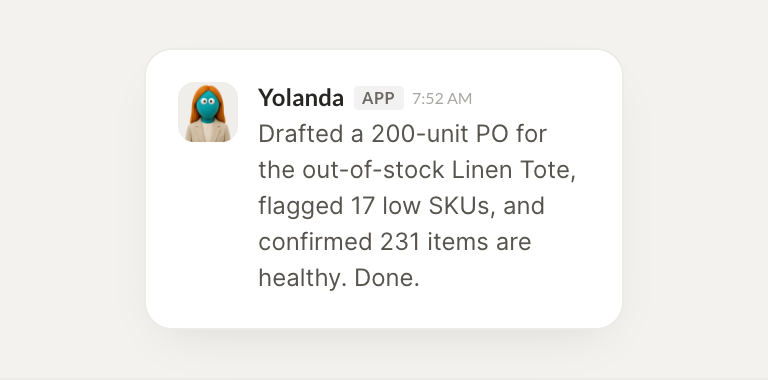
Here's what's moving and what's sitting: three products are selling fast and two haven't moved in weeks. I pulled both lists so you can restock or discount.
Leo
9:05 AM
Helpful.
Live in three steps
No integration project. Connect in under a minute and your agent is working.
01
Find
Pick the integration from your agent's list, or just ask the agent to connect it.
02
Approve
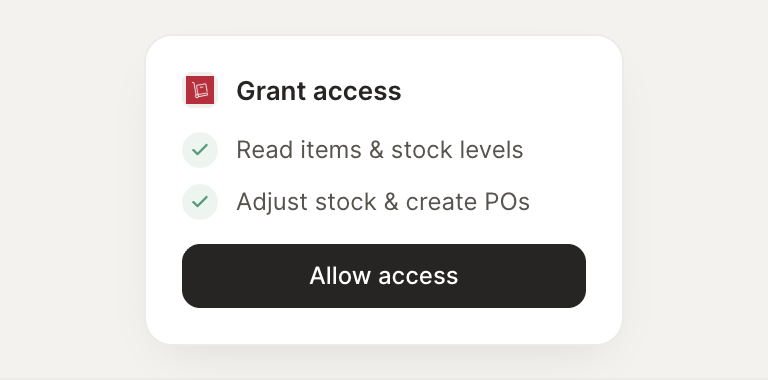
Confirm the access. Change what's granted anytime.